






SleekPixel for Loops emails
Loops handles the product update emails and the audience segmentation. SleekPixel renders the matching share image on the WordPress changelog or release-notes page so every external link to a release lands with version, date, and headline on a clean card.
♾️ Lifetime License available
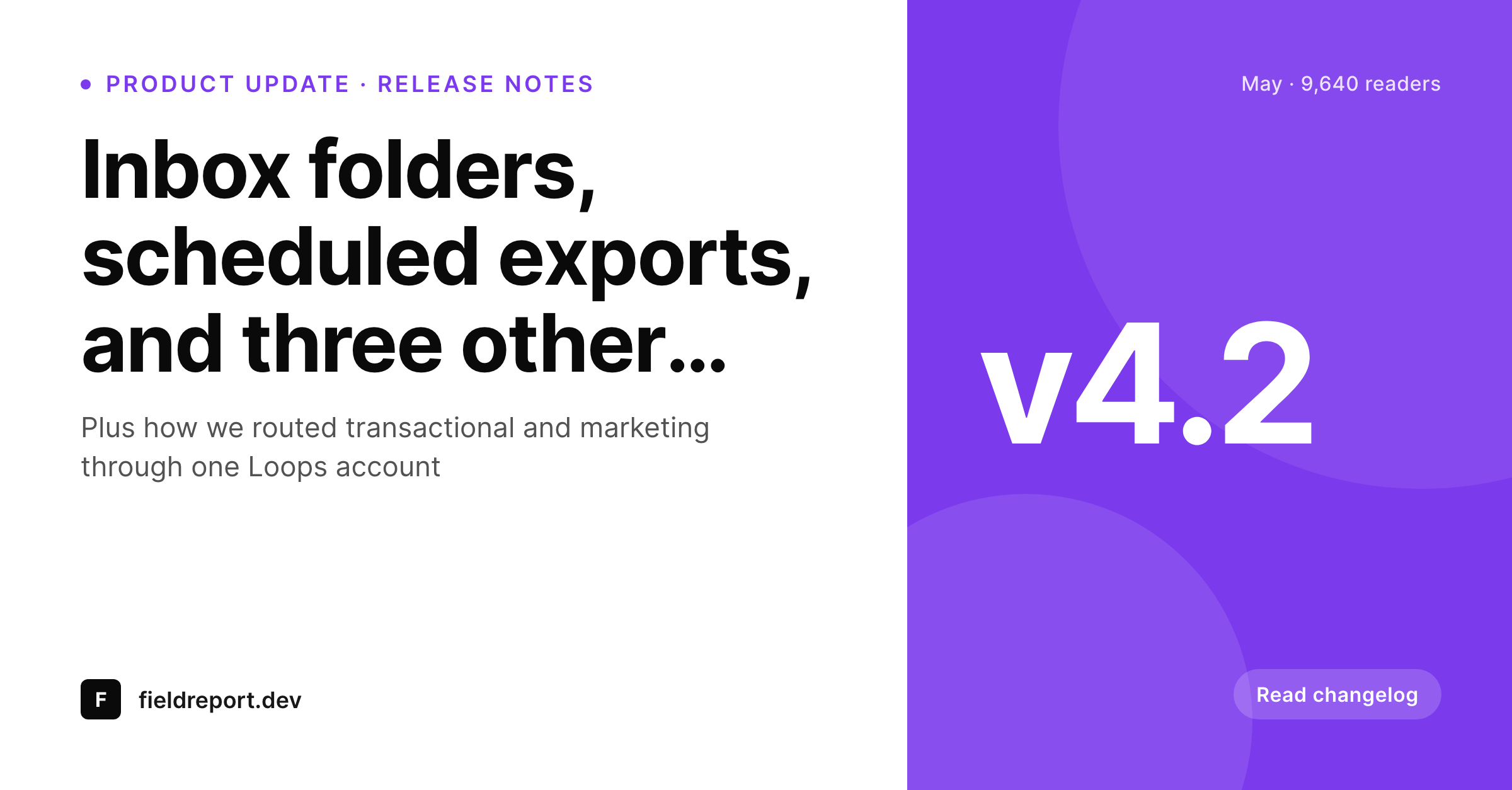
Loops shines for product updates that also live as public posts
Loops is a relatively new email tool built for product teams, with strong defaults for transactional emails, lifecycle automations, and product update sends. Many teams use Loops for the email side and keep a WordPress site for the public changelog, release notes, and case study pages. The two systems sit alongside each other: Loops owns the inbox, WordPress owns the public asset library that growth and sales teams link to.
The release notes page is where the share gap shows up. Customers tweet a screenshot of a new feature, a partner pastes the changelog link into a Slack channel, the sales team drops the release notes URL into a sequence. Each share pulls the WordPress OG image. If the OG image is the default theme banner, the share looks identical to every other blog post on the site. The version number is invisible, the release date is invisible, the brand voice that the email itself worked hard to convey is invisible.
SleekPixel renders the release notes share card from the WordPress post fields. Subject becomes the headline. Version tag renders into the corner. Release date and reading time render as meta. The brand wordmark sits at the bottom. The release notes share like a real product announcement, which is what they are. Loops keeps handling the email and the audience segmentation, untouched.
Workflow
From release notes save to share-ready card
Build the release-notes post type
Build the release template
Save the release post
Share with customers and partners
Output
Sample Loops release card
A 1200x627 LinkedIn-sized card: release headline, version tag, release date, and product wordmark, rendered from the WordPress release notes post on save.
Comparison
Default theme OG vs release-aware rendering
Default theme OG image
- Release notes share with a generic banner instead of the version
- Customers screenshot the link, see no version number, ask in support
- Sales sequences leak brand value on every release-link share
- Manual designer asks pile up at the end of every sprint
- Old releases re-shared at conferences open with stretched logos
SleekPixel
- Reads the WordPress release notes post for every Loops update
- Version tag, release date, and feature count render on the card
- Case study pages and release notes use the same template family
- Bulk re-render past releases when the brand or version scheme changes
- Leaves Loops's email and automation side untouched
Features
What SleekPixel gives you for Loops emails
Version-stamped
The version tag renders prominently on the card. Customers and partners who screenshot the link see exactly which release they are referencing.
Release-date accuracy
The card shows the release date pulled from the post, not the publish date. Old releases re-shared months later still show the correct shipping date.
Segment-friendly
Loops segments often map to release types: customer announcements, partner updates, developer-only changelog. A field on the post picks the template variant.
Use cases
What Loops-driven product teams generate with SleekPixel
Public changelog posts
Every release notes post shares with a version-stamped card. Customers screenshot the link knowing which release they are pointing at.
Feature launch announcements
Major launches share with a launch-specific card showing the headline feature and a launch badge. Twitter and LinkedIn previews land branded.
Customer case study pages
Each case study renders a card with the customer name, the metric, and the brand. Sales sequences open with the right preview, not a generic banner.
The bigger picture
Why version-stamped previews matter for product teams
Product teams ship updates on a cadence and the public changelog is one of the most-shared assets the company produces. Customers reference past releases when filing support tickets. Sales reps link to release notes inside deals to show velocity.
Partners share release links in their own communities. Each of those shares pulls the changelog OG image. If the image is the default banner, the version is invisible and the share collapses into 'a blog post.' If the image is a real release card with the version stamped, the share immediately signals 'here is what shipped in version 4.2.' Over months of releases, the difference compounds into either a clear public velocity signal or a fuzzy one.
The second reason is the case study library. Most Loops-using product teams accumulate a library of customer stories on WordPress over time. Each case study page is a key sales asset, and each share preview from those pages is a small impression in the sales cycle.
SleekPixel renders the case study cards with the customer name and metric on the card, so every share of a case study link arrives with the social proof already visible. The brand earns clicks instead of leaking them.
Questions
Common questions about SleekPixel for Loops emails
Loops is built around product-team workflows: transactional emails, lifecycle automations, product updates, and onboarding sequences. Kit and ConvertKit are creator-focused with stronger broadcast and sequence tools for content publications. SleekPixel works alongside either; the WordPress side does not care which email tool sends the email.
Loops integrates via API and webhooks rather than a dedicated WordPress plugin. Most teams trigger Loops sends from their app backend and keep WordPress as the public marketing site. SleekPixel renders the share images on the WordPress side independently.
Yes. A release-type field on the post picks the template variant. Major releases might render a bold variant with a large version badge, patch releases render a quieter variant. The selection is automatic based on the bound field.
Transactional emails do not have public share previews, so they do not need OG image rendering. SleekPixel works on public WordPress URLs. Where transactional emails do drop users at a public page like a verification success page, SleekPixel can render that page's share card.
Yes, if you bind a release-count or sprint field to the post. Some teams render a 'release 47 this year' badge on the card to signal cadence. Useful for products where velocity is part of the brand voice.
Yes. A dev-only release notes post type can have its own template variant, with a developer-friendly visual language. The change pages on the dev side render with their own consistent cards, separate from customer-facing release announcements.
Yes. Loops segmentation runs inside Loops. SleekPixel runs on the WordPress side and only handles share image rendering. The two systems work in parallel and do not need to know about each other.
The WordPress release notes and case study pages stay where they are with stable URLs and working share previews. The email infrastructure swap does not touch the WordPress side. SleekPixel keeps rendering cards from the WordPress post fields regardless of which tool sends the email.
Pricing
More than 1000+
happy customers
Explore our flexible licensing options tailored to your needs. Upgrade your license anytime to access more features, or opt for a lifetime license for ongoing value, including lifetime updates and lifetime support. Our hassle-free upgrade process ensures that our platform can grow with you, starting from whichever plan you choose.
Lifetime ♾️
Most popular
EUR
once
- Unlimited websites
- Lifetime updates
- Lifetime support
...or get the Bundle Deal
and save €250 🎁
💎 Want everything forever? The All Access Pass is going away on 01.08.2026.
The Bundle (unlimited sites)
Pay once, own it forever
Elevate your WordPress site with our exclusive plugin bundle that includes all of our premium plugins in one package. Enjoy lifetime updates and lifetime support. Save significantly compared to buying plugins individually.
What’s included
-
SleekAI
-
SleekByte
-
SleekMotion
-
SleekPixel
-
SleekRank
-
SleekView
€749
Continue to checkoutBrowse more
- Mailchimp email headers
- Twitch starting soon screen
- Fanvue page banner
- Instagram collab post images
- Spotify podcast covers
- Xiaohongshu cover images
- Ko-fi banners
- Bluesky link cards
- Bluesky feed banner
- Threads profile banners
- WeChat Moments images
- Apple Music cover art
- YouTube Shorts thumbnails
- YouTube Shorts covers
- YouTube ad thumbnails