






SleekPixel for Pinterest shop banners
1000x1500 vertical banner images for the shop tab and section headers, rendered from your WordPress brand and collection data. Same template, every section.
♾️ Lifetime License available
Pinterest shop tabs go cold without a banner per section
Pinterest's shop tab gives a brand its own surface inside the platform: a header banner, sections per collection, and product pins underneath. Most stores upload the same banner once and never touch the section headers, which leaves Pinterest's most brand-forward surface looking like a default profile.
SleekPixel renders shop banners per section from a WordPress source. Each collection post owns its title, tagline, accent, hero image, and the count of products. The output is a 1000x1500 PNG sized for Pinterest's section header, with the brand mark and the section name baked in.
The same brand template propagates across every collection. Add a new section, save the post, get a banner. Refresh the brand, regenerate the fleet.
Workflow
From collection post to Pinterest section banner
Create a collection post
Bind the banner template
Save the post
Upload to Pinterest
Output
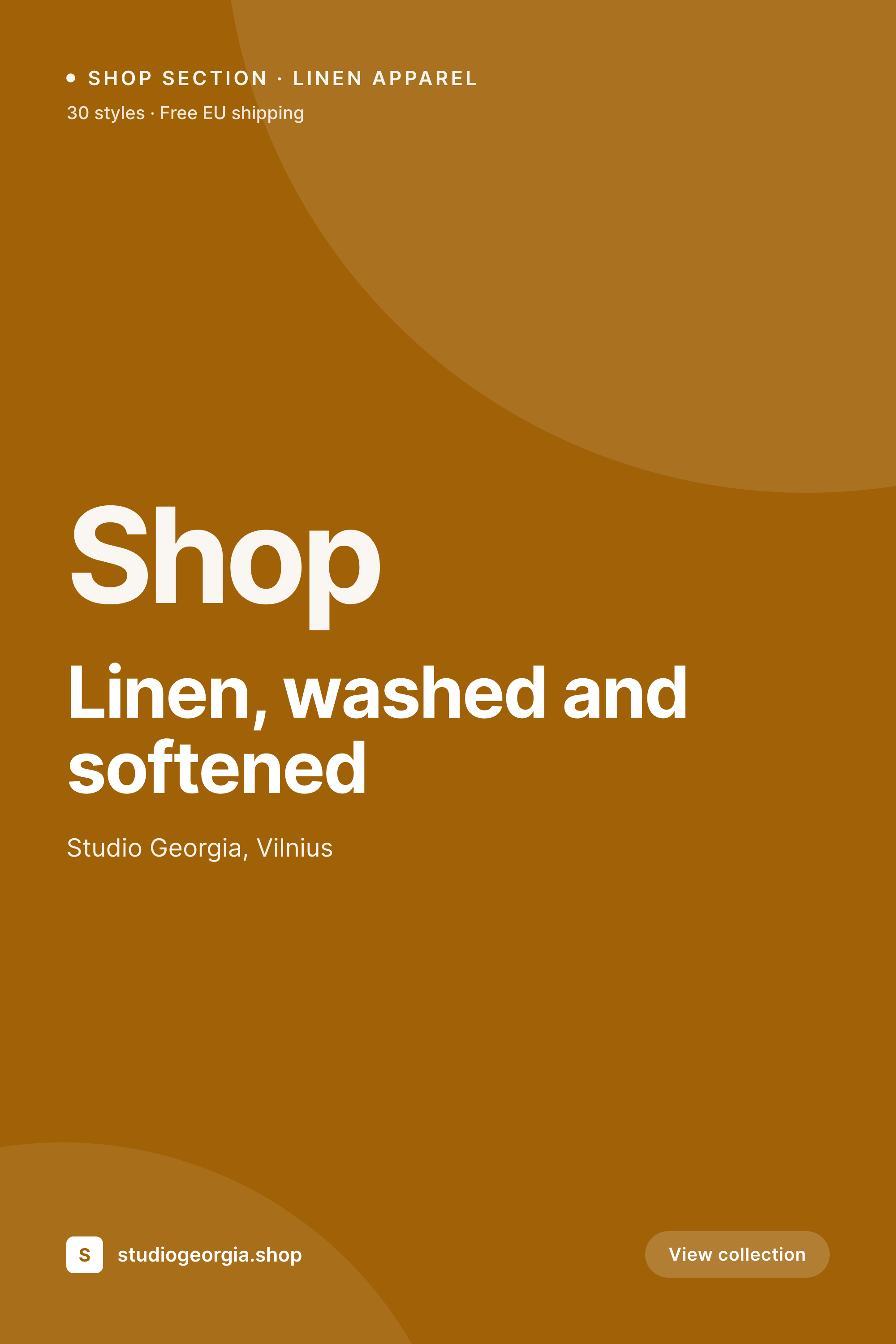
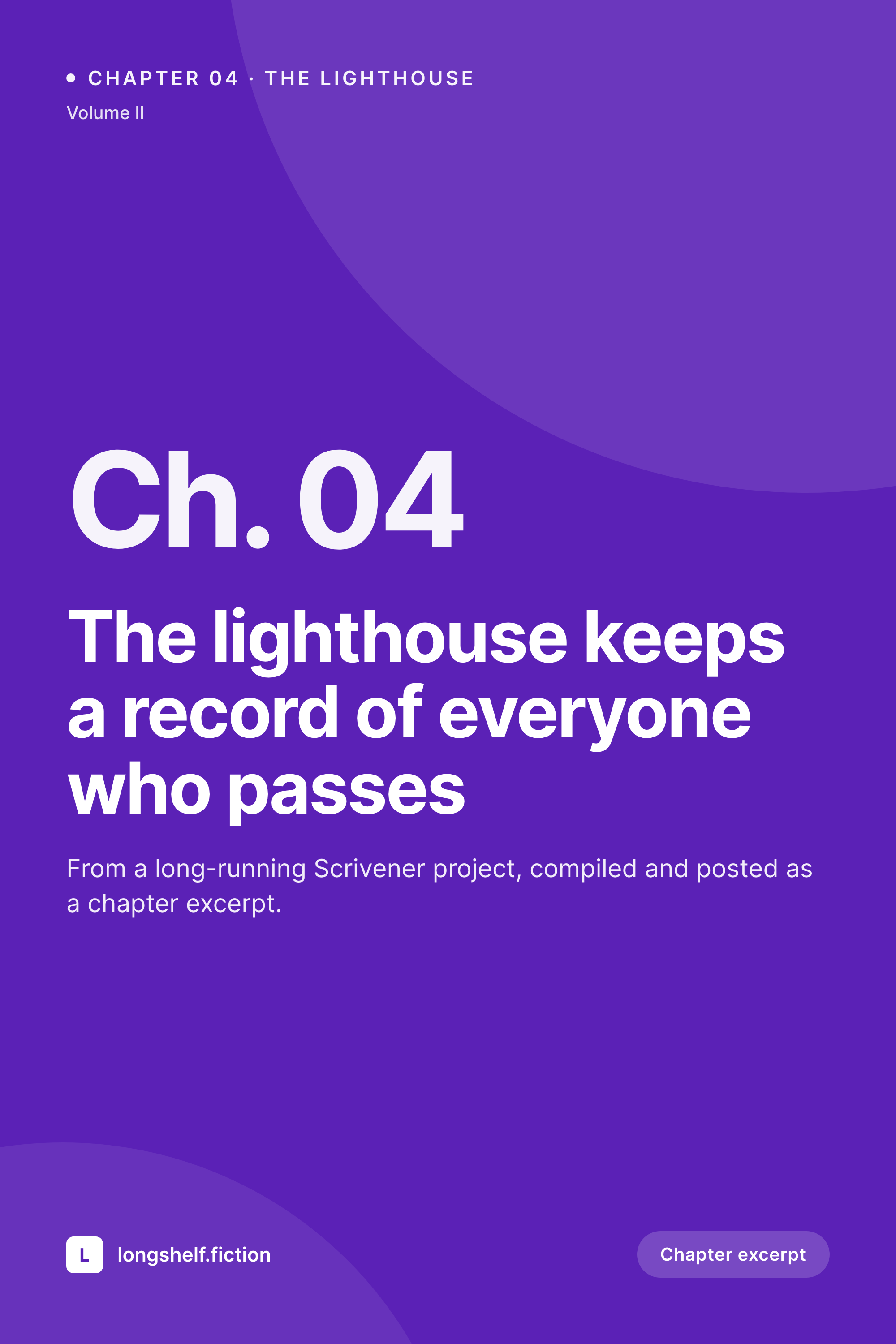
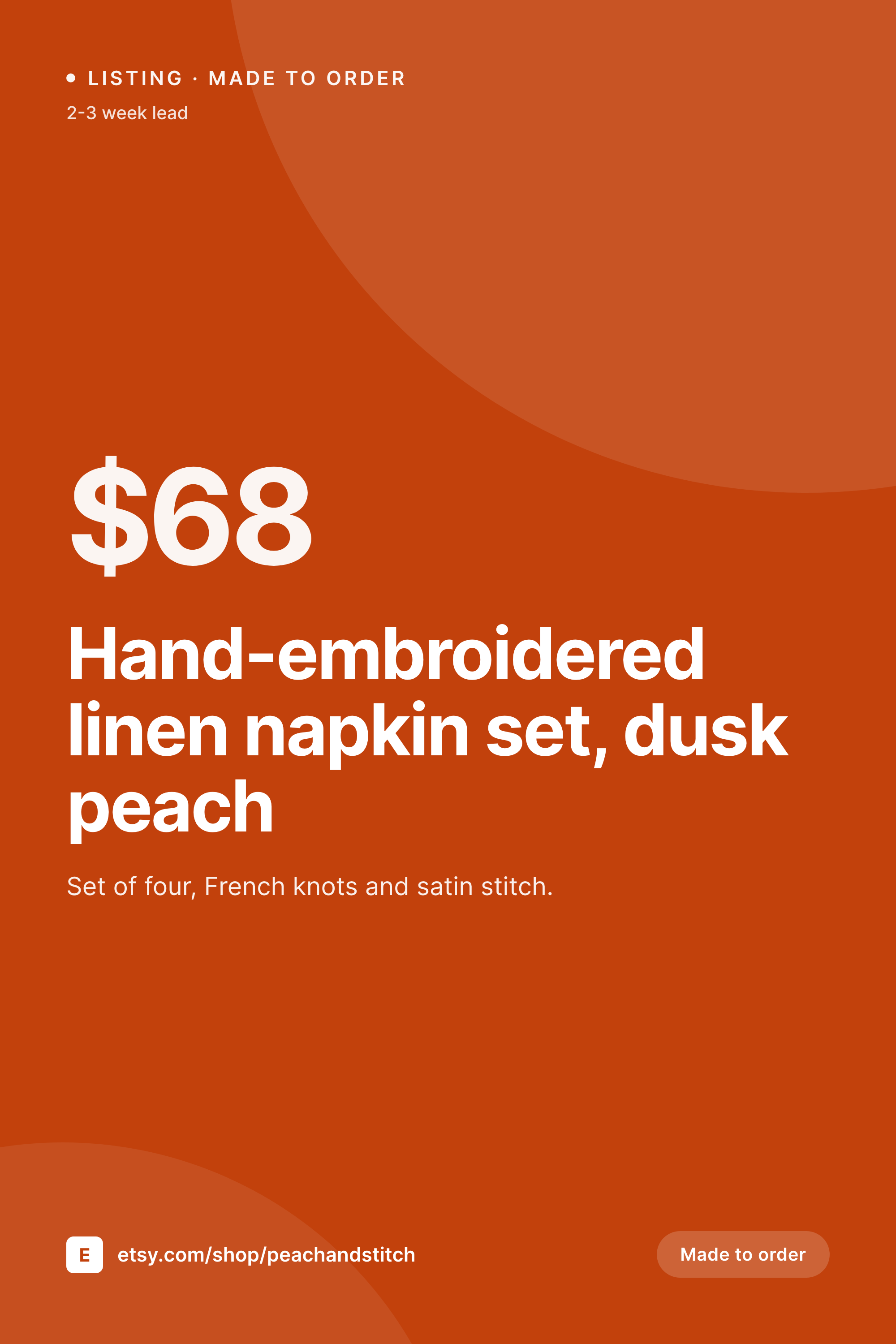
Sample Pinterest shop section banner
1000x1500 vertical PNG with collection title, tagline, and brand mark, sized for the Pinterest shop surface.
Comparison
One stock banner vs SleekPixel per section
Single static banner reused everywhere
- One banner used across every shop section
- Section headers default to a stock thumbnail from the products inside
- No tagline, no count, no recognisable brand mark
- Manual Photoshop banners take hours per collection
- Seasonal refresh skipped because the cost of redoing all banners is too high
SleekPixel
- 1000x1500 banner per shop section, generated from a WordPress collection post
- Title, tagline, product count, and brand mark in template fields
- Section accent set per collection, propagating to related pin covers
- Brand refresh re-renders the entire shop's banner set
- Real PNGs in WordPress uploads, scheduled or uploaded manually to Pinterest
Features
What SleekPixel gives you for Pinterest shop banners
Section accent
Each collection picks its accent and shares it with the related product pin covers, so the shop tab reads as one brand with multiple sections.
Tagline and count
Collection tagline and product count render into the banner so the section reads like a curated edit, not a dump.
Hero region
A featured asset from the collection sits as the hero with title and tagline overlaid in the safe zone.
Use cases
Where Pinterest shop banners earn the section's clicks
Multi-collection apparel
Linen, denim, knitwear sections in the same shop tab need distinct banners so users land on the right collection.
Seasonal drops
Spring, summer, holiday drops as their own sections, each with a banner that matches the campaign palette.
Gift edits
Gift guides as Pinterest shop sections with their own banner, refreshing per holiday with the same template family.
The bigger picture
Why shop section banners hold the Pinterest tab together
The Pinterest shop tab is one of the few places where a brand can curate sections and earn discovery without the noise of the main feed. Banners are what convince a user to scroll past the header and into the products. A single banner reused across every section makes the tab feel like a catalog dump, while distinct banners per section make it feel like a curated set of edits.
Templating the banner from a collection post is what lets a small team produce a banner per section without burning hours per release. Refreshing seasonally or rebranding is then a single template update plus a batch render, not a Photoshop session per banner.
Questions
Common questions about SleekPixel for Pinterest shop banners
Yes. Pinterest's shop tab supports a profile banner and section thumbnails for each collection. SleekPixel renders the PNGs sized for both surfaces.
1000x1500 is a safe vertical ratio that Pinterest accepts across surfaces. Some merchants also use 1600x900 horizontal banners for the profile header, which the template can also output.
Yes. Map a WooCommerce or post category to a banner template so the banner field automatically pulls from the right collection post.
Edit the template once, then run batch regenerate. Every banner re-renders with the new design while keeping its section title and tagline.
Yes. Add a static CTA element like 'View collection' in the template. The banner is non-clickable on Pinterest, so the CTA is visual only.
No. Banners are uploaded manually via Pinterest's shop tab editor. The generation is automatic, the upload is a manual step.
Then a single banner template is enough. SleekPixel still benefits you because a brand refresh becomes a one-click regenerate.
Yes. The template uses safe-zone padding so the title and tagline remain readable when Pinterest crops the banner for mobile shop views.
Pricing
More than 1000+
happy customers
Explore our flexible licensing options tailored to your needs. Upgrade your license anytime to access more features, or opt for a lifetime license for ongoing value, including lifetime updates and lifetime support. Our hassle-free upgrade process ensures that our platform can grow with you, starting from whichever plan you choose.
Lifetime ♾️
Most popular
EUR
once
- Unlimited websites
- Lifetime updates
- Lifetime support
...or get the Bundle Deal
and save €250 🎁
💎 Want everything forever? The All Access Pass is going away on 01.08.2026.
The Bundle (unlimited sites)
Pay once, own it forever
Elevate your WordPress site with our exclusive plugin bundle that includes all of our premium plugins in one package. Enjoy lifetime updates and lifetime support. Save significantly compared to buying plugins individually.
What’s included
-
SleekAI
-
SleekByte
-
SleekMotion
-
SleekPixel
-
SleekRank
-
SleekView
€749
Continue to checkoutBrowse more
- Signal sticker pack
- Patreon post thumbnails
- Kick channel banners
- Threads story-style images
- Spotify playlist cover
- Douyin thumbnails
- WeChat Moments images
- Depop listing images
- WhatsApp status images
- LINE official account banners
- X community banners
- Twitter card images
- Bluesky link cards
- kbin post images
- X Space banners