






SleekPixel for infographic headers
SleekPixel turns each infographic post into a branded header on save. Title, section count, topic, and brand mark all come from real fields, so the OG card, the infographic index thumbnail, and any embed share one consistent treatment.
♾️ Lifetime License available
Infographics ship as design files, not as pages
An infographic is a design artifact. Most teams produce the long visual in Figma, export it as a PNG, and embed it inside a WordPress post that is otherwise just a paragraph of intro text and a download link. The result is a publishing flow where the infographic itself looks great and the surrounding page (OG card, index thumbnail, in-page hero) looks like a default WordPress post. The mismatch is jarring for anyone who reaches the page through social, where the OG card is the first impression.
SleekPixel makes the infographic header a derived artifact. The infographic post type holds the title, the section count, the topic, and the brand mark. The template encodes the header layout once, with rules for short and long titles and with topic-driven accents. Save the post and the renderer writes the OG card, the index thumbnail, and the in-page header above the embedded long graphic in one pass. The page now opens with a real branded header that matches the infographic itself.
For research and content programs that publish infographics regularly, this turns each infographic into a series rather than a one-off. Headers share the same primitives, so the program reads as coherent. The OG card travels well across social. The infographic index becomes a real destination, not a back-room of the site.
Workflow
From an infographic post to a ready-to-ship header
Encode the header layout
Connect the topic palette
Publish the infographic post
Refresh the archive
Output
How an infographic header composes
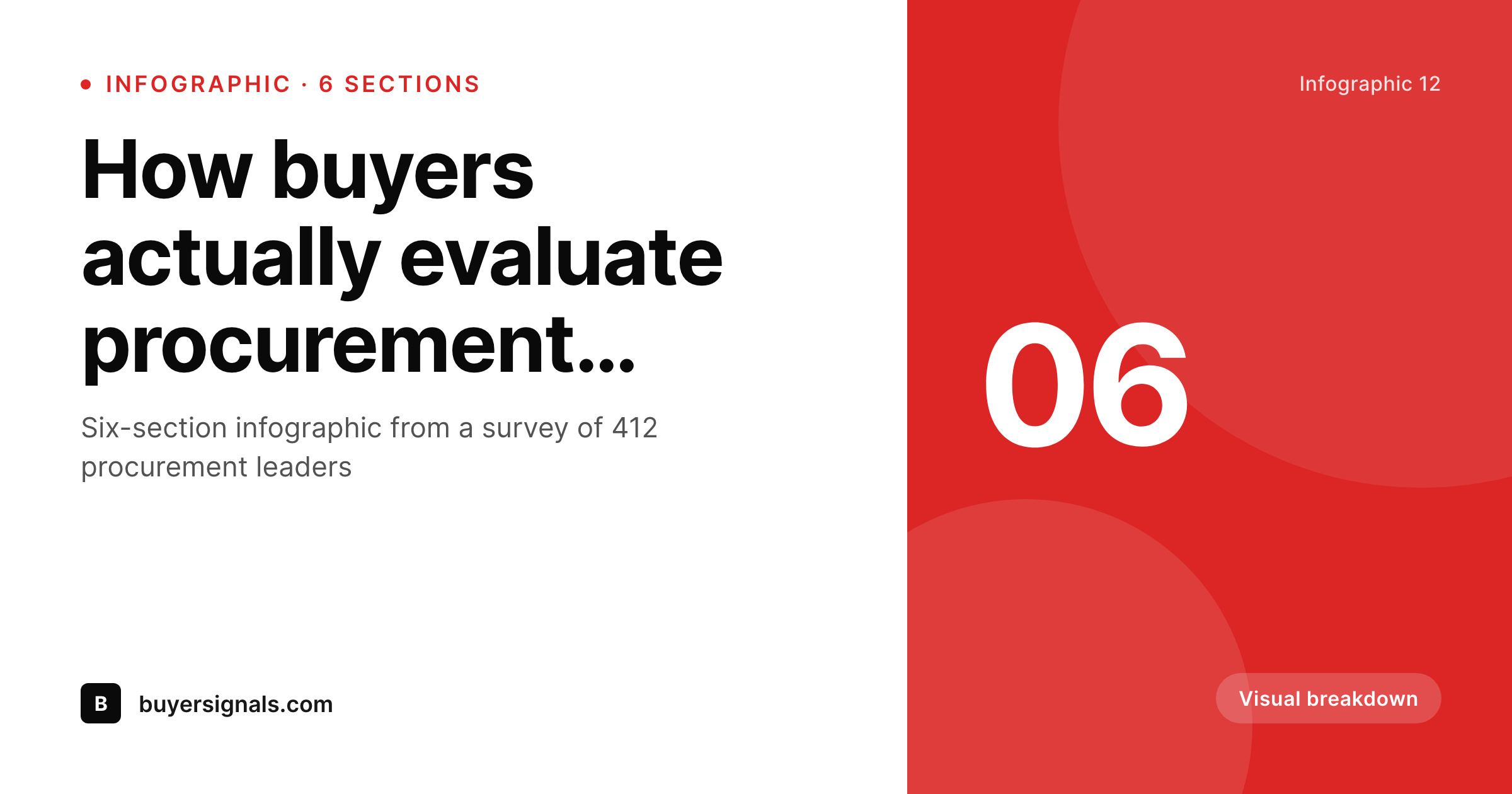
An OG card with the title, section count, topic, and brand mark, all assembled from real infographic fields.
Comparison
Default infographic headers vs rendered ones
Default site card on every infographic
- Infographic page opens with a default site OG card
- Index thumbnails do not match the long graphic underneath
- Long titles get truncated on social and the topic disappears
- Brand refresh skips the infographic archive because the volume is too high
- Each new infographic needs a designer to ship a header by hand
SleekPixel
- Infographic headers render from real post fields on save
- Section count and topic visible from the card
- Topic accent rotates so categories feel distinct
- OG card, index thumbnail, and in-page header share one template
- Bulk regenerate refreshes the whole archive after a brand update
Features
What SleekPixel gives you for infographic headers
Section-aware
Section count renders from a field. Readers see scope at a glance, and the layout adapts to short and long counts without overflow.
Topic-colored
Topic taxonomy drives the accent palette. Each category of infographic reads as distinct without a separate template.
Header and embed together
Register an OG size, an index thumbnail, and the in-page header against the same template. All three render on save and share the primitives.
Use cases
Infographic formats this template covers
Data infographics
Survey-driven infographics with a sample size. The card carries the section count and respondent count for credibility at a glance.
Process infographics
Step-by-step process diagrams. The card emphasizes section count as a proxy for process length.
Comparison infographics
Side-by-side comparisons rendered as long graphics. The card focuses on topic and section count, with the topic accent for category.
The bigger picture
Why infographic headers earn the share
Infographics are made to be shared. The format itself is built for the secondhand reader who arrives via Pinterest, LinkedIn, Twitter, or a Slack forward. The long graphic is the payoff, but the OG card on the URL is what determines whether the secondhand reader ever clicks through.
Generic site cards on every infographic page mean every share looks the same, regardless of how distinct or carefully designed the infographic itself is. A rendered header that carries the title, the section count, and the topic gives the secondhand reader a real preview, and the click-through rate climbs. SleekPixel makes the rendered header structural.
The same template renders from real fields, so every infographic the team publishes inherits the treatment without a designer producing it by hand. After a year of compounding shares, the program reads as a coherent product, and the secondhand reader recognizes the brand from the header alone.
Questions
Common questions about SleekPixel for infographic headers
Yes. Section count is a number field on the infographic post. The template references it directly, so readers see scope on the card before clicking through.
Yes. Map the accent color in the template to a topic taxonomy term. Each topic resolves to a brand color so categories feel distinct without separate templates.
Yes. Register an OG size, an index thumbnail, and an in-page header size against the same template. SleekPixel renders all three on save and they share the layout primitives.
No. The long graphic stays a design file you ship as a PNG. SleekPixel renders the header above it and the OG card around it, so the page wraps the long graphic in branded surfaces without replacing the design work.
Yes. SleekPixel attaches templates to whichever post types you choose. Your existing infographic post type, with its section counts and topic taxonomy, becomes the data source.
Yes. The admin has a one-click bulk regeneration that re-renders all infographic headers using the template. The whole archive refreshes in one pass.
Pinterest reads og:image automatically. SleekPixel writes that tag, so the rendered header is the one that travels through every share surface.
No. The image is rendered once at save time and stored as a static PNG/JPG. Visitors load a regular image URL, no rendering happens at view time.
Pricing
More than 1000+
happy customers
Explore our flexible licensing options tailored to your needs. Upgrade your license anytime to access more features, or opt for a lifetime license for ongoing value, including lifetime updates and lifetime support. Our hassle-free upgrade process ensures that our platform can grow with you, starting from whichever plan you choose.
Lifetime ♾️
Most popular
EUR
once
- Unlimited websites
- Lifetime updates
- Lifetime support
...or get the Bundle Deal
and save €250 🎁
💎 Want everything forever? The All Access Pass is going away on 01.08.2026.
The Bundle (unlimited sites)
Pay once, own it forever
Elevate your WordPress site with our exclusive plugin bundle that includes all of our premium plugins in one package. Enjoy lifetime updates and lifetime support. Save significantly compared to buying plugins individually.
What’s included
-
SleekAI
-
SleekByte
-
SleekMotion
-
SleekPixel
-
SleekRank
-
SleekView
€749
Continue to checkoutBrowse more
- Pinterest video pin covers
- Telegram channel banner
- Facebook Shop product images
- Medium article headers
- VSCO cover
- LinkedIn showcase page banners
- Twitch camera frame
- Twitter/X header
- Facebook cover photos
- Kick channel banners
- Slack channel headers
- YouTube channel banners
- Twitch starting soon screen
- Bluesky profile banners
- Lemon Squeezy product covers