






SleekPixel for glossary term cards
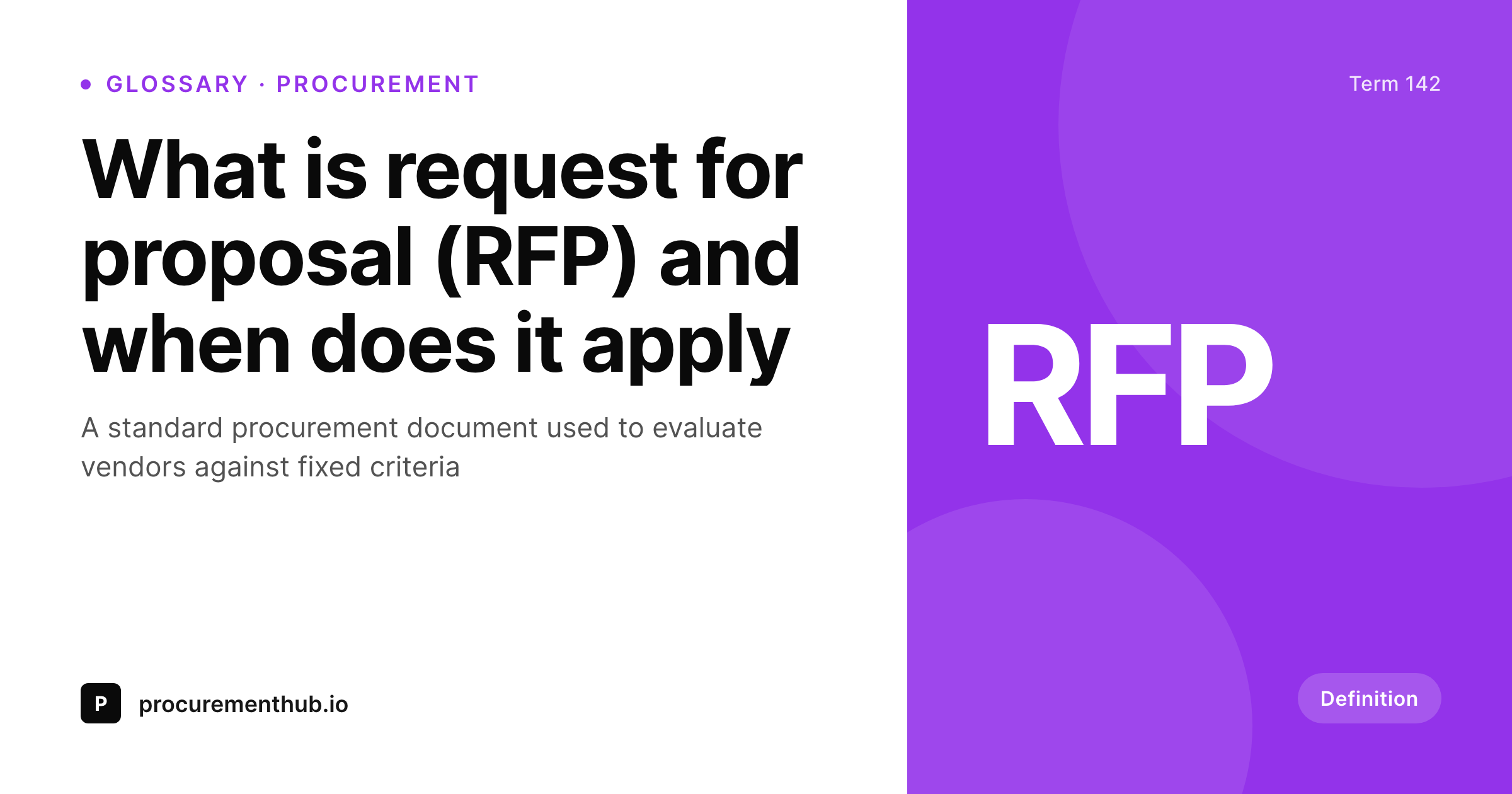
SleekPixel turns each glossary term into a branded card on save. Term, abbreviation, category, and one-line definition all come from real fields, so the OG card, the index thumbnail, and any related-term embed share one consistent layout across the whole glossary.
♾️ Lifetime License available
Glossaries are the long-tail that nobody designs for
A glossary is a long-tail SEO asset. Hundreds, sometimes thousands of definitional pages targeting low-competition queries that compound into real traffic. They are also, in most teams, the lowest-priority design surface on the entire site. The flagship pages get OG cards. The glossary gets a default site card on every term, which means a buyer searching what is RFP and a buyer searching what is RFI both see the same card on the result.
SleekPixel makes the card a function of the term. The glossary post type already holds the term name, the abbreviation, the category, and the one-line definition. The template encodes the layout once, with rules for short and long terms, with and without abbreviations. Save the term and the renderer writes the OG card, the index thumbnail, and any related-term embed in one pass. The category drives the accent so procurement, finance, and engineering terms feel distinct without separate templates.
For SEO sites with a serious glossary program, this turns the long tail into a coherent visual product. Every term ships with the same treatment as the headline pages because the same template renders the same primitives. The glossary index becomes a destination instead of a wall of text. And the back catalogue can be brought into the new look in a single bulk regenerate after a brand update.
Workflow
From a glossary entry to a ready-to-ship card
Encode the term layout
Connect the category palette
Publish the term
Refresh the glossary
Output
How a glossary card composes
An OG card with the term, abbreviation, category, and one-line definition, all assembled from real glossary fields.
Comparison
Default glossary cards vs rendered ones
Default site card on every term
- Every glossary term ships with the same generic site OG card
- Search results for definitional queries lose to publications with rendered cards
- Glossary index thumbnails are a placeholder grid
- Adding a category color means a designer touches every term
- Brand refresh skips the glossary because the volume is too high
SleekPixel
- Glossary cards render from real post fields the moment you save
- Term, abbreviation, and category all pull from data
- Category drives the accent color across a thousand terms
- OG card and index thumbnail share one template
- Bulk regenerate brings the whole glossary in line in one pass
Features
What SleekPixel gives you for glossary term cards
Term-aware
Term and abbreviation render through field rules so RFP and request for proposal sit cleanly across the same template.
Category-colored
Category field drives the accent palette. Procurement, finance, and engineering terms all read as distinct without separate templates.
Card and index together
Register an OG size and an index thumbnail size against the same template. Glossary index page and social card stay coherent.
Use cases
Glossary formats this template covers
Domain glossaries
Industry-specific glossaries (procurement, healthcare, devops). Category color rotates per domain so each section feels distinct.
Acronym dictionaries
Acronym-heavy glossaries where the abbreviation is the headline. The card emphasizes the abbreviation and shows the expansion in the meta line.
Editorial dictionaries
Long-form definitional pages with extended context. The card focuses on the term and a generous one-line definition.
The bigger picture
Why glossary cards earn long-tail clicks
Glossary pages are an SEO compound interest play. Each individual term gets a small amount of traffic, but a glossary of a thousand terms in a defined domain quietly outperforms most of the rest of the site over time. The challenge is that the format is repetitive, the volume is high, and the design budget for any individual term is effectively zero.
So glossaries get default cards, and the long-tail traffic clicks on the result with the better card, which is usually a competing publication that took the trouble. SleekPixel removes the trade-off. Every term in the glossary gets a real, branded card because the same template renders the same primitives from real post fields.
The cost of adding a term is the cost of writing it. The category color rotation makes the glossary feel structured even at a thousand terms. Over a year of compounding, the glossary becomes a destination, and the long-tail traffic stops leaking to publications that did the design work.
Questions
Common questions about SleekPixel for glossary term cards
Yes. Map the accent color in the template to a category taxonomy term. Each category resolves to a brand color, so procurement, finance, and engineering terms feel distinct without separate templates.
The template renders without it. Set defaults per field or design the layout so the abbreviation slot collapses gracefully. Long-form term pages still render cleanly through the same primitives.
Yes. Register OG, the index thumbnail, and any related-term embed size against the same template. SleekPixel renders all of them on save and they stay coherent.
Yes. Bulk regenerate covers as many terms as you need in a single pass. Rendering happens at save time, so visitors load static images and the site stays fast even on a large glossary.
Yes. Filter rendering by post status, a custom field, or a taxonomy term. Legacy or pending-revision terms can be excluded so no card is produced for them until ready.
Yes. Social platforms and search aggregators read the og:image meta tag the first time the URL is shared. SleekPixel writes that tag automatically, so the rendered card is the one that travels.
Yes. The admin has a one-click bulk regeneration that re-renders all glossary cards using the template. The whole glossary refreshes in one pass after a brand update or a category palette change.
No. The image is rendered once at save time and stored as a static PNG/JPG. Visitors load a regular image URL, no rendering happens at view time.
Pricing
More than 1000+
happy customers
Explore our flexible licensing options tailored to your needs. Upgrade your license anytime to access more features, or opt for a lifetime license for ongoing value, including lifetime updates and lifetime support. Our hassle-free upgrade process ensures that our platform can grow with you, starting from whichever plan you choose.
Lifetime ♾️
Most popular
EUR
once
- Unlimited websites
- Lifetime updates
- Lifetime support
...or get the Bundle Deal
and save €250 🎁
💎 Want everything forever? The All Access Pass is going away on 01.08.2026.
The Bundle (unlimited sites)
Pay once, own it forever
Elevate your WordPress site with our exclusive plugin bundle that includes all of our premium plugins in one package. Enjoy lifetime updates and lifetime support. Save significantly compared to buying plugins individually.
What’s included
-
SleekAI
-
SleekByte
-
SleekMotion
-
SleekPixel
-
SleekRank
-
SleekView
€749
Continue to checkoutBrowse more
- syllabus cards
- incorporation card
- podcast guest cards
- tool of the day cards
- metric spotlight cards
- did-you-know card
- investor update card
- deal of the day banners
- bundle deal cards
- feature launch images
- growth experiment card
- year-end recap card
- mental model cards
- podcast appearance card
- scheduled maintenance card
- Mastodon link previews
- Mailchimp email banner
- Pinterest board covers
- Facebook ad images
- LinkedIn newsletter headers
- Telegram channel images
- Bandcamp release cover
- YouTube end cards
- Bluesky feed banner
- Amazon A+ content images
- Twitch profile banner
- TikTok Now image
- Shopify product images
- Kick channel banners
- Twitch alert