






SleekPixel for Sketch files
Sketch still anchors a number of design libraries and icon sets, especially for mac-first studios. Release notes for those libraries live on WordPress, and the share preview usually defaults to a generic theme image. SleekPixel reads Sketch file metadata synced into WordPress and renders branded share cards per release.
♾️ Lifetime License available
Sketch library release notes deserve their own card
Sketch holds on in pockets of the design world that value a mac-native, single-file workflow: icon sets, marketing system libraries, established product design teams that have not migrated, agencies that maintain client libraries in Sketch for historical reasons. Each of those teams ships releases of their libraries on a cadence, and the release notes live on WordPress or a similar marketing CMS.
The release-notes post links to the Sketch file (a Cloud share link, a download, a Sketch Library URL). The share preview is whatever the WordPress theme falls back to, usually a homepage banner. The version label, the maintainer, the file name and the release date are all available as content on the post but never reach the share image. Cross-posted release notes look generic on Twitter and LinkedIn, which undersells the work of the maintainer.
SleekPixel sits on the WordPress side. Each release-notes post carries Sketch file metadata as fields: file name, version, maintainer, updated date, library scope. SleekPixel renders a 1200 by 630 card from those fields with the studio wordmark. The release-notes share looks like a publication releasing a versioned product, which is what a library release actually is.
Workflow
From Sketch library release to branded card
Write the release-notes post
Build the release template
Save and render
Share the release URL
Output
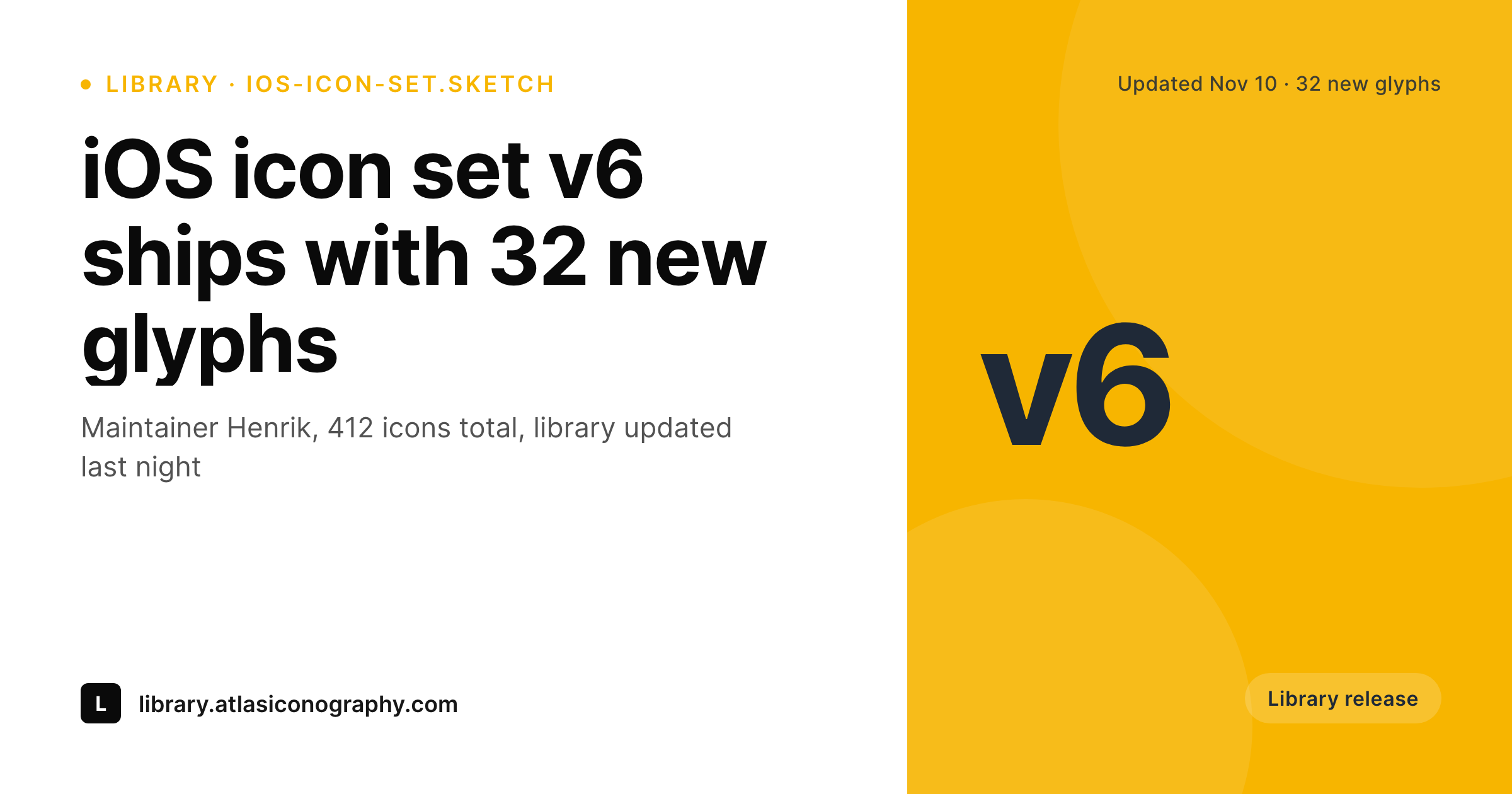
Sample Sketch library release card
A 1200 by 630 OG image: file name, version badge, maintainer credit, release date and brand wordmark, rendered from the WordPress release-notes post.
Comparison
Default theme OG vs Sketch-aware rendering
Default theme OG image
- Release-notes posts share with a stretched homepage banner
- Version labels and maintainer credits never reach the share preview
- Sketch cover screenshots crop awkwardly at OG dimensions
- Manual release-card design stops happening after the second release
- Brand updates leave every past release's preview visually mismatched
SleekPixel
- Reads WordPress fields populated from Sketch file metadata
- File name, version, maintainer and date bind cleanly to template slots
- Re-renders when the release-notes post is updated for a new version
- Bulk re-render the release archive after a rebrand
- Leaves the Sketch file itself untouched, only the WordPress share preview changes
Features
What SleekPixel gives you for Sketch files
Version badge
Versions (v5, v6, beta-2) render as a clean corner badge so the share telegraphs which release the post is about. Helpful for libraries with many users tracking updates.
Maintainer credit
Each card slots in the library maintainer's name. Designers who maintain open libraries or paid icon sets carry that credit through every cross-posted share.
Release date framing
The release date renders as part of the card meta so a viewer can tell at a glance which release a tweet is referencing, even if the tweet itself does not say.
Use cases
Who shares Sketch files as branded cards
Icon set releases
Independent icon designers selling Sketch icon sets publish release notes on a marketing site. Each release shares with a branded card showing the new glyph count and version.
Design system libraries
Mac-first studios maintaining Sketch-based design systems ship a release-notes post per update. Internal Slack and external Twitter shares both pick up a real card.
Agency client libraries
Agencies that maintain client design libraries in Sketch publish private release notes for the client team. Branded cards keep the agency presence visible on internal Slack and email shares.
The bigger picture
Why library releases compound into reputation
Independent icon designers, design-system maintainers and small studios shipping Sketch libraries are running, in effect, software products. They have versions, release notes, users, changelogs and customers waiting for the next update. The share preview on each release is a tiny brand surface, but across a year of releases it compounds into the public perception of the library: is this a serious project shipped consistently or a side hobby that gets a release whenever the maintainer has time? A branded card on every release tilts the perception toward serious project.
The version, the maintainer credit, the consistent visual language across all releases all signal a maintained product. SleekPixel does not replace Sketch and does not pretend to. Sketch keeps owning the actual library file.
WordPress becomes the release-notes layer, and the card renders from the fields you maintain on the release post. Maintainers stop spending their Friday designing the share image and start shipping the release with the card already in place.
Questions
Common questions about SleekPixel for Sketch files
No. SleekPixel reads WordPress post fields. File metadata is filled in on the release-notes post manually or via a small script that reads the Sketch file's manifest. Once the post has the fields, SleekPixel renders the card.
Yes, if you export a cover frame from the file and attach it as the post's featured image. The template renders that preview in a small slot, with the rest of the card carrying brand styling.
Yes. The card renders from WordPress post fields regardless of where the actual file lives. Cloud-hosted Sketch files and locally maintained files both work the same way on the SleekPixel side.
Each public release gets its own release-notes post and its own card. Internal sub-versions and weekly builds usually do not need a public card and stay off the WordPress side entirely.
Yes. A category taxonomy or custom field on the release post selects a template variant. Paid icon-set releases might use a more polished card style, free library updates might use a cleaner card. The variant selects at render time.
Yes. The release-notes layer on WordPress is independent of which Sketch ecosystem tools the team uses internally. SleekPixel only cares about the WordPress post and its fields.
The release-notes archive on WordPress survives the migration. Future releases reference the Figma file, the template can swap the file extension and tooling label, and the visual identity of the release archive stays consistent across the tool change.
Yes. Bulk re-renders queue in the background and do not block regular post saves. Libraries with five or six years of releases can refresh the whole back catalog after a rebrand in a single queued job.
Pricing
More than 1000+
happy customers
Explore our flexible licensing options tailored to your needs. Upgrade your license anytime to access more features, or opt for a lifetime license for ongoing value, including lifetime updates and lifetime support. Our hassle-free upgrade process ensures that our platform can grow with you, starting from whichever plan you choose.
Lifetime ♾️
Most popular
EUR
once
- Unlimited websites
- Lifetime updates
- Lifetime support
...or get the Bundle Deal
and save €250 🎁
💎 Want everything forever? The All Access Pass is going away on 01.08.2026.
The Bundle (unlimited sites)
Pay once, own it forever
Elevate your WordPress site with our exclusive plugin bundle that includes all of our premium plugins in one package. Enjoy lifetime updates and lifetime support. Save significantly compared to buying plugins individually.
What’s included
-
SleekAI
-
SleekByte
-
SleekMotion
-
SleekPixel
-
SleekRank
-
SleekView
€749
Continue to checkoutBrowse more
- Substack post thumbnail
- LinkedIn newsletter headers
- Pinterest shop banners
- X ad images
- LinkedIn company banners
- Apple Podcasts covers
- kbin post images
- Amazon A+ content images
- Pinterest video pin covers
- TikTok cover images
- Instagram ad images
- Audible audiobook cover
- Instagram bio link banners
- Dailymotion thumbnails
- Pinterest product pin covers