






SleekPixel for Buy Me a Coffee pages
Buy Me a Coffee hosts the payment page, but most creators link to it from a WordPress site that holds the broader pitch. SleekPixel renders the share image for that WordPress support page so social posts asking for tips land with a branded preview instead of a generic theme banner.
♾️ Lifetime License available
Tipping is a soft ask, the share preview should not undo it
Creators who use Buy Me a Coffee usually keep the payment form on bmc, then link to it from a longer support pitch on their own WordPress site. That support page explains the work, lists what supporters get, and embeds the bmc widget at the end. It is the page that gets shared on Twitter, dropped into newsletters, and linked from podcast show notes whenever the creator is asking the audience for help.
The share preview on that page tends to be terrible by default. WordPress falls back to whatever the theme provides, usually the homepage logo at the wrong aspect ratio. A reader scrolling past the share sees no context, no creator name, no ask, no project. The cost of asking for tips is already high on a social post. Pairing it with a blank preview makes the ask feel even more abrupt.
SleekPixel reads the support page fields and renders a real card on save. The pitch becomes the headline, the supporter count goes in a corner, the tier price renders as a small mark. The brand wordmark sits at the bottom. Forwarded URLs land with a card that looks like a real campaign page, which makes the soft ask easier to share and easier for the next reader to accept.
Workflow
From support pitch to share-ready in one save
Build the WordPress support post type
Bind the bmc widget
Save the post
Share anywhere
Output
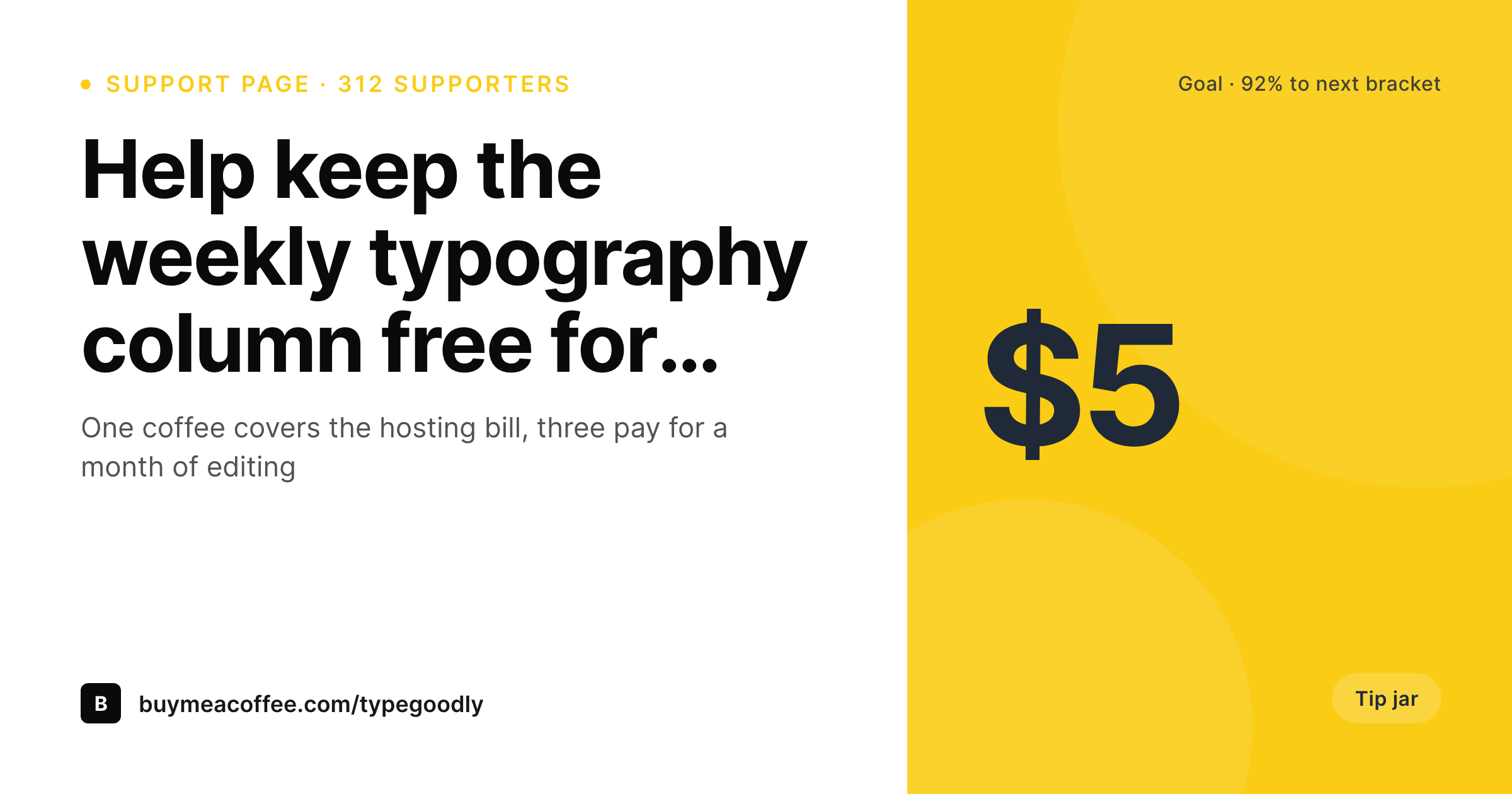
Sample Buy Me a Coffee support page card
A 1200x630 OG image: pitch headline, supporter count, current tier price, and creator wordmark, rendered from the WordPress support post on save.
Comparison
Default theme OG vs branded tip-jar card
Default theme OG image
- Support pages share with the homepage banner instead of the actual pitch
- Supporter counts and tier prices never appear on the share preview
- Tweets asking for tips open with a generic theme image
- Manual Canva cards stop happening after the first campaign
- Brand updates require redoing every campaign card by hand
SleekPixel
- Reads the WordPress support page that fronts the Buy Me a Coffee widget
- Pitch headline, supporter count, and tier price render automatically
- One-time and recurring tier pages share the same template family
- Bulk re-render the back catalog when the brand evolves
- Leaves the bmc-hosted payment flow untouched, only WordPress changes
Features
What SleekPixel gives you for Buy Me a Coffee pages
Pitch-line headlines
The one-line pitch you wrote for the support page becomes the card headline. The same line that converts on the page does the work on every share.
Supporter-count badges
Current supporter count renders as a small badge so a scrolling reader sees social proof at a glance, even on platforms that hide the link description.
Tier-price marks
A small corner mark shows the lowest tier price. Readers see exactly what the ask is before they click, which lifts the conversion rate after they land.
Use cases
What Buy Me a Coffee creators generate with SleekPixel
Campaign launch pages
Every campaign launch gets its own card. The pitch line, supporter count, and goal show on every social post that links the WordPress page.
Perks and tier pages
Each tier page renders with its price and reward, so sharers can post 'support at the founder tier' with a card that actually shows the founder tier.
Goal milestone posts
Halfway and goal-reached posts each render their own card with the percentage and total raised, so milestone updates look like real campaign updates.
The bigger picture
Why branded share previews matter for soft asks
Tipping is a soft conversion. Nobody is hunting for the bmc page; somebody clicks through from a social post asking for support, and most of the friction is psychological. The share preview is one of the few things between the ask and the click that the creator can actually control.
A real card with the pitch line, the supporter count, and the tier price tells the reader that a real campaign exists, with real backers, and a specific entry point. A blank theme banner tells the reader nothing, and the social post does all the persuasion work alone. The second effect is back-catalog drift.
Creators run multiple support pushes a year: launch campaigns, year-end fundraisers, milestone bumps, project-specific asks. Each one gets its own WordPress page that lives on after the campaign ends. Without consistent branding, the old pages share with mismatched previews, which makes the back catalog feel scattered.
SleekPixel binds the card to the post type, so every past, current, and future campaign shares with the same visual family. Brand updates flow to every card with a bulk re-render, which keeps the entire support history looking like one publication asking for help.
Questions
Common questions about SleekPixel for Buy Me a Coffee pages
No. The bmc payment page stays where it is. SleekPixel runs on the WordPress side, on the support post that links to bmc. The two coexist: bmc handles payments, WordPress handles SEO, shares, and the longer pitch.
Buy Me a Coffee exposes supporter counts via their API or via the widget embed code. A custom field on the WordPress post can pull from the API on a schedule, or you can update it manually for milestones. SleekPixel reads whatever field you bind.
Yes, if the template renders one. A goal field and a current-amount field on the post drive a small progress bar at the bottom of the card. Useful for limited-time fundraisers where progress is part of the pitch.
The same approach works. Each platform has its own page on WordPress that fronts the payment widget. SleekPixel renders the share card for the WordPress side regardless of which payment platform handles the actual transaction.
Rendering happens on save, not on every page view. The site serves a static PNG from uploads for every share. No render cost on visitor traffic. The save takes about a second longer while the PNG is written.
Edit the support post and save. The next save triggers a re-render and the share image updates to match. Twitter and LinkedIn refresh on their own cycle, usually within a day. Future shares pick up the corrected card immediately.
Yes. Each thank-you post can render its own card showing the total raised and a short message. Useful for closing the loop publicly after a campaign so the social posts about the result also look polished.
Yes. A custom field or taxonomy on the post picks the right template variant. Founder tier cards can render darker with a different mark, casual support tier cards can render lighter. The template choice happens at render time based on whatever field you bind.
Pricing
More than 1000+
happy customers
Explore our flexible licensing options tailored to your needs. Upgrade your license anytime to access more features, or opt for a lifetime license for ongoing value, including lifetime updates and lifetime support. Our hassle-free upgrade process ensures that our platform can grow with you, starting from whichever plan you choose.
Lifetime ♾️
Most popular
EUR
once
- Unlimited websites
- Lifetime updates
- Lifetime support
...or get the Bundle Deal
and save €250 🎁
💎 Want everything forever? The All Access Pass is going away on 01.08.2026.
The Bundle (unlimited sites)
Pay once, own it forever
Elevate your WordPress site with our exclusive plugin bundle that includes all of our premium plugins in one package. Enjoy lifetime updates and lifetime support. Save significantly compared to buying plugins individually.
What’s included
-
SleekAI
-
SleekByte
-
SleekMotion
-
SleekPixel
-
SleekRank
-
SleekView
€749
Continue to checkoutBrowse more
- LinkedIn post images
- Twitch panel images
- YouTube playlist covers
- KDP paperback cover
- Instagram highlight covers
- Notion page covers
- Discord event cover
- kbin post images
- Farcaster cast images
- Ko-fi shop images
- Telegram bot avatar
- YouTube end screens
- eBay listing images
- Facebook group banners
- Threads story-style images