






SleekPixel for trampoline park
Session name, age range, time slot, and price already live on the booking post. SleekPixel renders a 1080x1080 tile on save so the front desk is checking wristbands, not opening Canva.
♾️ Lifetime License available
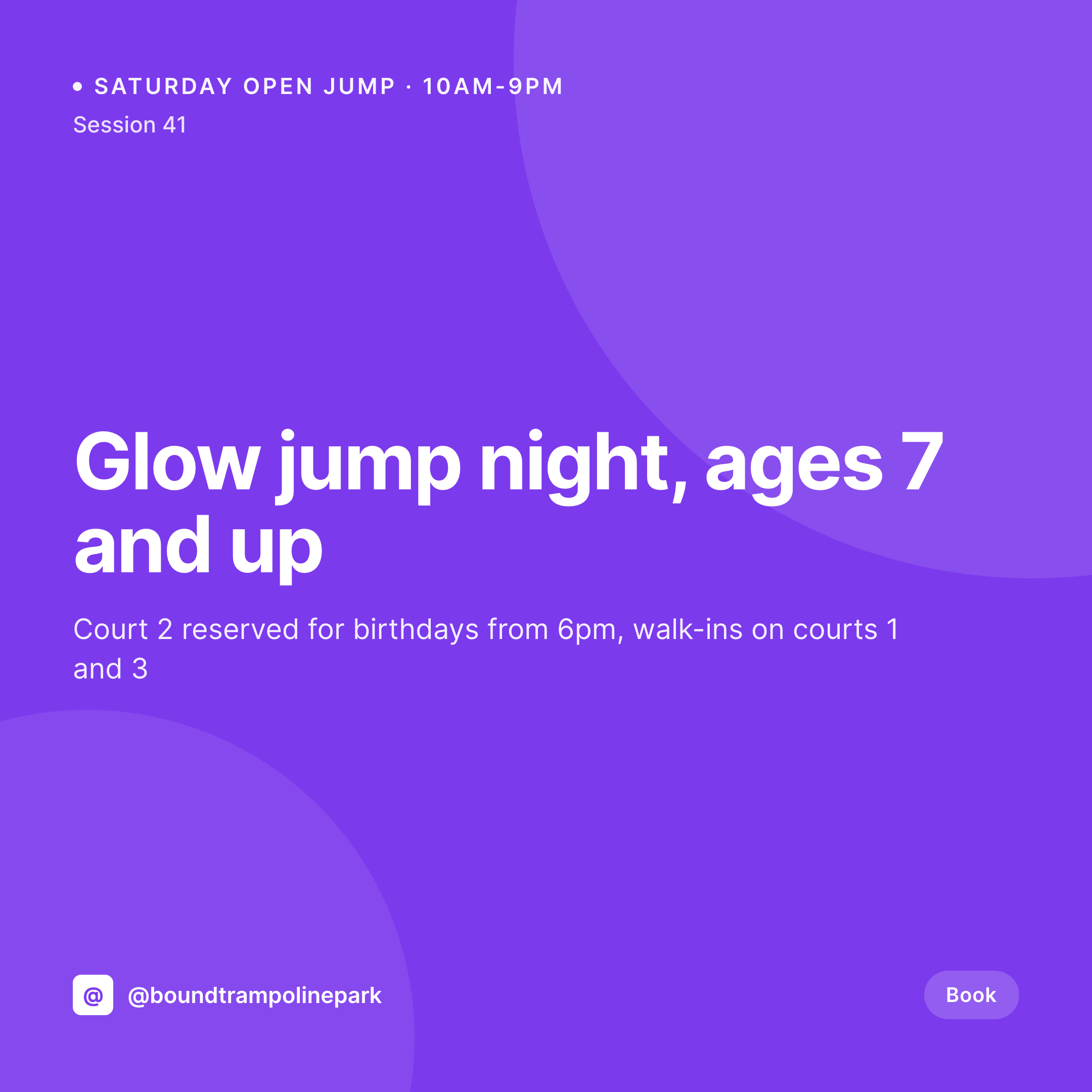
The Saturday morning tile problem at a trampoline park
A trampoline park's revenue comes from session windows. Open jump runs 10 to 12 for toddlers, dodgeball league fills court 3 at 7pm, glow jump on Friday is the post that sells out the weekend. The schedule shifts week to week, holidays add extra slots, and a missed Instagram post on Wednesday means empty courts on Saturday afternoon.
The session calendar already lives on the site. Most trampoline parks run a booking plugin, a session CPT, or a WooCommerce Bookings product with fields for age, time, capacity, and price. Everything an Instagram tile needs (session name, time, age, price) is already typed once. What gets repeated weekly is the design work in Canva, by a manager between birthday party setups.
The fix is to render the tile the same moment the session goes into the system. Schedule a glow jump night for Friday, the 1080x1080 PNG saves to uploads when the post publishes. No Canva file per session, no price typo, no font drift between the toddler tiles and the teen night tiles.
Workflow
From session calendar to posted tile
Map the session fields
Design one tile template
Schedule the session
Post before the weekend
Output
What gets generated per session
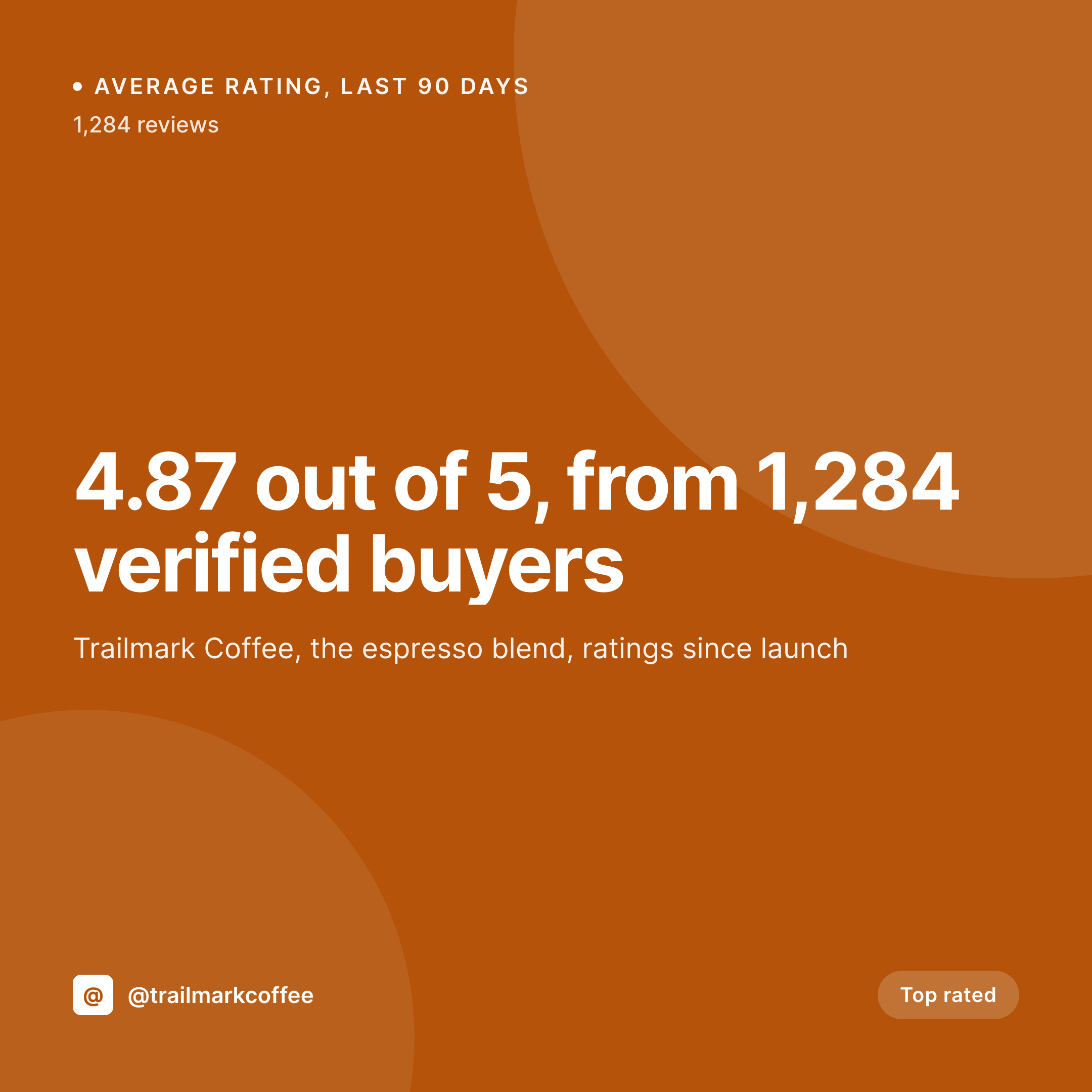
A 1080x1080 square Instagram tile with the session name, age range, time, court, and price pulled live from the booking post.

Comparison
Canva tile on Wednesday vs auto-rendered session
Manual / Canva / phone
- Managers design tiles on a phone between birthday party setups
- Glow jump moves from Friday to Saturday and last week's tile is still up
- Toddler session price moves up $2 and the tile shows the old number
- Brand drift between the holiday camp tiles and the weekly session tiles
- Empty courts because the post didn't go up by Wednesday afternoon
SleekPixel
- Every session saves with a 1080x1080 tile rendered from the booking post
- Session name, age range, time, court, price all pulled live from fields
- Stories and OG images render alongside the square tile in one save
- Manual download from Gutenberg so the front desk posts before the weekend
- Bulk regenerate when the park rebrands or adds new session types
Features
What SleekPixel gives you for trampoline park
Tile per session
Each open jump, glow night, or dodgeball league saves with a 1080x1080 Instagram tile. Time and price come from the booking post, not a Canva file rebuilt every week.
Weekend-ready
The tile is in uploads by the time the schedule goes live. Front desk downloads from the Gutenberg sidebar between phone calls, no design tools needed.
Age-band flexibility
Toddler time, family open jump, teen night, and adult fitness all render with the same template, so the feed reads as one park across every age band.
Use cases
Where trampoline park tiles get used
Weekly Instagram grid
Each session gets a tile, so the grid mirrors the live schedule rather than a generic photo from opening week.
Holiday camps and birthdays
Spring break camps, summer day camps, and birthday party slots each get a tile generated from the booking product.
Multi-location parks
A park chain with three locations uses one template across sites. Each location's sessions render with the right address and court count.
The bigger picture
Why trampoline park marketing breaks midweek without automation
A trampoline park sells perishable inventory in two-hour windows. An empty court at 2pm Saturday is revenue that does not come back, and the social tile is how parents know whether to drive over now or wait until Sunday. Most parks do not have a marketer on staff.
They have an owner who runs the floor and a part-time front desk lead who handles Instagram between phone calls. That setup works for a grand-opening shoot, but it breaks on a Wednesday when glow night moves to Friday and someone still has to make a tile before Saturday. The work that gets cut first is the visual brand: fonts drift, prices get typed wrong, last summer's color palette quietly gets replaced with a Canva default.
Parents do not notice the first time, but they notice across a season, and the feed stops looking like a park worth booking a birthday at. Treating the tile as derived from the session post means the brand survives the weekly scramble.
Questions
Common questions about SleekPixel for trampoline park
Yes. Bookings are products with date and time fields, so session name, capacity, age range, and price all map onto the template. Custom attributes (court number, supervisor, age minimum) work the same. ACF, Meta Box, and Pods extensions are also supported.
Yes. Templates can be conditional on category or taxonomy, so toddler time can use one layout, glow night another, and birthday party slots a third. All pull from the same booking fields, just styled differently.
Camp posts use the same template engine. Spring break, summer day camps, and winter holiday camps all get tiles generated from the camp product. Session dates and capacity render as dynamic fields on the image.
Yes. The manager edits the session (price, capacity, age range) and saves. SleekPixel re-renders the tile with the new numbers. Front desk downloads the updated image from the Gutenberg sidebar before the weekend rush.
No. SleekPixel renders the image and saves it to uploads with og:image meta tags. Posting to Instagram, Facebook, or TikTok is a manual step. Auto-posting requires a separate scheduling tool that can pick up the saved PNG.
A single session post can render multiple formats at once: a 1080x1080 grid tile, a 1080x1920 story for last-spots warnings, and a 1200x630 OG image. Configure once, every save produces all of them, each downloadable from the sidebar.
No. Generation runs on save in the admin. Parents browsing sessions on the front end never trigger image rendering, they see the cached PNG. The og:image meta tag points at a static file, so social link previews are instant.
No. SleekPixel renders static PNG and JPG only. Video clips, reels, and motion graphics are out of scope. The focus is on still images that match the brand and stay current with session data.
Pricing
More than 1000+
happy customers
Explore our flexible licensing options tailored to your needs. Upgrade your license anytime to access more features, or opt for a lifetime license for ongoing value, including lifetime updates and lifetime support. Our hassle-free upgrade process ensures that our platform can grow with you, starting from whichever plan you choose.
Lifetime ♾️
Most popular
EUR
once
- Unlimited websites
- Lifetime updates
- Lifetime support
...or get the Bundle Deal
and save €250 🎁
💎 Want everything forever? The All Access Pass is going away on 01.08.2026.
The Bundle (unlimited sites)
Pay once, own it forever
Elevate your WordPress site with our exclusive plugin bundle that includes all of our premium plugins in one package. Enjoy lifetime updates and lifetime support. Save significantly compared to buying plugins individually.
What’s included
-
SleekAI
-
SleekByte
-
SleekMotion
-
SleekPixel
-
SleekRank
-
SleekView
€749
Continue to checkoutBrowse more
- Kindle book cover
- Twitch stream overlay images
- Vimeo channel banners
- Xiaohongshu cover images
- Open Graph images
- Vimeo thumbnails
- Snapchat snap images
- SoundCloud banner
- Spotify Canvas
- X list banners
- Mastodon profile banners
- Kick stream thumbnails
- kbin post images
- LinkedIn event banners
- Twitch profile banner