






SleekPixel for coming soon cards
SleekPixel reads each teaser's launch date and headline, then renders a coming-soon card on save. On the launch date the template branch flips to a launched state, and the same URL keeps working through the transition without a manual swap.
♾️ Lifetime License available
Coming-soon teasers need a card that handles the flip
A coming-soon teaser has two jobs. Before launch it has to convey that something is coming, what it is, and roughly when. After launch it has to stop saying coming-soon and start saying live, ideally without a separate URL or a manual export. Most teams handle the first job with a static card and the second job with a launch-day scramble. The teaser URL goes stale by lunch, the team forgets to swap the social card, and the same link that recruited interest before launch now reads like a missed announcement.
SleekPixel turns the coming-soon card into a derived artifact. The teaser post type already holds the launch date and the headline. The template encodes the layout once, with a coming-soon branch and a launched branch. Save the post and the renderer writes the OG card, the hero, and any embed in one pass for the coming-soon state. On the launch date a scheduled regenerate switches the same template to the launched branch, and the URL now carries a launched card without anyone touching it.
For programs that ship a few launches a year, this changes the launch-day choreography. The team can focus on the announcement, the demo, and the customer follow-ups rather than on the social card swap. The teaser URL graduates into the launch URL on its own, and the visual identity stays coherent through the transition.
Workflow
From a teaser draft to a launch-day flip
Encode both states
Set the launch-date field
Schedule a midnight regenerate
Refresh the launch archive
Output
How a coming-soon card composes
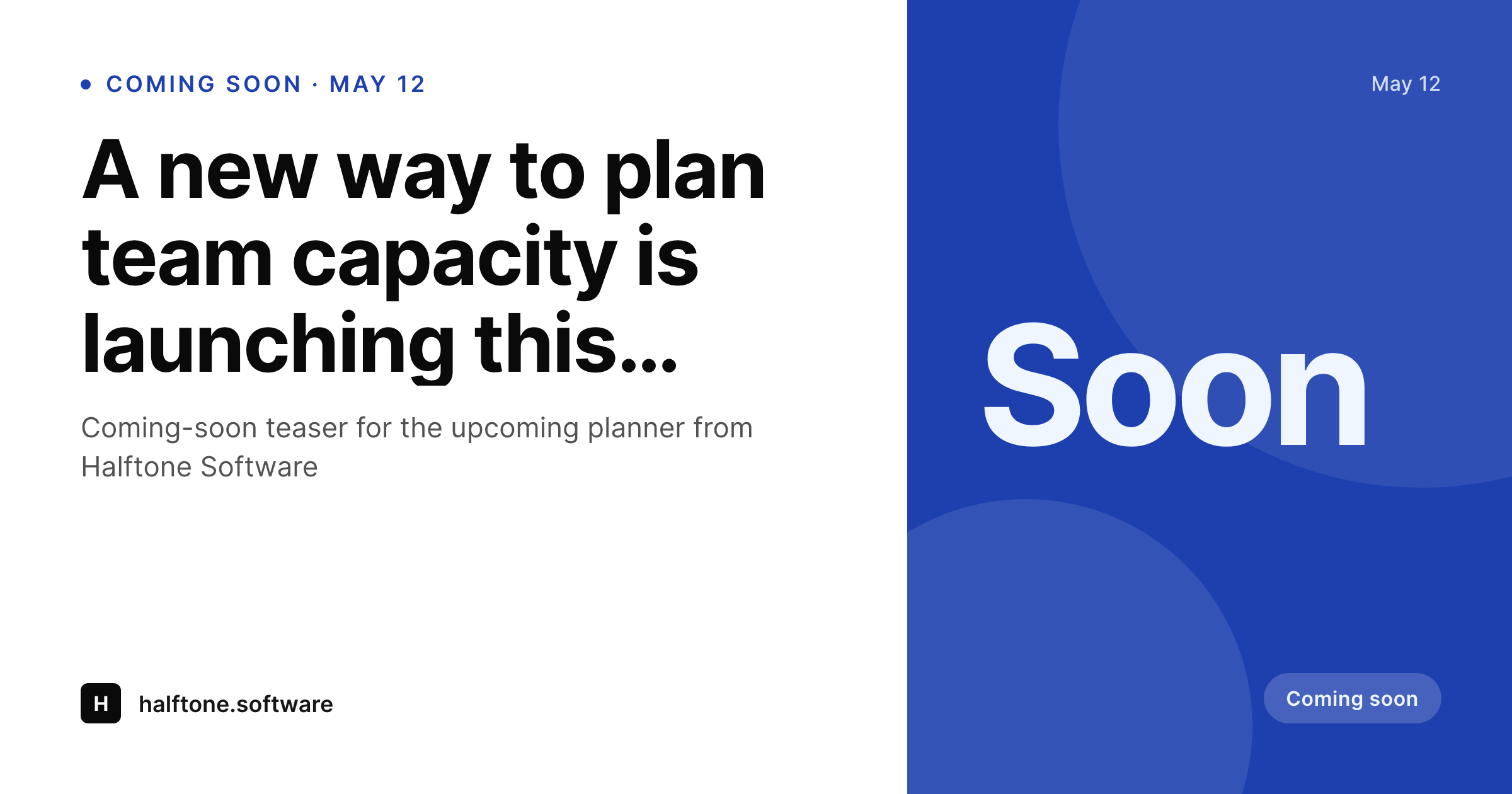
An OG card with the launch date, headline, and brand mark, all assembled from real teaser fields. The template flips to a launched state on the date.
Comparison
Static coming-soon graphics vs rendered ones
Same teaser before and after launch
- Teaser card stays coming-soon after launch unless someone swaps it
- Launch-day swap is a separate task that often gets missed
- Different surfaces drift across the announcement day
- Headline updates require a redraw in a design tool
- Bulk update across a launch archive is unrealistic
SleekPixel
- Launch-date field drives the coming-soon vs launched state
- Single template covers both branches
- Scheduled regenerate flips every teaser at midnight
- OG card, hero, and embed share one template
- Bulk regenerate refreshes the launch archive after a brand update
Features
What SleekPixel gives you for coming soon cards
Date-driven flip
The launch-date field drives the template branch. Before the date the card reads coming-soon, on or after the date it reads launched, no manual swap.
One template, two states
The same template carries both branches. Edit it once and both states refresh together, so the visual identity holds across the transition.
All surfaces together
Register OG, the in-page hero, and any embed size against the same template. Every surface flips at the same midnight.
Use cases
Coming-soon formats this template covers
Product launches
Major product launches with a fixed date. The teaser carries the date until launch, then flips to a launched state on the day.
Feature drops
Big-feature drops inside an existing product. The teaser conveys the upcoming change and graduates into the launch announcement.
Event reveals
Events and venues with a reveal date. The teaser carries the date and venue, then flips to a live state on launch.
The bigger picture
Why coming-soon cards need to graduate on their own
Launches lose a measurable share of their first-day reach to a single dropped task: the social card swap. The team announces the launch on a Monday, the OG card on the launch URL still reads coming-soon at noon, and every reshare in that window of confusion converts at a fraction of the right rate. Static cards cannot fix this because the swap is a manual step that happens at exactly the moment the team is busy with everything else.
SleekPixel makes the graduation structural. The launch date is a field, the template carries both states, and a scheduled regenerate flips every teaser at the start of the day. The teaser URL becomes the launch URL on its own, the social card matches the announcement, and the team gets to spend the day on the launch itself rather than on the choreography of swapping a few PNGs across surfaces.
Questions
Common questions about SleekPixel for coming soon cards
Schedule the bulk regenerate as a daily cron at the start of the local day. The template reads the launch-date field on each teaser and picks the right branch. Anything that crossed midnight flips.
Update the launch-date field on the post. The next render uses the new date and the template returns to the coming-soon branch if the date moved forward.
Yes. Add a launched-headline field on the post. The template references it for the launched branch so the post-launch card can carry richer copy.
The template reads the launch date in the site time zone by default. For global launches, store the date in UTC and let the template normalize per locale.
Yes. Register OG, the in-page hero, and any embed size against the same template. All sizes flip together on the launch date.
Yes. Snapshot the pre-launch render to a separate URL and link it from the launched post. The main URL graduates while the snapshot keeps the announcement context.
Yes. Each teaser post has a Gutenberg sidebar with download buttons for every registered size, always reflecting the current branch.
No. The image is a static PNG written at render time. Visitors load a regular image URL with no compute at view time.
Pricing
More than 1000+
happy customers
Explore our flexible licensing options tailored to your needs. Upgrade your license anytime to access more features, or opt for a lifetime license for ongoing value, including lifetime updates and lifetime support. Our hassle-free upgrade process ensures that our platform can grow with you, starting from whichever plan you choose.
Lifetime ♾️
Most popular
EUR
once
- Unlimited websites
- Lifetime updates
- Lifetime support
...or get the Bundle Deal
and save €250 🎁
💎 Want everything forever? The All Access Pass is going away on 01.08.2026.
The Bundle (unlimited sites)
Pay once, own it forever
Elevate your WordPress site with our exclusive plugin bundle that includes all of our premium plugins in one package. Enjoy lifetime updates and lifetime support. Save significantly compared to buying plugins individually.
What’s included
-
SleekAI
-
SleekByte
-
SleekMotion
-
SleekPixel
-
SleekRank
-
SleekView
€749
Continue to checkoutBrowse more
- YouTube thumbnails
- Facebook group banners
- Rednote (Xiaohongshu) post
- Bandcamp release cover
- Telegram channel cover images
- Facebook cover photos
- Patreon tier images
- Spotify podcast covers
- TikTok ad images
- Threads profile banners
- Pinterest video pin covers
- Instagram carousel slides
- Twitter header banners
- Behance banner
- Bluesky profile banner