






SleekPixel for trend report cards
Every trend report in WordPress renders a card with the edition, the number of trends, the topic, and the brand mark baked in. New editions inherit the layout, and the card communicates the report's shape before the reader clicks through.
♾️ Lifetime License available
Trend reports compete with every other report in the inbox
Trend reports are calendar artifacts. The annual report drops in January, the mid-year update arrives in June, and every analyst in the topic ships their own version inside a four-week window. Readers decide which one to open based on the card and the headline. A card that surfaces the edition number, the trend count, and the topic gives the reader something to grasp. A card that shows only the post title gets scrolled past in favor of a competitor that did the work.
SleekPixel pulls the structure straight from the report record. Edition, year, trend count, and topic chips come from custom fields. The template encodes the brand layout once and renders on every save. A trend report from January and a mid-year update from June end up looking like the same program, which is exactly the signal a serious trend program wants to send.
Older editions can be brought into the current layout with a bulk regenerate after a brand refresh, so the archive stays coherent across years instead of drifting into a museum of past visual identities.
Workflow
From trend research to a card readers recognize
Encode the report template
Register the fields
Publish the report
Refresh the archive
Output
How a trend report card composes
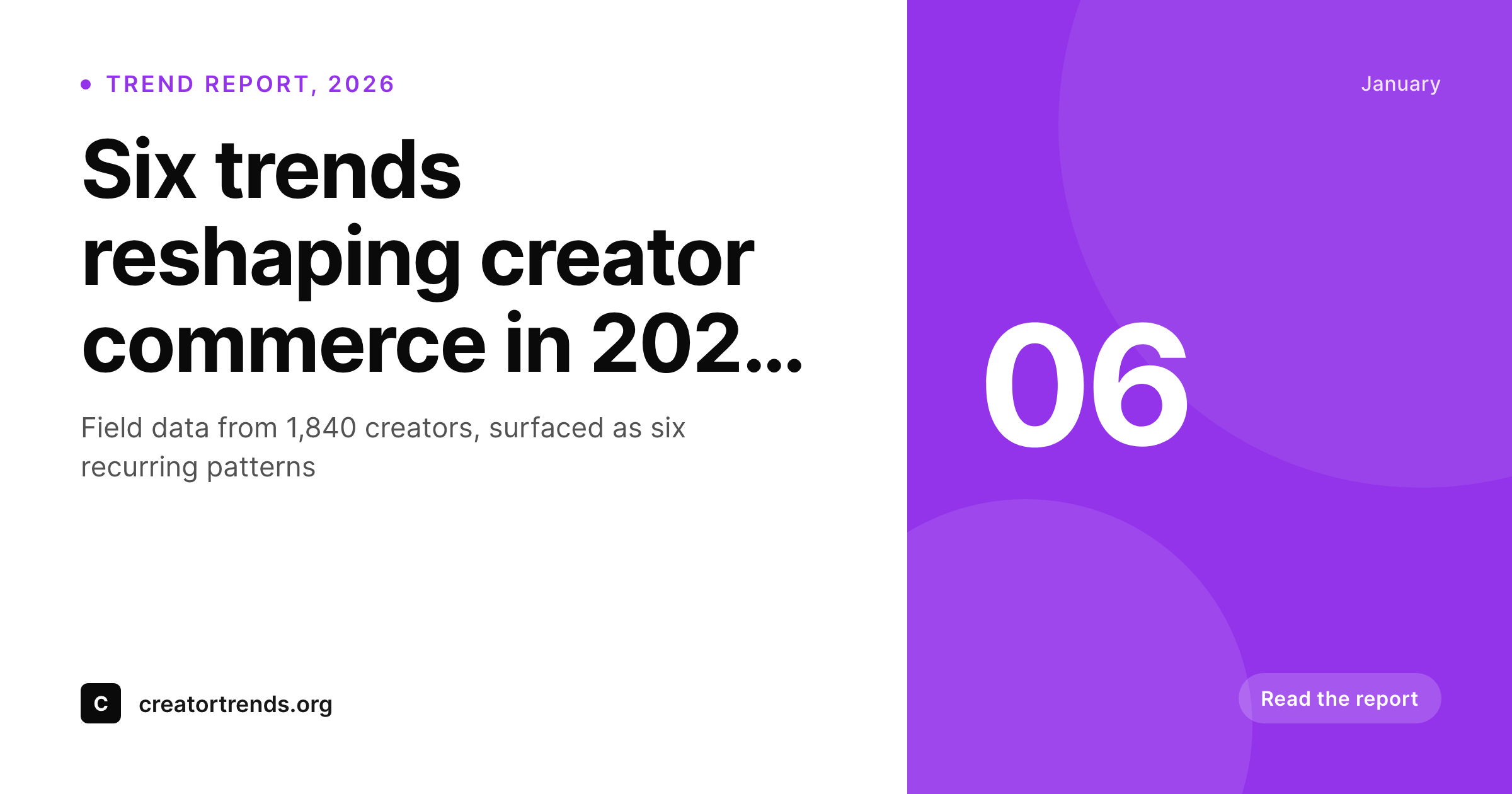
An OG card with the edition, the trend count, the topic, and the brand mark, all drawn from the trend report fields.
Comparison
Default trend report cards image vs SleekPixel
Default trend report cards image
- Edition number is missing from the card, so newer reports look identical to older ones
- Trend count is buried in the body and never makes it onto the share
- Topic chips live in the post layout, not the OG image
- Visual identity drifts between January and June reports
- Brand refresh leaves the archive looking like a different program
SleekPixel
- Edition and year render from real fields, no hard-typed labels
- Trend count chip surfaces the structure on the card
- Topic chips stay consistent across the trend report series
- Bulk regenerate refreshes the archive after a brand update
- Annual and mid-year reports share one template by design
Features
What SleekPixel gives you for trend report cards
Edition stamp
The edition number and year render as a stamp on the card. A reader scanning the archive sees the 2025 report and the 2026 report as distinct artifacts of the same program.
Trend count chip
A small chip with the trend count (six trends, twelve trends, twenty-four trends) gives the reader the report's structure before they click.
Topic chips
Topic taxonomy chips render with per-topic colors. Commerce, creator economy, AI tooling, and product trends all read distinctly on the card.
Use cases
Trend report formats this card supports
Annual trend reports
The January flagship report with twelve or twenty-four trends. The edition stamp and the trend count carry the headline on the image.
Mid-year updates
A June update that revisits the January trends with field data from six months in. The card uses the same edition stamp with an update flag.
Topic-specific reports
One-off reports focused on a single topic (e.g. AI adoption in creator tools). The topic chip leads the card, the trend count supports.
The bigger picture
Why a trend report card matters in a crowded January
Every analyst, agency, and platform ships a trend report in January, and most of them land in the same inboxes during the same four weeks. The reader's filter is brutal. They open three reports, skim them, and quote one in their own writing.
The card is the audition. A card with the edition, trend count, topic, and brand mark visible tells the reader the report is structured. A card with a generic gradient and a vague headline tells them the report is going to be commentary.
The serious reader skips the second. Past the initial filter, trend reports live inside slide decks, internal strategy memos, and follow-on coverage for the rest of the year. The card from the original post gets pasted into those artifacts.
If the card carries the edition and the trend count, those follow-on artifacts stay honest. If the card carries only the title, they require a footnote. SleekPixel keeps the card structural across the full lifecycle of the report, from the January publish to the December retrospective, with no extra design work between waves.
Questions
Common questions about SleekPixel for trend report cards
Yes. The template renders whatever the field holds. A 2026 edition, a Volume IX edition, or a combined label all work as long as the field stores the value. The slot does not impose a format.
The trend count is a field on the post. Six trends, twelve trends, twenty-four trends all render through the same template. The chip renders the actual count without anyone touching the design.
Yes. Map a topic taxonomy term to a chip layer. Each term gets its own color so commerce, AI tooling, and creator economy reports stay visually distinct on the card.
Yes. Edit the trend count field and save the post. SleekPixel re-renders the card so the chip carries the new count. The cache busts on the next request.
Yes. The 2025 report and the 2026 report can share one template with only the edition field changing. That is the typical setup, because the visual continuity is part of the program's signal.
Yes. Register additional template variants for individual trends and render one card per trend. The annual report ends up with one cover card plus one card per trend in the set, all in lockstep.
Yes. Add an update flag to the post type and the template renders with an update band. The mid-year card carries the same edition stamp as the January original so they read as a pair.
Yes. The admin has a one-click bulk regenerate that re-renders every card in the trend report post type. The archive picks up the new layout without manual export from a design tool.
Pricing
More than 1000+
happy customers
Explore our flexible licensing options tailored to your needs. Upgrade your license anytime to access more features, or opt for a lifetime license for ongoing value, including lifetime updates and lifetime support. Our hassle-free upgrade process ensures that our platform can grow with you, starting from whichever plan you choose.
Lifetime ♾️
Most popular
EUR
once
- Unlimited websites
- Lifetime updates
- Lifetime support
...or get the Bundle Deal
and save €250 🎁
💎 Want everything forever? The All Access Pass is going away on 01.08.2026.
The Bundle (unlimited sites)
Pay once, own it forever
Elevate your WordPress site with our exclusive plugin bundle that includes all of our premium plugins in one package. Enjoy lifetime updates and lifetime support. Save significantly compared to buying plugins individually.
What’s included
-
SleekAI
-
SleekByte
-
SleekMotion
-
SleekPixel
-
SleekRank
-
SleekView
€749
Continue to checkoutBrowse more
- Stan Store cover
- Instagram grid tiles
- Threads story-style images
- Facebook event covers
- Douyin thumbnails
- LinkedIn event banners
- Amazon A+ content images
- Facebook Shop product images
- kbin post images
- YouTube thumbnails
- TikTok profile banners
- Lemon8 post
- Bluesky link cards
- Lemmy post images
- X social cards