






SleekPixel for Kit newsletters
Kit (formerly ConvertKit) is the email side. The WordPress mirror handles sponsorship pages, lead magnets, and the long-tail archive. SleekPixel renders a real share image for every mirrored issue so cross-posted links open with a branded card, not a homepage banner.
♾️ Lifetime License available
Kit's rebrand did not change the WordPress-side share-image gap
Kit is the same email infrastructure many creators have used for years under the ConvertKit name, with the same broadcasts, sequences, automations, and Creator Pro features. The rebrand changed the name and the visual identity but not the operational pattern: most serious Kit creators run a WordPress mirror alongside the email tool for sponsorship landing pages, lead magnets, and a long-tail archive that gets indexed and shared externally.
The mirror is where most external link traffic lands. Journalists, podcasters, and roundup writers link to the WordPress version of a creator's writing because URLs are stable and the longer-form context lives there. Each of those links pulls the WordPress OG image. If the OG image is the default theme banner, every external link leaks brand value. The creator's writing earned the link; the share preview undersells what the link is pointing at.
SleekPixel renders the share image on the WordPress side from the mirrored archive post fields. Subject, issue number, free or paid tier, and original send date all become real card content. The mirror starts sharing like a real publication. Kit handles the email and the subscriptions, unchanged. The creator's external surface stops leaking and starts compounding into a polished public face.
Workflow
From Kit send to WordPress mirror card
Mirror Kit issues to WordPress
Build the issue template
Save the mirror post
Share anywhere
Output
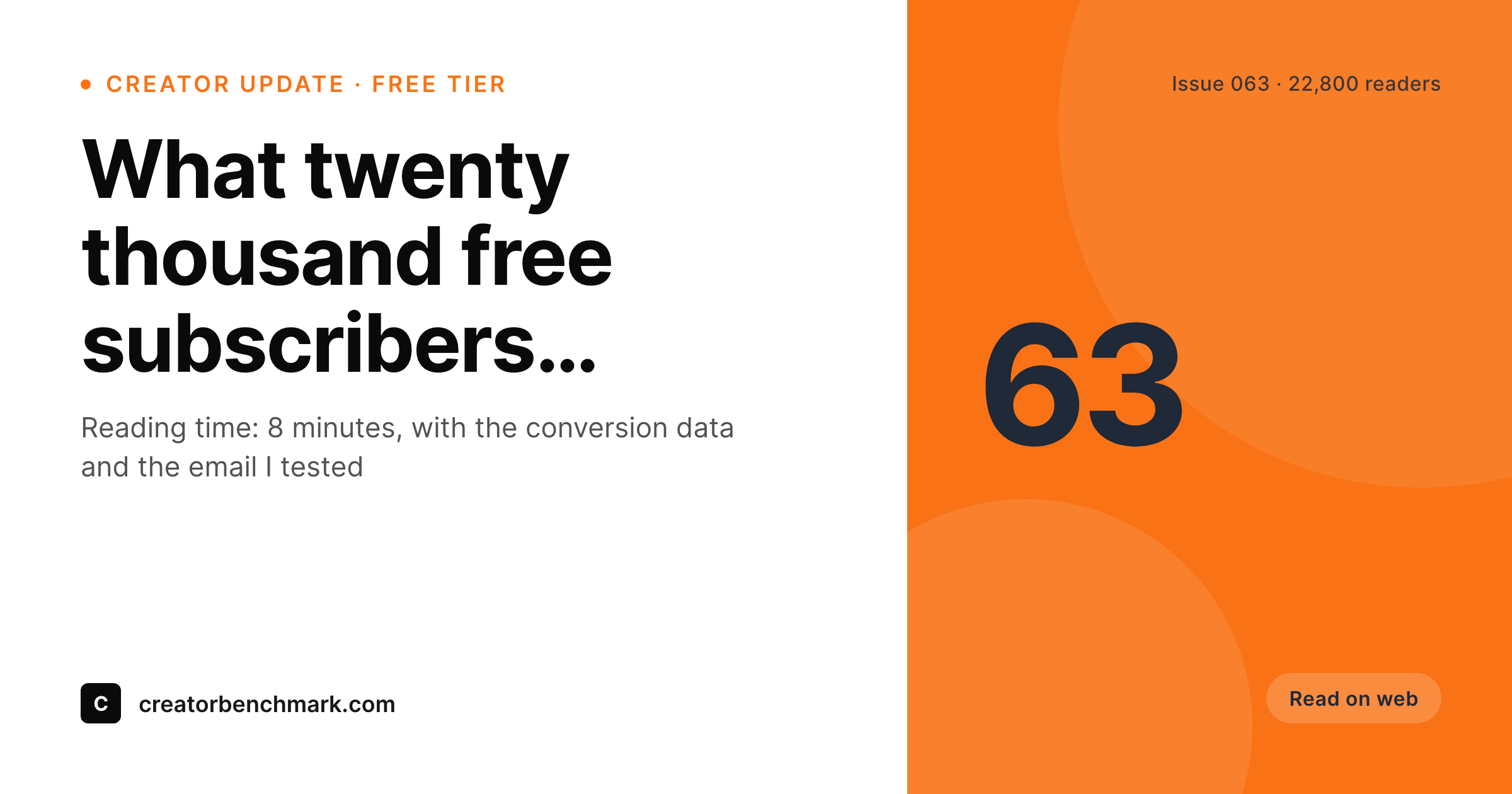
Sample Kit-mirrored issue card
A 1200x630 OG image: issue subject, issue number, tier, original send date, and brand wordmark, rendered from the WordPress mirror post on save.
Comparison
Default mirror OG vs Kit-aware rendering
Default theme OG image
- Mirror archive shares with the homepage banner instead of the issue
- Free and paid tier never reach the share preview at all
- Issue numbers and original Kit send dates go missing on every share
- Manual Canva exports fall behind after the first month
- Rebrands force per-issue rework across the full archive
SleekPixel
- Reads the WordPress archive post for every Kit issue you mirror
- Subject, issue number, tier, and send date render onto the card
- Sponsorship pages and archive issues share the same template family
- Bulk re-render the back catalog after a brand refresh in one pass
- Leaves Kit's hosted email side untouched, only WordPress changes
Features
What SleekPixel gives you for Kit newsletters
Subject-line headlines
The Kit subject line you spent an hour on becomes the card headline on the WordPress mirror. No retyping, no second copywriting pass.
Tier badges
Free issues render one badge, paid Creator Pro issues render another. Readers see what they are clicking into before they hit the paywall on Kit.
Bulk regeneration
After a rebrand or a template refresh, regenerate every archive card in one pass. The mirror stays consistent with the new look.
Use cases
What Kit newsletters generate with SleekPixel
Mirrored issue archive
Every Kit issue mirrored to WordPress shares with a real card. External backlinks and Slack forwards land with subject and issue number visible.
Sponsorship landing pages
Each sponsor page renders a card showing the sponsor, the issue placement, and the audience size. Sales decks open with consistent previews.
Lead-magnet pages
Reports, guides, and bonus content on the WordPress side each render a share card so external distribution lands cleanly.
The bigger picture
Why Kit creators care about the WordPress share surface
Kit creators tend to operate at scale, often with sponsorship revenue that meets or exceeds paid-subscription revenue. The sponsorship side runs almost entirely through the WordPress mirror: sponsor landing pages, audience demographics, case studies, and the archive that sponsors review when evaluating a placement. Every screenshot of those pages, every link a sponsor pastes into Slack, every roundup that quotes a creator's reach is a share preview on the WordPress side.
If the previews are stretched homepage banners, the implied production quality of the publication looks lower than it actually is. Sponsorship rates correlate with perceived production quality more directly than most creators want to admit. The second compounding effect is the long-tail archive.
Kit archives accumulate hundreds of issues over a few years, and external blogs link to those archives for years afterward. Each backlink fires the WordPress OG image. A consistent, branded card across the full archive compounds into a polished long tail that keeps earning impressions long after the initial send.
SleekPixel does the rendering automatically on save, so the publication looks edited at every scale without anyone spending Sunday nights on Canva.
Questions
Common questions about SleekPixel for Kit newsletters
The email tool is the same product under a new name. Broadcasts, sequences, automations, and Creator Pro features still work the way they did. The WordPress integration patterns are unchanged. SleekPixel works the same whether the email side calls itself Kit or ConvertKit.
A webhook on broadcast send, a sync plugin, or a Zapier/Make flow creates a WordPress archive post with subject, excerpt, tier, and date. SleekPixel does not handle the sync; it renders the share image once the WordPress post exists.
Yes. A tier field on the mirror post picks the right template variant. Free issues might render a lighter card, paid issues render a darker variant with a 'members' badge. The selection happens at render time based on the bound field.
Creator Pro features like newsletter referrals and signup forms run inside Kit and do not need WordPress changes. If a referral milestones page lives on WordPress for SEO or for sponsorship reporting, SleekPixel can render a card for that page too.
Yes, if the sequence emails are mirrored to WordPress. Each lesson email in a paid course sequence can have a public archive page with its own share card showing the course, the lesson number, and the reading time.
Yes. A small rounded subscriber-count badge on the card is a common pattern and acts as soft social proof on shares. The number comes from a Kit API call or a manually updated meta field on the archive post.
No. The Kit WordPress plugin handles signup forms and tag-based gating. SleekPixel only renders OG and Twitter meta on archive post pages. The two plugins work together without conflicts.
The WordPress archive and rendered images stay where they are with stable URLs. You update the ingestion pipeline to read the new tool's webhook or feed. Past issues keep their working share previews without any re-render.
Pricing
More than 1000+
happy customers
Explore our flexible licensing options tailored to your needs. Upgrade your license anytime to access more features, or opt for a lifetime license for ongoing value, including lifetime updates and lifetime support. Our hassle-free upgrade process ensures that our platform can grow with you, starting from whichever plan you choose.
Lifetime ♾️
Most popular
EUR
once
- Unlimited websites
- Lifetime updates
- Lifetime support
...or get the Bundle Deal
and save €250 🎁
💎 Want everything forever? The All Access Pass is going away on 01.08.2026.
The Bundle (unlimited sites)
Pay once, own it forever
Elevate your WordPress site with our exclusive plugin bundle that includes all of our premium plugins in one package. Enjoy lifetime updates and lifetime support. Save significantly compared to buying plugins individually.
What’s included
-
SleekAI
-
SleekByte
-
SleekMotion
-
SleekPixel
-
SleekRank
-
SleekView
€749
Continue to checkoutBrowse more
- LinkedIn article covers
- Instagram carousel slides
- Bandcamp release cover
- Flickr cover photo
- Discord event cover
- LinkedIn document post covers
- Behance banner
- Discord server banners
- Instagram Reels covers
- Amazon A+ content images
- SoundCloud track art
- YouTube Shorts cover
- Behance project covers
- X social cards
- Signal sticker pack