






SleekPixel for postmortem cards
Postmortems are LinkedIn artifacts as much as engineering documents. SleekPixel renders one card per postmortem post in WordPress, generated from the retrospective fields on save.
♾️ Lifetime License available
Postmortems are read on LinkedIn before they are read on the blog
A well-written postmortem is one of the strongest pieces of engineering content a team can publish. It signals operational maturity, attracts engineering candidates, and earns trust from prospects whose buying committees include an SRE. Most of that reach happens on LinkedIn, where engineering leaders share the postmortem with a short note, and the share card carries most of the first-impression weight.
The default site og:image undercuts this. A postmortem about a 41 minute latency spike, shared with a thoughtful caption, unfurls as the company logo and a generic tagline. The reader has to do the work of figuring out what the post is about, and the share converts at a fraction of the rate of a card that says incident, duration, and action items in the preview itself.
SleekPixel binds the postmortem card to the post. Incident summary, duration, contributing factor count, and action item count bind to fields. The render fires on publish, writes a 1200x627 PNG sized for LinkedIn, and the post is ready to share with no design step in the way of the publishing rhythm.
Workflow
From retrospective doc to a LinkedIn-ready share card
Design the postmortem template
Configure the postmortem post type
Publish the retrospective
Revise action items if needed
Output
What a generated postmortem card looks like
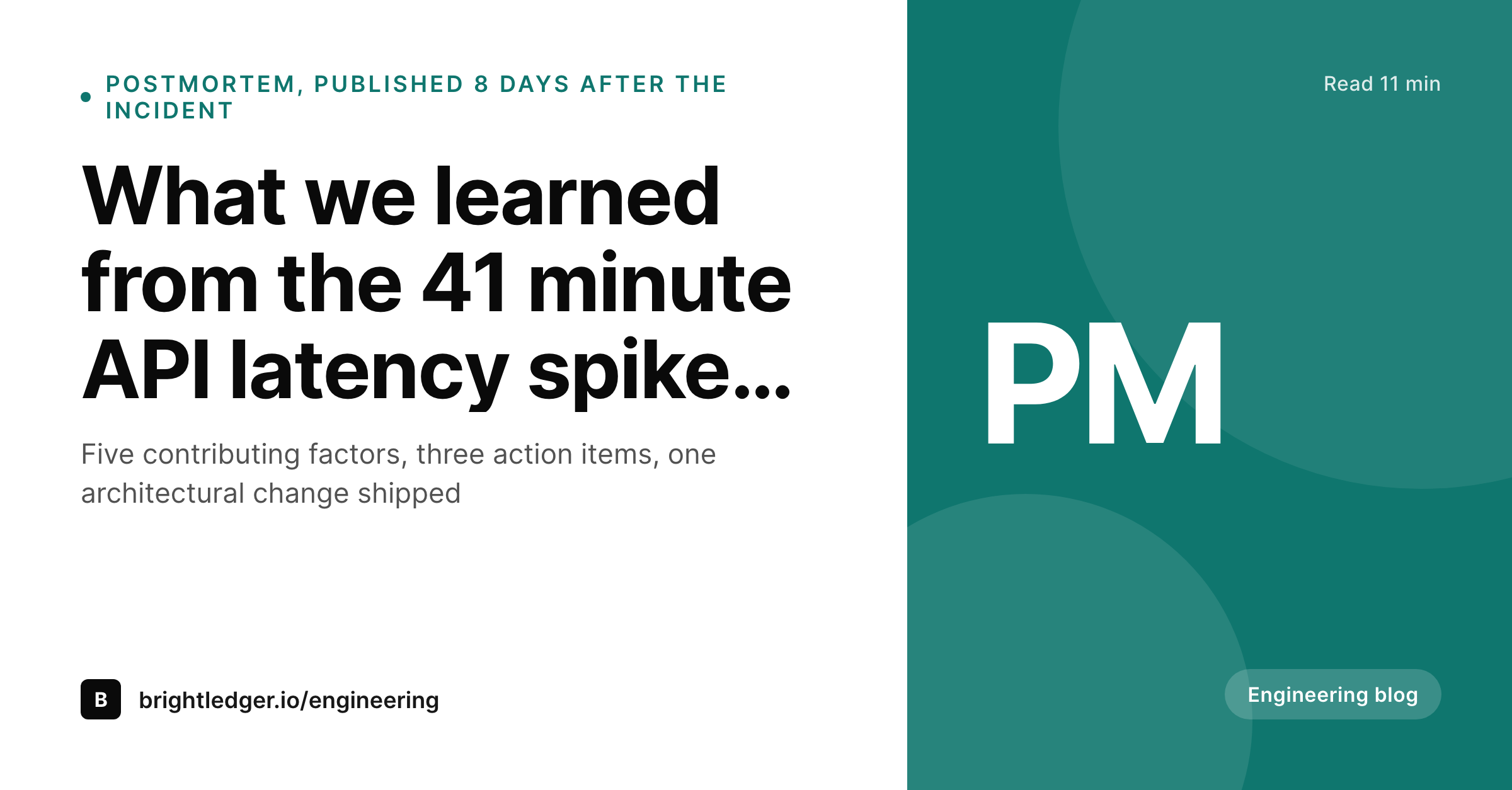
A 1200x627 LinkedIn share image with the incident summary, the impact duration, the contributing-factor count, and the action-item count pulled from the post.
Comparison
Default postmortem image vs SleekPixel
Default postmortem image
- Default site logo unfurl on every postmortem post
- Duration and action item count hidden inside the post
- Engineering team logo and incident metadata not bound to the post
- Designer cycles consumed by one-off postmortem hero images
- No regeneration path when the action items list is revised
SleekPixel
- Render fires on publish for every postmortem
- Incident summary, duration, and action item count from fields
- LinkedIn-sized 1200x627 share asset
- Engineering team or author block can bind to a person taxonomy
- Revisions to the action items regenerate the card
Features
What SleekPixel gives you for postmortem cards
Duration in the share
Bind the duration line to the impact start and end timestamps. The card shows how long the incident lasted, which is the second thing every engineering reader looks for.
Action item count visible
Show the action item count in the card, pulled from a structured field or a repeater. The signal is that the team has follow-through, not just a writeup.
Author or team in the byline slot
Render the engineering team or author photo in a fixed slot. Personalised postmortems travel further on LinkedIn than anonymous company posts.
Use cases
Where postmortem cards earn their keep
SaaS engineering blogs
Teams that publish a postmortem for every SEV2 or above. The card travels with the LinkedIn share and the engineering newsletter cross-posts.
Engineering recruiting funnels
Companies hiring senior infra and SRE roles. Postmortems are reference content that prospective hires read before the first call, and the share card sets the tone.
Open source maintainer teams
Maintainers publishing retrospectives after a security incident or a release rollback. The card carries the project name and the impact summary without manual design work.
The bigger picture
Why postmortems deserve a real share card
Engineering content that signals operational maturity is one of the most under-leveraged surfaces in B2B SaaS. Postmortems specifically work because they are honest, specific, and detailed, and they reach an audience of buyers and candidates who appreciate exactly those qualities. The share card is where that signal compresses to a single tile, and a generic site logo flattens it into a marketing post.
A purpose-built postmortem card with the incident, the duration, and the action item count signals that the team is publishing a real artifact, which is the perception that drives shares, comments, and downstream pipeline. SleekPixel removes the design step from the postmortem workflow, which means the engineering team can keep publishing on the cadence that builds the audience without queuing a creative ticket every time.
Questions
Common questions about SleekPixel for postmortem cards
The card itself is an image, so it does not link. The post page can include a structured backlink to the incident, and SleekPixel can render the incident ID as a tag on the card.
SleekPixel renders for any post status you allow. If postmortems live under a private or password-protected status, the card still renders but the og:image is only served to authenticated requests if configured.
Yes. Add a contributing factor count field on the post and bind it to a template slot. Some teams show factor count and action item count as a paired signal.
Yes. Bind the byline slot to an author array. The template renders the first two authors with photos and a remainder count, or a team name if the post is team-attributed.
Yes. Configure two templates against the same postmortem, a 1200x630 for OG and a 1200x627 for LinkedIn. Both render on save and both are downloadable from the editor.
Same render path, different template. A security postmortem can use a more muted accent and a different label, while still pulling from the same post fields.
SleekPixel runs a headless render on save. For most templates the render completes in under a second, the post save returns normally, and the PNG lands in uploads in the background.
Yes. The admin includes a bulk regenerate action that re-renders every postmortem under a chosen template. Useful after a brand refresh or a layout change.
Pricing
More than 1000+
happy customers
Explore our flexible licensing options tailored to your needs. Upgrade your license anytime to access more features, or opt for a lifetime license for ongoing value, including lifetime updates and lifetime support. Our hassle-free upgrade process ensures that our platform can grow with you, starting from whichever plan you choose.
Lifetime ♾️
Most popular
EUR
once
- Unlimited websites
- Lifetime updates
- Lifetime support
...or get the Bundle Deal
and save €250 🎁
💎 Want everything forever? The All Access Pass is going away on 01.08.2026.
The Bundle (unlimited sites)
Pay once, own it forever
Elevate your WordPress site with our exclusive plugin bundle that includes all of our premium plugins in one package. Enjoy lifetime updates and lifetime support. Save significantly compared to buying plugins individually.
What’s included
-
SleekAI
-
SleekByte
-
SleekMotion
-
SleekPixel
-
SleekRank
-
SleekView
€749
Continue to checkoutBrowse more
- Google Sheets
- Thinkific courses
- Microsoft Excel sheets
- LatePoint bookings
- JetEngine
- Breakdance Builder
- All-in-One WP Migration
- Checkout Field Editor for WooCommerce
- MailerLite emails
- Disqus Comment System
- Yoast Duplicate Post
- GitHub repositories
- Facebook for WooCommerce
- YITH Booking
- beehiiv newsletters
- Discord server banners
- Facebook post images
- Mailchimp email headers
- Mastodon profile banners
- YouTube ad thumbnails
- LinkedIn carousel slides
- Gumroad product covers
- Pinterest shop banners
- Buy Me a Coffee banners
- Telegram bot avatar
- X community banners
- Amazon Storefront banners
- LinkedIn document post covers
- VK community cover photos
- Facebook Marketplace images