






SleekPixel for Breakdance Builder
SleekPixel reads each Breakdance-built post's title, category, and any custom field and renders a custom OG image on save. Breakdance keeps building the page; SleekPixel writes the social meta tags that travel with the URL.
♾️ Lifetime License available
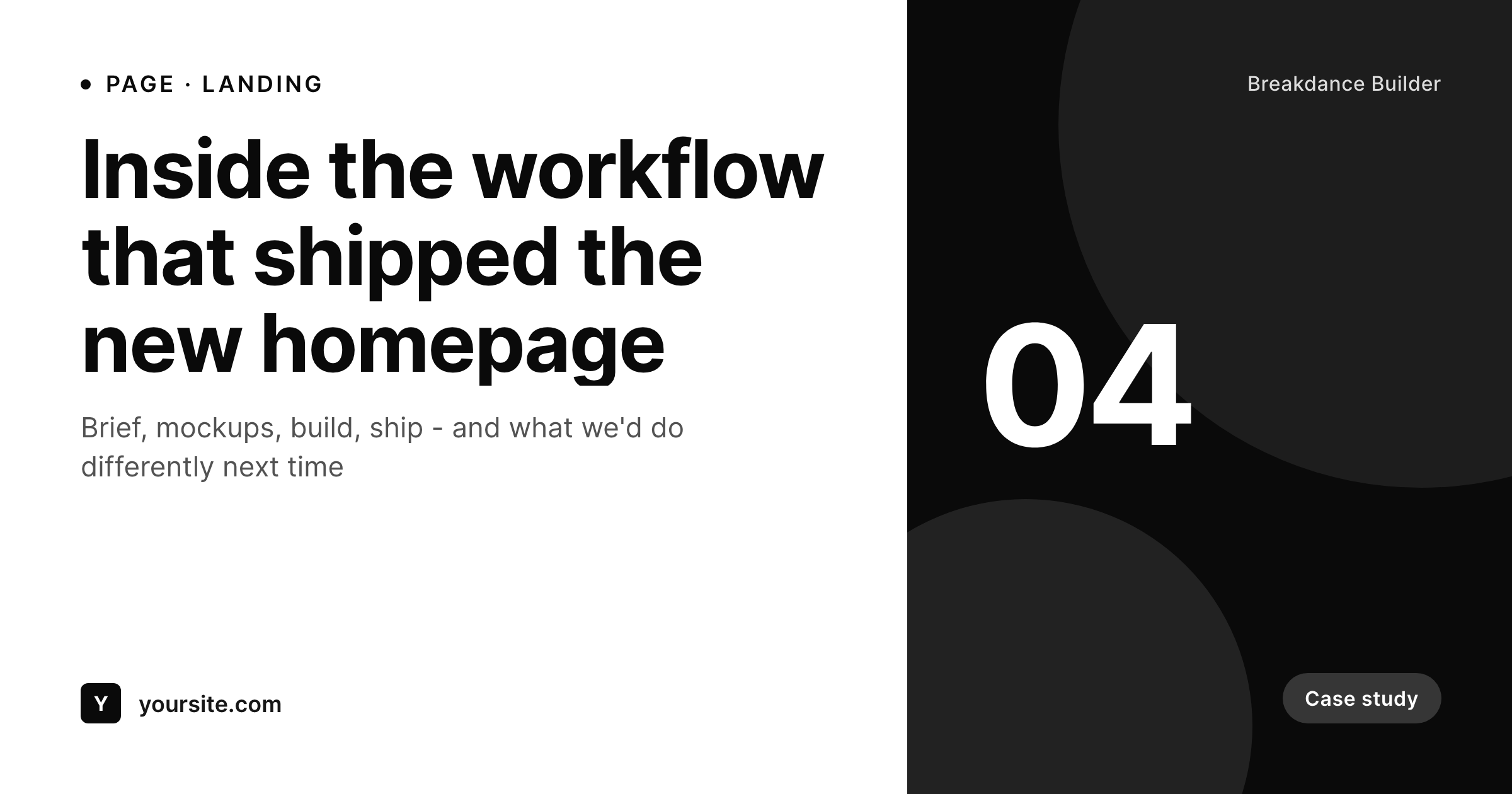
Breakdance handles the page; the share card needs its own system
Breakdance Builder is positioned as a complete builder for WordPress - a single tool that handles header, footer, archives, and individual pages. Pages built with Breakdance can pull from any custom field and any post type, and the visual control is the headline feature. The piece Breakdance does not handle automatically is the social-share metadata - the og:image meta tag that decides what the page looks like when its URL is posted on Twitter, LinkedIn, or Slack.
SleekPixel covers that layer. You build one template in the SleekPixel admin using fields like {post_title}, {category}, and any custom field. Every Breakdance-built page generates an OG image on save. Breakdance handles the visible page; SleekPixel handles the metadata that travels with the URL.
SleekPixel does not change anything about Breakdance itself. They sit at different layers. Breakdance owns the page DOM and styles. SleekPixel writes meta tags into the document head. Edit the SleekPixel template once and every past Breakdance page regenerates with the new social card.
Workflow
From Breakdance page to share-ready in one save
Design the template
Connect to post type
Save the page
Share anywhere
Output
Sample social card for a Breakdance-built page
This card was rendered from the page post's title, category, and accent color. Same template, every Breakdance page.
Comparison
Theme default OG vs SleekPixel
Theme-default site logo on every page
- Every Breakdance page shares with the same site-wide og:image
- Different page types - landing, case study, pricing - look identical when shared
- Updating brand assets means re-uploading the site-wide OG image only
- No per-page signal in the share preview about what the page is
- No automation - per-page cards require manual design and upload
SleekPixel
- Auto-generated OG image per Breakdance page on save, every time
- Pulls from any field on the post - title, category, custom fields, ACF, Meta Box
- Works on every page Breakdance builds without changing Breakdance itself
- Edit the template once and bulk-regenerate every past page
- Lives in WordPress meta tags - no Breakdance template surgery needed
Features
What SleekPixel gives you for Breakdance Builder
Template-driven
Design the social card layout once in the SleekPixel admin with dynamic fields. Every Breakdance-built page inherits it on save.
OG + Twitter meta
SleekPixel writes og:image, twitter:image, and twitter:image:alt directly into the page head - independent of Breakdance's output.
Regenerate on demand
Updated the template after a brand refresh? Bulk-regenerate every Breakdance-built page from the admin in one pass.
Use cases
Where this fits best
Marketing sites built on Breakdance
Landing pages, feature pages, case studies - each gets its own card pulled from the post's custom fields.
Agency client sites
Bulk-generate social cards across the entire site after launch without rebuilding anything in Breakdance itself.
Blogs styled with Breakdance
Per-post cards on the blog while Breakdance handles the article layout - both layers work in their own space.
The bigger picture
Why Breakdance sites need per-page social cards
Breakdance gets chosen by teams who want one builder to cover the whole site - homepage, archives, single posts, headers, footers. Those same teams care about how their pages look in a feed, which is decided entirely by the og:image meta tag, not by the page's layout. Breakdance does not generate per-page social cards automatically; the default behaviour is whatever the theme or SEO plugin sets globally, which makes every page on the site share with the same image.
A per-page card pulling from the post's title and custom fields keeps the share preview as considered as the page itself. SleekPixel handles that layer without forcing any change to Breakdance's render path - it sits beside Breakdance in the document head. Edit the template once, and every page Breakdance builds gets a card that matches.
Questions
Common questions about SleekPixel for Breakdance Builder
No. They operate at different layers - Breakdance renders the page body; SleekPixel writes meta tags into the page head. Both coexist on every Breakdance-built page.
Yes. SleekPixel reads the underlying post's fields - the same fields Breakdance pulls from for its dynamic data. ACF, Meta Box, and custom fields all work as template variables.
Yes. The admin has a one-click bulk regeneration that re-renders all images for posts using the template. Useful after a brand refresh.
Yes. SleekPixel takes precedence and outputs its meta tag last. If you have an SEO plugin setting a per-post og:image, decide which one you want - SleekPixel's template-driven cards typically replace the SEO plugin's manual ones.
No. The image is rendered once at save time and stored as a static PNG. Visitors load a regular image URL - no rendering happens at view time.
Yes. SleekPixel supports per-category, per-tag, and per-CPT templates. Tag pages by type and route each tag to its own template.
The template renders without it. Set defaults per field or design the layout so missing fields collapse gracefully.
Generated images stay in the uploads folder. The og:image meta tag stops being written, so new shares fall back to whatever your theme or SEO plugin outputs.
Pricing
More than 1000+
happy customers
Explore our flexible licensing options tailored to your needs. Upgrade your license anytime to access more features, or opt for a lifetime license for ongoing value, including lifetime updates and lifetime support. Our hassle-free upgrade process ensures that our platform can grow with you, starting from whichever plan you choose.
Lifetime ♾️
Most popular
EUR
once
- Unlimited websites
- Lifetime updates
- Lifetime support
...or get the Bundle Deal
and save €250 🎁
💎 Want everything forever? The All Access Pass is going away on 01.08.2026.
The Bundle (unlimited sites)
Pay once, own it forever
Elevate your WordPress site with our exclusive plugin bundle that includes all of our premium plugins in one package. Enjoy lifetime updates and lifetime support. Save significantly compared to buying plugins individually.
What’s included
-
SleekAI
-
SleekByte
-
SleekMotion
-
SleekPixel
-
SleekRank
-
SleekView
€749
Continue to checkoutBrowse more
- Patreon post thumbnails
- Audible audiobook cover
- Lemon Squeezy product covers
- Klaviyo email banner
- LinkedIn banner images
- Beacons.ai banner
- Snapchat Spotlight covers
- YouTube end cards
- Kindle book cover
- Tidal cover art
- Apple Podcasts covers
- Xiaohongshu cover images
- Depop listing images
- Linktree banner image
- LinkedIn post images