






SleekPixel for Astra theme
SleekPixel reads each post's title, author, category, and any Astra custom layout fields, then renders a branded social card on save. The og:image meta tag is written directly into the head - no Astra child theme edits, no SEO plugin glue.
♾️ Lifetime License available
Astra ships fast pages - your social shares should match
Astra is built around speed and clean defaults, which is why so many WordPress sites run on it. The one gap most Astra sites still have is the social card. Posts ship with a featured image, but the OG image - what shows up in Twitter, LinkedIn, Slack, and WhatsApp previews - is either missing, set to the site logo, or whatever the SEO plugin guessed at.
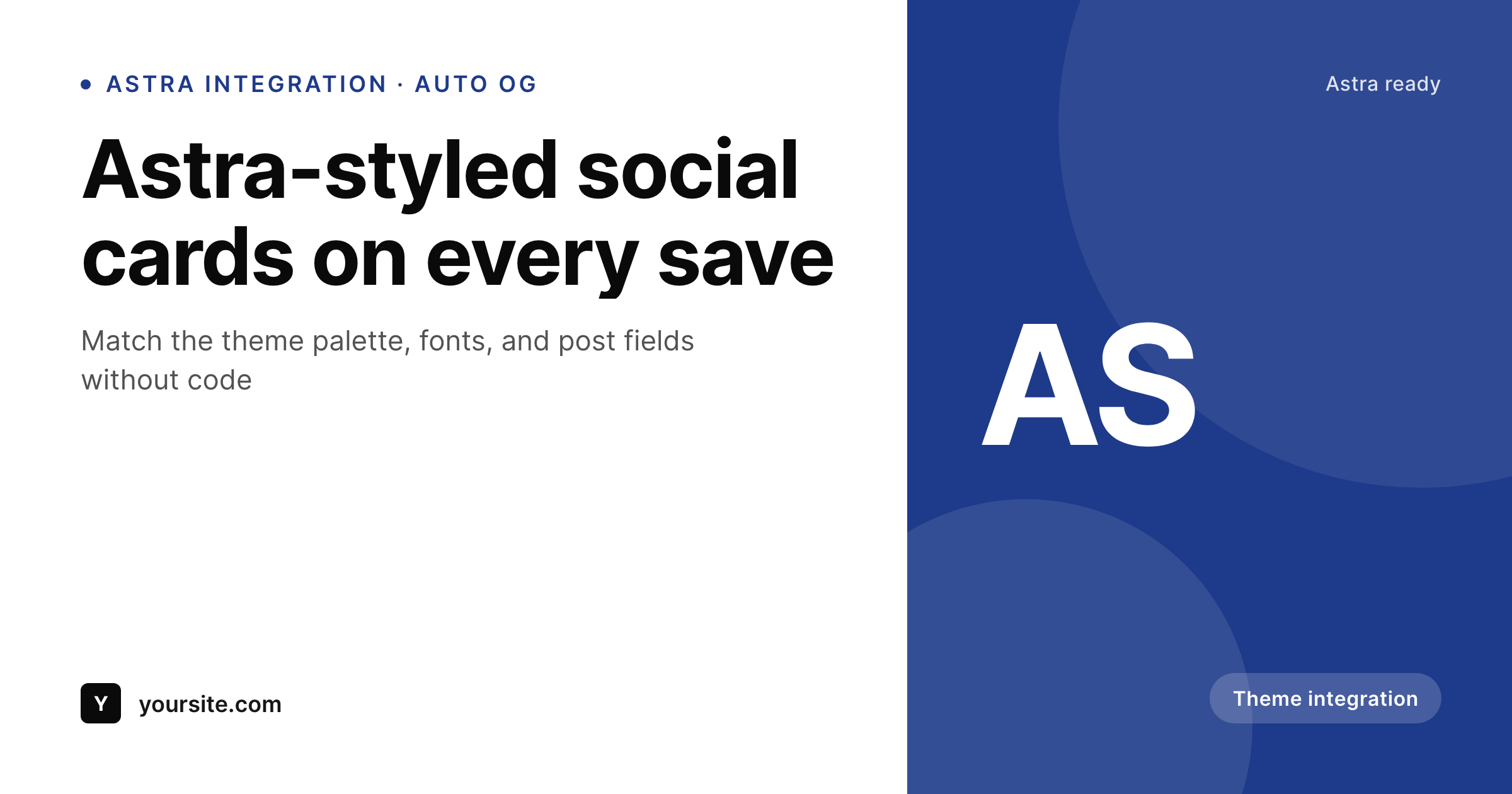
SleekPixel fills that gap without touching your Astra setup. You design one card template in the SleekPixel admin using the same kind of fields Astra exposes - {post_title}, {author_name}, {category}, {astra_meta_above}, custom field placeholders. On every save, SleekPixel renders the template with the post's actual data and writes the result into the og:image meta tag. The Astra page header keeps doing its job; the social card lives next to it.
Astra users tend to care about consistency - matching colors, matching typography, matching component spacing. SleekPixel respects that. Pick the same accent color you use in Astra Customizer, drop in a logo, and every post gets a card that looks like it belongs to your site.
Workflow
From Astra editor to social-ready in one save
Design the template
Pick post types
Save in the editor
Share anywhere
Output
A sample Astra-styled card
Rendered from a post on an Astra site - title, category, accent color from the Customizer palette. Same template, every post.
Comparison
Astra alone vs Astra plus SleekPixel
Astra default share preview
- Astra has no built-in OG image generator - you rely on the featured image
- SEO plugins fall back to the site logo when no featured image is set
- Featured images are designed for the post page, not for social cards
- Updating the brand means re-exporting every featured image manually
- Custom Astra fields (above-title meta, post type meta) never reach the social card
Astra + SleekPixel
- Auto-generated OG image per Astra post on save, every time
- Reads Astra custom layouts and post meta as template variables
- Matches your Astra Customizer palette and font choices
- One template covers posts, pages, and any Astra-registered CPT
- Works alongside Yoast, Rank Math, or SEOPress without conflict
Features
What SleekPixel gives you for Astra theme
Astra-aware template
Drop the same accent color and logo you use in the Astra Customizer. The template renders cards that look like part of your Astra design system.
Clean meta output
SleekPixel writes og:image, twitter:image, and twitter:image:alt into the head. It plays nicely with Yoast, Rank Math, and SEOPress on Astra sites.
Bulk regenerate
Updated your Astra palette? Regenerate every post's social card from the admin in one click. No manual re-export, no per-post fix-ups.
Use cases
Where Astra users see the biggest lift
Astra blogs
Per-post social cards that match the blog's visual identity. Every share looks like it comes from the same publication, with no art direction per post.
Astra + WooCommerce stores
Product cards that pull title, price, and a category badge into a branded social image. Shoppers see real product data in every share preview.
Astra agency sites
Build a card template for the client once. Every new post or service page gets a matching social image without designer time.
The bigger picture
Why Astra sites benefit from a dedicated OG generator
Astra optimizes for fast, clean pages, but social previews are a separate channel that the theme doesn't touch. A reader shares an Astra-built post and the link preview is decided by whatever og:image meta tag the SEO plugin produced - often the featured image cropped awkwardly, or worse, the site logo. That preview is what determines whether the next ten people who see the share in their feed click through.
Generic logos look like spam, and randomly cropped featured images look unprofessional next to posts from sites with proper card designs. Bespoke designing every share by hand is unrealistic above five posts a month. SleekPixel sits between Astra's fast frontend and the social side: one template, designed to match the Astra palette, rendered automatically with each post's real data on save.
The Astra page itself loads as fast as ever, the share preview finally matches the brand, and the editorial workflow gains zero extra steps.
Questions
Common questions about SleekPixel for Astra theme
Yes. SleekPixel runs alongside Astra and Astra Pro without modification. It reads core post data and any meta exposed via the REST API or post meta, including fields registered by Astra Pro layouts.
No. SleekPixel writes og:image after those plugins run, so its image takes precedence. Other meta tags (title, description, canonical) are left to the SEO plugin - SleekPixel only handles the image.
Yes. The SleekPixel template editor accepts hex colors, so paste in the same accent color you set in Astra and the cards match. Logo, font weight, and corner radius are all configurable too.
Astra custom layouts that store data in post meta are accessible as template variables in SleekPixel. Anything registered as a custom field on the post can be referenced as {field_name} in the card design.
No. The image is rendered once at save time and stored as a static PNG. Visitors load a regular image URL - the rendering does not happen at view time, so Astra's page speed scores stay intact.
Yes. Set a separate template for the product post type. SleekPixel pulls product title, price, and any product meta you reference into the card on save.
Yes. The admin has a one-click bulk regeneration that re-renders every post's image with the current template. Useful after a brand refresh or palette tweak.
It stores them. Each generated card is a real PNG saved to the uploads folder. Images survive even if the plugin is later disabled, and page loads stay fast since nothing renders at view time.
Pricing
More than 1000+
happy customers
Explore our flexible licensing options tailored to your needs. Upgrade your license anytime to access more features, or opt for a lifetime license for ongoing value, including lifetime updates and lifetime support. Our hassle-free upgrade process ensures that our platform can grow with you, starting from whichever plan you choose.
Lifetime ♾️
Most popular
EUR
once
- Unlimited websites
- Lifetime updates
- Lifetime support
...or get the Bundle Deal
and save €250 🎁
💎 Want everything forever? The All Access Pass is going away on 01.08.2026.
The Bundle (unlimited sites)
Pay once, own it forever
Elevate your WordPress site with our exclusive plugin bundle that includes all of our premium plugins in one package. Enjoy lifetime updates and lifetime support. Save significantly compared to buying plugins individually.
What’s included
-
SleekAI
-
SleekByte
-
SleekMotion
-
SleekPixel
-
SleekRank
-
SleekView
€749
Continue to checkoutBrowse more
- YouTube playlist covers
- Warpcast frame images
- Open Graph images
- WeChat Moments images
- YouTube banner art
- TikTok cover images
- Bluesky profile banners
- Stan Store cover
- Behance project covers
- TikTok ad images
- Instagram Shop product images
- Shopify product images
- Fanvue page banner
- Notion page covers
- Tumblr header