






SleekPixel for GeneratePress theme
SleekPixel reads each post's title, author, category, and any GeneratePress Elements custom fields, then renders a branded social card on save. The og:image meta tag is written directly into the head - no child theme edits, no extra hooks to register.
♾️ Lifetime License available
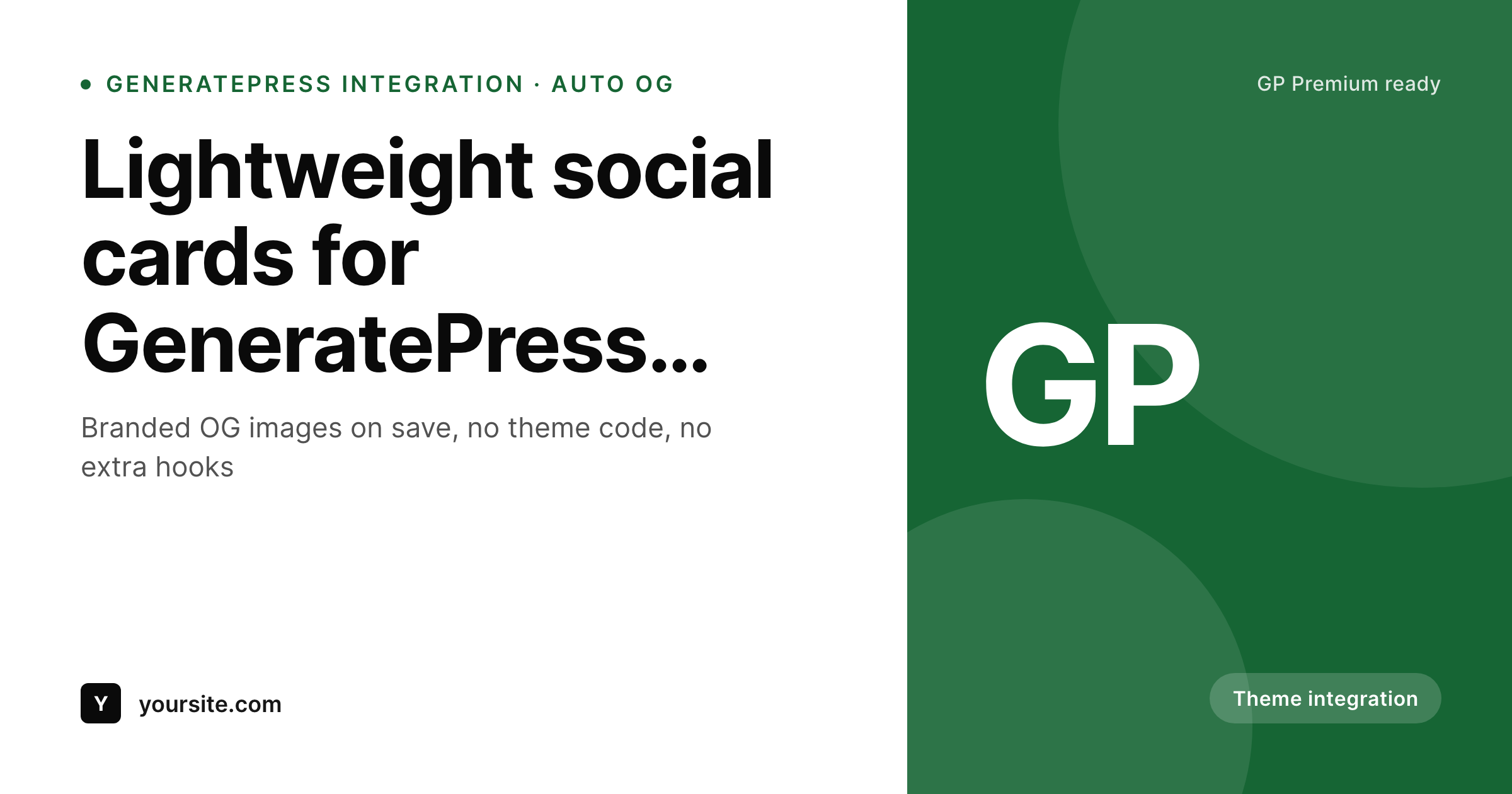
GeneratePress is lean - your social cards should not be the bloat
GeneratePress users pick the theme for a reason: small footprint, fast pages, predictable HTML. The trade-off is that the theme deliberately stays out of areas like social meta - it expects an SEO plugin to handle og:image, and those plugins usually fall back to the featured image or the site logo. The result is share previews that do not match the design effort that went into the rest of the site.
SleekPixel adds the missing piece without breaking the lean approach. You design one template in the SleekPixel admin with dynamic fields - {post_title}, {author_name}, {category}, plus any custom field a GeneratePress Element exposes. On every save, SleekPixel renders the template with the post's real data and writes the resulting URL into the og:image meta tag. No GeneratePress Elements hook to write, no functions.php edits.
The cards themselves are small static PNGs served from your uploads folder. Page speed stays where GeneratePress users expect it. The frontend stays untouched. Only the share preview changes, and now it matches the rest of the brand.
Workflow
From GeneratePress editor to social-ready in one save
Design the template
Pick post types
Save in the editor
Share anywhere
Output
A sample GeneratePress-styled card
Rendered from a post on a GeneratePress site - title, category, and a single accent color matching the GP global colors. Same template, every post.
Comparison
GeneratePress alone vs GeneratePress plus SleekPixel
GeneratePress default share preview
- GeneratePress does not generate OG images - by design
- SEO plugins fall back to the site logo when no featured image is set
- Featured images are sized for the post page, not social cards
- GeneratePress Elements fields never reach the share preview
- Brand updates mean re-exporting every featured image by hand
GeneratePress + SleekPixel
- Auto-generated OG image per GeneratePress post on save
- Reads GP Elements custom fields as template variables
- Matches your GeneratePress global colors and typography
- One template covers posts, pages, and any registered CPT
- Works alongside Yoast, Rank Math, or SEOPress without conflict
Features
What SleekPixel gives you for GeneratePress theme
GP-aware template
Use the same global colors and logo from your GeneratePress setup. The template produces cards that look like part of the same design system, not a bolt-on.
Clean meta, no theme edits
SleekPixel writes og:image, twitter:image, and twitter:image:alt into the head. No GP Elements hook to register, no functions.php to touch.
Bulk regenerate
Changed your GP global colors? Regenerate every post's card from the admin in one click. No per-post manual fix-ups, no designer round-trip.
Use cases
Where GeneratePress users see the biggest lift
GP editorial blogs
Per-post cards that match the blog's clean GP design. Every share preview looks like it comes from the same publication, without per-post art direction.
GP + WooCommerce stores
Product cards that include title, price, and category badge as a branded image. Shoppers see actual product details in every social share.
Agencies on GP
Build a card template for the client once. Every new post or service page gets a matching social image - no designer time per post.
The bigger picture
Why GeneratePress sites need a dedicated OG generator
GeneratePress is opinionated about staying small. The theme does not bundle social meta features, and that is part of why it stays fast and predictable. The trade-off shows up at share time: a reader posts a GP-built article and the link preview is decided by whatever the SEO plugin emitted, usually a cropped featured image or the site logo.
That preview is what determines whether the next ten people who see the share in their feed click through. A logo card looks like spam; a badly cropped featured image looks unprofessional next to sites with proper share designs. Hand-designing every share is unrealistic above a handful of posts a month.
SleekPixel handles this without breaking the GP approach: one template, matched to your GP global colors, rendered automatically with each post's real data on save. The page itself stays as fast as GP users expect, the share preview finally matches the brand, and the editorial workflow does not gain a single extra step.
Questions
Common questions about SleekPixel for GeneratePress theme
Yes. SleekPixel runs alongside GeneratePress and GP Premium. Custom fields registered by GP Elements or external meta plugins are accessible as template variables in the card design.
No. SleekPixel writes og:image after those plugins run, so its image takes precedence. Other meta tags (title, description, canonical) are left to the SEO plugin - SleekPixel only manages the image.
Yes. The SleekPixel template editor accepts hex colors, so paste in the same accent you set in GP global colors and the cards match. Logo, fonts, and corner radius are also configurable.
Anything stored as post meta - including fields used by GP Elements layouts - is accessible as {field_name} in the SleekPixel template. No extra hook code is required.
No. The image is rendered once at save time and stored as a static PNG. Visitors load a regular image URL, so the rendering never happens at view time and GP page speed scores are unaffected.
Yes. Configure a separate template for the product post type. SleekPixel pulls product title, price, and any product meta you reference into the card on save.
Yes. The admin includes a one-click bulk regeneration that re-renders every post's card using the current template. Useful after changing GP global colors or refreshing the logo.
It stores them. Each generated card is a static PNG saved to the uploads folder. Images survive plugin deactivation, and page loads stay fast since nothing renders at view time.
Pricing
More than 1000+
happy customers
Explore our flexible licensing options tailored to your needs. Upgrade your license anytime to access more features, or opt for a lifetime license for ongoing value, including lifetime updates and lifetime support. Our hassle-free upgrade process ensures that our platform can grow with you, starting from whichever plan you choose.
Lifetime ♾️
Most popular
EUR
once
- Unlimited websites
- Lifetime updates
- Lifetime support
...or get the Bundle Deal
and save €250 🎁
💎 Want everything forever? The All Access Pass is going away on 01.08.2026.
The Bundle (unlimited sites)
Pay once, own it forever
Elevate your WordPress site with our exclusive plugin bundle that includes all of our premium plugins in one package. Enjoy lifetime updates and lifetime support. Save significantly compared to buying plugins individually.
What’s included
-
SleekAI
-
SleekByte
-
SleekMotion
-
SleekPixel
-
SleekRank
-
SleekView
€749
Continue to checkoutBrowse more
- Twitch offline banners
- VSCO cover
- Linktree banner image
- LinkedIn post images
- Facebook cover photos
- Instagram carousel slides
- Kick channel banners
- Reddit subreddit banners
- Facebook Marketplace images
- YouTube Shorts cover
- Depop listing images
- SoundCloud track art
- WhatsApp status images
- Audible audiobook cover
- YouTube ad thumbnails