






SleekPixel for ActiveCampaign emails
ActiveCampaign runs deep nurture, sales-aligned automation and CRM-driven email for B2B and high-touch SaaS. When campaigns mirror to a WordPress archive, SleekPixel renders covers that show the automation step, audience and subject from the post fields.
♾️ Lifetime License available
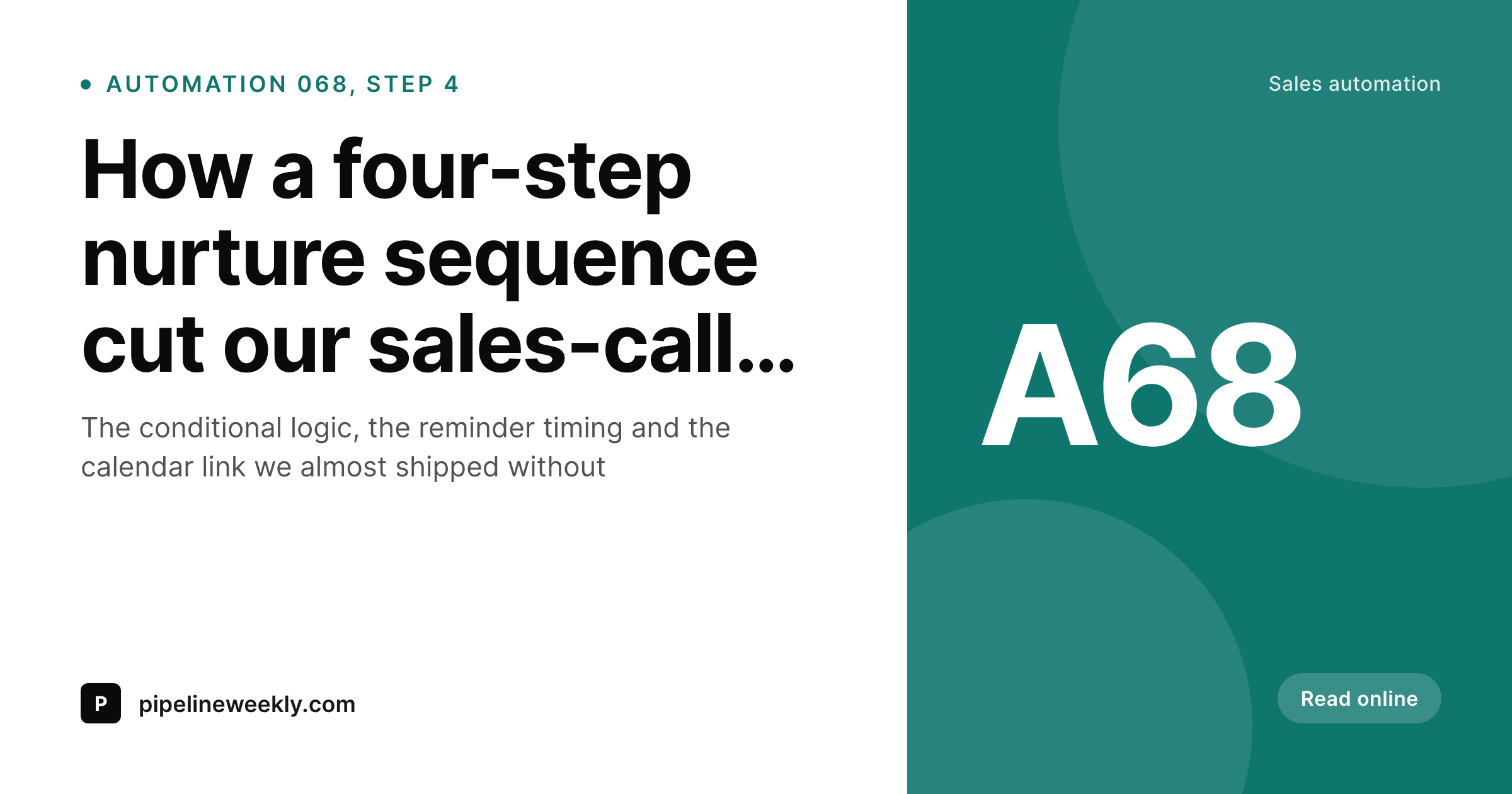
ActiveCampaign automations need an archive presence
ActiveCampaign is the ESP of choice for B2B nurture, agency-driven sales pipelines and high-touch SaaS lifecycle. The platform's reputation rests on the depth of its automation builder, the CRM integration and the conditional logic that lets a campaign branch on lead scores, deal stages and behavioral signals. A serious ActiveCampaign account runs dozens of automations and several broadcast campaigns a week, each with its own subject line, audience and downstream impact.
Teams that publish content alongside their automation work usually mirror their broadcast campaigns and key automation step posts into a WordPress archive. The archive is the canonical public version of the campaign, the URL that gets shared with sales prospects who want to see what the company writes, the link that goes into a referral email from a customer, the page a journalist points to when they cover the brand's content marketing. The first impression at every one of those forwarding points is the OG image on the WordPress archive page.
For most ActiveCampaign-powered brands that OG image is the default theme fallback: a stretched homepage banner or a featured image at the wrong aspect ratio. SleekPixel reads the archive fields and renders a real cover on save. Subject line takes the headline, automation or campaign number sits in the version slot, audience or segment comes through as a badge. The og:image meta tag updates automatically. The archive starts to share like a publication, not a blog accident, which matters for B2B brands whose pipelines depend on demonstrating that the company writes thoughtfully and ships polished work.
Workflow
From ActiveCampaign automation to social-ready archive
Design the cover template
Mirror the campaign
Share the archive URL
Edit and re-render
Output
What an ActiveCampaign archive cover ships with
A 1200 by 630 PNG: automation or campaign number, subject line, send date and audience, rendered from the archive fields on save.
Comparison
Default ActiveCampaign archive share vs SleekPixel
Default ActiveCampaign archive image
- Theme falls back to the homepage banner on every archived campaign
- Broadcasts and automation step posts share with identical defaults
- Audience-segment differences never come through visually
- Featured images get cropped wrong on LinkedIn and Slack previews
- Manual cover art falls behind during long automation revisions
SleekPixel
- Render fires on save for every archived ActiveCampaign post
- Subject, automation step and audience pulled from existing fields
- og:image and twitter:image written automatically
- Per-segment templates for broadcasts, automations and CRM-linked sends
- Bulk re-render the catalog when the brand or audience strategy evolves
Features
What SleekPixel gives you for ActiveCampaign emails
Automation-aware
Automation step number, branch path and trigger context render onto the cover. Long nurture series stay legible at the share-preview layer.
Audience templates
Broadcasts, automation steps and CRM-linked sends each pick their own cover layout from the segment or contact-list field on the post.
Edits regenerate
Subject revisions during the A/B test cycle, automation rename or audience swap, the next save re-renders the cover. The archive stays current.
Use cases
Who uses SleekPixel for ActiveCampaign emails
B2B SaaS marketing teams
Deep nurture sequences and CRM-aligned broadcasts mirror into the public archive. Sales-facing shares open with the actual playbook context.
Agencies running client automations
Agencies use ActiveCampaign for many clients. Per-client cover templates render automatically from the mirrored archive, no design work per send.
High-touch coaching businesses
Coaches and consultants running long nurture flows in ActiveCampaign archive each step to WordPress. Public shares carry the right cover for each step.
The bigger picture
Why ActiveCampaign brands need archive covers that match the depth
ActiveCampaign's strength is depth: deep nurture flows, deep segmentation, deep CRM ties. The campaigns that come out of it are typically thoughtful and well-structured, which is exactly why letting them share on the web with a default homepage banner is so wasteful. The brand has invested in the email body, the automation logic and the audience strategy, and then the first impression at every share point is a default that contradicts all of that effort.
The cover preview is the public proof point that the brand executes carefully end to end, and a generic preview signals the opposite no matter how good the email body actually is. The second reason is B2B sales context. ActiveCampaign-powered B2B brands send campaign URLs to sales prospects, share them with partners and reference them in proposal emails.
Each of those touches is a chance to demonstrate that the company ships polished work. A branded share cover with the right audience or playbook label communicates that competence in the first second of attention. SleekPixel makes that the default state of every archive page because rendering happens automatically from the data the campaign already carries.
Questions
Common questions about SleekPixel for ActiveCampaign emails
The CRM lives inside ActiveCampaign and tracks contact-level interactions; SleekPixel runs on the WordPress side and only reads archive post fields. CRM context can reach the cover if your import flow stores deal stage, lead score or contact tag as a custom field on the post. The template can then render that context onto the cover.
Three common patterns: ActiveCampaign webhook into a custom wp-json endpoint that creates a post per automation step send, Zapier from an automation trigger, or a manual mirror of selected key steps. SleekPixel reads the resulting WordPress fields regardless of route.
Yes, if the step number is stored as a custom field on the archived post. Most automation-mirroring webhooks include this in the payload because it is the most useful piece of context for downstream readers. The cover template renders it in a small slot.
Site tracking and event data stay inside ActiveCampaign for personalization and segmentation. SleekPixel does not consume that data. The archive cover renders from whatever fields land on the WordPress post; site-tracking context only reaches the cover if your integration explicitly copies it onto the post.
Yes. Segments are typically tagged on the archived post as a custom field or taxonomy. The template router picks a matching cover layout per segment. Common setups have three to six layouts: broadcasts, nurture steps, sales follow-ups, customer education and re-engagement.
No. ActiveCampaign's open, click and conversion tracking happens inside their platform via tracked URLs and pixel events in the sent email. SleekPixel only touches the OG image meta on the WordPress archive page. The two layers do not overlap.
Yes. Each client typically has its own WordPress site or its own subsite in a multisite. Each site gets its own SleekPixel template configuration. Agency-side scripts can roll out template updates across client sites; the cover always renders from the post fields on whichever site owns the archive.
Yes. Run the bulk re-render command and every existing archive post renders with the new template using its existing fields. A multi-year archive of weekly broadcasts and nurture-step posts usually completes in minutes.
Pricing
More than 1000+
happy customers
Explore our flexible licensing options tailored to your needs. Upgrade your license anytime to access more features, or opt for a lifetime license for ongoing value, including lifetime updates and lifetime support. Our hassle-free upgrade process ensures that our platform can grow with you, starting from whichever plan you choose.
Lifetime ♾️
Most popular
EUR
once
- Unlimited websites
- Lifetime updates
- Lifetime support
...or get the Bundle Deal
and save €250 🎁
💎 Want everything forever? The All Access Pass is going away on 01.08.2026.
The Bundle (unlimited sites)
Pay once, own it forever
Elevate your WordPress site with our exclusive plugin bundle that includes all of our premium plugins in one package. Enjoy lifetime updates and lifetime support. Save significantly compared to buying plugins individually.
What’s included
-
SleekAI
-
SleekByte
-
SleekMotion
-
SleekPixel
-
SleekRank
-
SleekView
€749
Continue to checkoutBrowse more
- compliance update cards
- guest post card
- benchmark report cards
- before-after comparison images
- did-you-know card
- product update images
- case study cards
- office hours card
- office opening card
- case study quote cards
- founder letter card
- press release
- coming soon cards
- transparency report card
- session recap cards
- Reddit subreddit banners
- Lemmy post images
- SoundCloud banner
- Amazon A+ content images
- WhatsApp status images
- Telegram bot avatar
- LINE official account banners
- Fansly banner
- Threads story-style images
- Ko-fi banners
- KDP hardcover cover
- Tidal cover art
- Farcaster cast images
- LinkedIn showcase page banners
- Telegram channel cover images