






SleekPixel for nonprofit
Donor stories, field reports, fundraisers and event pages all live in your nonprofit WordPress site. SleekPixel renders matching OG images on save so every share looks like the organization, not a stretched logo.
♾️ Lifetime License available
Nonprofit comms run on a small team
Most small and mid-sized nonprofits run their site on WordPress with one or two people in the comms role. The same person writes the email appeal, posts the field update, manages the events page, and answers media questions. Design support is volunteer or contracted. The blog has dozens of donor stories and field reports, but only a handful of them have decent OG images, because making one is a separate task that gets skipped when the calendar gets tight.
The cost of skipping it is real. A donor opens an email, taps through to a story, then forwards the link to a board member. The board member opens it on a phone, sees a generic preview with no image, and the story loses some of its weight. A journalist covering a campaign embeds the link in a piece, and the embedded preview is a stretched homepage logo because the post never had a featured image at the right size. Every missing share image is a missed handshake.
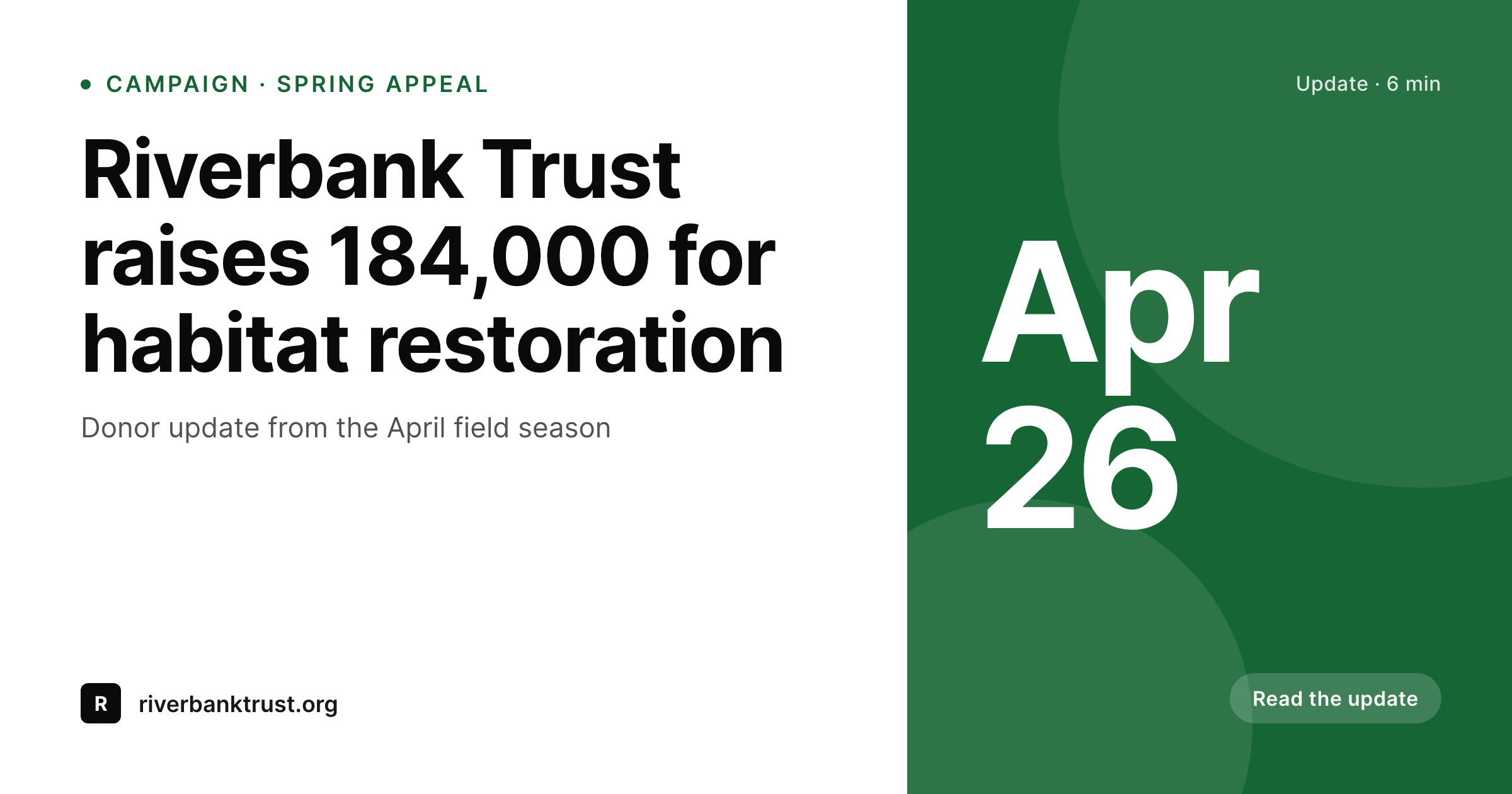
SleekPixel reads the campaign post on save - title, date, fundraising total from a custom field, lead photo, program tag - and renders an OG image using one template. The comms person never opens a design tool. Field reports, event announcements, donor profiles and policy briefs all share with consistent branding. The hours that used to go into the export queue go back into the work itself.
Workflow
From post to shareable update
Set the brand template
Map your post types
Publish the update
Share through every channel
Output
What ships with every campaign post
A 1200 by 630 OG image: campaign headline, organization mark, total raised, and date - ready for newsletter links, board emails and press embeds.
Comparison
Manual exports vs auto-generated campaign art
Volunteer designer / Canva
- Comms staff wait on a volunteer designer for each campaign post
- Older donor stories have no share image at all, links share blank
- Brand colors and logo placement drift across years of posts
- Event pages compete with the homepage for a featured image slot
- Annual report links share without any visual anchor in email
SleekPixel
- Every post type renders the right share image on save
- Total raised, date and program tag pull from existing fields
- One template enforces brand consistency across years of content
- Bulk re-render the back catalog when the visual identity updates
- Manual download for one-off social posts and printed flyers
Features
What SleekPixel gives you for nonprofit
Donor stories ready to share
Every profile post saves with a portrait-led OG image, name, program and date - donors and journalists see real branding, not a stretched logo.
Event share previews
Date, location and registration link render onto event posts so emails and social shares pick up the right details automatically.
Fundraising totals on screen
Read the running total from a custom field and put it on the share image. Updates feel current because the number is current.
Use cases
What nonprofits generate with SleekPixel
Field updates
Quarterly field reports save with a banner showing program, region and reporting period. Board members open the email link to a real card.
Donor and beneficiary stories
Profile posts share with a portrait, name and program tag. Stewardship emails forward without stripping the visual.
Galas and events
Event pages produce share images with date, venue and registration deadline. Attendees forward the link without losing the details.
The bigger picture
Why share images matter for nonprofit credibility
Trust is the working currency of a nonprofit. Donors give because they recognize the organization and feel the work is real. The visual texture of a share preview - a clear logo, a relevant photo, a readable headline - is part of that recognition.
When a board member forwards a link to a colleague and the preview is broken or generic, it does not announce the organization, it dilutes it. Multiply that by every email a development team sends and the cumulative effect on perceived professionalism is large. The second reason is reach.
Earned media still moves the needle for nonprofits, and journalists embed links into stories without rebuilding the preview. If the share image is missing, the story runs without a visual hook in the social rollout. The post that should have brought a hundred new donors brings ten.
SleekPixel removes the manual step that fails first under deadline pressure. Every campaign update, donor profile and event page ships with a real share image because rendering happens on save, not as a separate design task. The comms team gets to spend its hours on the writing, the relationships and the donor calls, not on the export queue.
Questions
Common questions about SleekPixel for nonprofit
Yes, if the total is stored in a custom field on the campaign post. Many nonprofits already track it in ACF or in a third-party donation plugin like GiveWP. SleekPixel reads whichever field holds the number and renders it onto the image. Update the post, the image updates with the new total.
It works with any donation plugin that stores data in standard WordPress fields or post meta. SleekPixel does not integrate with their dashboards directly, but the post and field data those plugins expose can be referenced inside the template. Most setups use a custom field that mirrors the running total.
Yes. The whole point is that comms staff and volunteers do not need to open a design tool. They write the post in WordPress as usual. The template, set up once by a designer or contractor, handles the rendering automatically. The Gutenberg sidebar is the only design-adjacent surface and it is a download button.
The image itself is a static PNG, like any other image on a website. SleekPixel respects the alt text you set on the post or featured image, which is what screen readers announce. The share preview on Twitter, LinkedIn and email clients is decorative for screen readers; the headline and description are still read aloud as text.
SleekPixel does not run experiments by itself. You can create template variants - urgent appeal vs gratitude tone, for instance - and switch them via a custom field per campaign. Track open rates and click-throughs in your existing email and analytics tools. The plugin handles the rendering, your stack handles the measurement.
On busy campaigns, the team posts a daily update with the latest total and a story from the field. SleekPixel renders the image on every save, so daily posts share with current numbers. The render is fast enough that posting a dozen updates in a day does not slow anyone down.
The Gutenberg sidebar offers a download button that exports the rendered image at full resolution. For print-grade output you would still want a designer for layout, but SleekPixel can produce the cover graphic, the section headers and the social tiles that get reused across web and print.
Each translation of a post is a separate post in WordPress. SleekPixel renders an image per translation using whichever fields and language are on that post. The English campaign update and the Spanish translation each get their own share image, both branded the same way.
Pricing
More than 1000+
happy customers
Explore our flexible licensing options tailored to your needs. Upgrade your license anytime to access more features, or opt for a lifetime license for ongoing value, including lifetime updates and lifetime support. Our hassle-free upgrade process ensures that our platform can grow with you, starting from whichever plan you choose.
Lifetime ♾️
Most popular
EUR
once
- Unlimited websites
- Lifetime updates
- Lifetime support
...or get the Bundle Deal
and save €250 🎁
💎 Want everything forever? The All Access Pass is going away on 01.08.2026.
The Bundle (unlimited sites)
Pay once, own it forever
Elevate your WordPress site with our exclusive plugin bundle that includes all of our premium plugins in one package. Enjoy lifetime updates and lifetime support. Save significantly compared to buying plugins individually.
What’s included
-
SleekAI
-
SleekByte
-
SleekMotion
-
SleekPixel
-
SleekRank
-
SleekView
€749
Continue to checkoutBrowse more
- Tumblr header
- YouTube thumbnails
- TikTok ad images
- Snapchat Spotlight covers
- Snapchat snap images
- LinkedIn article covers
- Odnoklassniki banners
- Bluesky link cards
- Apple Podcasts covers
- Mailchimp email banner
- Facebook cover photos
- Instagram feed posts
- Behance banner
- GitHub social preview images
- Depop listing images