






SleekPixel for membership site
Module titles, release dates and instructor names already live on your MemberPress, Restrict Content Pro or Paid Memberships Pro site. SleekPixel renders branded share images for every release post and public teaser, on save.
♾️ Lifetime License available
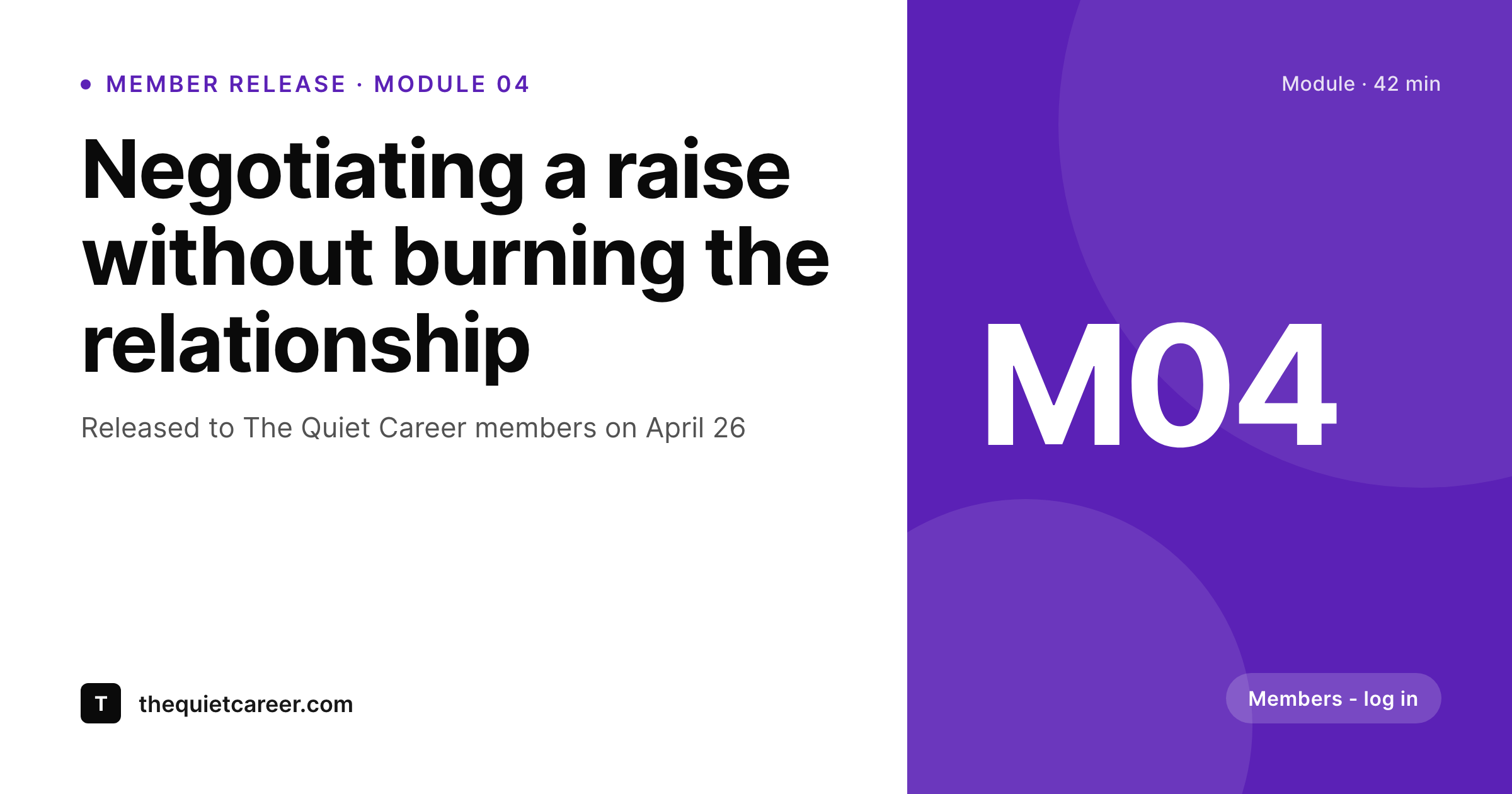
Membership content has two visual surfaces
A membership site has two faces. The inside is the gated content - modules, lessons, archives, member-only essays - that paying members log in to consume. The outside is the public marketing surface - the homepage, the blog, the public teaser posts, the testimonials, the upgrade pages - that turns visitors into members. Both faces need branded visuals, but for different reasons. Inside, the visuals signal that the membership is current and well-run. Outside, they sell the joining decision.
The standard setup splits the work across tools. The inside is built in MemberPress or Restrict Content Pro. The marketing site is WordPress with a theme. The art is made in Canva for blog posts, in Figma for the upgrade page, by a freelancer for new module releases. Each surface ages differently. The blog OG images go stale, the upgrade page graphic gets six months out of date, the member release announcements share with broken previews. New visitors land on the public side and the visual cohesion that signals 'real, ongoing membership' is missing.
SleekPixel runs on the WordPress install that already powers both surfaces. The same template renders share images for member release posts, public blog content, upgrade landing pages and member testimonials. Module titles, instructor names and release dates pull from the fields the membership plugin already exposes. The site looks like one product because everything is rendered from one template, on save.
Workflow
From release post to mixed-audience share
Set the brand template
Map post types
Schedule the release
Email and share
Output
What ships with every release
A 1200 by 630 OG image: module title, release date, instructor and brand mark - ready to share when teaser links go out to non-members.
Comparison
Mixed tools vs one rendering pipeline
Canva + freelancer
- Module releases share with stretched homepage logos when teasers go public
- Upgrade page graphics get out of date six months after the freelancer ships
- Brand drift between member-only releases and public blog posts
- Member testimonial pages share without a face or quote in the preview
- Each new instructor onboarding requires a fresh round of art exports
SleekPixel
- Member release posts and public blog share images render from one template
- Module title, instructor and date pull from membership plugin fields
- Upgrade landing pages and pricing pages get matching share previews
- Testimonials render with member name, role and quote on the share card
- Bulk re-render the entire library when the brand evolves
Features
What SleekPixel gives you for membership site
Member-aware templates
Member-only release posts render with a 'members only' badge; public teasers render the open call. One template, two states.
Release schedules
Module release dates pull from the post and render onto the share image. Email links open with the current week's release, not last month's.
Instructor and member faces
Headshots from the user profile slot into the template so each release feels personal, not anonymous.
Use cases
What membership sites generate with SleekPixel
Module releases
Each new module post shares with title, instructor and release date. Member emails forward with a real preview, not a bare URL.
Public blog teasers
Free blog posts share with branded OG images that match the membership identity, drawing visitors into the funnel without breaking the look.
Testimonials and case studies
Member success stories render with portrait, role and short quote. Useful for upgrade pages and email campaigns.
The bigger picture
Why visual cohesion converts visitors to members
Joining a paid membership is a trust transaction. The visitor is asked to put a card on file for ongoing access to a thing they cannot fully evaluate from the outside. Everything they see in the public surface either reinforces or weakens the case that the membership is a serious, ongoing operation.
Visual cohesion across blog posts, teaser content, testimonials and upgrade pages is one of the strongest signals that the operator is consistent and present. A site whose share previews look like five different freelancers contributed reads as patchwork even when the content is excellent, and conversion suffers in proportion. The second reason is retention.
Existing members get most of their email links from inside the membership platform, but those links travel - shared with a colleague, forwarded to a partner, mentioned in a community thread. Each of those moments is also a recruitment opportunity, and the share preview is the first thing a non-member sees. A clean, current, branded card communicates that the membership is alive and that joining means access to something real.
SleekPixel makes that branding a property of the post, rendered on save, so it is always current without ongoing manual work. The operator gets to focus on the content and the community, not the export queue.
Questions
Common questions about SleekPixel for membership site
Yes. All three plugins expose post status and member access via standard WordPress hooks and fields. SleekPixel reads whichever fields hold module title, release date and instructor - whether they are native to the membership plugin or layered on with ACF. The plugin does not gate the rendered image itself; it respects whatever access rules the membership plugin enforces on the post.
Yes, and this is often desirable. The post is gated, but the share preview shows a teaser version that non-members see when a member forwards a link. The template can render a 'Members only' badge on those previews so it is clear what is behind the wall. Acts as a soft funnel without exposing the gated content.
Renders run in the background after save. A launch with a hundred members refreshing the new release does not pile up a render queue, because the image was rendered when the instructor saved the post hours or days earlier. The PNG sits in uploads ready to go.
Yes. If your membership has tiers - basic, pro, founder - you can build template variants per tier and switch them via a custom field on the release post. The basic-tier release renders with one accent, the pro-tier with another, while staying within the same brand system.
Indirectly. Email tools read the post URL and pull the OG image when generating link previews in the email body. SleekPixel renders that OG image on save, so by the time the email goes out the preview is correct. The plugin does not push images to email tools directly, but it makes the URL share with the right image.
Cohort posts can render with cohort dates, instructor and capacity remaining if you store those values as custom fields. As enrollment fills, the field updates and the next save re-renders the image with the latest count. Useful for limited-spot launches.
If the membership site exposes member profile pages, SleekPixel can render share images for those profiles - portrait, name, member-since date, contributions count. Members forwarding their profile link share with a professional-looking card instead of a username.
Yes. Run a bulk re-render and every existing release post updates to the current template. Backlist content from the membership's first year stops looking like a different brand and starts looking like part of the same growing library. Useful before a major relaunch or upgrade campaign.
Pricing
More than 1000+
happy customers
Explore our flexible licensing options tailored to your needs. Upgrade your license anytime to access more features, or opt for a lifetime license for ongoing value, including lifetime updates and lifetime support. Our hassle-free upgrade process ensures that our platform can grow with you, starting from whichever plan you choose.
Lifetime ♾️
Most popular
EUR
once
- Unlimited websites
- Lifetime updates
- Lifetime support
...or get the Bundle Deal
and save €250 🎁
💎 Want everything forever? The All Access Pass is going away on 01.08.2026.
The Bundle (unlimited sites)
Pay once, own it forever
Elevate your WordPress site with our exclusive plugin bundle that includes all of our premium plugins in one package. Enjoy lifetime updates and lifetime support. Save significantly compared to buying plugins individually.
What’s included
-
SleekAI
-
SleekByte
-
SleekMotion
-
SleekPixel
-
SleekRank
-
SleekView
€749
Continue to checkoutBrowse more
- kbin post images
- Twitter card images
- LinkedIn company banners
- LinkedIn ad images
- Poshmark listing images
- Amazon Storefront banners
- Instagram bio link banners
- Facebook cover photos
- Kindle book cover
- Behance project covers
- Facebook Marketplace images
- Etsy cover photos
- Flickr cover photo
- KakaoTalk channel banners
- Bluesky profile banner