






SleekPixel for open-source launch card
An open-source release earns its initial traction in the first 48 hours. The Hacker News submission, the Twitter announcement, the Reddit post all link to the same blog URL. SleekPixel renders a card from that URL with project name, license, and tagline pulled from fields.
♾️ Lifetime License available
OSS launches succeed or fail in the first 48 hours
Open-source launches are a specific genre of announcement. The post goes live on a Tuesday morning, the Hacker News submission goes up at the same time, the founder tweets the link, and a Reddit thread appears within an hour. The first 48 hours determine whether the project gets the initial wave of stars and contributors that compounds into momentum, or whether it sinks into the long tail of repos with 12 stars from launch day and nothing after.
Inside those 48 hours, every share preview matters. Hacker News users see the OG image when they hover the link. Twitter timelines pull the card. Reddit threads embed it. Slack channels at potential adopter companies unfurl it. If the preview shows the project name, the license, the language, and a real tagline, the link earns the click. If the preview shows a generic blog logo, the link competes on title alone, and most titles do not survive that competition.
SleekPixel turns the launch post into the source. Project name, license (MIT, Apache, AGPL), language (Rust, TypeScript, Python), and a one-line tagline all live as fields. On save, the card renders with the project's typography and color. The Hacker News submission, the tweet, the Reddit post all share the same URL and pull the same card. The launch reads as deliberate, which is exactly what an OSS launch needs to communicate.
Workflow
From private repo to public launch in one save
Template the launch card
Write the launch post
Save before launch hour
Launch the link
Output
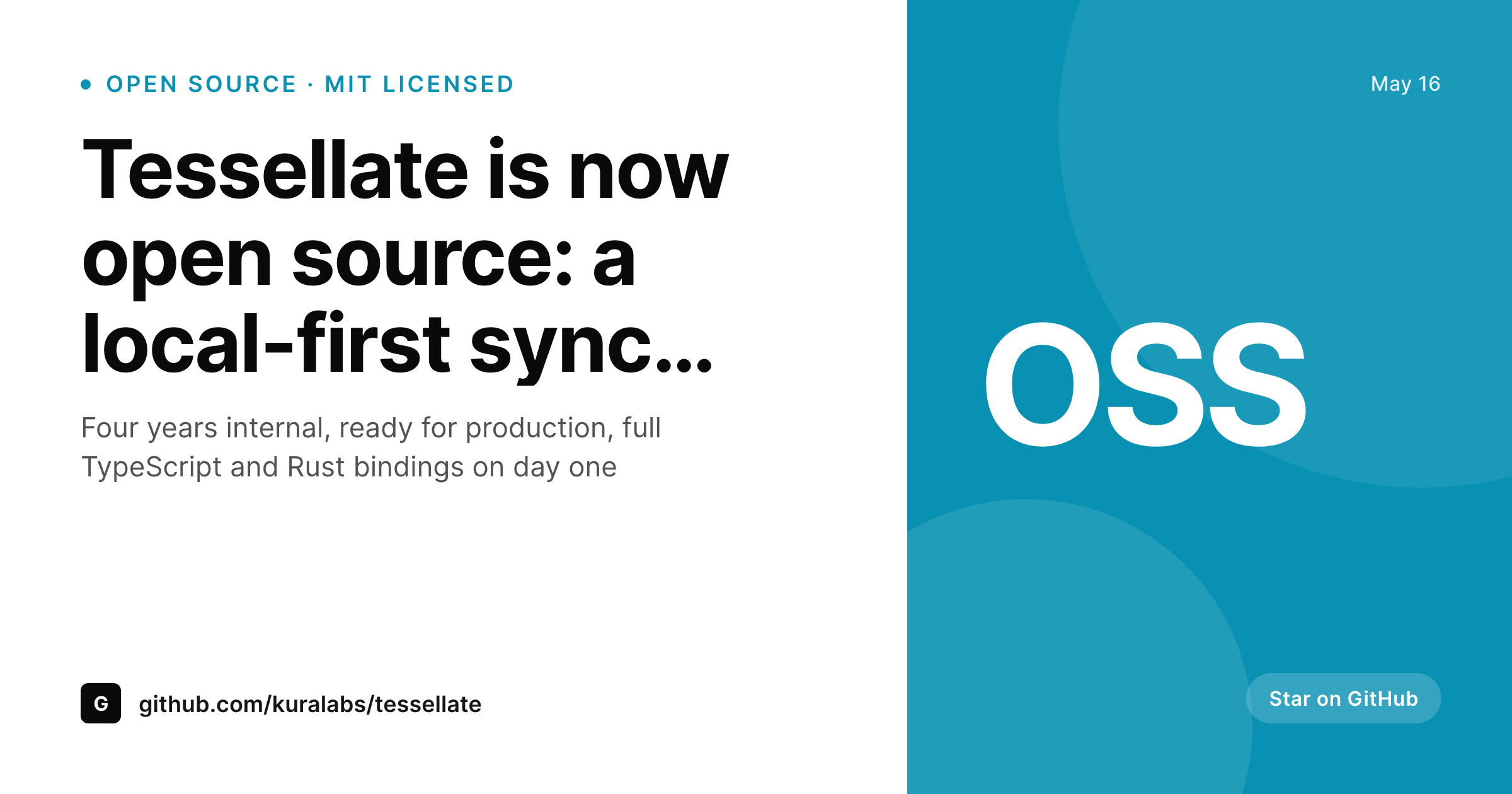
Sample OSS launch card
A 1200x630 OG card with the project name, license badge, primary language, and a one-line tagline, rendered from the launch post.
Comparison
Generic blog OG vs SleekPixel for OSS launches
Site logo on every launch post
- Hacker News hover preview shows the company logo, not the project
- Tweet preview gives no signal that this is an open-source release
- License (MIT vs AGPL) only visible after clicking through to GitHub
- Language stack invisible at preview time, costs cross-language adoption
- First-48-hour launches lose to better-presented competitors on the front page
SleekPixel
- Project name, license, and language rendered into the card
- Tagline as a one-line field, the same tagline used across the launch
- License badge (MIT, Apache, AGPL) bound to a custom field
- Same card across HN, Twitter, Reddit, Slack, LinkedIn shares
- Bulk regenerate later if you launch a second OSS project from the same blog
Features
What SleekPixel gives you for open-source launch card
Project-first design
The project name and tagline anchor the card. Readers scanning a feed pick up what the project is in two seconds, without needing to read the title.
License clarity
MIT, Apache, AGPL, or commercial-source-available all communicate fundamentally different things. The license badge surfaces this signal at preview time.
Language stack
A Rust project, a TypeScript project, and a Go project should look different at preview time. Language-stack badges help cross-community discovery on launch day.
Use cases
OSS launches this fits
Company-backed open source
A SaaS company open-sourcing an internal tool. The launch card lives on the company blog and signals that the project is real, supported, and worth investing in.
Solo-developer launches
An indie developer launching a tool on Show HN. The card on their personal blog makes the launch read as deliberate, which raises the perceived quality of the project.
Community spinouts
A subset of an existing project breaking out as its own repo. The card differentiates the new project from the parent, which matters for distinct positioning.
The bigger picture
Why visual coherence matters for OSS launches
Most open-source projects launch into a market where their direct competitor is not another OSS project, but the user's decision to close the tab and move on. The share preview is the first signal of whether the project deserves attention. Projects that show up on Hacker News with a generic OG image have to win on title and on first-comment quality.
Projects that show up with a designed card communicating name, license, language, and tagline already have a credibility floor before anyone reads the discussion. The actual quality of the code is what determines long-term traction, but the launch day determines whether the code ever gets in front of the people who would evaluate it. A small investment in the share-card layer at launch pays back across every link share for the life of the project, and SleekPixel collapses that investment into the same WordPress post that already exists.
The launch hour gets easier, the cross-channel coordination gets simpler, and the first 48 hours read as a real launch rather than a tentative dump of code.
Questions
Common questions about SleekPixel for open-source launch card
Not live. The card is rendered at save time, so any field on it reflects the post's data at that moment. Live GitHub stars would require a different rendering layer, which is not how SleekPixel works.
Yes. The card is hostless. The post links to wherever the repo lives. The 'project URL' field on the post can point at GitHub, GitLab, Codeberg, or Sourcehut equally.
If the docs live in WordPress, SleekPixel can render their cards too with a different template. If the docs live on a static-site generator like Docusaurus, you would handle their OG images separately.
The Hacker News submission uses the OG image of the linked URL, which is the blog post URL. So the same card serves Show HN. A separate Show-HN-specific card would only matter if you submitted a different URL, which is unusual.
Yes. WPML and Polylang sites get a card per language. The launch tagline can be translated and the card renders in each locale. Useful for projects targeting both English and non-English communities.
Each follow-up post (v1.0, v2.0, major feature releases) gets its own card from the same template family. The launch card and the follow-ups form a recognizable visual lineage over time.
Yes. Add a 'sponsor' image field. The template can render the sponsor logo in a designated corner if the field is filled, or render without if it is empty. Conditional layers handle this.
SleekPixel generates one card per post. For A/B testing, you would publish two different posts with different cards and submit each to a different channel. The card itself is deterministic given the post data.
Pricing
More than 1000+
happy customers
Explore our flexible licensing options tailored to your needs. Upgrade your license anytime to access more features, or opt for a lifetime license for ongoing value, including lifetime updates and lifetime support. Our hassle-free upgrade process ensures that our platform can grow with you, starting from whichever plan you choose.
Lifetime ♾️
Most popular
EUR
once
- Unlimited websites
- Lifetime updates
- Lifetime support
...or get the Bundle Deal
and save €250 🎁
💎 Want everything forever? The All Access Pass is going away on 01.08.2026.
The Bundle (unlimited sites)
Pay once, own it forever
Elevate your WordPress site with our exclusive plugin bundle that includes all of our premium plugins in one package. Enjoy lifetime updates and lifetime support. Save significantly compared to buying plugins individually.
What’s included
-
SleekAI
-
SleekByte
-
SleekMotion
-
SleekPixel
-
SleekRank
-
SleekView
€749
Continue to checkoutBrowse more
- X community banners
- Ko-fi banners
- Mastodon link previews
- Gumroad product covers
- YouTube channel banners
- Linktree banner image
- Signal sticker pack
- Nostr note images
- YouTube end cards
- Kick stream thumbnails
- Twitch schedule banners
- YouTube community images
- Twitch alert
- Threads post cover
- Snapchat ad images