






SleekPixel for reading list cards
Curators who publish reading lists in WordPress get one vertical 2:3 pin per post, generated on save. The list title, book count, and update date come straight from the post fields, no extra design step.
♾️ Lifetime License available
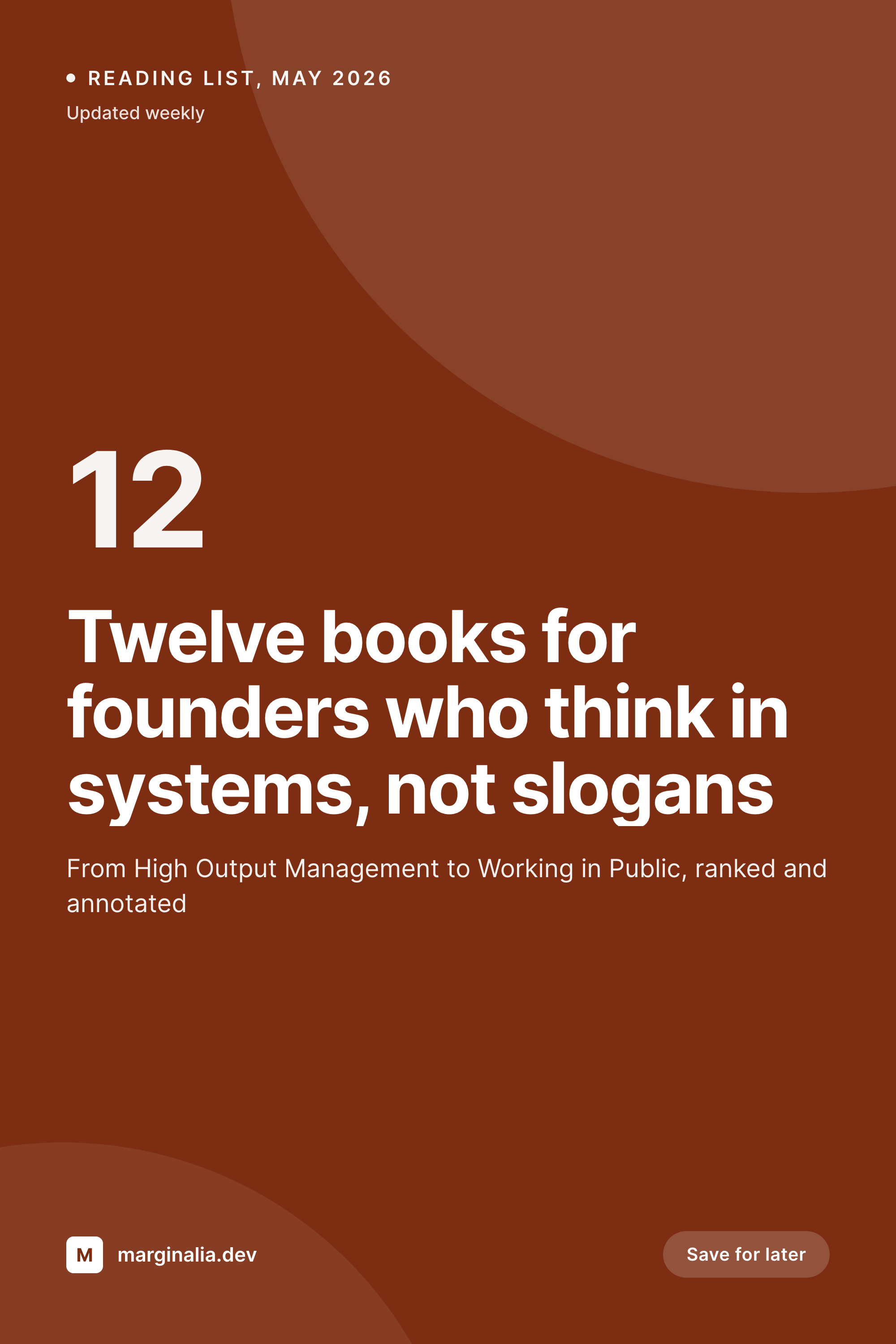
Reading lists travel on Pinterest, not Twitter
Reading lists are a Pinterest format more than a Twitter format. People save them, return to them, and forward them months after they are first posted. That makes the pin image, the vertical 2:3 share card, the single most important asset on a reading list post. The pin is what circulates in saved boards, what shows up in search, and what triggers the click months after publication.
The way most bloggers solve this is by building a pin in Canva for every list, exporting it, uploading it to the post, and praying nobody updates the list title later. That works for the first five lists. By list twenty the Canva file is a graveyard of slightly different fonts, the titles in the images no longer match the post bodies, and someone is paid to clean it up before Q4.
SleekPixel binds the pin template to the post itself. List title from the post title, book count from a custom field or from the number of inner blocks, last-updated date from the post modified time. The render fires on save, writes the 1000x1500 pin to uploads, and serves it as the og:image. Update the list, save, the pin updates.
Workflow
From book picks to a saveable pin in one save
Design the pin template
Write the reading list
Save and publish
Share to Pinterest
Output
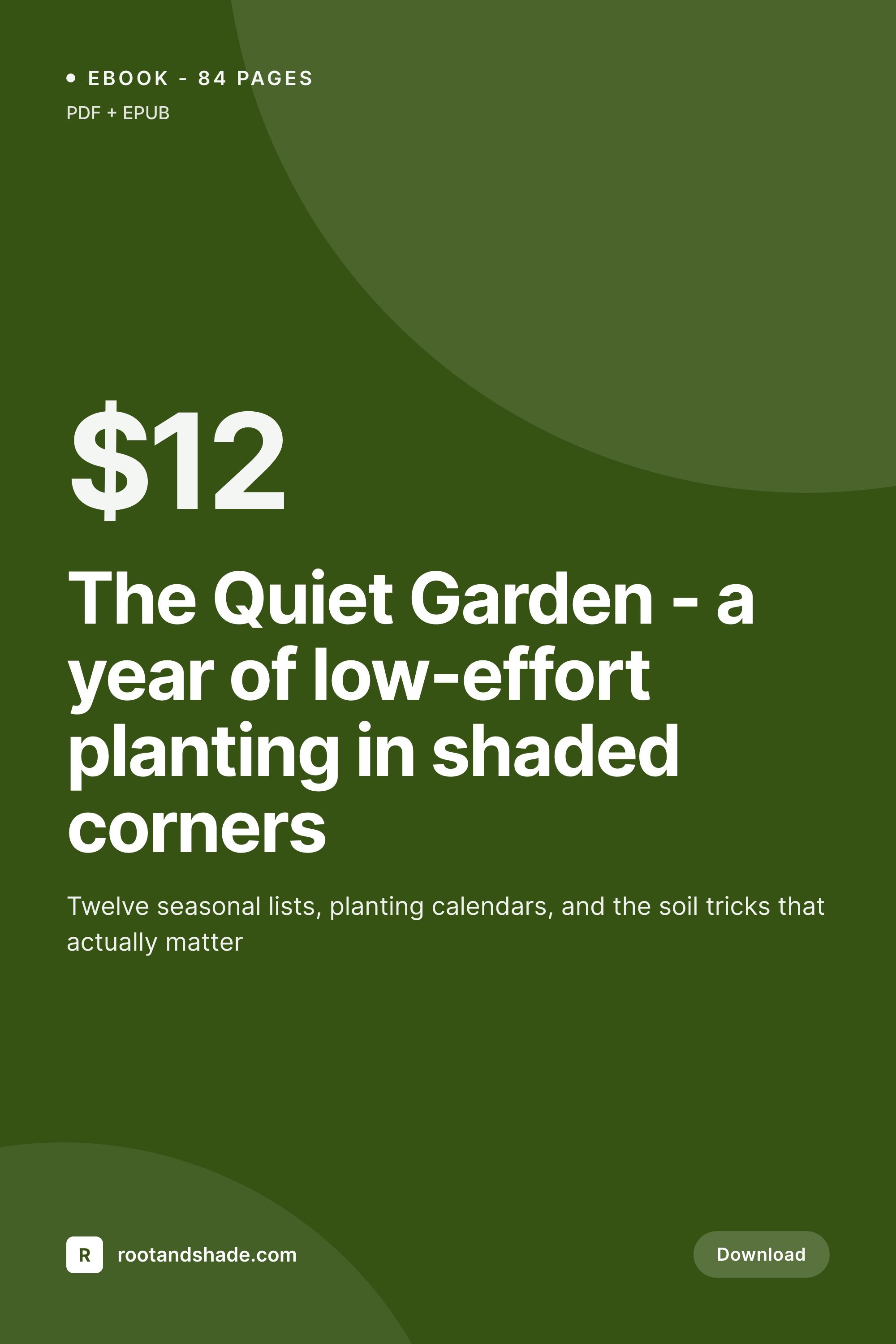
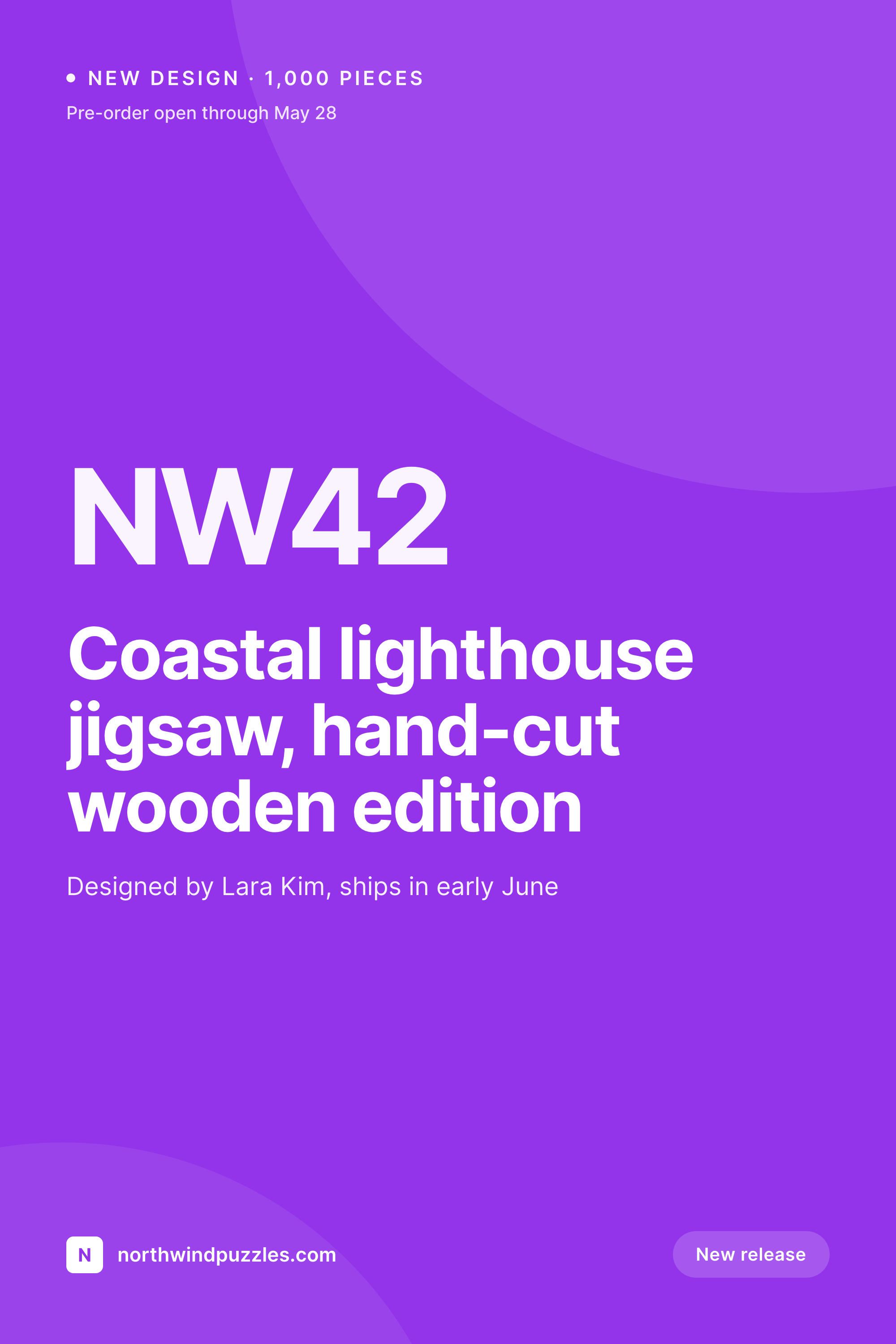
What a generated reading list pin looks like
A 1000x1500 vertical pin with the list title, the count of books, and the update date pulled from the post fields.
Comparison
Canva pin per list vs SleekPixel
Canva + manual export
- A new Canva pin every time the list grows or changes
- Pin title drifts from the live post title after edits
- Fonts shift across lists when the template gets duplicated
- Book count on the pin contradicts the actual number in the post
- No regeneration path when the brand updates mid-year
SleekPixel
- Render fires on save for every reading list post
- List title, book count, and date pulled from post fields
- 1000x1500 vertical aspect optimized for Pinterest discovery
- Same source post drives Pinterest, OG, and Twitter previews
- Bulk regenerate after a brand refresh or template tweak
Features
What SleekPixel gives you for reading list cards
Vertical-first templates
Reading list pins live in the 2:3 vertical aspect. Templates are designed around that shape with room for long list titles and an obvious count badge.
Updates regenerate
Add a book to the list, save the post, the pin re-renders with the new count. Pinterest pulls the latest image the next time someone shares the URL.
Per-topic variants
Business reading lists, fiction picks, design references can each carry their own template, selected by category or custom field at render time.
Use cases
Where reading list cards earn their keep
Solo curators and book bloggers
One writer, dozens of lists per year, no design budget. SleekPixel removes the per-list pin step so the post is the only artifact that needs maintenance.
Course and curriculum sites
Educators publishing required reading per module want a consistent pin for each list. Same template, different titles, no Canva queue.
Group blogs and substacks
Multi-author publications need every list pin to look like the same publication, regardless of which contributor put the list together.
The bigger picture
Why reading lists need vertical pins, not square shares
Reading lists have a longer half-life than almost any other content type a blogger publishes. A solid "best business books of 2024" list keeps circulating into 2027 because someone keeps saving it to a board, someone else keeps re-pinning it, and the post keeps getting fresh traffic from people who first saw it eighteen months ago. That circulation happens on Pinterest, which is a vertical-first platform with its own aspect ratio rules.
A 1200x630 OG image gets cropped or ignored. A 1000x1500 pin gets saved. The work of building a clean pin per list is the gating factor for most curators, and that work is exactly what a template render system eliminates.
SleekPixel turns the post into the source, the template into the renderer, and the pin into a byproduct of publishing. Curators get to spend their time on the actual book picks, not on rebuilding the same Canva file every Sunday.
Questions
Common questions about SleekPixel for reading list cards
Yes. If each book in the list is its own block (a custom block, a heading, a list item), SleekPixel can count them at render time and bind that count to the template. Or use a manual count field on the post.
Pinterest reads og:image when a URL is pinned. SleekPixel writes that tag, so the pin preview matches the rendered card. For best results, also tag the post with rich pin meta which works alongside SleekPixel's output.
Templates support auto-fit type. Long titles shrink to fit the bounding box, short titles stay large. Or set max line counts in the template if you prefer hard truncation.
Yes. Set up per-category templates, fiction, business, design, technical reading each get their own visual treatment. SleekPixel picks the template based on the post category or a custom field.
Run a bulk regenerate from the admin. SleekPixel re-renders every post that uses the template, including historical reading lists from years ago. The new template replaces the old image.
SleekPixel only cares about the post fields and structure. Affiliate links inside the body of the list are untouched. Render and link tracking are separate concerns.
Edit and save. The render fires, the new pin replaces the old one at the same URL, and the og:image stays consistent. New Pinterest shares will pull the updated card.
Yes. Configure two templates against the same post type, one vertical 2:3 for Pinterest and one horizontal 1.91:1 for OG. Both render on save, each addressable from the Gutenberg sidebar.
Pricing
More than 1000+
happy customers
Explore our flexible licensing options tailored to your needs. Upgrade your license anytime to access more features, or opt for a lifetime license for ongoing value, including lifetime updates and lifetime support. Our hassle-free upgrade process ensures that our platform can grow with you, starting from whichever plan you choose.
Lifetime ♾️
Most popular
EUR
once
- Unlimited websites
- Lifetime updates
- Lifetime support
...or get the Bundle Deal
and save €250 🎁
💎 Want everything forever? The All Access Pass is going away on 01.08.2026.
The Bundle (unlimited sites)
Pay once, own it forever
Elevate your WordPress site with our exclusive plugin bundle that includes all of our premium plugins in one package. Enjoy lifetime updates and lifetime support. Save significantly compared to buying plugins individually.
What’s included
-
SleekAI
-
SleekByte
-
SleekMotion
-
SleekPixel
-
SleekRank
-
SleekView
€749
Continue to checkoutBrowse more
- VK community cover photos
- YouTube ad thumbnails
- X Space banners
- Discord server banners
- Instagram collab post images
- X list banners
- Bandcamp banner
- Gumroad product covers
- Pinterest product pin covers
- Open Graph images
- Instagram highlight covers
- Instagram grid tiles
- LinkedIn showcase page banners
- Pinterest Idea Pins
- Warpcast frame images