






SleekPixel for productivity coach
Sunday review experiments, weekly planning rituals, the question of whether time blocking actually works at week 14. Each field note on the practice site saves with a 1080x1080 card that frames the week, the cohort size, and the topic from the post.
♾️ Lifetime License available
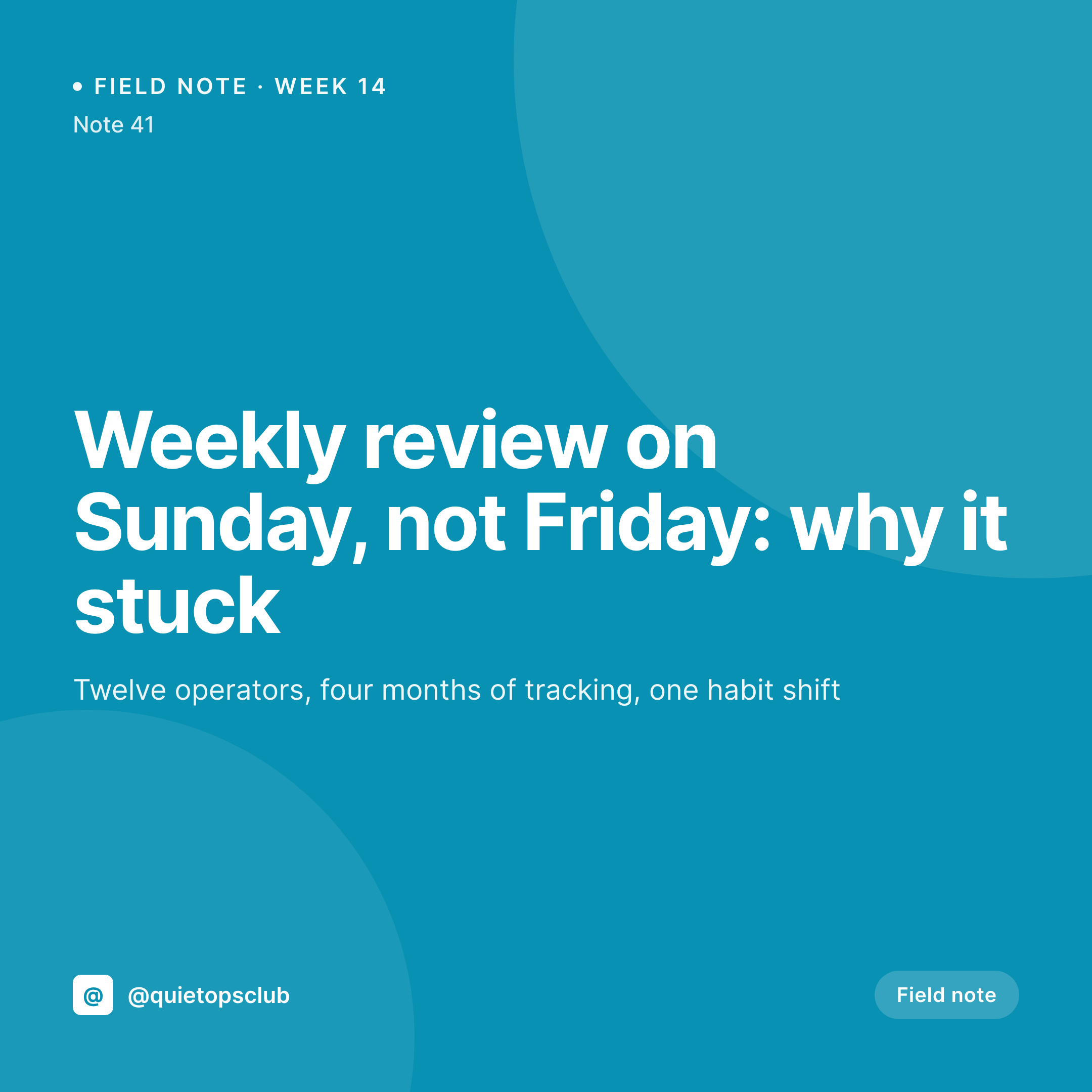
Productivity content lives or dies on visible cadence
A productivity coach who publishes a weekly field note is in the rare position of selling the thing they are visibly doing. If the feed shows 14 weeks of consecutive Sunday cards, the practice is teaching consistency by example. If the feed has a five-week gap and three half-finished Canva cards, the practice is teaching something other than what it claims to teach. The cadence is the proof, and the grid has to show the cadence at a glance.
The hard part is that productivity coaches usually have the smallest design budget and the highest standards for their own systems. The compromise tends to be Canva, which then drifts the moment the coach has a busy week. Week numbers fall off some cards. Cohort sizes get rounded. The headline font shifts because Canva changed a default. The grid that was supposed to prove cadence ends up proving the opposite.
SleekPixel renders the card from the field note. The week number, the cohort size, the topic, the practice mark, all come from the same post that holds the body of the note. The Sunday review card lands in uploads when the post saves on a Friday afternoon. The week 14 number reads the same way as the week 13 number. The grid does the cadence-proof work the practice needs.
Workflow
From weekly note to Instagram grid
Map the weekly fields
Design one grid template
Publish the note
Post on Sunday
Output
What gets generated per field note
A 1080x1080 Instagram card with the week number, the topic, the cohort size, and the practice brand. Pulled from the field note CPT.

Comparison
Default productivity coach image vs SleekPixel
Default productivity coach image
- Coach rebuilds the weekly card in Canva on top of the actual writing work
- Week numbers fall off some cards when the week is busy
- Cohort sizes get rounded inconsistently across the year
- Topic labels drift away from the topic taxonomy on the site
- Field note URL unfurls as the headshot, not the weekly card
SleekPixel
- Save the field note, the 1080x1080 card lands in uploads
- Week number, cohort size, and topic pulled live from the post
- Topic labels rendered from a controlled vocabulary
- Post URL wires the og:image so reshares unfurl with the weekly card
- One template across weeks keeps the cadence visible at a scroll
Features
What SleekPixel gives you for productivity coach
Week number on every card
The week number is a field on the post. Cards render with the correct count even when life happens, and the cadence stays legible.
Cohort or reader count
Tracking experiments with a reader cohort? The cohort size renders directly from the post, no manual rounding.
OG and grid in sync
One save renders the 1080x1080 grid card and the 1200x630 OG image. The link unfurl matches the post in the grid.
Use cases
Who uses SleekPixel for productivity coaches
Weekly planning coaches
Practices teaching weekly reviews, Sunday planning, and time blocking. Each weekly note renders into a grid that proves the rhythm.
Habit experiment coaches
Coaches running multi-week habit experiments with a reader cohort. Each week's result renders with the cohort size and the topic.
Team productivity coaches
Coaches working with leadership teams on meeting hygiene, async habits, and focus blocks. Each case note renders from the post.
The bigger picture
Why a productivity grid is the offer in miniature
A productivity coach is selling the visible proof that a system works, and the grid is the most concentrated form of that proof. Fourteen consecutive Sunday cards, each one stamped with the week, the topic, and the cohort size, is a more persuasive argument than any single essay the coach could write. The drift that happens when cards are rebuilt by hand is therefore directly damaging to the offer itself.
Deriving the card from the field note fixes the cadence at the source. The week 14 card renders from the week 14 post. The cohort size matches the experiment.
The topic stays in the vocabulary the coach picked once. The grid quietly stacks proof week by week, and a prospect scrolling the profile sees the system before they see the bio. That is the work the marketing surface has to do.
Questions
Common questions about SleekPixel for productivity coach
Yes. Week numbers can reset on Jan 1 or continue indefinitely. The field is on the post, so the practice picks whichever cadence suits the reader.
SleekPixel renders cards from WordPress post fields. If the newsletter content also lives in WordPress (as many coaches mirror it), the card renders. Standalone ConvertKit posts are not read by SleekPixel.
Yes. The cohort size can render as a range, an exact number, or be hidden. Many coaches show the count only after a cohort is closed.
SleekPixel reads WordPress posts. Workflows that draft in Notion or Obsidian and publish to WordPress work fine. SleekPixel renders when the post is saved.
Yes. One save can render a 1080x1080 Instagram square, a 1200x630 OG image, and a 1000x1500 Pinterest pin together.
No. SleekPixel renders the image to uploads. Posting is a manual step from the platform app or a scheduler.
No. SleekPixel renders static PNG and JPG only. PDF summaries are out of scope, the focus is the social card tied to the post.
The grid will show the gap, which is honest. Many coaches prefer that to a backfilled card. SleekPixel renders only when a post is saved.
Pricing
More than 1000+
happy customers
Explore our flexible licensing options tailored to your needs. Upgrade your license anytime to access more features, or opt for a lifetime license for ongoing value, including lifetime updates and lifetime support. Our hassle-free upgrade process ensures that our platform can grow with you, starting from whichever plan you choose.
Lifetime ♾️
Most popular
EUR
once
- Unlimited websites
- Lifetime updates
- Lifetime support
...or get the Bundle Deal
and save €250 🎁
💎 Want everything forever? The All Access Pass is going away on 01.08.2026.
The Bundle (unlimited sites)
Pay once, own it forever
Elevate your WordPress site with our exclusive plugin bundle that includes all of our premium plugins in one package. Enjoy lifetime updates and lifetime support. Save significantly compared to buying plugins individually.
What’s included
-
SleekAI
-
SleekByte
-
SleekMotion
-
SleekPixel
-
SleekRank
-
SleekView
€749
Continue to checkoutBrowse more
- Snapchat snap images
- Pinterest pins
- Xiaohongshu cover images
- Threads profile banner
- Substack post thumbnail
- LinkedIn post images
- Bluesky link cards
- Pinterest Idea Pins
- Patreon tier images
- Rumble thumbnails
- KDP paperback cover
- WeChat Moments images
- Mastodon link previews
- YouTube podcast thumbnails
- Facebook ad images