






SleekPixel for smoothie bar
Smoothie bars compete on lineup freshness and Instagram presence. SleekPixel renders square cards for each blend post, with ingredient stack, price, size, and add-ons composed in so a menu change ships to social the same morning.
♾️ Lifetime License available
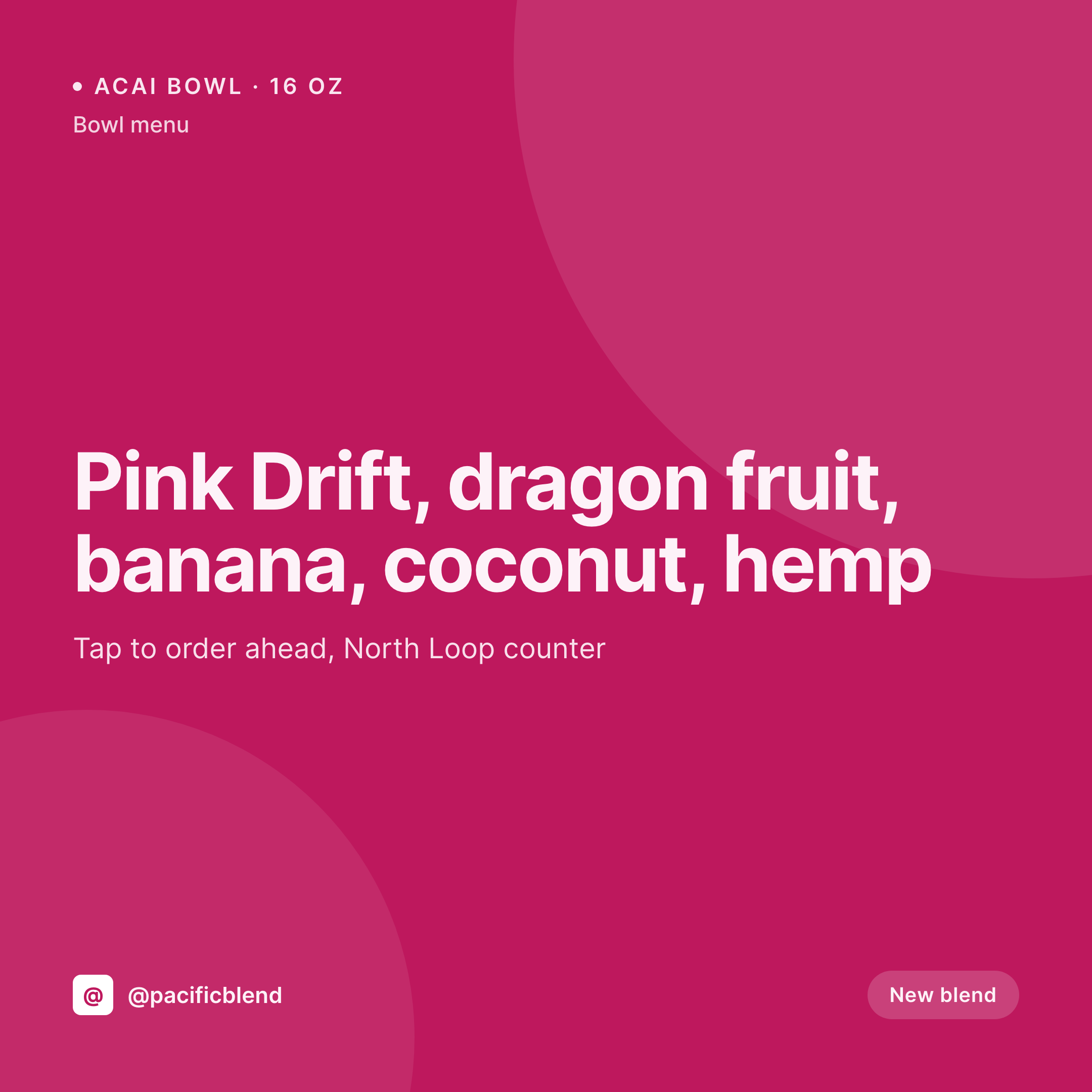
Lineups change weekly, cards can't take a week to update
Smoothie bars rotate their lineup constantly. Seasonal fruit shifts the bowl menu, a new protein partner adds three blends, a returning crowd favorite gets a 24 hour test run. Each of those changes needs a feed card if the shop wants the regulars to know, and most shops either skip the post (and lose the volume) or build cards by hand on a Sunday and run them stale through Friday.
SleekPixel pulls from the blend post. Blend name, ingredient stack, size, base price, add-on options, and a benefit tag. The template composes a 1080 by 1080 card with the ingredient stack as a vertical list, the base price clear in the corner, and a small add-on cluster for protein, granola, or extra fruit. A new blend gets a card the moment the post is published.
For multi-location bars where the menu varies by storefront, the same engine handles per-location overrides. A blend that exists at all three storefronts but only as a bowl at the flagship renders different cards per location, all from the same template family.
Workflow
From blend post to feed card
Model the menu
Build the template family
Map the fields
Update the menu, post the feed
Output
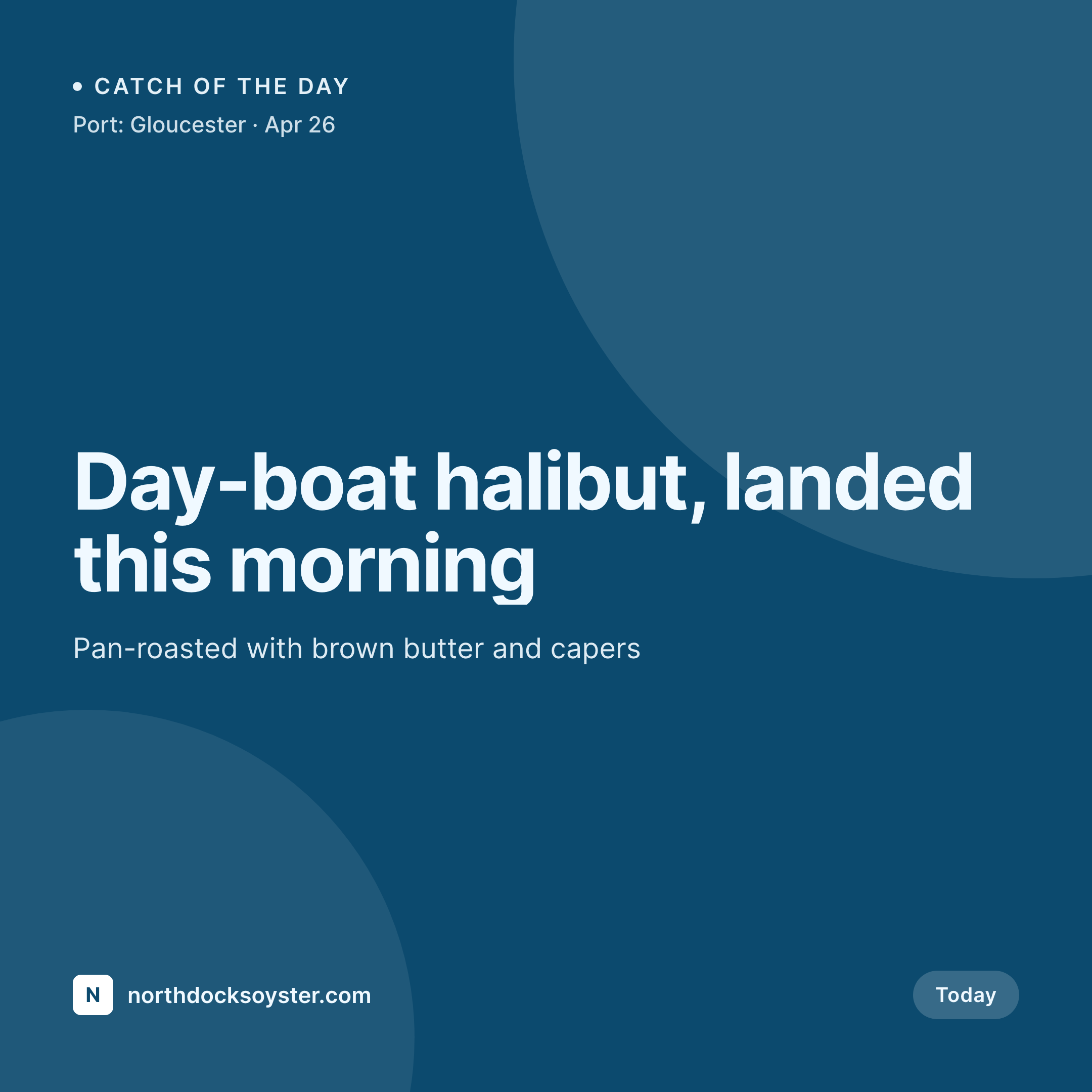
Sample blend card
1080 by 1080 feed card from one blend post: name, ingredient stack, base price, size, and the counter handle.

Comparison
Hand-built blend post vs SleekPixel for smoothie bars
Hand-built feed post
- Cards built on Sunday run stale by Wednesday
- Ingredient stacks retyped, often in different orders
- Add-on pricing missing or out of date
- Bowl variants and smoothie variants drift in style
- Seasonal swaps miss the feed because design takes too long
SleekPixel
- Per-blend cards rendered on save
- Ingredient stack from a structured field
- Add-on pricing pulled from a related-products field
- Bowl variants and smoothie variants share one template family
- Per-location overrides drive different cards from one base
Features
What SleekPixel gives you for smoothie bar
Blend-aware
Reads blend name, ingredients in order, size, and base price from the blend post. Bowls and smoothies share fields so the template treats them as variations.
Add-on bundles
Add-on options like protein, granola, or extra fruit pull from a related-products field. The card shows the most popular add-on row with prices.
Per-location overrides
Multi-location bars override fields per storefront, so each location's feed shows what is actually on its menu rather than a generic master.
Use cases
Where smoothie bars use it
Weekly menu rotations
A seasonal blend swap goes from menu edit to live feed card in minutes, which means the new lineup gets a real launch instead of a Sunday catch-up.
Protein partner launches
A new protein partner adds three blends. Each one renders with the partner badge, the protein name, and the price uplift baked into the card.
Bowl-only specials
Bowl variants of a popular smoothie render as separate cards, so the Saturday bowl special gets its own feed presence without a re-design.
The bigger picture
Why smoothie bars need feed-ready cards every shift
Smoothie bars depend on regulars who check the feed for the day's special before they decide where to grab lunch. A shop that consistently posts on-brand cards builds that habit. A shop that posts a typed photo on Monday and nothing on Tuesday loses the habit by Friday.
Templated cards remove the design step from the workflow, so the menu edit becomes the post. The blend rotation, the bowl special, the protein partner launch all land on the feed with a real card. The visual identity holds across every storefront and every shift, which is the surface where loyalty in this category actually compounds.
Questions
Common questions about SleekPixel for smoothie bar
Yes. Blends can live as WooCommerce products, with add-ons handled by WooCommerce Product Add-Ons or similar. SleekPixel reads whichever fields you map.
Toppings render as a structured list, not as a photo composition. For a photo-realistic bowl, use a styled product photo and let SleekPixel compose the surrounding card.
Map an allergen field on the blend post. The template can show a small allergen row, useful for nut, dairy, or gluten warnings.
Yes. Render happens per blend on save. A bulk regenerate covers the full menu when the template changes, and runs through hundreds of posts without manual intervention.
Yes. Add-ons reference a separate post type. Adding a new partner adds new add-on posts; the blend cards that reference them update on the next regenerate.
Yes, with WPML or Polylang. Each blend has a per-language version of the post, and SleekPixel renders one card per locale.
The same template renders to higher-resolution PNG, which can drive an in-store menu board through a TV stick or a printed daily card.
No. Edit the template, bulk regenerate, and every blend inherits the new look. The og:image meta updates without re-posting on Instagram.
Pricing
More than 1000+
happy customers
Explore our flexible licensing options tailored to your needs. Upgrade your license anytime to access more features, or opt for a lifetime license for ongoing value, including lifetime updates and lifetime support. Our hassle-free upgrade process ensures that our platform can grow with you, starting from whichever plan you choose.
Lifetime ♾️
Most popular
EUR
once
- Unlimited websites
- Lifetime updates
- Lifetime support
...or get the Bundle Deal
and save €250 🎁
💎 Want everything forever? The All Access Pass is going away on 01.08.2026.
The Bundle (unlimited sites)
Pay once, own it forever
Elevate your WordPress site with our exclusive plugin bundle that includes all of our premium plugins in one package. Enjoy lifetime updates and lifetime support. Save significantly compared to buying plugins individually.
What’s included
-
SleekAI
-
SleekByte
-
SleekMotion
-
SleekPixel
-
SleekRank
-
SleekView
€749
Continue to checkoutBrowse more
- Bluesky link cards
- Kick stream thumbnails
- Klaviyo email banner
- YouTube end cards
- Buy Me a Coffee banners
- Bandcamp release cover
- KakaoTalk channel banners
- Threads profile banner
- Instagram Reels covers
- Twitter card images
- Facebook ad images
- X social cards
- Facebook Marketplace images
- Fansly banner
- Amazon Storefront banners