






SleekPixel for deprecation cards
SleekPixel reads each deprecation post's title, sunset date, affected version, and replacement and renders a custom OG image on save. The notice itself becomes the source for how the link preview looks.
♾️ Lifetime License available
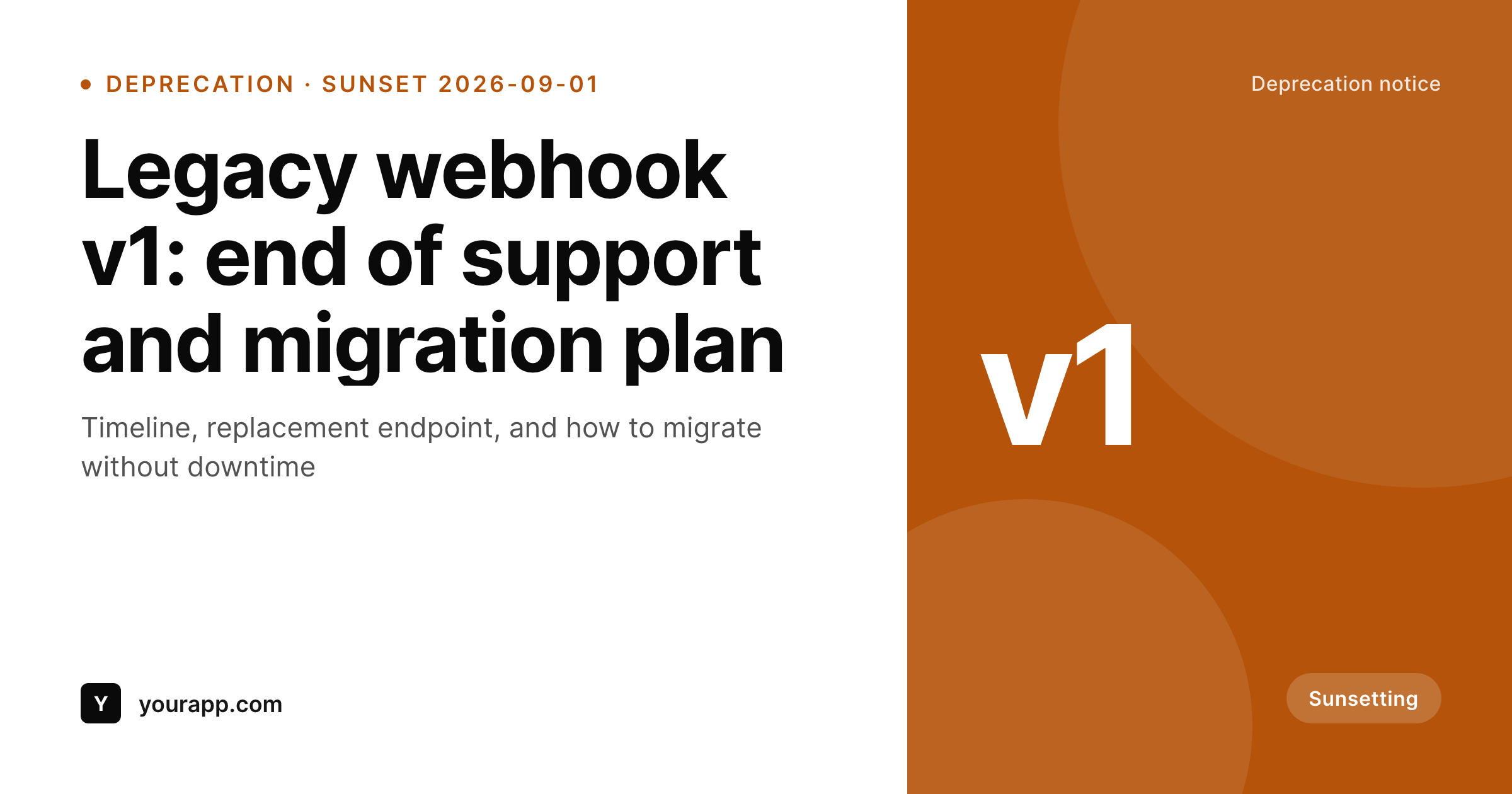
Deprecation notices have to be unmissable
Deprecation notices have a different job from launches: they have to be read by the right people in time to act, and the consequences of being missed are real. The link preview is one of the highest-attention surfaces a deprecation post has. A generic site logo card buries the sunset date inside the post body, where readers see it only after the click. A card that surfaces the date and the affected version turns the share itself into a useful nudge.
SleekPixel makes the deprecation card structural. You build one template in the WordPress admin using fields like {post_title}, {sunset_date}, {affected_version}, and {replacement}. Every time a deprecation post saves, SleekPixel renders that template with the post's actual data and writes the result into the og:image meta tag. The sunset date is on the card. The affected version is on the card. The reader can decide before clicking whether the post applies to them.
Edit the template once and every past deprecation notice regenerates. Add a new field, say a severity level or a customer-facing impact tag, and every post inherits it. The migration steps and full timeline stay in the post body. The card framing them is generated.
Workflow
From deprecation notice to social-ready in one save
Design the template
Connect to post type
Save the notice
Share anywhere
Output
Sample social card from a deprecation notice
This card was rendered from a deprecation post's title, sunset date, and version. Same template, every notice.
Comparison
Hand-made deprecation graphics vs SleekPixel
Manual graphic per deprecation
- Deprecation posts are time-sensitive: design queues delay them
- Sunset dates and versions drift between the post body and the graphic
- Updating the brand means re-exporting every past deprecation card
- Most deprecation shares end up using the generic site-logo card
- No automation: depends on someone remembering to redo the card
SleekPixel
- Auto-generated OG image per deprecation post on save, every time
- Per-post variables: title, sunset date, affected version, replacement, custom fields
- Sunset date countdown baked into the template
- Edit the template once and bulk-regenerate every past deprecation
- Falls back gracefully if a sunset date or replacement is missing
Features
What SleekPixel gives you for deprecation cards
Date-aware
Templates render the sunset date prominently from a dynamic field, so every share carries the timeline visibly.
OG + Twitter meta
SleekPixel writes the og:image, twitter:image, and twitter:image:alt tags directly on each deprecation post. No theme code required.
Regenerate on demand
Sunset date moved or replacement endpoint updated? Bulk-regenerate every past deprecation card from the admin in one pass.
Use cases
Where this fits best
API deprecations
Affected version and replacement endpoint pulled per post, so the share preview tells API users whether they need to act.
Sunset announcements
Sunset date on every share card means customers triaging the link know the timeline at a glance.
Migration guides
Deprecation posts and migration guides share template structure, so the broader narrative reads as one piece of content.
The bigger picture
Why deprecation cards reduce support load
Deprecation notices that get missed turn into support tickets the day the sunset hits. The job of the share card is to make the notice harder to miss for the people who need to act. A sunset date on the card answers the most common pre-click question (when do I need to do something?) before anyone has to read the post.
An affected version answers the second question (does this apply to me?). Hand-designed deprecation graphics are realistic when deprecations are rare. For active platforms with monthly deprecations, the design queue blocks the notice.
The middle path, a template that pulls date and version from the post itself, keeps the card current and the team unblocked. SleekPixel handles the rendering, storage, and meta-tag wiring inside WordPress.
Questions
Common questions about SleekPixel for deprecation cards
Yes. SleekPixel supports any custom post type. Point it at your deprecations CPT and the template applies to every post saved under it.
Static cards do not auto-update at view time, but you can regenerate cards on a schedule (daily, weekly) so the displayed countdown stays close to current.
The template renders without it, or you can set a default like 'See migration guide'. Design the layout so missing fields collapse cleanly. Nothing breaks if data is incomplete.
Yes. The admin has a one-click bulk regeneration that re-renders all images for posts using the template. Useful when sunset dates shift.
No. The image is rendered once at save time and stored as a static PNG. Visitors load a regular image URL, no rendering happens at view time.
Yes. SleekPixel supports per-category, per-tag, and per-CPT templates. Route breaking deprecations and soft deprecations to different templates.
Email tools that read og:image (most modern clients render link previews) pick up the same card. The deprecation card travels everywhere the URL goes.
Yes. Each generated image is a real PNG saved to the uploads folder. Page loads stay fast and images survive even if the plugin is later disabled.
Pricing
More than 1000+
happy customers
Explore our flexible licensing options tailored to your needs. Upgrade your license anytime to access more features, or opt for a lifetime license for ongoing value, including lifetime updates and lifetime support. Our hassle-free upgrade process ensures that our platform can grow with you, starting from whichever plan you choose.
Lifetime ♾️
Most popular
EUR
once
- Unlimited websites
- Lifetime updates
- Lifetime support
...or get the Bundle Deal
and save €250 🎁
💎 Want everything forever? The All Access Pass is going away on 01.08.2026.
The Bundle (unlimited sites)
Pay once, own it forever
Elevate your WordPress site with our exclusive plugin bundle that includes all of our premium plugins in one package. Enjoy lifetime updates and lifetime support. Save significantly compared to buying plugins individually.
What’s included
-
SleekAI
-
SleekByte
-
SleekMotion
-
SleekPixel
-
SleekRank
-
SleekView
€749
Continue to checkoutBrowse more
- Shopify product images
- Klaviyo email banner
- Lemon8 post
- Reddit subreddit banners
- Telegram channel images
- Ko-fi shop images
- Audible audiobook cover
- Instagram feed posts
- YouTube Shorts covers
- KDP hardcover cover
- Lemmy post images
- Substack post headers
- Poshmark listing images
- Patreon cover images
- Twitch overlay