






SleekPixel for software company
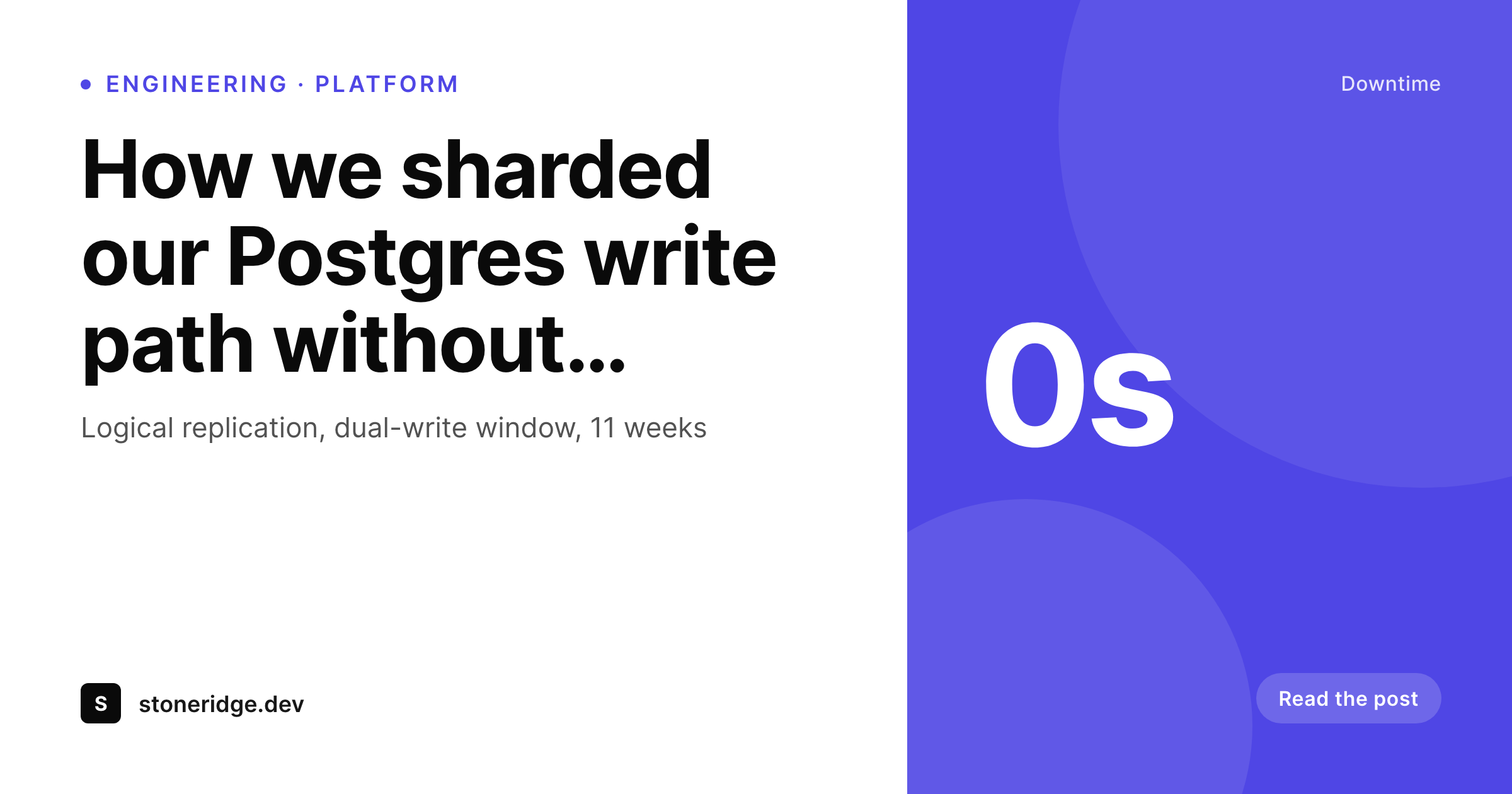
Engineering blog posts, changelog entries, and docs pages already carry author, version, and topic in their post fields. SleekPixel renders branded OG cards on save so devrel and engineering can ship a link without involving design.
♾️ Lifetime License available
Engineering content moves faster than the design queue
A software company's content surface looks structurally different from a typical brand site. There is an engineering blog where senior engineers publish technical deep dives, a changelog that updates weekly with version bumps, a docs site that gets new pages on every release, and a marketing blog that runs in parallel for product announcements. All four surfaces share through OG cards, and all four are content the company genuinely wants to circulate. None of them get a card by default, because the design team is sized for marketing, not engineering, and the engineers writing the posts are not going to file a Figma ticket for every changelog entry.
The result is a tier of content that almost nobody outside the company sees. Engineering posts that took two weeks to write get shared by the author and a few colleagues, and that's it. Changelog entries that ship real customer value land in a private feed nobody subscribes to. The company pays for the work and pays again for the lost distribution because the share preview looks like nothing.
SleekPixel changes that math. Engineering posts, changelog entries, docs pages, and marketing announcements all live in WordPress as posts with structured fields. The author, the version, the topic, and the date are already there. SleekPixel renders the card on save with the company's brand and the post's data. The senior engineer hits update, the card lands in uploads, and the LinkedIn share looks like the engineering team takes itself seriously, because it does.
Workflow
From engineering draft to social-ready
Compose the company template
Map the post types
Save through review
Refresh on rebrand
Output
What gets generated per post
A 1200 by 630 OG card with the post title, author, topic tag, and company wordmark, composed live from the post fields.
Comparison
Design queue vs auto-rendered engineering cards
Manual / Designer queue
- Engineering posts ship without OG cards because design is sized for marketing
- Changelog entries share with stretched homepage logos
- Docs pages have no preview when devrel links them in Slack and Discord
- Brand refresh forces re-exporting every blog and changelog card
- Authors lose attribution because the byline is buried in the post body
SleekPixel
- Engineering posts, changelog, docs, and marketing all render on save
- Author, version, and topic pulled from existing post fields
- Variants per post type so docs look different from changelog
- Bulk regenerate the back catalog after a rebrand or design refresh
- Twitter and LinkedIn variants written to the matching meta tags
Features
What SleekPixel gives you for software company
Engineering-blog ready
Deep-dive posts render with the senior engineer's byline, topic tag, and read time. The blog finally circulates outside the company.
Changelog and docs
Version-tagged changelog entries and docs pages render their own card variant. Devrel can drop a link into a Slack channel and the preview lands clean.
Author attribution
Every post pulls the WordPress author into a byline slot, with optional headshot. Senior engineers get visible attribution on every share.
Use cases
What software companies generate with SleekPixel
Engineering blog
Technical deep dives render with the engineer's name and topic. The post that took two weeks to write actually circulates outside the team.
Changelog and release notes
Each release entry renders with version, date, and category. Customer success links the post into a ticket and the preview tells the story.
Docs pages
Long-tail docs pages share through Slack, Discord, and customer threads. SleekPixel renders a card per page so the link doesn't look broken.
The bigger picture
Why engineering distribution depends on share consistency
Software companies underinvest, almost universally, in the share surface for engineering content. The marketing team has a designer, the engineering blog does not, and the gap shows up as silently lost distribution across years of technical writing. A post that took a senior engineer two weeks to draft gets shared by the author and a few colleagues, then sinks.
The company paid for the writing, paid for the technical depth, paid for the review cycles, and then forfeited the distribution because the share preview looked like a broken page. Across a year of engineering output the cumulative loss is significant, both in inbound recruiting reach and in technical brand. The second reason is closer to the customer.
Customer success and devrel link docs pages and changelog entries into Slack and Discord threads constantly, often dozens of times per week. When those links share with no card, customers read them as low-effort. When they share with a clean, version-tagged, branded card, the same content reads as a serious product update.
The company's perceived velocity goes up just because the supporting content circulates with intention. SleekPixel removes the design bottleneck on this entire tier of content. Engineers ship posts, changelog entries land with version data baked in, docs pages share clean, and the company's technical surface starts pulling its weight in the inbound funnel.
Questions
Common questions about SleekPixel for software company
Yes. SleekPixel installs per WordPress site, so an engineering blog on its own subdomain or its own multisite subsite can have a different template from the marketing site. Many software companies run engineering on a separate install for performance and access reasons, and the renderer fits that pattern.
Yes. If your changelog uses a CPT with a version field, SleekPixel reads that field and renders it in a tag slot on the card. Semver, calver, or your own scheme all work, as long as the version is stored on the post.
If your docs render through WordPress, the rendered post is the source. If docs live outside WordPress in a static-site generator, SleekPixel cannot render their cards. The plugin works against WordPress posts, not external content systems.
Yes. Platform engineering, infrastructure, and security can each render a template variant tied to a category or taxonomy. The cards stay visually unified through shared brand tokens but carry per-category accents that help readers parse the surface.
When you cross-post to dev.to or Hashnode, you can download the rendered PNG from the Gutenberg sidebar and upload it as the canonical share image on the syndicated platform. The card stays on-brand even when the post lives on someone else's domain.
SleekPixel rendering happens on post save, not at deploy time. If your blog deploys with a static export step, the rendered PNG is already in uploads before the export runs. There's no extra build-time cost.
Yes. Render rules scope per post type, per category, per visibility flag. Internal engineering retros or private memos can be excluded entirely while public engineering blog posts always render.
If your post type supports co-authors via Co-Authors Plus or a similar plugin, the template can render multiple bylines or pick the lead author. For pair-written engineering posts, the card can show both names in a co-byline slot.
Pricing
More than 1000+
happy customers
Explore our flexible licensing options tailored to your needs. Upgrade your license anytime to access more features, or opt for a lifetime license for ongoing value, including lifetime updates and lifetime support. Our hassle-free upgrade process ensures that our platform can grow with you, starting from whichever plan you choose.
Lifetime ♾️
Most popular
EUR
once
- Unlimited websites
- Lifetime updates
- Lifetime support
...or get the Bundle Deal
and save €250 🎁
💎 Want everything forever? The All Access Pass is going away on 01.08.2026.
The Bundle (unlimited sites)
Pay once, own it forever
Elevate your WordPress site with our exclusive plugin bundle that includes all of our premium plugins in one package. Enjoy lifetime updates and lifetime support. Save significantly compared to buying plugins individually.
What’s included
-
SleekAI
-
SleekByte
-
SleekMotion
-
SleekPixel
-
SleekRank
-
SleekView
€749
Continue to checkoutBrowse more
- Poshmark listing images
- Twitch alert
- Odnoklassniki banners
- Shopify product images
- Vimeo channel banners
- Mastodon link previews
- Notion page covers
- LINE official account banners
- VSCO cover
- Vimeo thumbnails
- Twitch camera frame
- Lemmy post images
- X Space banners
- Signal sticker pack
- Snapchat Discover tiles