






SleekPixel for Vidstack player
Vidstack is a headless web video player that sits inside any framework, including WordPress front ends that render their own video posts. SleekPixel reads the WordPress post fields wrapping each Vidstack embed and renders a branded thumbnail plus OG card per video, with no manual export step.
♾️ Lifetime License available
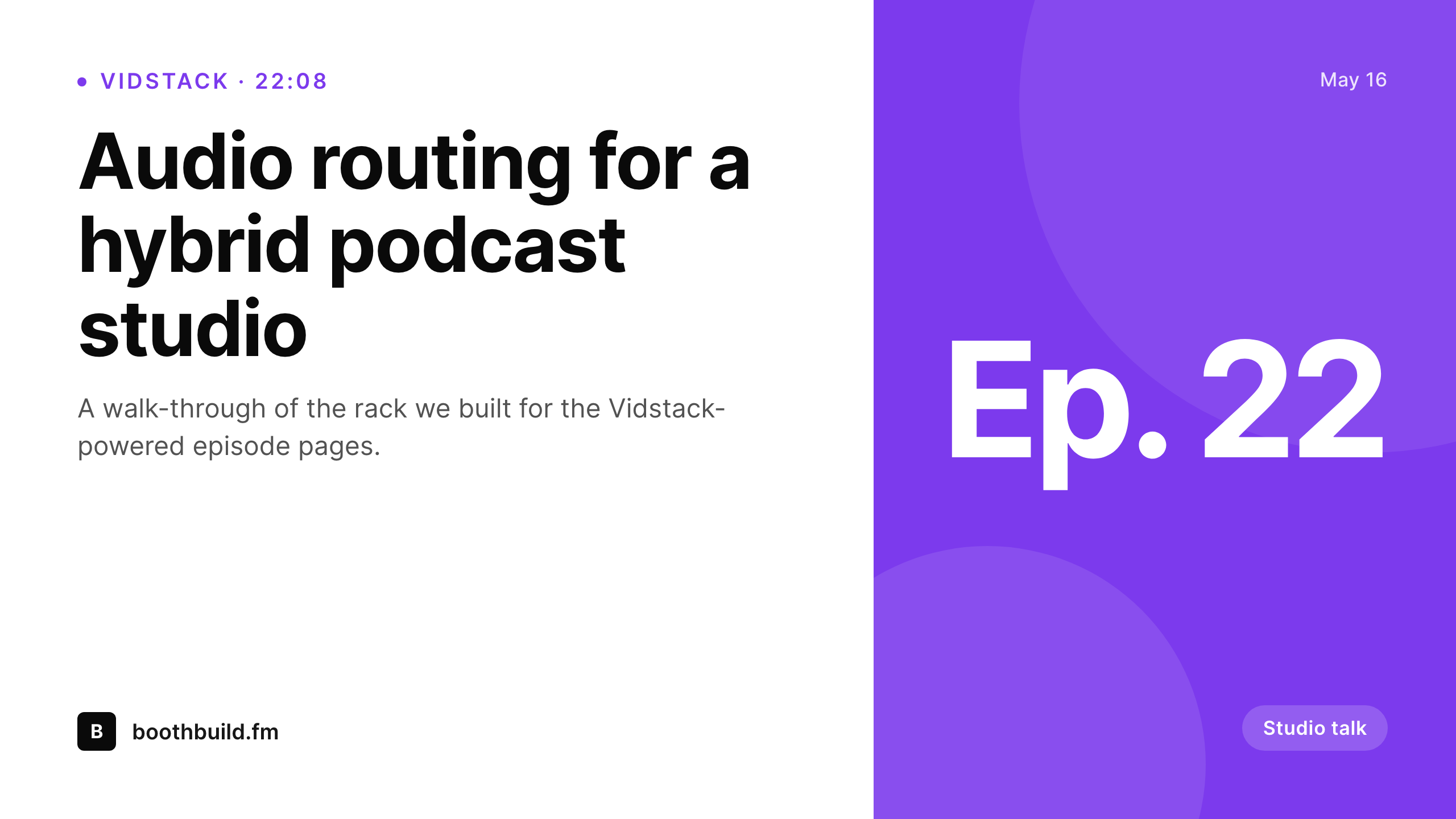
Vidstack handles playback, the share card is still on you
Vidstack is a modern, framework-agnostic video player favored by developer-led WordPress builds, headless setups and React-on-WordPress front ends. It does not prescribe how the video metadata is stored; that lives in the surrounding post on the WordPress side. Title, duration, hosting provider, captions reference, episode tags, all of it sits in post meta and gets passed into the player on render.
That same surrounding post is the natural home for the share image, but nothing renders the share image by default. A new episode published with Vidstack as the player shares with whatever OG the theme or the headless front end provides, which is almost always a generic banner. The detail and care that went into the player setup ends at the player, and the social preview stays disconnected from the work.
SleekPixel runs on the WordPress side regardless of how the front end is rendered. It reads the post meta the Vidstack embed already depends on, and on save it renders a 1280 by 720 thumbnail and 1200 by 630 OG card with the video title, duration, episode mark and brand wordmark. The card gets stored in uploads and set as og:image on the post URL, so every share (whether the front end is classic WordPress or a Next.js client) gets a real branded preview.
Workflow
From Vidstack embed to branded card
Player already wired up
Build thumb and OG templates
Render on save
Share and embed
Output
What renders for each Vidstack video post
A 1280 by 720 YouTube-style thumbnail plus a 1200 by 630 OG card, carrying video title, duration, optional episode mark and brand wordmark.
Comparison
Default Vidstack share vs SleekPixel
Default headless OG
- Headless front ends usually default to a generic site OG
- Vidstack itself does not produce share images
- Episode and duration metadata never reaches the preview
- Manual social art per episode lags the publishing pace
- Brand updates rarely propagate through the back catalog
SleekPixel
- Reads WordPress post fields the Vidstack embed already uses
- Per-episode thumbnail and OG templates, both rendered on save
- Works whether the front end is classic WordPress or headless React
- Bulk re-render across the full video catalog on brand updates
- Self-hosted PNG output, no external render service
Features
What SleekPixel gives you for Vidstack player
Episode-aware slots
Title, duration, episode number and series tag come from the post the Vidstack embed sits inside. The card and the player share the same source of truth.
Headless-friendly
SleekPixel runs on the WordPress server; the rendered PNG is set as og:image on the post URL, so any front end (classic, Next.js, Astro) gets the right share preview.
Thumb plus OG card
Catalog grids serve the rendered thumbnail, social serves the rendered OG card. One template family handles both sizes per episode.
Use cases
Where Vidstack-powered sites need cards
Headless WordPress builds
React or Astro front ends with a WordPress CMS get a real og:image per episode without bolting on a separate image service.
Developer-led course sites
Bespoke course platforms use Vidstack for playback and SleekPixel for per-lesson thumbnails, both driven from the same post.
Indie video podcasts
Episode pages share with the episode title and number on a branded card, while the embed itself stays on the small Vidstack player chrome.
The bigger picture
Why headless video sites still need branded cards
Headless and developer-led WordPress builds tend to over-invest in the playback experience and under-invest in the share surface, because the share surface is hidden by the platform and never feels broken until someone notices it months in. Vidstack gives the player real flexibility, but it does not produce share images, and most headless front ends settle for a default OG that says nothing about the video being shared. SleekPixel lives on the WordPress server and writes the og:image as part of the post save.
Whichever front end consumes the post (a classic WordPress theme, a Next.js head, an Astro head) inherits the right preview automatically, since the og:image is part of the post URL not the front-end render. Episode and series metadata bind to the same slots they bind to in the player, so the card reads like the player and the player reads like the card. The brand carries through every share without the team writing a separate image pipeline.
Questions
Common questions about SleekPixel for Vidstack player
No. Vidstack is purely a player. SleekPixel runs on the WordPress side and writes the og:image at the post level.
It works. SleekPixel runs server-side and sets og:image on the WordPress post URL. If the public URL is a separate front-end domain, the canonical og:image can be set via the same WordPress meta and consumed by the head endpoint, or proxied through the front-end build.
Vidstack handles the streaming. SleekPixel only cares about the post fields. Whether the underlying source is HLS, DASH or a plain MP4 is irrelevant to the share card.
Chapter count or first chapter title can bind to a small slot if available in post meta. Most templates keep this minimal in favor of episode and series clarity.
Weekly publishing benefits the most from automated cards. Each episode post triggers a render on save, so the social preview is always in sync without a design pass.
SleekPixel supports format variants. A single template family can output both a 16:9 thumbnail and a 1200 by 630 OG card from the same source fields.
Yes. The card renders from public post meta; whether the actual video file is gated by membership rules is unrelated to the og:image.
A single render per save is negligible. Full-catalog bulk regeneration runs as a background job and is throttled to avoid load spikes.
Pricing
More than 1000+
happy customers
Explore our flexible licensing options tailored to your needs. Upgrade your license anytime to access more features, or opt for a lifetime license for ongoing value, including lifetime updates and lifetime support. Our hassle-free upgrade process ensures that our platform can grow with you, starting from whichever plan you choose.
Lifetime ♾️
Most popular
EUR
once
- Unlimited websites
- Lifetime updates
- Lifetime support
...or get the Bundle Deal
and save €250 🎁
💎 Want everything forever? The All Access Pass is going away on 01.08.2026.
The Bundle (unlimited sites)
Pay once, own it forever
Elevate your WordPress site with our exclusive plugin bundle that includes all of our premium plugins in one package. Enjoy lifetime updates and lifetime support. Save significantly compared to buying plugins individually.
What’s included
-
SleekAI
-
SleekByte
-
SleekMotion
-
SleekPixel
-
SleekRank
-
SleekView
€749
Continue to checkoutBrowse more
- Bluesky profile banners
- Warpcast frame images
- LinkedIn event banners
- Tidal cover art
- LinkedIn carousel slides
- Bluesky link cards
- Amazon Storefront banners
- Rumble thumbnails
- GitHub README banners
- Facebook post images
- Mastodon post images
- Pinterest board covers
- Behance banner
- Shopify product images
- Etsy cover photos