






SleekPixel for Mastodon post images
Mastodon timelines reward posts with images that read at the size the client renders them. SleekPixel turns every WordPress post into a 1080x1080 PNG ready to attach to a toot.
♾️ Lifetime License available
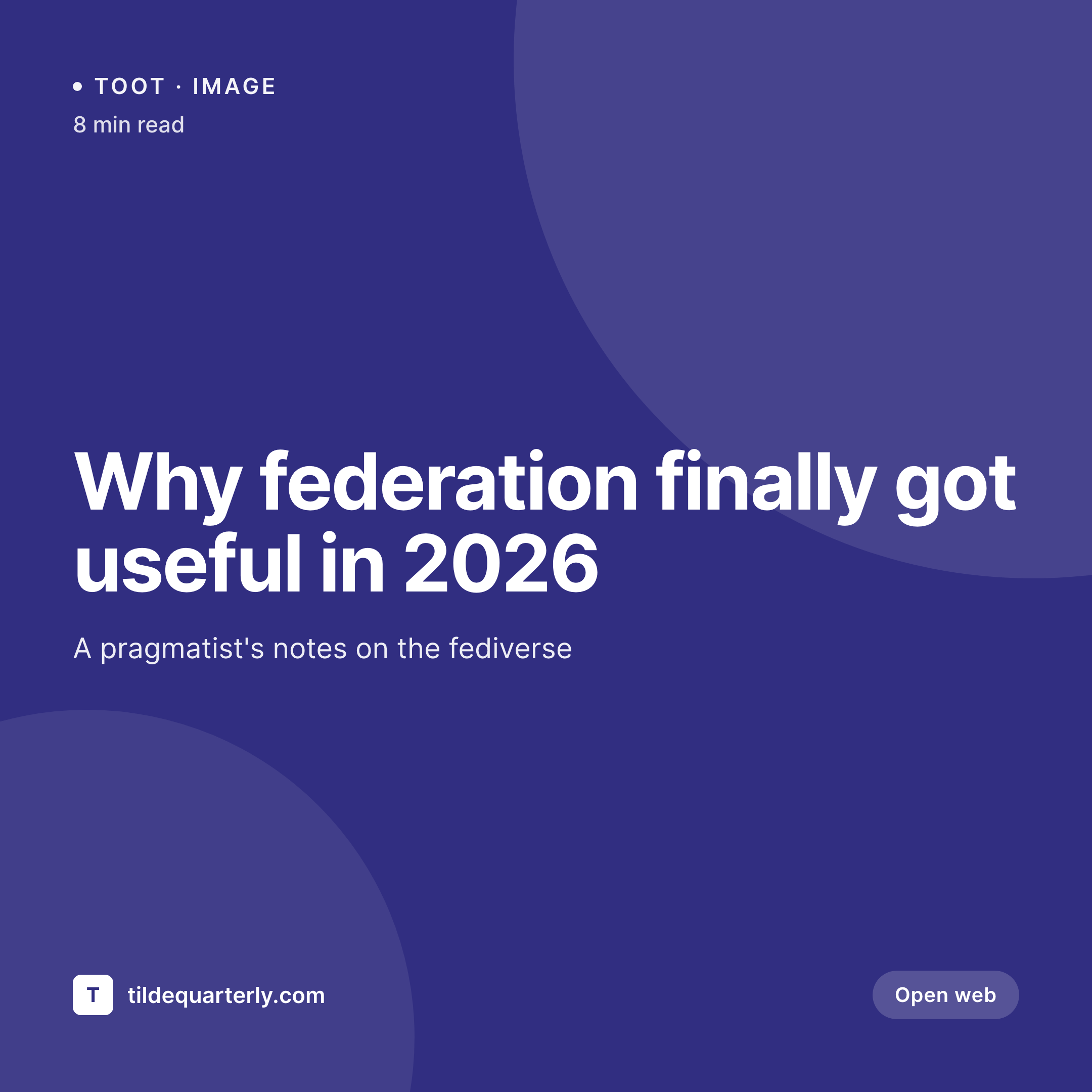
Mastodon timelines do not surface text-only posts the same way
Mastodon's timeline is chronological, no algorithmic ranking, but the human eye still scrolls faster past walls of text than past posts with images. Accounts that share long-form work tend to need an opening image both to slow the scroll and to give the post enough visual weight when it gets boosted across instances.
The standard workflow is to take a screenshot of the article or open Canva. Screenshots include browser chrome, scrollbars, and arbitrary crops. Canva templates drift after the first month, and the cards stop looking like the rest of the site.
SleekPixel renders a 1080x1080 PNG per WordPress post, stored in uploads with the rest of the media library. Attach the image to the toot, write the alt text in the Mastodon composer, send. The card looks like the WordPress site, so the visual identity stays consistent from the article to the federated post that links to it.
Workflow
From WordPress post to Mastodon-ready attachment
Design the square template
Apply to post types
Save the post
Compose the toot
Output
What attaches to a Mastodon toot
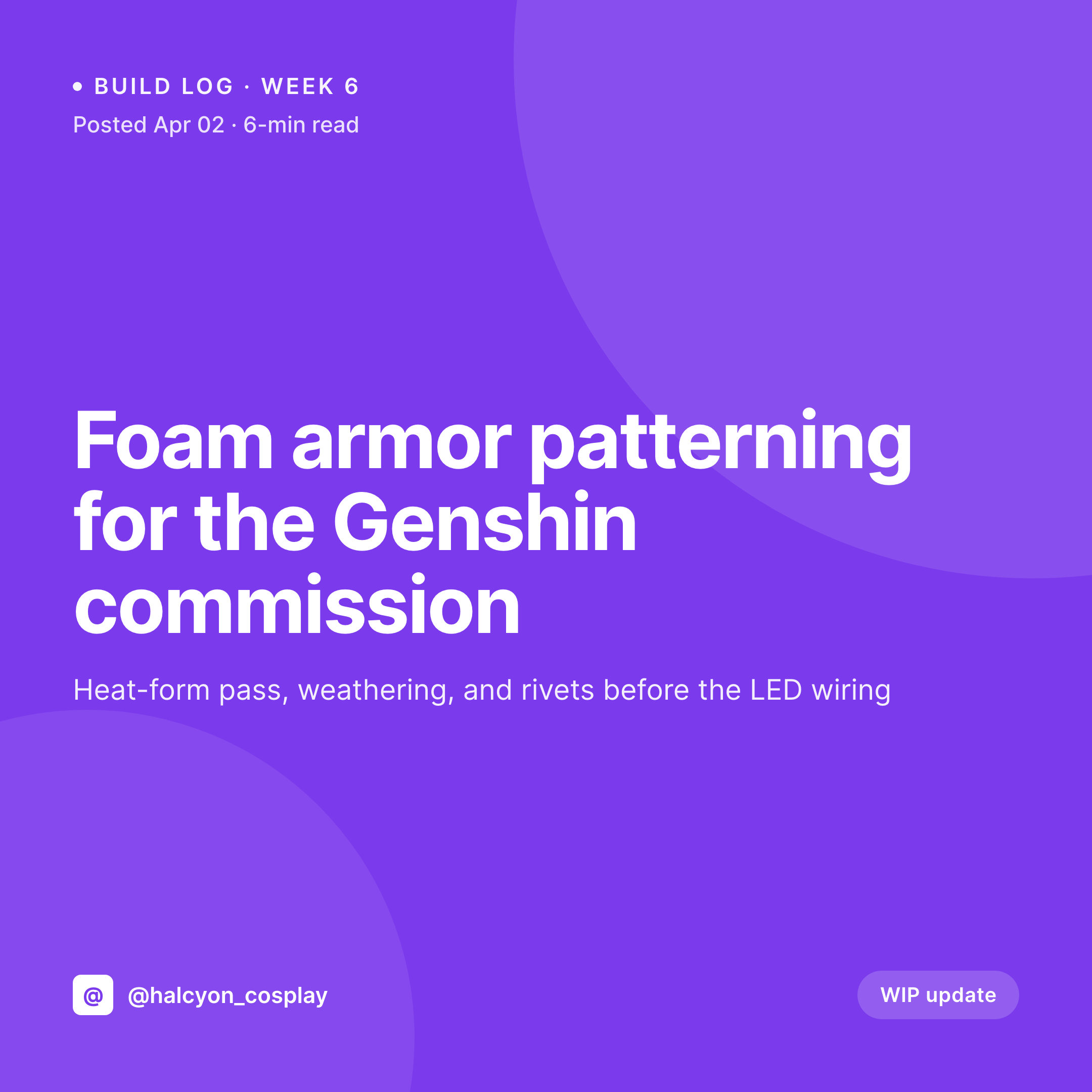
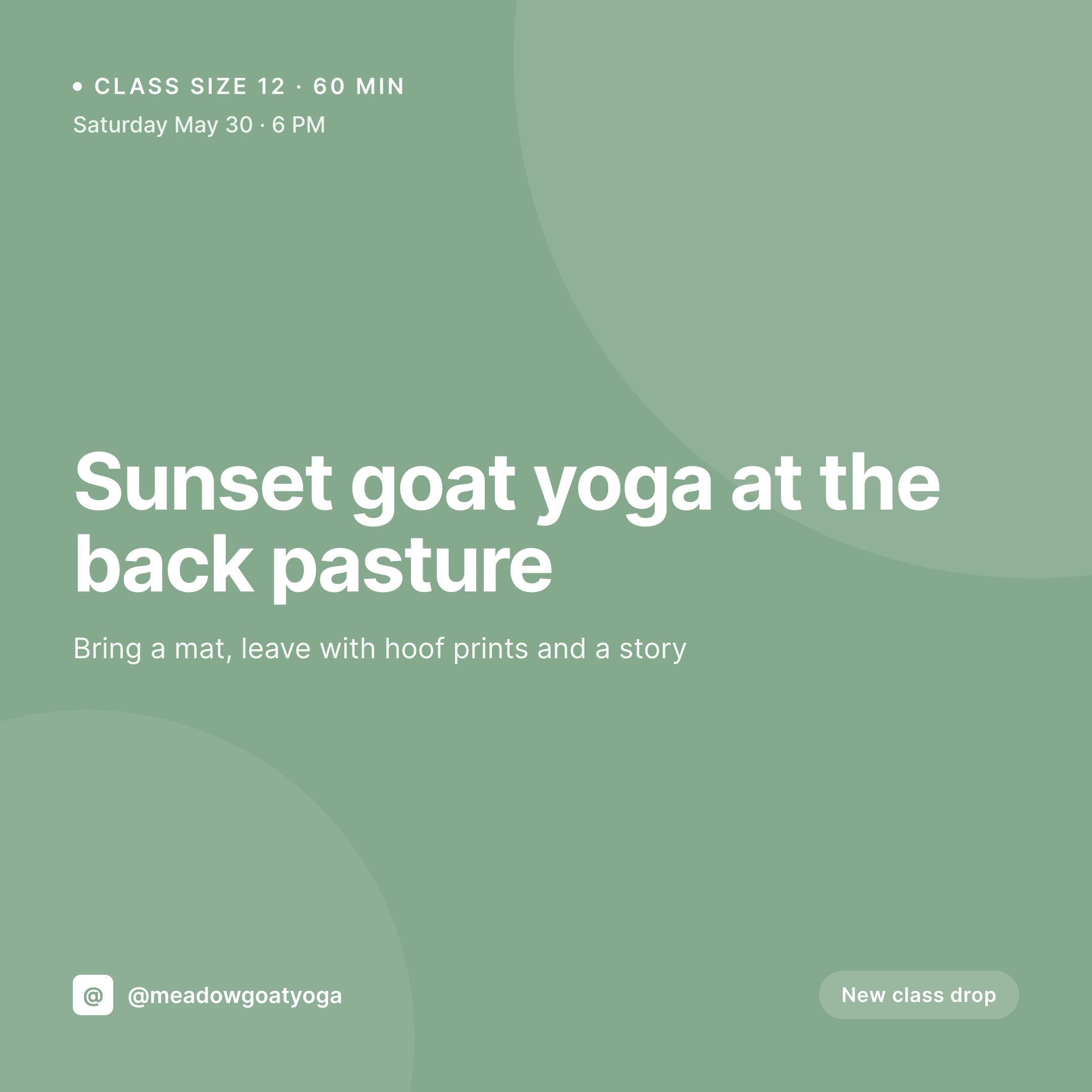
A 1080x1080 PNG built from the WordPress post title, accent, and brand. Sized to render inline in the Mastodon timeline without cropping.
Comparison
Screenshot of article vs SleekPixel for Mastodon
Article screenshot or Canva
- Screenshots show browser chrome, scrollbars, and irrelevant page elements
- Canva templates drift off-brand within weeks of the first post
- Article headers were never designed at 1:1 for the timeline
- Brand colors and fonts disappear in any non-WordPress workflow
- No way to bake the post title cleanly into a fediverse-ready image
SleekPixel
- 1080x1080 PNG generated for every post on save
- Real brand fonts and accent colors in every card
- Editor downloads from the WordPress sidebar in one click
- Same image works as the OG card and the Mastodon attachment
- Template change refreshes the catalog for future toots
Features
What SleekPixel gives you for Mastodon post images
Timeline-safe size
Mastodon clients render image attachments at varying sizes. The 1080x1080 template stays readable from a thumbnail in the timeline up to the expanded view in the lightbox.
Alt text friendly
Mastodon culture treats alt text as required. SleekPixel exposes the post title and a fallback description so you can paste alt text into the composer without retyping.
Brand-true rendering
The template uses your real brand fonts and accent colors, so a toot that quotes an article looks visually connected to the site behind the link.
Use cases
Who attaches images to Mastodon toots from WordPress
Federated publications
Long-form publications post toot-and-link to articles, attaching the SleekPixel card so the post carries the article's visual identity.
Open source projects
Project Mastodon accounts attach a card to every release post, with version and changelog highlights baked in by the template.
Academic accounts
Researchers and academic blogs use the SleekPixel card on every paper announcement, with paper title and venue rendered cleanly.
The bigger picture
Why Mastodon attachments compound across instances
A Mastodon toot does not stay on its home instance. Once a follower boosts the post, every instance that follower's instance federates with sees the toot, including the image attachment. The reach of a single well-attached post can far exceed the home instance's user base, especially for content that gets picked up by larger accounts on bigger instances.
The image is what carries the brand into those federated timelines. Visitors who land on the toot from an instance they have never heard of see the SleekPixel card, recognize the WordPress site behind it, and follow back through the link. Mastodon culture also rewards accounts that treat the platform seriously: real alt text, consistent visual identity, no platform-default banners.
SleekPixel covers the visual identity half of that equation by producing the card from the WordPress post that already exists, which means the cost of doing this well across hundreds of toots is one template render rather than hundreds of design sessions.
Questions
Common questions about SleekPixel for Mastodon post images
Mastodon resizes and compresses uploads, but the 1080x1080 PNG survives compression well because the type is rasterized at full size. Avoid very thin strokes and rely on solid type weights.
Yes. Mastodon allows up to four image attachments per post. Attach a sequence of SleekPixel renders for a multi-card thread or a long announcement.
Yes. Image attachments are part of the ActivityPub object the toot creates. Any federation-compatible client renders the attachment the same way Mastodon does.
Alt text is added in the Mastodon composer when uploading the image, not embedded in the PNG. The SleekPixel sidebar exposes the post title so you can copy a clean description into the composer field.
Mastodon has a publishing API, but most users prefer to compose toots manually and keep auth tokens local. SleekPixel renders the file; uploading happens in the composer or via your preferred scheduling tool.
Yes. SleekPixel writes the same PNG into og:image on the post page. When the article URL appears in a toot, the federated OG preview matches the attached image.
Mastodon supports marking attachments as sensitive in the composer. That choice is made per-toot when uploading; SleekPixel produces the image regardless of how it will be marked.
No. The render produces a standard PNG with no exotic metadata. Mastodon strips EXIF and other identifying data on upload, so the file is safe to share across instances.
Pricing
More than 1000+
happy customers
Explore our flexible licensing options tailored to your needs. Upgrade your license anytime to access more features, or opt for a lifetime license for ongoing value, including lifetime updates and lifetime support. Our hassle-free upgrade process ensures that our platform can grow with you, starting from whichever plan you choose.
Lifetime ♾️
Most popular
EUR
once
- Unlimited websites
- Lifetime updates
- Lifetime support
...or get the Bundle Deal
and save €250 🎁
💎 Want everything forever? The All Access Pass is going away on 01.08.2026.
The Bundle (unlimited sites)
Pay once, own it forever
Elevate your WordPress site with our exclusive plugin bundle that includes all of our premium plugins in one package. Enjoy lifetime updates and lifetime support. Save significantly compared to buying plugins individually.
What’s included
-
SleekAI
-
SleekByte
-
SleekMotion
-
SleekPixel
-
SleekRank
-
SleekView
€749
Continue to checkoutBrowse more
- Stan Store cover
- Amazon Storefront banners
- Pinterest Idea Pins
- LinkedIn carousel slides
- TikTok shop images
- YouTube Shorts cover
- Bluesky profile banners
- Instagram Shop product images
- Instagram stories
- X list banners
- LinkedIn article covers
- kbin post images
- Instagram collab post images
- Rumble thumbnails
- VSCO cover