






SleekPixel for soap maker
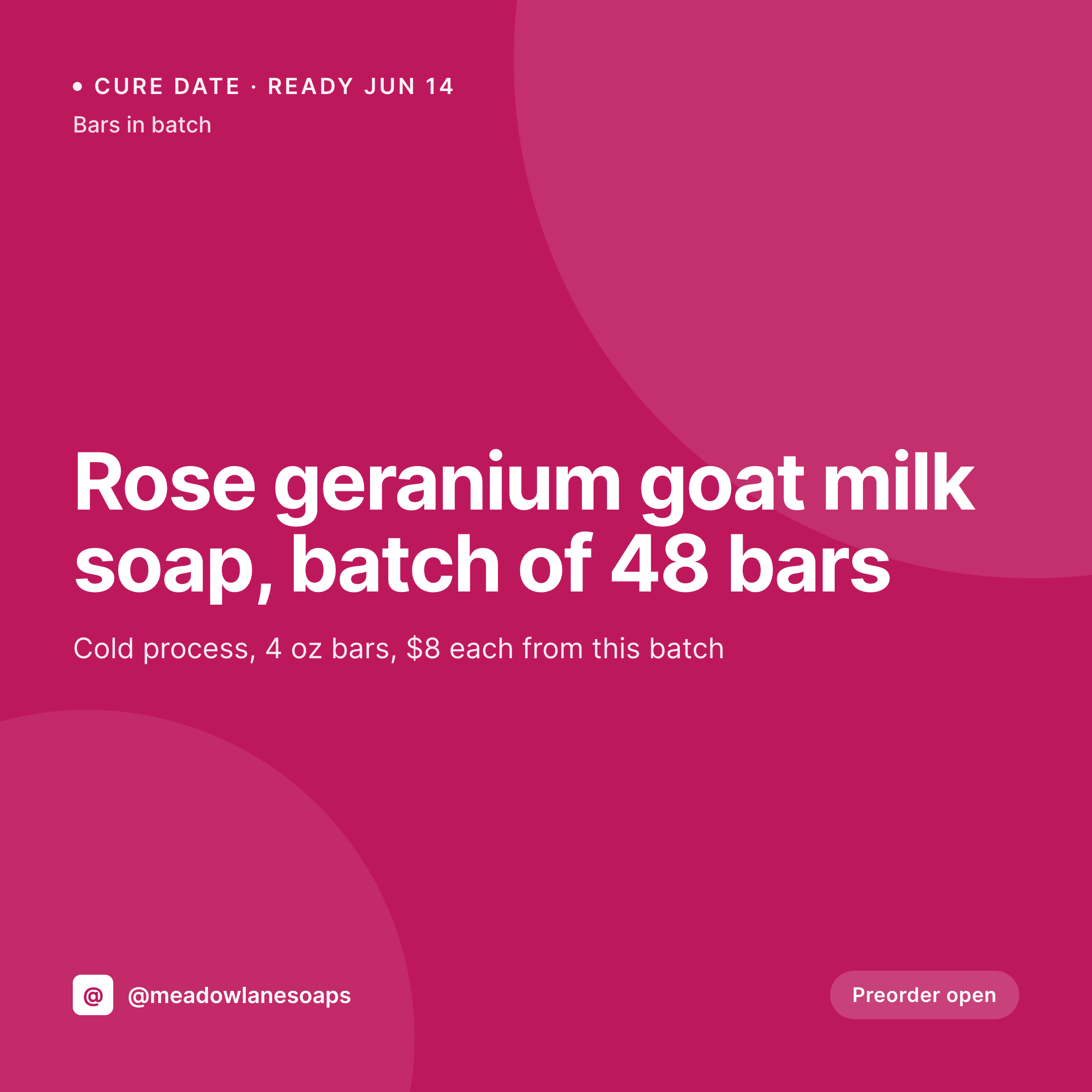
A rose geranium cold process batch curing on the rack, a melt-pour gift set, a Christmas peppermint restock. Each batch post renders into a 1080x1080 tile with the scent, batch size, bar price, and cure date the moment the maker logs the pour.
♾️ Lifetime License available
Cold process batches, cure dates, and the preorder window
A soap maker's calendar runs in four to six week loops. Pour a cold process batch on Saturday, let it cure for four to six weeks, post the preorder window the following Friday, ship the bars when the cure finishes. Each batch is a square image with the scent, the technique, a batch size, a bar price, and a cure date that tells customers when the soap will be ready. Each one needs to ship the day the soap is poured so preorders fill before the cure clock runs out.
The data is already in the maker's WordPress site. Most soap shops run a batch CPT, a recipe CPT, or ACF groups for batch date, scent, technique, bar count, and per-bar price. The maker types it once at the end of pour day when the rack is full. The work that keeps repeating is opening Canva on a phone in the studio at 9pm and rebuilding the same tile, often with the cure date wrong because the batch was poured a day later than planned.
SleekPixel turns the batch post into the tile. Save the rose geranium batch of forty-eight bars with a June 14 cure date, the 1080x1080 PNG lands in uploads. Preorders come in, update the bar count, the tile re-renders. The maker goes back to wrapping yesterday's batch, and customers scrolling at lunch see exactly which batch is curing, which is ready, and which scents are open for preorder.
Workflow
From pour day to posted tile
Map the batch fields
Design one tile template
Publish or update the batch
Post on pour day
Output
What gets generated per batch
A 1080x1080 square card with the scent, batch size, bar price, cure date, and the maker's brand frame, pulled live from the batch post fields.


Comparison
Default soap maker image vs SleekPixel
Default soap maker image
- Maker builds a Canva tile per batch in the studio at 9pm after a pour
- Bar count on the tile is forty-eight when preorders already took twelve
- Cure date on the image is wrong because the batch was poured a day late
- Cold process and melt-pour tiles drift into different fonts and palettes
- Holiday batches and core scents post in different brand frames
SleekPixel
- Save the batch post, the 1080x1080 tile lands in uploads
- Scent, batch size, bar price, and cure date pulled from the batch fields
- Bar count re-renders when preorders come in and the tile updates
- Maker downloads from the Gutenberg sidebar between wrapping and pouring
- One template across techniques keeps the brand consistent year-round
Features
What SleekPixel gives you for soap maker
Tile per batch
Cold process, hot process, melt and pour, rebatch. Each batch post renders into a tile with the scent and cure date visible on the image.
Live bar counts
When a preorder lands and the bar count drops, the tile re-renders with the new number. The grid stops claiming forty-eight bars when only thirty remain.
Cure date on every tile
The cure-ready date is calculated from the batch date plus the technique's cure window, and shows on the tile so customers know when the soap ships.
Use cases
Who uses SleekPixel for soap making
Cold process makers
Traditional cold process makers running four to six week cures share batch tiles with scent, technique, and cure dates.
Gift set and seasonal lines
Holiday gift sets, mother's day boxes, and birthday bundles render their own tiles with the bundle contents and price on the image.
Farmers market vendors
Makers selling at weekly markets share market-day tiles with the next batch, the market location, and current bar counts on the image.
The bigger picture
Why soap makers fill preorders through the consistency of their grid
Soap making operates on a cure clock that gives makers exactly one chance per batch to fill preorders before the soap ships or goes unsold. A grid that shows clear, consistent batch tiles signals a maker who is paying attention to the work, and customers preorder before a scent runs out. A grid full of inconsistent Canva tiles with mismatched fonts and stale bar counts signals a hobby, and customers wait to see what shows up at the market.
Most soap makers are solo or two-person operations, often running the business out of a converted garage or a small studio, and the social work falls on whoever has hands free at the end of pour day. Treating the tile as a byproduct of the batch post means the cure date is right, the bar count is current, and the brand frame holds across cold process, melt-pour, and seasonal lines. Customers see the full cycle of the maker's work, preorders fill, and the next batch is funded before the cure finishes.
Questions
Common questions about SleekPixel for soap maker
Yes for WooCommerce, where each batch can be a product with the relevant attributes. For Etsy sync plugins that push listing data into WordPress, those records map onto a SleekPixel template the same way. Etsy-only data without a WordPress mirror needs a sync step first.
Yes. Templates can be conditional on a technique taxonomy, so cold process tiles can use one palette, melt-pour another, and rebatch a third. All pull from the same batch fields, just styled per technique.
The template can calculate the cure-ready date from batch date plus the technique's cure window stored on the batch post. The maker types one date, the tile shows when the soap will be ready to ship.
Yes. One save can produce a 1080x1080 grid tile, a 1080x1920 story for cure-ready announcements, and a 1000x1500 Pinterest pin for craft-board funnel. Configure each format once and they all render together.
No. SleekPixel renders the PNG and saves it to uploads. Posting to Instagram, Pinterest, or Etsy is a manual step from the platform's app or a scheduling tool.
A seasonal field on the batch post can switch the template to a holiday accent color and add a limited-edition badge. Christmas peppermint and Mother's Day rose batches each get their own brand treatment within the same frame.
No. Generation runs on save in the admin. Customers viewing the shop on the front end never trigger image rendering, they see the cached PNG. The og:image meta tag points at a static file.
Yes. The batch post can store a featured photo of the soap on the cure rack, and the template renders that image into the layout next to the scent and cure date. The grid shows real bars instead of stock illustrations.
Pricing
More than 1000+
happy customers
Explore our flexible licensing options tailored to your needs. Upgrade your license anytime to access more features, or opt for a lifetime license for ongoing value, including lifetime updates and lifetime support. Our hassle-free upgrade process ensures that our platform can grow with you, starting from whichever plan you choose.
Lifetime ♾️
Most popular
EUR
once
- Unlimited websites
- Lifetime updates
- Lifetime support
...or get the Bundle Deal
and save €250 🎁
💎 Want everything forever? The All Access Pass is going away on 01.08.2026.
The Bundle (unlimited sites)
Pay once, own it forever
Elevate your WordPress site with our exclusive plugin bundle that includes all of our premium plugins in one package. Enjoy lifetime updates and lifetime support. Save significantly compared to buying plugins individually.
What’s included
-
SleekAI
-
SleekByte
-
SleekMotion
-
SleekPixel
-
SleekRank
-
SleekView
€749
Continue to checkoutBrowse more
- VSCO cover
- Facebook Marketplace images
- TikTok Now image
- Audible audiobook cover
- Slack channel headers
- Odnoklassniki banners
- Discord stage banner
- TikTok shop images
- LinkedIn company banners
- Dailymotion thumbnails
- Lemon8 post
- LinkedIn carousel slides
- TikTok profile banners
- LinkedIn event banners
- X Space banners