






SleekPixel for Resend emails
Resend handles the developer-friendly email delivery. SleekPixel handles the matching WordPress share image, so engineering blog posts, postmortems, and changelogs all share with version-stamped, date-stamped cards instead of stretched homepage banners.
♾️ Lifetime License available
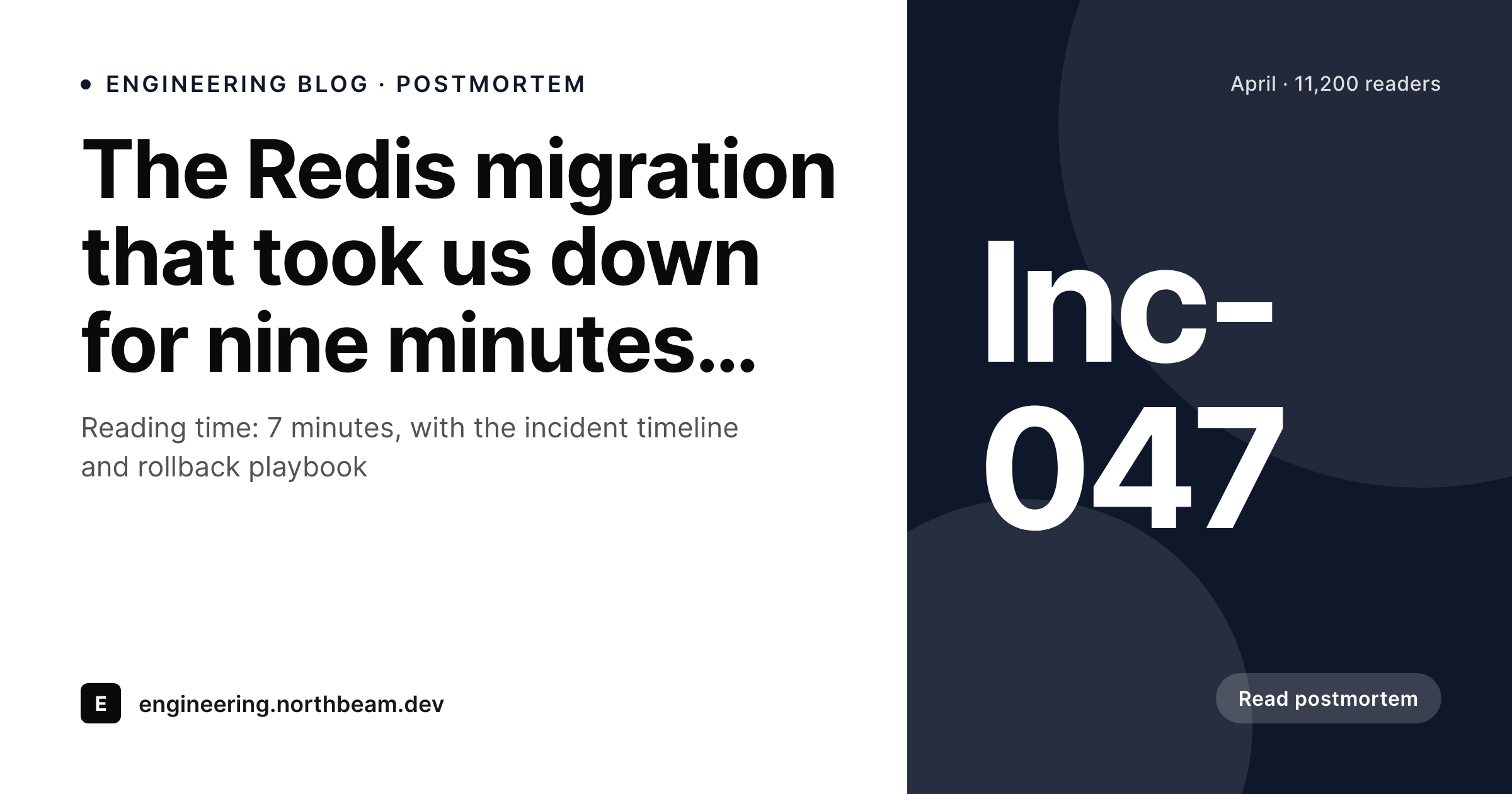
Resend covers developer email; WordPress still needs OG control
Resend is a developer-first email API with strong defaults for transactional sends, audience-based broadcasts, and engineering communications. Teams using Resend tend to send a lot of content from inside their codebase: postmortems to subscribers, changelogs to customers, security advisories, weekly digests for internal users. The send infrastructure is solid and the developer experience is clean.
The send is only half the story. Most of those posts also live as public WordPress pages: postmortem blog posts, changelog entries, advisory pages, engineering deep dives. The WordPress page is where external links land. GitHub issues link to postmortems. Hacker News threads quote engineering posts. Status pages link to advisory write-ups. Every one of those links pulls the WordPress OG image, and a default theme banner across an entire engineering blog reads as careless.
SleekPixel runs on the WordPress side and renders the share image from the post fields. Subject becomes the headline. Incident number, version tag, or severity badge render into the corner depending on the post type. Date and read time render as meta. Engineering blogs start sharing like the careful, deliberate publications they actually are. The Resend side keeps handling the send queue, untouched.
Workflow
From engineering post save to share-ready card
Build the engineering post types
Build the engineering template
Save the post
Share across developer channels
Output
Sample engineering post card
A 1200x630 OG image: post headline, incident or version tag, publish date, reading time, and engineering brand wordmark, rendered from the WordPress post on save.
Comparison
Default theme OG vs engineering-aware rendering
Default theme OG image
- Postmortems share with a homepage banner instead of an incident tag
- Engineering changelogs leak brand value on every Hacker News share
- Severity badges and incident numbers never reach the preview
- Manual designer asks pile up at the end of every sprint
- Old advisories re-linked from GitHub issues open with stretched logos
SleekPixel
- Reads the WordPress engineering post for every Resend-sent piece
- Incident number, version tag, or severity badge render on the card
- Postmortems, advisories, and changelogs share the same template family
- Bulk re-render past posts when the engineering blog rebrands
- Leaves Resend's send infrastructure untouched, only WordPress changes
Features
What SleekPixel gives you for Resend emails
Severity-aware
Postmortems and advisories can render with a severity badge derived from a post field. Sev1 incidents look distinct from Sev3 retrospectives at a glance.
Version-aware
Changelog posts carry the version on the card so customers screenshotting the link know exactly which release they are pointing at.
Developer-toned defaults
Templates can lean monospace, restrained, and information-dense, matching how engineering blogs actually present their work.
Use cases
What Resend-using engineering teams generate with SleekPixel
Postmortem write-ups
Each incident postmortem shares with an incident-stamped card. GitHub issues and status-page links open with the right severity context.
Security advisories
Advisory pages render with a CVE or severity badge so customer shares of the advisory carry the right urgency signal on the preview.
Public changelog posts
Every changelog entry shares with a version-stamped card. Customer-facing release notes look like a real engineering publication.
The bigger picture
Why developer audiences notice share previews
Developer audiences are unusually attuned to the visual signals a publication sends. A postmortem that shares with a homepage banner reads as careless, which is the opposite of what a postmortem is supposed to convey. A changelog that shares with a stretched logo reads as a marketing afterthought.
The audience for these posts judges credibility partly by production quality of the surrounding artifacts, including the OG image. The cost of getting it wrong is not measured in conversion rate, it is measured in technical brand trust, which compounds slowly and matters when a customer is deciding whether to bet a system on the product. The second reason is link archaeology.
Engineering blogs accumulate years of postmortems, advisories, and changelog entries. Those old posts get linked from new postmortems, from competitor write-ups, from conference talks, and from runbooks across the industry. Each of those external links is a share preview impression.
A consistent, careful card across the full archive signals long-term operational seriousness. SleekPixel renders the cards automatically on save from post fields, so the engineering blog stays consistent across years of posts without anyone in DevRel spending Fridays on Figma exports.
Questions
Common questions about SleekPixel for Resend emails
Resend is a developer-first transactional and broadcast email API. It is built for engineering teams that want to send email from inside their codebase rather than from a marketing UI. Strong defaults, clean SDK, and pricing built around send volume.
Resend connects via API, not via a dedicated WordPress plugin. Most engineering teams send Resend emails from their app backend and keep WordPress as the public engineering blog. SleekPixel handles the WordPress share image rendering, independent of the send tool.
Yes. A severity field on the post picks the template variant. Sev1 incidents might render a red badge, Sev3 retrospectives render a muted badge. The selection is automatic based on whatever field you bind.
Internal-only posts do not have public share previews, so they do not need OG rendering. SleekPixel works on public WordPress URLs. If a post is behind a paywall or a login wall, the OG image can still render for the teaser variant of the page.
Yes. The post can carry a GitHub release URL field and the template can show a small 'release' badge that links to the tag. Useful for customers who want to dig into the actual commits behind a release.
API doc pages are usually generated from an OpenAPI spec and may live on a docs subdomain, not the main WordPress site. SleekPixel renders share cards wherever WordPress runs, including a docs subdomain, but a dedicated docs site like Mintlify handles its own OG rendering.
The render adds about a second to the WordPress save. Visitor traffic serves a static PNG from uploads, with no per-view render cost. The publish flow stays effectively as fast as a normal WordPress save.
The WordPress posts and rendered share images stay where they are with stable URLs. The email infrastructure swap does not touch WordPress. SleekPixel keeps rendering cards from the post fields regardless of which API sends the email.
Pricing
More than 1000+
happy customers
Explore our flexible licensing options tailored to your needs. Upgrade your license anytime to access more features, or opt for a lifetime license for ongoing value, including lifetime updates and lifetime support. Our hassle-free upgrade process ensures that our platform can grow with you, starting from whichever plan you choose.
Lifetime ♾️
Most popular
EUR
once
- Unlimited websites
- Lifetime updates
- Lifetime support
...or get the Bundle Deal
and save €250 🎁
💎 Want everything forever? The All Access Pass is going away on 01.08.2026.
The Bundle (unlimited sites)
Pay once, own it forever
Elevate your WordPress site with our exclusive plugin bundle that includes all of our premium plugins in one package. Enjoy lifetime updates and lifetime support. Save significantly compared to buying plugins individually.
What’s included
-
SleekAI
-
SleekByte
-
SleekMotion
-
SleekPixel
-
SleekRank
-
SleekView
€749
Continue to checkoutBrowse more
- before-after comparison images
- scheduled maintenance card
- ship it card
- explainer essay card
- growth experiment card
- lead magnet card
- side project card
- support update cards
- keynote cards
- fundraising announcement cards
- office hours card
- beta invite card
- review snippet cards
- lookbook card
- weekend project card
- Patreon post thumbnails
- Lemmy post images
- Slack channel headers
- Notion page covers
- Twitch stream overlay images
- Instagram grid tiles
- Audible audiobook cover
- Lemon Squeezy product covers
- Facebook ad images
- GitHub README banners
- Instagram bio link banners
- Bandcamp release cover
- eBay listing images
- Mailchimp email headers
- Flickr cover photo