






SleekPixel for podcast quote cards
Quote cards are the most-shared podcast asset on social. SleekPixel renders a 1080x1080 card per quote post in WordPress, with the pull quote, episode number and attribution bound to post fields.
♾️ Lifetime License available
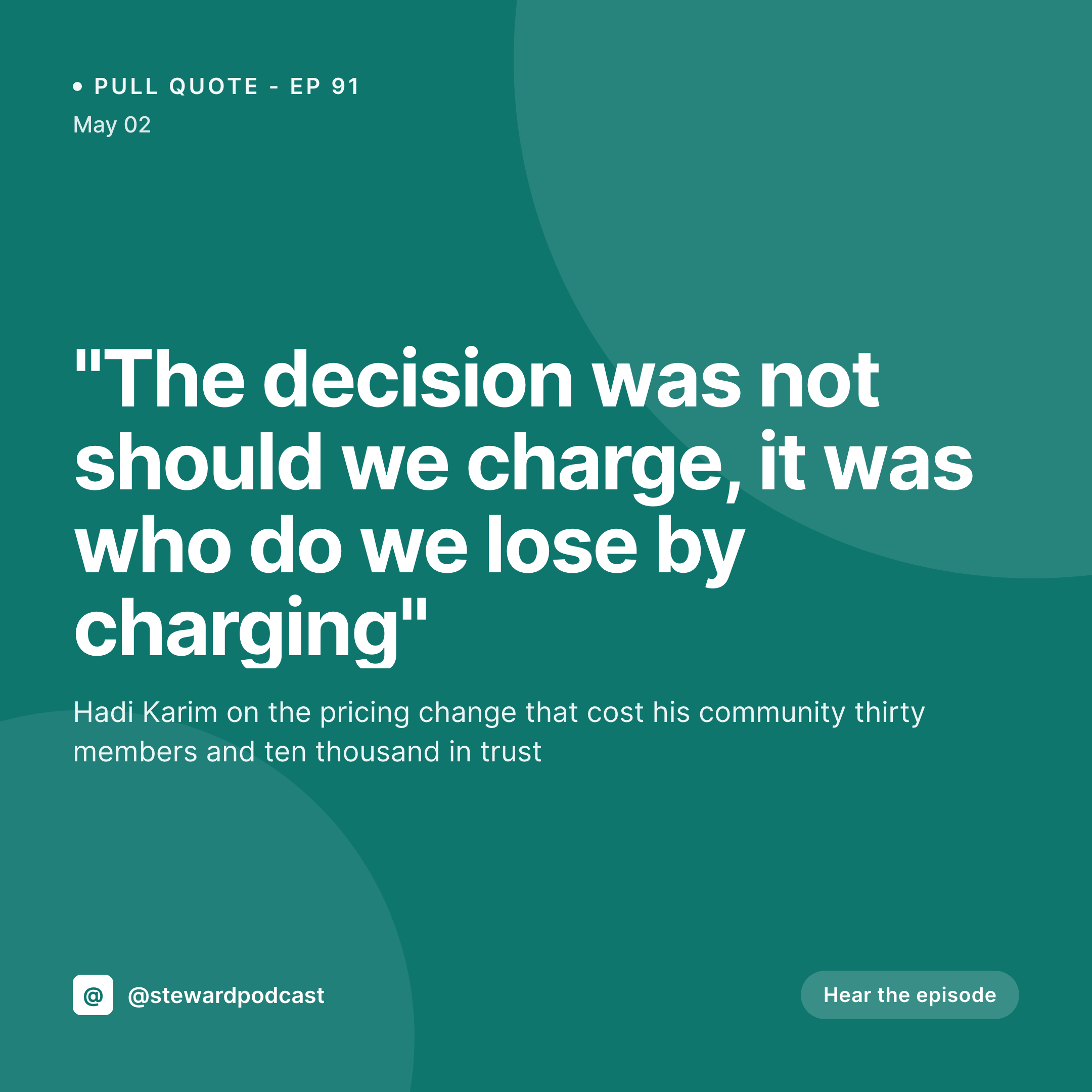
Quote cards live and die on typography
The pull quote is the highest-leverage piece of social content a podcast produces. A single well-chosen line from a guest gets screenshotted, reposted, and quoted back at the show for weeks. The card carrying that quote has one job: make the line readable at thumbnail size with no distractions, then credit the speaker and the episode underneath.
Most shows mishandle this by leaning on a generic Canva template that prioritizes the photo over the quote. The result is a card where the quote is half the size it should be, the attribution is bigger than the quote, and the episode number is missing. The card gets shared anyway, but it does not drive listeners back to the episode the way a well-designed card would.
SleekPixel renders the quote card from a WordPress quote-post with the quote, the speaker, and the episode reference as bound fields. The template enforces typography that scales the quote to fill the frame, places the attribution underneath at a fixed size, and credits the episode number in a locked corner. Every card looks like the same show.
Workflow
From transcribed quote to feed-ready card
Design the quote template
Create the quote post
Review the preview
Post across channels
Output
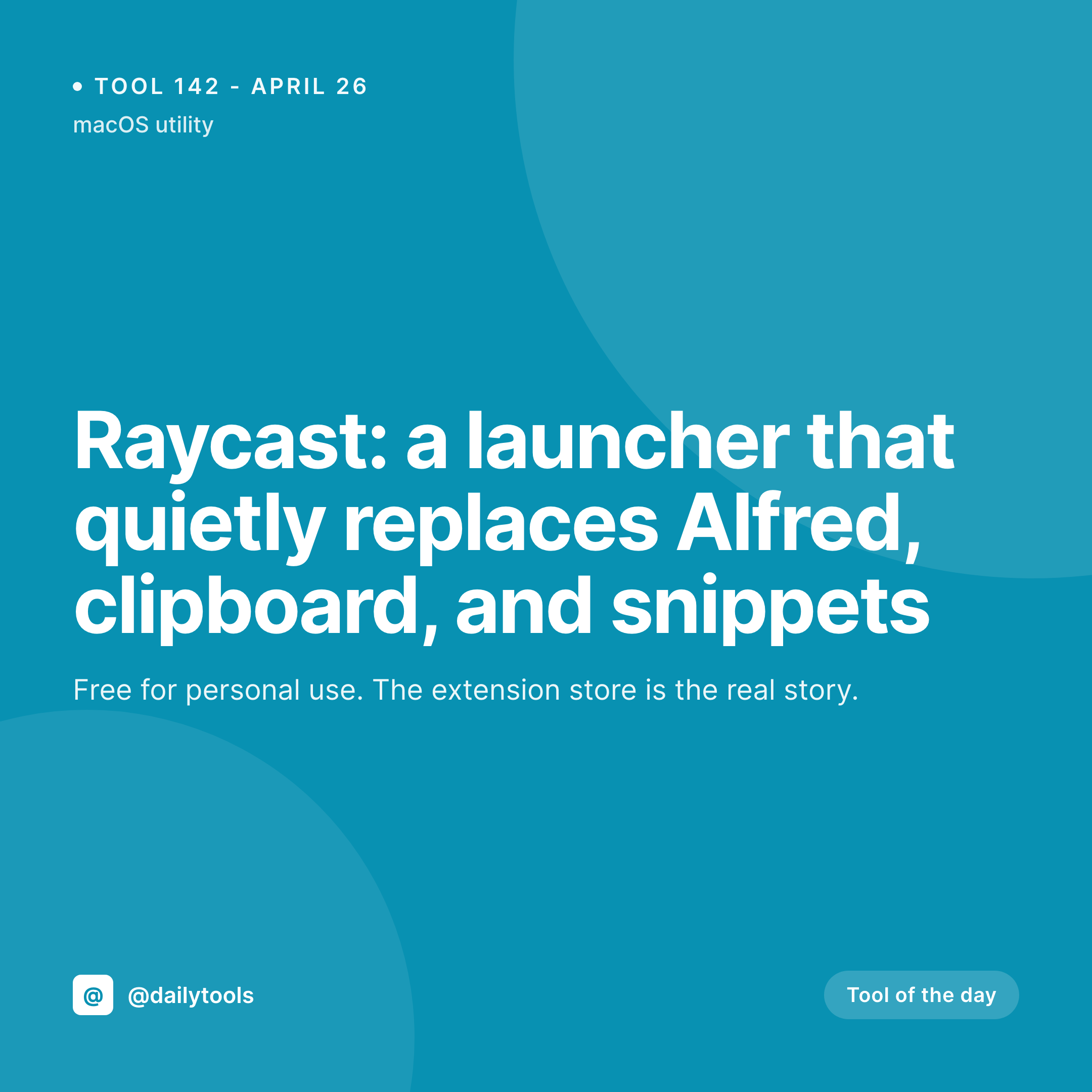
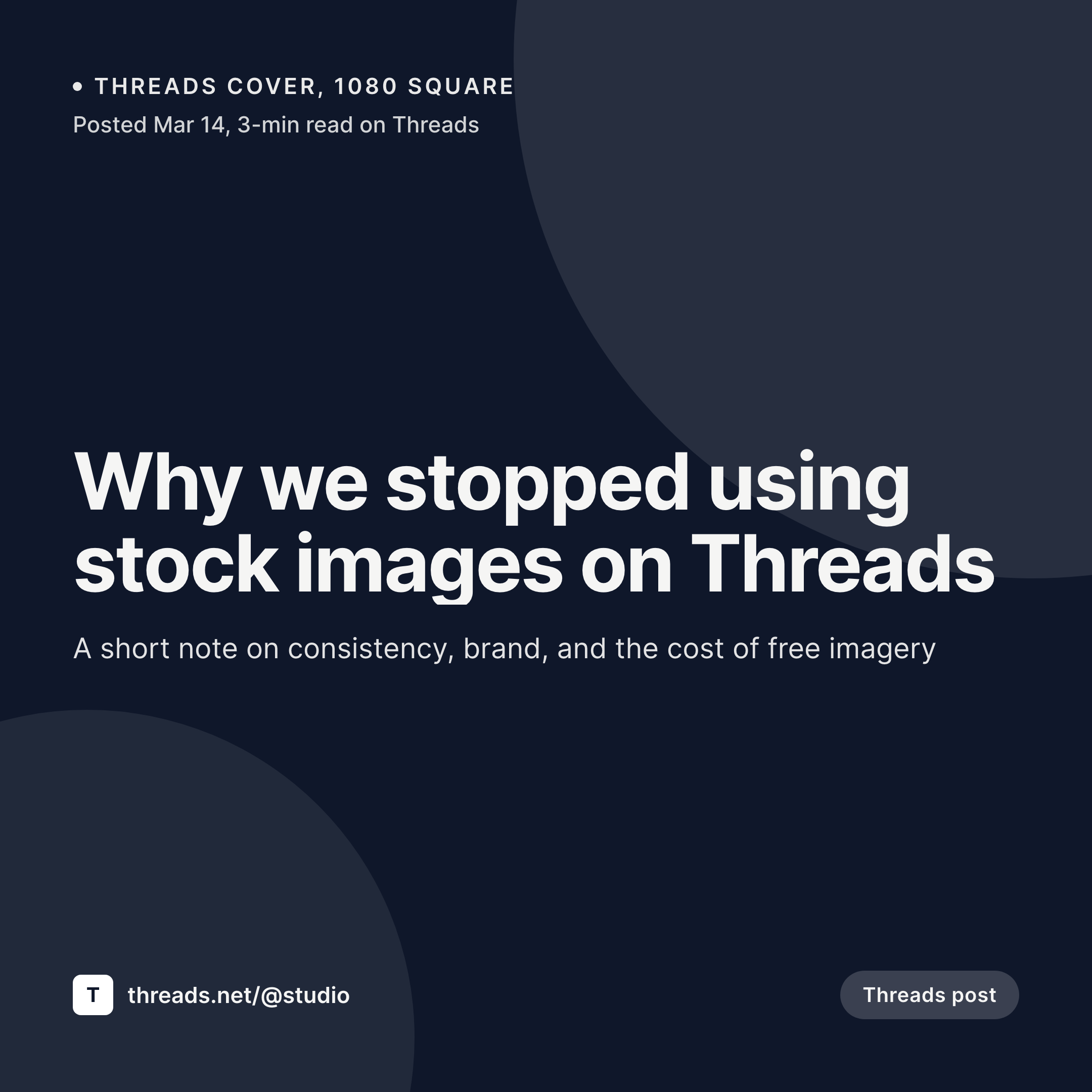
What a generated quote card looks like
A 1080x1080 PNG with the quote scaled to the frame, attribution underneath and episode number in the locked corner.
Comparison
Manual quote cards vs SleekPixel
Default podcast quote cards image
- Generic Canva template, quote shrunk to fit a photo
- Attribution larger than the quote it credits
- Episode number missing or inconsistent across cards
- Long quotes overflow or get truncated mid-sentence
- Series style drifts as the social manager changes
SleekPixel
- Quote-first typography that scales to fill the frame
- Attribution and episode number in fixed, locked positions
- Auto-shrink keeps long quotes inside the bounding box
- Per-show or per-series template variants supported
- Renders on save, no per-quote design step
Features
What SleekPixel gives you for podcast quote cards
Quote-first layout
The template treats the pull quote as the centerpiece. Type scales to fill the readable frame, attribution sits underneath at a configurable fixed size.
Per-series variants
Solo monologue quotes, guest interview quotes and listener-question quotes can each have their own card style, picked automatically per category.
Multi-platform exports
Render the 1080x1080 square for Instagram, a 1080x1920 vertical for Stories and Reels, and a 1200x675 landscape for X off the same quote post.
Use cases
Who uses SleekPixel for podcast quote cards
Interview shows
Two to four standout quotes per guest become four cards. The producer pulls quotes once, the renders happen on save, the cards ship across the week.
Panel discussion podcasts
Roundtable shows where attribution matters more than the photo. The card emphasizes who said the line, not just the show's branding.
Educational podcasts
Teaching shows that surface frameworks and definitions. Quote cards function as study cards, easy to save, easy to revisit.
The bigger picture
Why pull-quote cards drive episode listens
Listeners encounter podcasts through their existing feeds, and the asset that most reliably moves a scroll into a listen is the pull-quote card. A line that lands well gets screenshotted and reposted, sometimes hundreds of times over a year, with every repost carrying the show's brand attribution back to a new audience. The cards that travel well share specific qualities.
The quote is large enough to read at thumbnail size, the attribution is honest and small, and the episode number gives the curious viewer a path to the source. Cards that fail at any of those decisions lose the click. Producers who design every card by hand cannot maintain the template discipline week over week.
SleekPixel enforces the design system at the WordPress layer so every quote card looks like the same publication, and the long tail of reshares compounds into real listener growth.
Questions
Common questions about SleekPixel for podcast quote cards
It is the cleanest setup. A custom post type named Quote with fields for the quote text, speaker, and episode reference gives the template predictable inputs. ACF, Meta Box or native meta all work.
Yes. Add an image layer bound to a speaker photo field (ACF image or featured image). Many producers run a photo-free quote card, the typography reads better at small sizes, but the option is there.
The auto-scale typography handles quotes up to about 200 characters cleanly. Longer quotes still render but compress more aggressively, so a copy edit on entry usually pays off.
Yes. Each pull quote is its own post, so a single episode can spawn three or four quote cards spaced across a week to keep the episode resurfacing in feeds.
Yes. Edits to the quote text fire a re-render on save, the PNG is replaced in uploads, and the og:image URL stays stable so re-shares pick up the corrected version.
Yes. Configure a second template at 1080x1920 with the same field bindings. Both renders happen on save, both appear in the sidebar with separate download buttons.
Yes. SleekPixel reads any post-meta layout. If you want quotes attached to episode posts via repeater fields rather than separate quote posts, that pattern is supported with a custom template hook.
Yes. The admin bulk regenerate command runs against all quote posts and re-renders against the current template, useful after a brand refresh or layout update.
Pricing
More than 1000+
happy customers
Explore our flexible licensing options tailored to your needs. Upgrade your license anytime to access more features, or opt for a lifetime license for ongoing value, including lifetime updates and lifetime support. Our hassle-free upgrade process ensures that our platform can grow with you, starting from whichever plan you choose.
Lifetime ♾️
Most popular
EUR
once
- Unlimited websites
- Lifetime updates
- Lifetime support
...or get the Bundle Deal
and save €250 🎁
💎 Want everything forever? The All Access Pass is going away on 01.08.2026.
The Bundle (unlimited sites)
Pay once, own it forever
Elevate your WordPress site with our exclusive plugin bundle that includes all of our premium plugins in one package. Enjoy lifetime updates and lifetime support. Save significantly compared to buying plugins individually.
What’s included
-
SleekAI
-
SleekByte
-
SleekMotion
-
SleekPixel
-
SleekRank
-
SleekView
€749
Continue to checkoutBrowse more
- Threads post cover
- Depop listing images
- YouTube thumbnails
- Bluesky link cards
- Telegram channel banner
- Poshmark listing images
- Twitter/X header
- Pinterest pins
- X list banners
- Telegram channel images
- Threads post images
- Instagram Reels covers
- YouTube podcast thumbnails
- Twitter card images
- Bluesky profile banner