






SleekPixel for good vs bad cards
Operating handbooks and engineering blogs publishing good-vs-bad examples need a card where the two examples sit clearly side by side. SleekPixel renders that card per post on save and serves it as og:image.
♾️ Lifetime License available
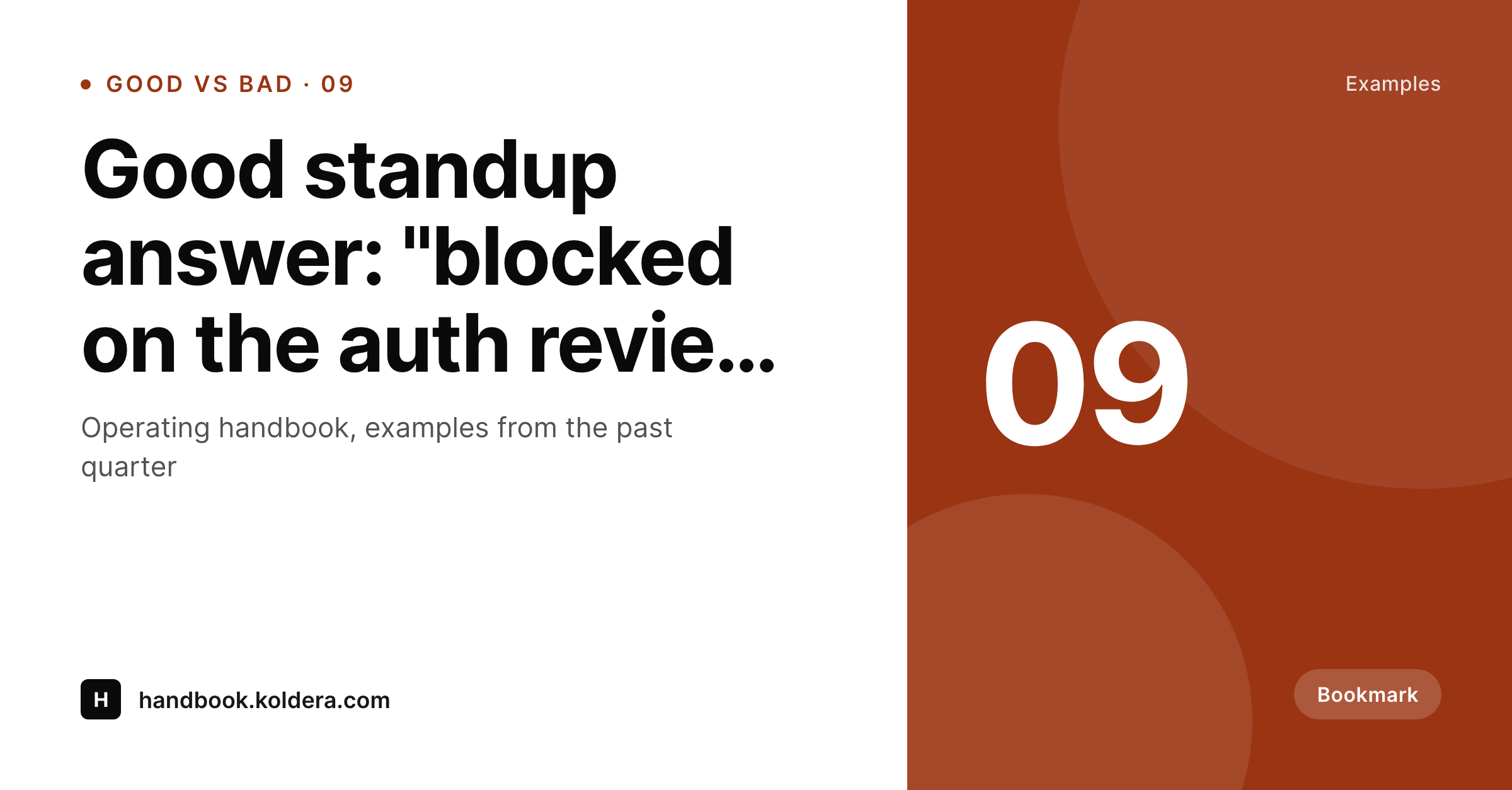
A good-vs-bad card is a side-by-side teaching format
Good-vs-bad cards are example-driven. Where do-vs-don't states a rule, good-vs-bad gives two concrete examples and lets the reader see the difference. A real good standup answer next to a bad one. A real good incident postmortem opening next to a bad one. A real good Slack thread next to a bad one. The format teaches by exposure to specifics, and it works because the examples are tangible, not abstract.
The card has to do two jobs at once. It has to render both examples at readable size, and it has to make clear which side is the good one. Manual workflows in Figma struggle with the readability part. As the examples get longer, the type shrinks, the side-by-side gets cramped, and the reader can no longer parse either example without zooming in. By the third or fourth card, contributors start clipping the examples and the format loses its teaching value.
SleekPixel binds the card to two post fields, good example and bad example, and lays them out in a horizontal LinkedIn-shaped frame. The good side carries the brand accent, the bad side carries a muted neutral. Auto-fit type scales both within bounds so a four-line example reads at the same hierarchy as an eight-line example. The renderer fires on save, the PNG is in uploads, og:image is set.
Workflow
From two example fields to a published good-vs-bad card
Design the good-vs-bad template
Add an example post
Renderer ships the card
Run the example series
Output
What a generated good-vs-bad card looks like
A 1200x627 LinkedIn share card with the good example on the left in the accent and the bad example on the right in a muted neutral.
Comparison
Default good vs bad image vs SleekPixel
Default good vs bad image
- Examples get clipped as the lines run longer than the layout allows
- Type shrinks unpredictably to fit, becomes unreadable in the feed
- Side carrying the accent reverses across cards
- Series-number badge ends up in different corners
- No regeneration path when an example is corrected
SleekPixel
- Render fires on save for every good-vs-bad post
- Good example panel always carries the accent color
- Auto-fit type keeps both panels readable at preview size
- og:image and twitter:image meta tags set automatically
- Edit the example, the card regenerates with no design step
Features
What SleekPixel gives you for good vs bad cards
Good side anchored in the accent
The good example always sits in the brand accent. Readers register the preferred side in under a second without parsing words.
Bad side anchored muted
The bad example sits in a muted neutral with reduced contrast. The hierarchy is clear without being preachy or overly red.
Auto-fit for real examples
Real examples have variable length. Auto-fit type ensures a four-line example and a ten-line example both read cleanly at LinkedIn preview size.
Use cases
Programs that use the good-vs-bad format
Operating handbooks
Companies publishing their internal operating practices. Real-example cards explain what good Slack threads, standups, and PRs look like at the company.
Engineering writing
Engineering blogs comparing good and bad code review comments, error messages, or commit messages. Cards travel well on LinkedIn and engineering Twitter.
Customer support training
Support leads sharing good versus bad customer reply examples. Each card teaches one tone, structure, or expectation with concrete language.
The bigger picture
Why good-vs-bad lives on a renderer
Concrete examples teach faster than abstract rules, and concrete examples are exactly the kind of content that benefits most from automation. The act of writing an example is the valuable work. The act of formatting it into a side-by-side card is overhead.
When the overhead is high, contributors skip the card and just paste the examples into the post body, which means the examples never reach the audience scrolling LinkedIn or Twitter. The teaching loop never closes. SleekPixel removes the overhead.
The example is the post field, the card is the render. Editors keep writing examples, the renderer keeps shipping cards, and the company's operating handbook turns into a public body of work that recruits and trains the audience at the same time. Over months the cards become a reference: candidates read them before interviewing, new hires read them on day one, customers read them and recognize the company's voice.
The series builds equity that compounds, and the production cost stays near zero.
Questions
Common questions about SleekPixel for good vs bad cards
Yes. The good and bad fields can carry monospace text with line breaks. The template uses a code-block style for those fields specifically.
Auto-fit scales each panel within its own bounds. A four-line example next to a ten-line example both fill their panels at appropriate hierarchy.
Yes. Add a takeaway meta field and render it as a single line below the split. Optional per post; some examples carry it, others stay clean.
Yes. Sales emails, hiring rejection notes, customer apology messages, performance feedback. Any text-based pair benefits from a side-by-side example card.
Yes. Engineering, design, and support handbooks can carry distinct accents while sharing the same layout. Category-driven templates handle the variance.
Yes. SleekPixel writes og:image and twitter:image automatically. LinkedIn previews crop the 1200x627 card cleanly for the in-feed view.
Yes. The example fields are plain text; editors paste anonymized versions. The renderer treats them like any other field.
Yes. Register a second size against the same fields and the renderer outputs a square variant on save. Layout adapts to a top-good, bottom-bad stack.
Pricing
More than 1000+
happy customers
Explore our flexible licensing options tailored to your needs. Upgrade your license anytime to access more features, or opt for a lifetime license for ongoing value, including lifetime updates and lifetime support. Our hassle-free upgrade process ensures that our platform can grow with you, starting from whichever plan you choose.
Lifetime ♾️
Most popular
EUR
once
- Unlimited websites
- Lifetime updates
- Lifetime support
...or get the Bundle Deal
and save €250 🎁
💎 Want everything forever? The All Access Pass is going away on 01.08.2026.
The Bundle (unlimited sites)
Pay once, own it forever
Elevate your WordPress site with our exclusive plugin bundle that includes all of our premium plugins in one package. Enjoy lifetime updates and lifetime support. Save significantly compared to buying plugins individually.
What’s included
-
SleekAI
-
SleekByte
-
SleekMotion
-
SleekPixel
-
SleekRank
-
SleekView
€749
Continue to checkoutBrowse more
- Mastodon link previews
- Substack podcast cover
- Amazon Storefront banners
- podcast cover art
- Kick channel banners
- Bluesky link cards
- Vimeo thumbnails
- eBay listing images
- Substack post headers
- Twitch panel images
- Lemmy post images
- YouTube end cards
- TikTok shop images
- Buy Me a Coffee banners
- Facebook post images