






SleekPixel for Penpot projects
Penpot is open-source design, often hosted on a self-run instance. SleekPixel reads project metadata mirrored into WordPress and renders a per-file share card, so brand guidelines, design systems and shared boards link out with proper unfurls.
♾️ Lifetime License available
Open-source design files deserve a public-facing card
Penpot fills the open-source slot in the design toolchain, and teams that care about self-hosting and license freedom run it as a primary editor. The files themselves live on a Penpot instance, but the audiences that need to see them often arrive from outside: a partner reading the brand guidelines, a contributor checking the design system, a sponsor reviewing the campaign concept. The link to the Penpot file is the entry point, and Penpot itself does not render branded OG cards for that link.
The common workaround is to publish a small public page per project, with a description and a link into Penpot. That public page sits in WordPress, alongside the rest of the team's web presence. The page title says what the file is, the body summarizes the contents, and the link button drops the visitor into the Penpot editor. What is missing is the share preview, because the WordPress page is generic and the Penpot link does not unfurl with the project's name.
SleekPixel turns those WordPress pages into proper share targets. Each Penpot project that gets a public page also gets a per-page OG card: project name, version, brand color, mark. The link shared in Slack, on Twitter or via email arrives with a card that says what file is on the other side. The visitor sees the project name before they click and arrives in Penpot with the context already set.
Workflow
From Penpot file to share image
Mirror project metadata into WordPress
Build the project template
Trigger renders on save
Share the WordPress URL, not the raw file
Output
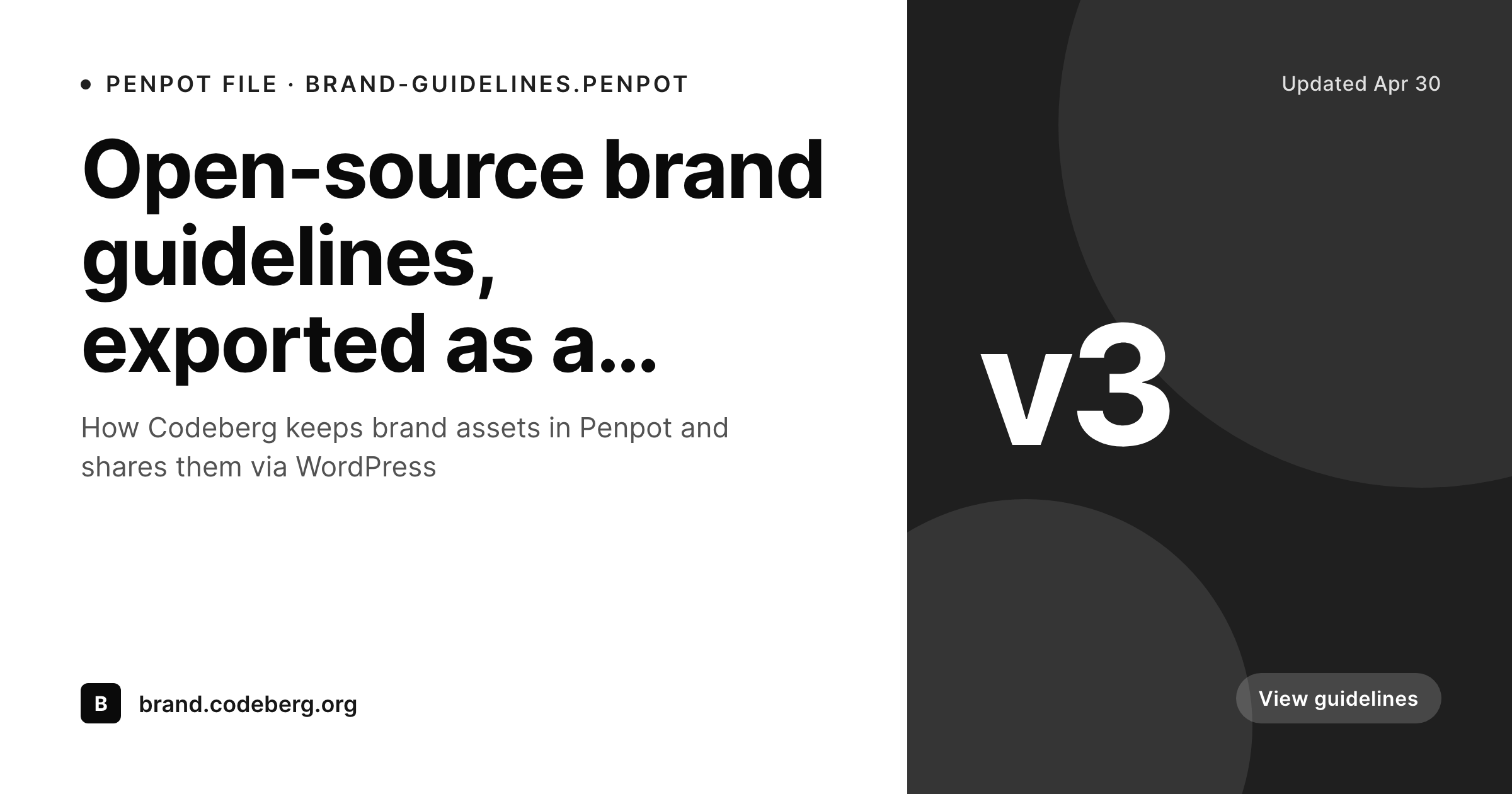
Card for a Penpot project page
A 1200 by 630 OG and Twitter card with the Penpot project name, file version and brand mark, rendered from the WordPress page that fronts the file.
Comparison
Plain WordPress page vs SleekPixel Penpot card
Default page OG
- Every Penpot project page shares with the same site-wide OG image
- Project name and version never reach the unfurl
- Brand color and logo only appear inside the Penpot editor
- Updating a project version never refreshes the share image
- Manually designing share art per file does not scale across the design system
SleekPixel
- Reads WordPress fields that describe each Penpot project
- Per-project OG image with name, version and brand mark
- Brand color from the project drops into the card automatically
- Bulk re-render when the design system updates
- Plays nicely with self-hosted Penpot instances
Features
What SleekPixel gives you for Penpot projects
Project-aware slots
Project name, file version, owner and brand color bind to template slots. Each file's share card stays specific to that project.
Self-host friendly
Works with Penpot's self-hosted setup. SleekPixel only needs the project metadata mirrored into WordPress, not the binary Penpot file.
Re-renders on version change
When the project version bumps and the WordPress page updates, the PNG re-renders. Old links still pointing at the file keep matching the current version.
Use cases
Where Penpot teams benefit most
Brand guideline pages
Public-facing brand guideline microsites get a per-section share card. Logos, type and color rules link out with proper previews.
Design system catalogues
Each component or token group in the design system gets a card on its WordPress page. Internal docs and partner shares unfurl cleanly.
Open-source community boards
Contribution-ready files shared with open-source communities link out with project name and license info on the card.
The bigger picture
Why Penpot's public side benefits from a share layer
Penpot's strength is the editor and the self-hosting story. The audiences that see Penpot's output, on the other hand, often live outside any design tool, and they enter through a link in a chat thread or an email. Those entry points are governed by the og:image meta, not by the Penpot file itself.
A team that picks Penpot for the license freedom and the self-host story usually wants the public side to match the polish, and the missing piece is the per-link share card. SleekPixel pairs with a WordPress public-pages layer to make that piece automatic. Project name, version and brand drop onto the card, the design system stays in Penpot, and the link looks as considered as the file behind it.
Questions
Common questions about SleekPixel for Penpot projects
No. SleekPixel reads WordPress post fields. The pattern is to mirror project metadata into WordPress through a webhook, a script using the Penpot API, or manual entry on a small custom post type. SleekPixel binds to that metadata, not to the design file itself.
Self-hosted instances work the same way. The metadata mirror just points at the self-hosted Penpot URL instead of the Penpot Cloud one. SleekPixel does not care which Penpot host the file lives on as long as the WordPress post exists.
Yes, with a static export step. A small script can use the Penpot export API to render a PNG preview of the file at a set frame, store it in WordPress media, and let the SleekPixel template composite it into the card.
As fresh as the metadata mirror. A webhook-driven sync keeps it within seconds. A scheduled script keeps it on a cadence of minutes or hours. SleekPixel re-renders on every post save, so the limit is the sync cadence.
No. The integration runs entirely on the WordPress side. Penpot stays vanilla, including its open-source license terms. The only thing the Penpot side needs to provide is either an API token or a webhook endpoint.
Permissions stay with Penpot. SleekPixel only renders public share cards on the WordPress side. If a file should not be public, do not create a public WordPress page for it. The mirror can still happen privately for internal use.
Yes. Brand guideline files can use one template, design system catalogues another, contribution-ready boards a third. SleekPixel supports multiple templates routed by post category or custom taxonomy.
No. SleekPixel is a third-party WordPress plugin that works with whatever Penpot setup you have. It is not endorsed by the Penpot project. The integration relies on Penpot's public APIs and standard webhook patterns.
Pricing
More than 1000+
happy customers
Explore our flexible licensing options tailored to your needs. Upgrade your license anytime to access more features, or opt for a lifetime license for ongoing value, including lifetime updates and lifetime support. Our hassle-free upgrade process ensures that our platform can grow with you, starting from whichever plan you choose.
Lifetime ♾️
Most popular
EUR
once
- Unlimited websites
- Lifetime updates
- Lifetime support
...or get the Bundle Deal
and save €250 🎁
💎 Want everything forever? The All Access Pass is going away on 01.08.2026.
The Bundle (unlimited sites)
Pay once, own it forever
Elevate your WordPress site with our exclusive plugin bundle that includes all of our premium plugins in one package. Enjoy lifetime updates and lifetime support. Save significantly compared to buying plugins individually.
What’s included
-
SleekAI
-
SleekByte
-
SleekMotion
-
SleekPixel
-
SleekRank
-
SleekView
€749
Continue to checkoutBrowse more
- code snippet card
- experiment recap card
- template download card
- founder letter card
- industry update cards
- thank you cards
- remote first card
- rating cards
- book recommendation cards
- media mention card
- integration launch card
- weekly digest cards
- word of the day cards
- AppSumo launch card
- trend report cards
- Bluesky feed banner
- Open Graph images
- Facebook Shop product images
- Amazon Storefront banners
- Instagram stories
- X Space banners
- Shopify collection banners
- Twitch camera frame
- YouTube community images
- VSCO cover
- TikTok Now image
- LinkedIn company banners
- Facebook group banners
- LINE official account banners
- Twitch stream overlay images