






SleekPixel for Members plugin
The Members plugin gates content by role and capability. SleekPixel reads the role tied to a restricted post and renders an OG image on save, so previews name the role tier while the body stays gated.
♾️ Lifetime License available
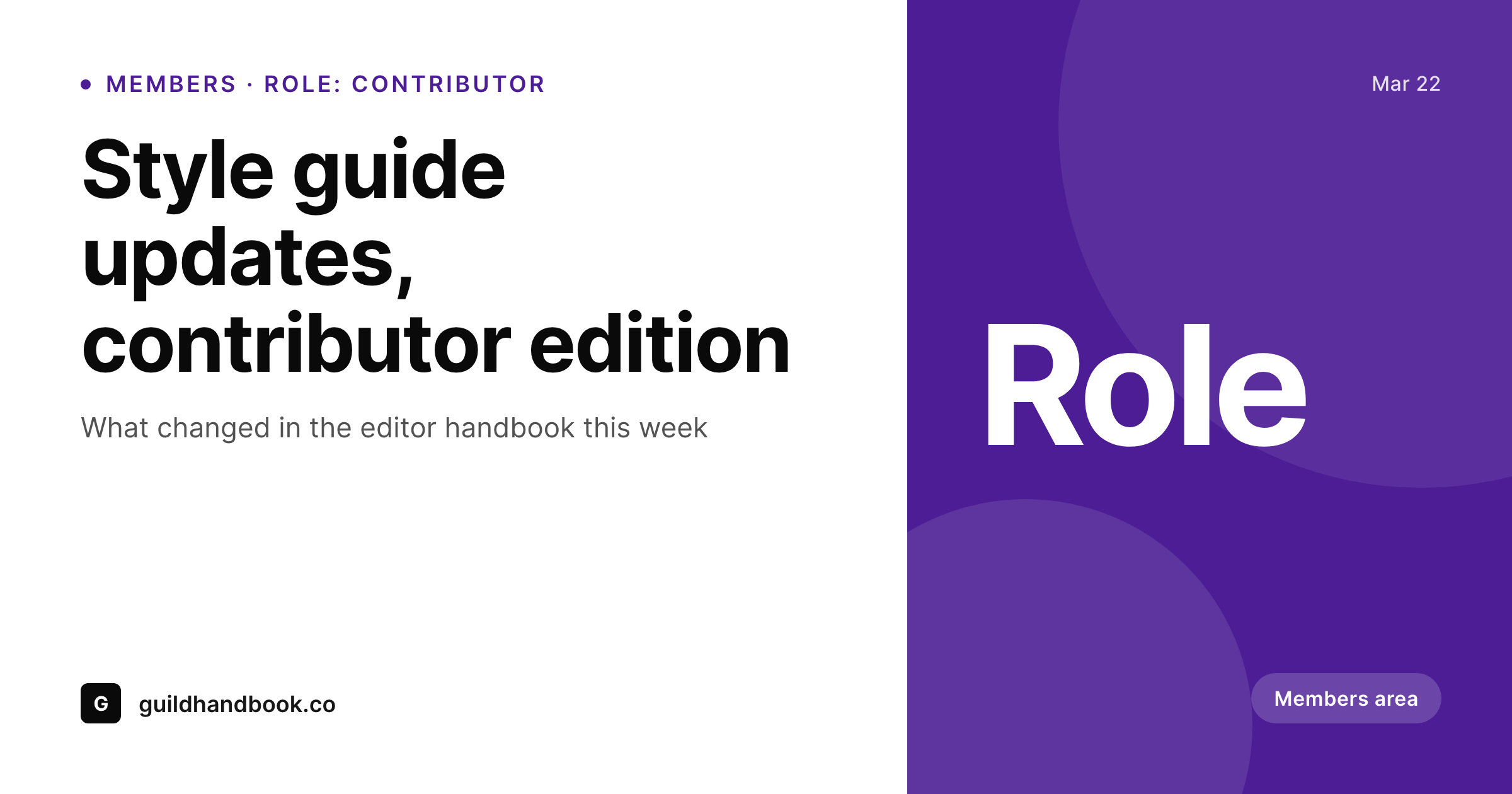
Role-restricted content still needs to share
The Members plugin is one of the longest-running role and capability managers on WordPress. It lets editors restrict content by role: contributors see one set of posts, paid subscribers see another, internal staff see a third. The plugin handles the access rules cleanly. Where it stops, like every paywall plugin, is the share preview moment. Once a post is restricted to a specific role, the default OG image is whichever site fallback exists, with no signal that the post sits inside a role-gated area.
SleekPixel reads the Members plugin role restriction on a post, the category and any custom field on the gated content. The share card composes a role label, post title and brand mark on save. The body restriction is untouched: the Members plugin continues to redirect or hide content based on its role rules. SleekPixel only handles the preview that an unauthenticated visitor sees when a logged-in user shares a link. The role label communicates 'this is members-only' without exposing the actual body.
For sites with multiple gated roles (contributor, editor, paid subscriber, staff), the role binding drives a per-tier badge on the card. Same template, different label, no manual variation. The bulk regenerate command rebuilds every restricted post's share card after a role rename or a brand refresh, which historically was a manual exercise across the whole archive.
Workflow
From role-restricted post to branded card
Map role fields
Save the post
Meta tags update
Bulk refresh on rebrand
Output
What gets generated per restricted post
A 1200 by 630 OG and Twitter card with the post title, Members plugin role label and brand mark, rendered on save and saved to uploads as a real PNG.
Comparison
Generic fallback vs SleekPixel
Site-wide fallback image
- Restricted post share previews show a generic site image with no role signal
- Members cannot tell which role a teammate is sharing from at a glance
- Renaming a role does not propagate to old social cards
- Multi-role sites require per-tier exports for every gated post
- Free posts and gated posts look identical in social previews
SleekPixel
- Reads Members plugin role restrictions to compose the card
- Role label flows from the role name automatically
- Plays cleanly with content restriction, card public, body stays gated
- Works with custom roles and capability-based restrictions
- Bulk regenerate covers a full restricted archive after a brand refresh
Features
What SleekPixel gives you for Members plugin
Role aware
Reads the Members plugin role associated with the post and renders a role badge on the card. Custom roles, default roles and capability-based restrictions all map cleanly.
Respects restrictions
Body protection stays untouched. SleekPixel only writes og:image and twitter:image meta tags. Restricted content remains gated.
Role rename safe
Rename a role and saving any affected post regenerates the card. Bulk regenerate updates the whole restricted archive in one pass.
Use cases
Where Members plugin share cards earn their keep
Internal handbooks
Staff-only documentation, editor handbooks and contributor guides ship with role-labelled share cards. Internal Slack shares preview cleanly.
Subscriber posts
Paid subscriber posts share with a role badge. Free readers see the label, click the link, hit the upgrade page, exactly as the funnel intends.
Multi-role libraries
Sites with contributor, editor and staff content render distinct previews per role, so internal sharing surfaces the right context.
The bigger picture
Why role-restricted content benefits from labelled cards
Role-restricted content lives in a quiet zone of WordPress: internal handbooks, staff-only documentation, subscriber posts, contributor guides. Each of those documents gets shared internally far more than it gets shared externally, which means the preview is the first signal a colleague gets about what they are about to open. A generic homepage banner gives no signal at all.
A role-labelled card with the post title and the role badge gives full context in three seconds, before the click. The Members plugin already organises the data through roles and capabilities. SleekPixel just makes that data visible in the preview moment, which is the moment of context resolution for colleagues.
The second angle is brand consistency across a quiet archive. Most internal libraries accumulate dozens of restricted posts over time, and manually creating share art for each is unrealistic, so most posts end up with default fallbacks. SleekPixel inverts that ratio: every restricted post gets a real share card because rendering happens automatically from the role and category data already in WordPress.
The body stays gated, the preview stays branded, and the share experience finally matches the rest of the publishing surface.
Questions
Common questions about SleekPixel for Members plugin
No. SleekPixel only writes og:image and twitter:image meta tags into the post head. The Members plugin continues to enforce role and capability restrictions on the body exactly as configured.
Yes. The plugin reads the role binding via the Members plugin's restriction API. The role name renders as a badge. Custom roles like 'Studio Editor' or 'Founding Contributor' all flow through cleanly.
Capability-based restrictions can map to a custom label in the template. You can either show the capability name or a generic 'Members' tag, depending on what reads better for your audience.
Yes. Most templates show category at the top and role as a small pill near the title. The category reads from the standard WordPress taxonomy, the role from the Members plugin binding.
Yes. Many sites use Members plugin for role management and a billing plugin (WooCommerce Subscriptions, Stripe Checkout) for payment. SleekPixel reads the resulting role on the post regardless of how the role was granted.
If a post is restricted to any logged-in user (no specific role), the template can show a generic 'Members' label or omit the badge entirely. Configure this once at the template level.
No. The Members plugin does not actively manage og:image. SleekPixel takes that responsibility cleanly without colliding.
Yes. The bulk regenerate command walks every restricted post and rebuilds the card. Useful after renaming roles or after introducing new role-based content categories.
Pricing
More than 1000+
happy customers
Explore our flexible licensing options tailored to your needs. Upgrade your license anytime to access more features, or opt for a lifetime license for ongoing value, including lifetime updates and lifetime support. Our hassle-free upgrade process ensures that our platform can grow with you, starting from whichever plan you choose.
Lifetime ♾️
Most popular
EUR
once
- Unlimited websites
- Lifetime updates
- Lifetime support
...or get the Bundle Deal
and save €250 🎁
💎 Want everything forever? The All Access Pass is going away on 01.08.2026.
The Bundle (unlimited sites)
Pay once, own it forever
Elevate your WordPress site with our exclusive plugin bundle that includes all of our premium plugins in one package. Enjoy lifetime updates and lifetime support. Save significantly compared to buying plugins individually.
What’s included
-
SleekAI
-
SleekByte
-
SleekMotion
-
SleekPixel
-
SleekRank
-
SleekView
€749
Continue to checkoutBrowse more
- Ko-fi shop images
- GitHub README banners
- Instagram Shop product images
- Threads profile banners
- YouTube banner art
- X list banners
- Discord stage banner
- Patreon tier images
- Telegram channel cover images
- Ghost feature images
- Lemon Squeezy product covers
- Dailymotion thumbnails
- Rumble thumbnails
- Odnoklassniki banners
- Kindle book cover