






SleekPixel for workshop cards
Hands-on workshops sell on scarcity, and the share card should show it. SleekPixel pulls capacity and current registration into the workshop card so every share reads the urgency.
♾️ Lifetime License available
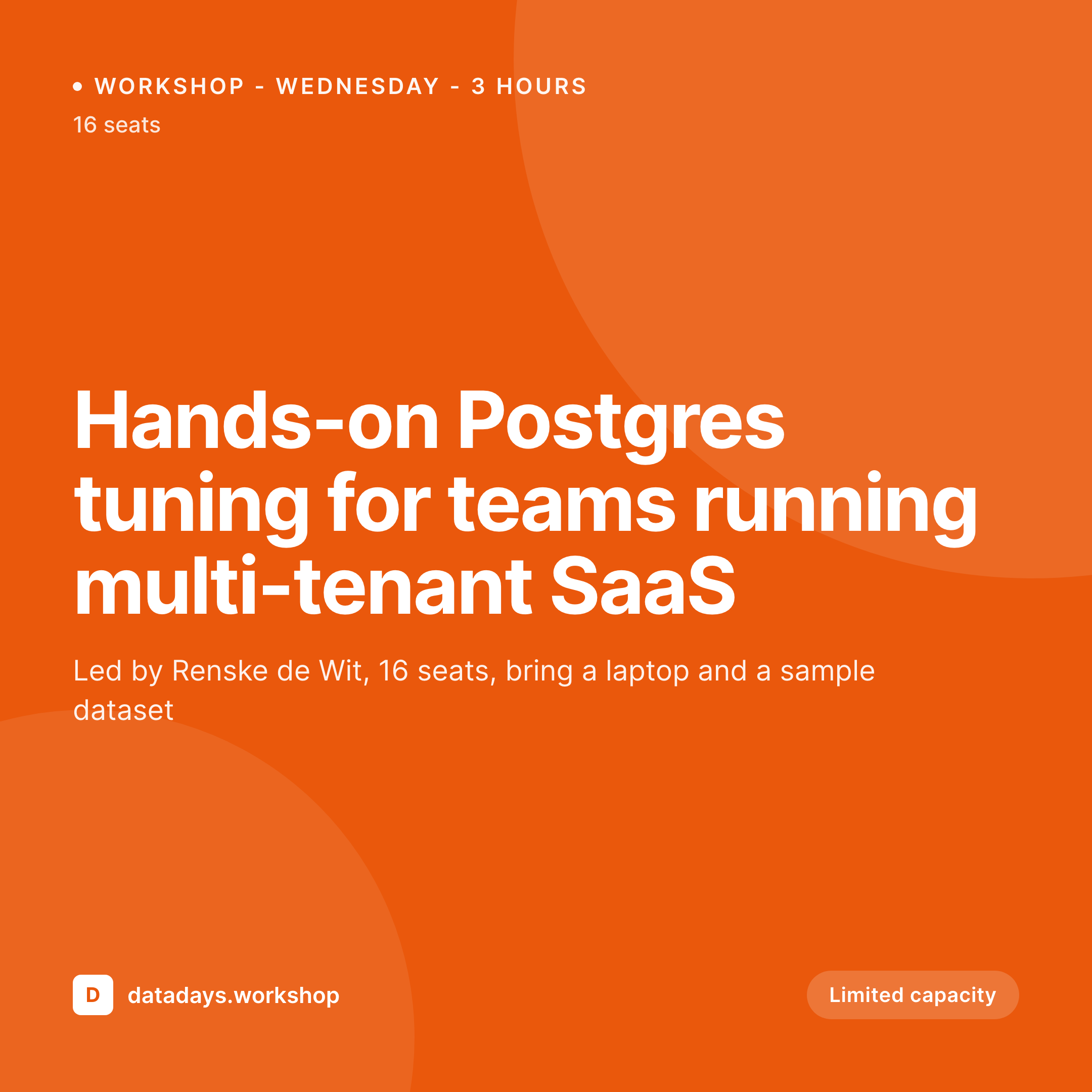
Workshops convert when the seats-left number is visible
Workshops at a conference are usually the highest-margin sessions and the first to sell out. The page for each workshop lists the instructor, the topic, the prerequisites, the capacity, and the seats remaining. Attendees decide to register the moment they see the seat count drop, and they share the link to a teammate when they want company in the room.
The default share card hides all of that. A generic event logo gives the prospective registrant no urgency signal, and a screenshot of the workshop page solves it for one share and breaks the moment a seat sells. The workshops that fill fastest do so because the card pulls the urgency forward, the rest sit at half capacity through the announce wave.
SleekPixel binds the workshop card to the workshop post. Title and instructor from the post, capacity from a custom field, seats-left from a live integration with the ticketing system, the render fires whenever a seat is sold so the card always reflects the current number. The next teammate to share the link does it with the urgency visible.
Workflow
From workshop announce to live-capacity card in one save
Design the workshop template
Wire the ticketing webhook
Attendees and teammates share the URL
Workshop sells out, badge flips
Output
What a generated workshop card looks like
A 1080x1080 square PNG built from the workshop post, with workshop title, instructor headshot, current seats-left badge, and a small prerequisites strip.
Comparison
Default workshop share image vs SleekPixel
Default workshop cards image
- Generic event logo, no urgency signal
- Workshop title cut off on Instagram preview
- Screenshot of the page goes stale the moment seats sell
- No instructor headshot when the share is from the event channel
- Manual Canva cards designed once at announce, never updated
SleekPixel
- Seats-left number rendered live on the card
- Workshop title, instructor, and prerequisites from post fields
- Re-render fires on registration events, not just post save
- og:image and twitter:image written automatically
- Limited capacity badge auto-applied when seats fall below a threshold
Features
What SleekPixel gives you for workshop cards
Live seats-left
Re-renders fire when a seat is sold, so the workshop card on every share path reflects current availability instead of stale day-one numbers.
Urgency badge
A limited-capacity badge auto-applies when seats drop below a configurable threshold, sharpening the call to action without manual edits.
Instructor headshot
The instructor's featured image lands on the card so attendees recognize who is running the room, especially for repeat trainers across editions.
Use cases
Who uses SleekPixel for workshop cards
Technical training conferences
Events where workshops are the main draw. SleekPixel ties the share card to the live registration count so the announce wave sells the seats.
Continuing education programs
Professional development events with capped capacity. The cards make the small-room scarcity legible on every share.
Vendor product workshops
Pre-event training tracks run by sponsors or vendors. The instructor and prerequisites stand out so registrations come from the right audience.
The bigger picture
Why workshop cards convert on visible scarcity
The decision to register for a workshop is almost always made under time pressure. The prospective attendee sees a share, checks if their teammate is going, considers the budget, and either commits or moves on. The seats-left number compresses that decision.
When the share card buries the scarcity inside the body of the workshop page, the decision drifts and the seat sits unsold. When the seats-left number lives on the card itself, the social-feed scroll resolves into a click. SleekPixel keeps every workshop card in sync with the live registration count, so the announce wave, the warm-up week, and the final 72 hours each carry the urgency forward and the room fills.
Without that loop, workshops half-fill and the highest-margin sessions on the schedule under-perform their potential.
Questions
Common questions about SleekPixel for workshop cards
SleekPixel can read from any system that exposes a webhook or a REST endpoint with current capacity. Eventbrite, Tito, Hopin, Bizzabo, RegFox, and custom WooCommerce-based registration all work.
Yes. When seats hit zero, the template can flip to a waitlist badge and the register link can swap to a waitlist URL via a meta field on the workshop post.
No. The render is async and decoupled from the ticket purchase flow. The buyer receives confirmation immediately, the card refreshes in the background.
Yes. Use a delivery-mode field on the workshop post and route to a separate template variant. The in-person card can show a room number, the virtual card can show a platform badge.
Bind a duration field on the workshop post and the template will surface the day count alongside the time. The capacity logic works the same regardless of duration.
Yes. WooCommerce stock-status changes can fire the re-render hook. Each workshop's product stock maps directly to the seats-left field on the card.
The card itself is a static PNG, so no clickable links. But the linked-speaker reference brings their name, title, and headshot into the layout, and the page itself can include the bio link.
Prerequisites can render as a small strip below the title, pulled from a checkbox or repeater field on the workshop post.
Pricing
More than 1000+
happy customers
Explore our flexible licensing options tailored to your needs. Upgrade your license anytime to access more features, or opt for a lifetime license for ongoing value, including lifetime updates and lifetime support. Our hassle-free upgrade process ensures that our platform can grow with you, starting from whichever plan you choose.
Lifetime ♾️
Most popular
EUR
once
- Unlimited websites
- Lifetime updates
- Lifetime support
...or get the Bundle Deal
and save €250 🎁
💎 Want everything forever? The All Access Pass is going away on 01.08.2026.
The Bundle (unlimited sites)
Pay once, own it forever
Elevate your WordPress site with our exclusive plugin bundle that includes all of our premium plugins in one package. Enjoy lifetime updates and lifetime support. Save significantly compared to buying plugins individually.
What’s included
-
SleekAI
-
SleekByte
-
SleekMotion
-
SleekPixel
-
SleekRank
-
SleekView
€749
Continue to checkoutBrowse more
- Facebook ad images
- Fansly banner
- Signal sticker pack
- Beacons.ai banner
- Facebook cover photos
- Bandcamp banner
- YouTube community images
- Twitter/X header
- Patreon post thumbnails
- podcast cover art
- Twitch offline banners
- Apple Podcasts covers
- Bluesky link cards
- Telegram channel banner
- Discord event cover