






SleekPixel for leather goods makers
Leather type, stitch, edge finish, hardware, and price already live on the product post. SleekPixel renders a 1080x1080 card on save so each piece ships to the grid with the right notation.
♾️ Lifetime License available
From cutting mat to grid in one save
Leather makers post often. A new wallet design, a custom belt for a customer, a small run of card holders in a fresh tannage, a bag prototype on the cutting mat. Each piece wants a square Instagram post with the leather type, the stitch, the edge finish, the hardware, and a price. Each post needs to feel like part of the same workshop.
The data is already on the site. The product post carries the leather tannage and tannery, the thread, the stitch style, the edge finish, the hardware, the dimensions, and the price. What's missing is the bridge to the grid, which today is a maker laying the piece on a wood plank, photographing, then redoing the Canva card between cutting sessions.
SleekPixel reads those product fields and renders a 1080x1080 PNG on save. The leather and stitch sit in the card. The workshop's wordmark, type, and palette ride every post. The PNG lands in uploads, the og:image is wired, and the maker posts the card directly from the product screen during edge-burnishing.
Workflow
From cutting mat to grid
Map piece fields
Design one square template
Save the piece
Post from the bench
Output
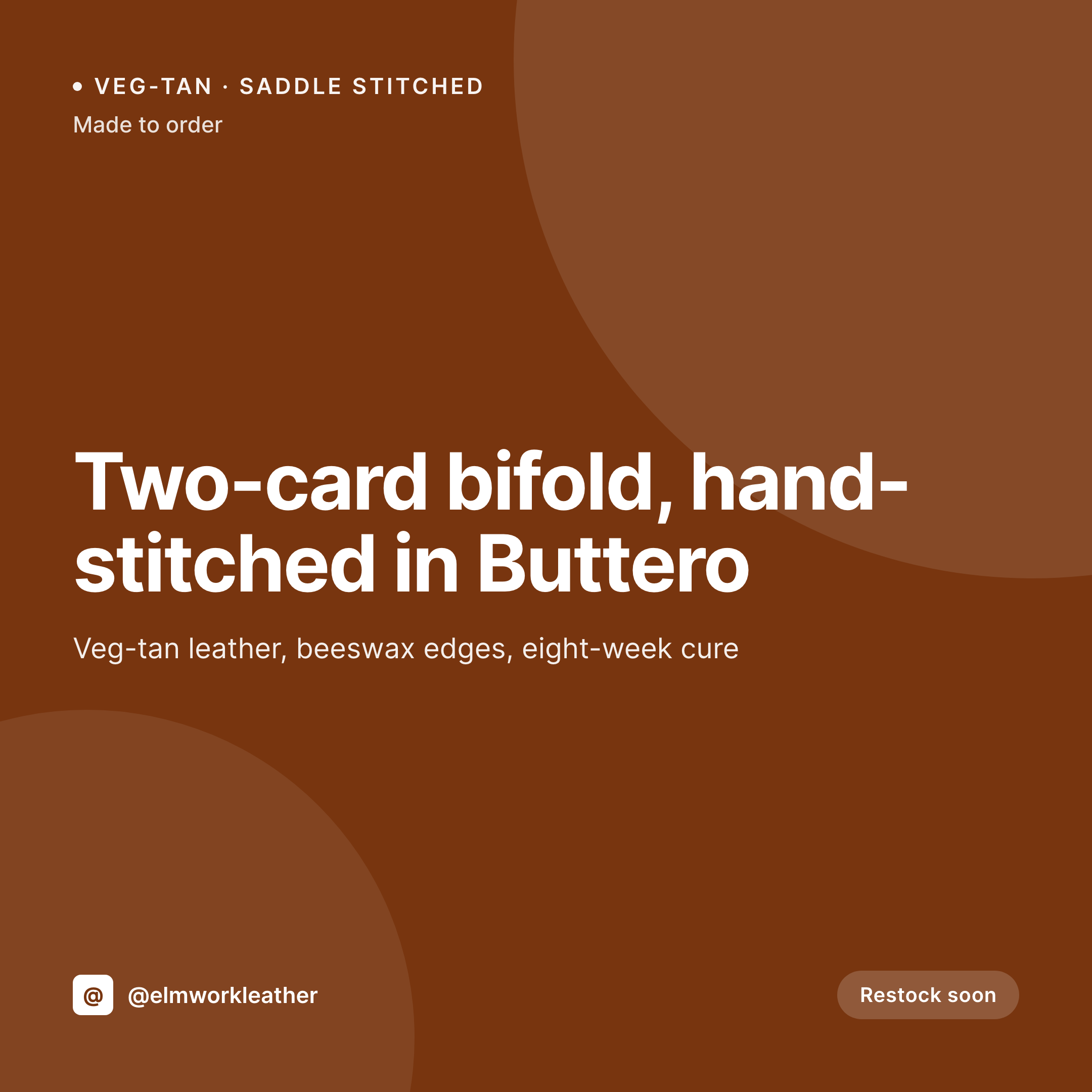
Sample card from a leather product
A 1080x1080 square rendered from a piece's leather, stitch, edge finish, hardware, and price.
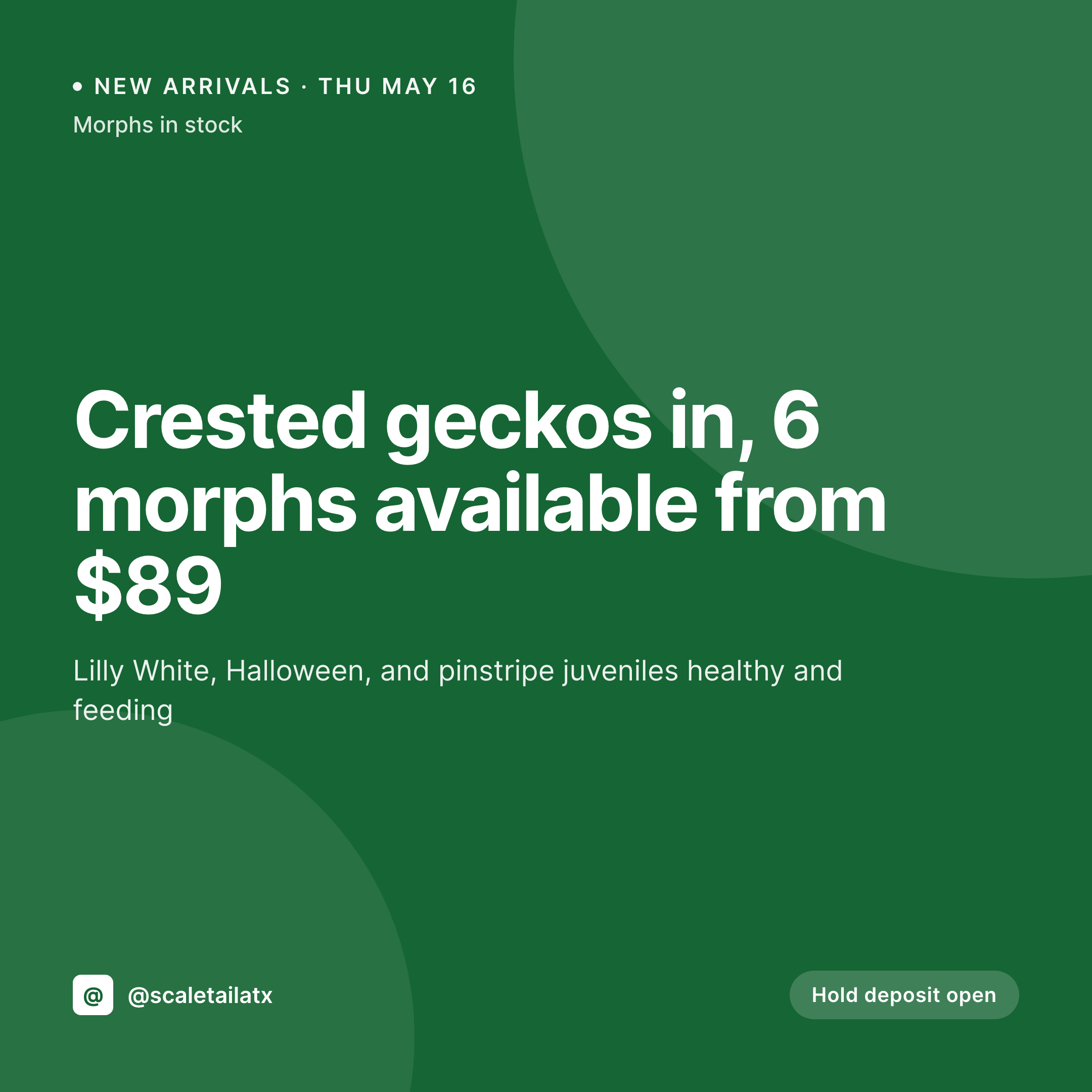
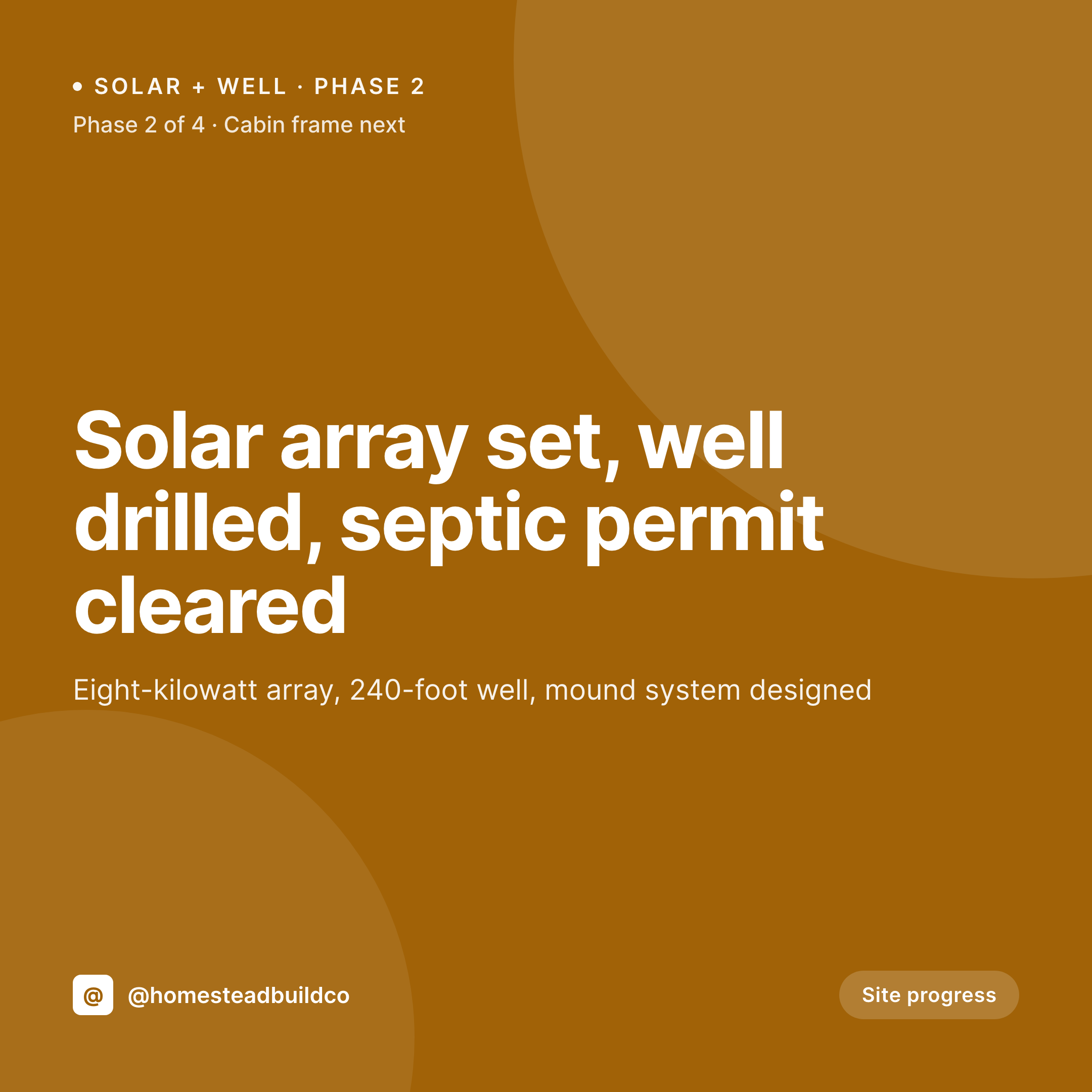
Comparison
Default leather maker image vs SleekPixel
Default leather maker image
- Maker rebuilds leather cards in Canva between cutting sessions
- Tannage and stitch terminology drifts across posts
- Made-to-order and stock pieces use mismatched layouts
- Custom-order announcements skip a coordinated card
- Limited-leather runs launch without a clear visual rollout
SleekPixel
- Auto-rendered Instagram card per piece, run, and made-to-order slot
- Leather, stitch, edge finish, hardware, and price pulled from the product post
- Tannage-family palette routes color across the grid
- Bulk regenerate after a wordmark update, every past piece refreshes
- Falls back cleanly when fields like edge finish or hardware are missing
Features
What SleekPixel gives you for leather goods makers
Tannage notation
Veg-tan, chrome, combination tannages render with a consistent label so the same leather always reads the same way on the grid.
Stitch and edge
Saddle stitch, machine stitch, and edge finish (burnished, painted, raw) sit on the card from the same source the listing uses.
Hardware on card
Solid brass, nickel, copper rivet, and snap callouts render from a hardware field so each card carries the right materials note.
Use cases
Who uses SleekPixel for leather goods makers
Small-leather goods makers
Wallets, card holders, and key fobs ship in small runs. Each run gets a card from the product post with leather and stitch baked in.
Bag and tote builders
Larger pieces with longer build times use a commission-variant template that carries lead time and made-to-order status.
Limited-leather drops
Limited runs of a specific tannage or color use a limited-variant template with a clear ribbon and run-size note.
The bigger picture
Why a consistent leather grid sells the next piece
Leather buyers shop with their fingers first and their eyes second. They scroll until a piece looks right, and only then do they read the description. The grid is where that first decision happens.
A grid where every piece uses the same tannage notation, the same stitch language, the same edge-finish callouts reads as a workshop with a real point of view on materials. A grid where each post is a fresh Canva attempt reads as a hobbyist between custom orders. Templated cards rendered from the product data the workshop already keeps in WordPress make the coherent grid the default.
The maker spends time at the bench, not at the laptop, and the next order comes in with the leather already understood.
Questions
Common questions about SleekPixel for leather goods makers
Yes. SleekPixel reads standard WooCommerce product fields plus any ACF or Meta Box custom fields for leather, stitch, edge finish, and hardware.
Yes. Tag a product 'made-to-order' or 'stock' and SleekPixel routes to the matching template variant on save.
Map a tannage taxonomy term (veg-tan, chrome, combination) to an accent color or accent rule. SleekPixel routes by term on save.
Yes. Add a tannery field on the product. SleekPixel renders it on the card as a small attribution line, the way many makers credit suppliers.
Hardware variants (brass, nickel, copper) can be a product attribute. SleekPixel renders the selected hardware on each variant's card.
Yes. One-click bulk regeneration re-renders every past piece's card with the updated template.
Hide the price or stock block on the template, or set a default like 'One of one' so the card renders without an empty field.
SleekPixel saves the PNG to uploads. Download from the product screen, or pull the URL into Later, Buffer, or Meta's scheduler.
Pricing
More than 1000+
happy customers
Explore our flexible licensing options tailored to your needs. Upgrade your license anytime to access more features, or opt for a lifetime license for ongoing value, including lifetime updates and lifetime support. Our hassle-free upgrade process ensures that our platform can grow with you, starting from whichever plan you choose.
Lifetime ♾️
Most popular
EUR
once
- Unlimited websites
- Lifetime updates
- Lifetime support
...or get the Bundle Deal
and save €250 🎁
💎 Want everything forever? The All Access Pass is going away on 01.08.2026.
The Bundle (unlimited sites)
Pay once, own it forever
Elevate your WordPress site with our exclusive plugin bundle that includes all of our premium plugins in one package. Enjoy lifetime updates and lifetime support. Save significantly compared to buying plugins individually.
What’s included
-
SleekAI
-
SleekByte
-
SleekMotion
-
SleekPixel
-
SleekRank
-
SleekView
€749
Continue to checkoutBrowse more
- Bluesky profile banners
- Instagram carousel slides
- Gumroad product covers
- Lemmy post images
- Substack post thumbnail
- Klaviyo email headers
- Dailymotion thumbnails
- LinkedIn banner images
- YouTube Shorts cover
- Twitch overlay
- Twitter/X header
- Depop listing images
- Spotify playlist cover
- Lemon Squeezy product covers
- Bluesky link cards