






SleekPixel for pet portrait artist
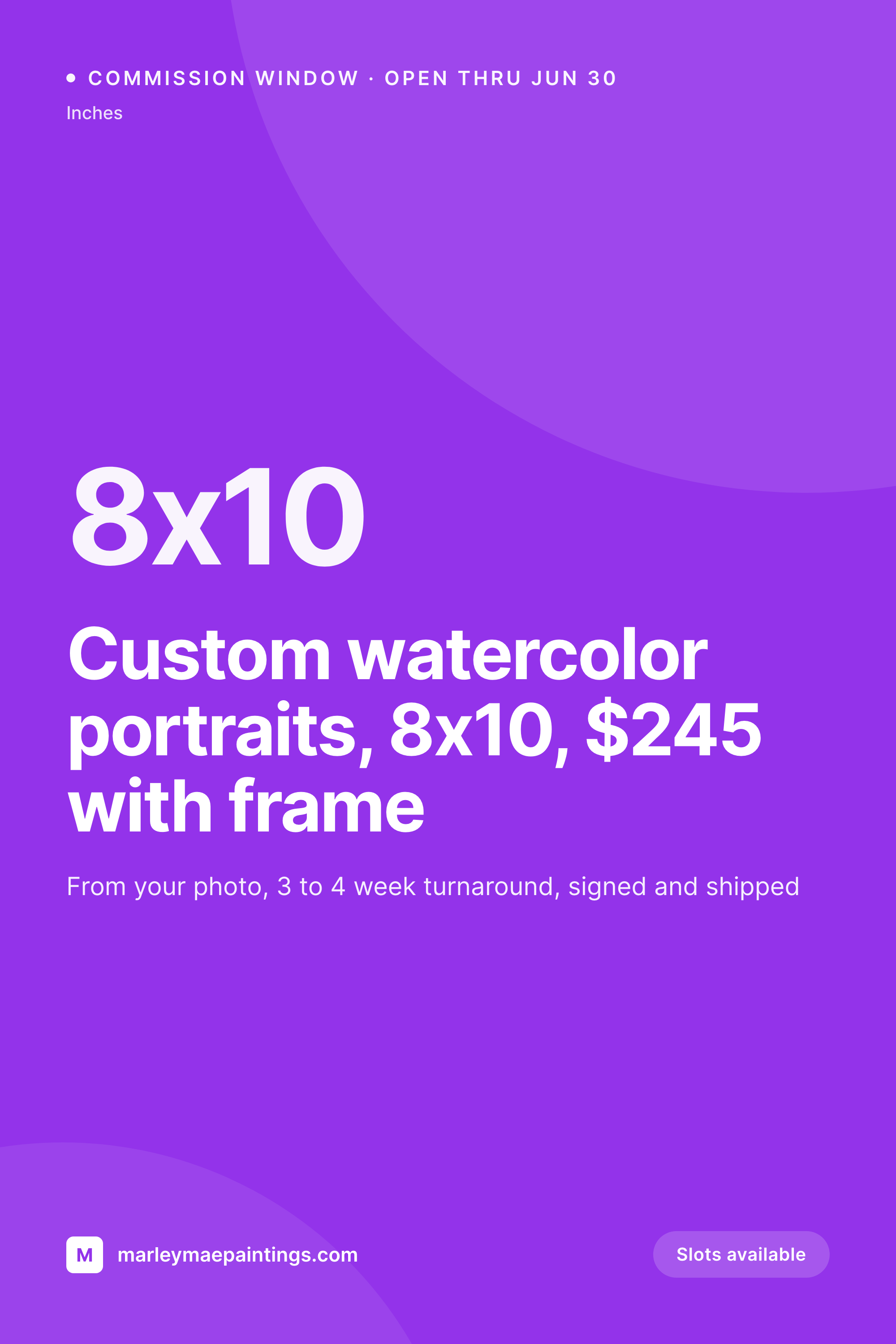
A custom watercolor 8x10, an oil portrait commission, a graphite memorial drawing. Each portrait post renders into a 1000x1500 pin with the size, medium, price, and turnaround the moment the artist publishes.
♾️ Lifetime License available
Commission windows, portrait styles, and the Pinterest funnel
A pet portrait artist's funnel runs through Pinterest. Dog owners save inspiration boards for months, then circle back when they decide to commission a portrait of a pet they love. Each portrait style, each commission window, each finished piece is a vertical pin with the size, the medium, the price, and a turnaround estimate. Each one needs to look like a real piece of work the artist made, not a stock graphic.
The data is already on the artist's site. Most portrait artists run a gallery CPT, a commission CPT, or ACF groups for portrait size, medium, base price, and turnaround. The artist types it once when the piece is photographed or when the commission window opens. The work that keeps repeating is opening Canva on the studio iPad between brush strokes and rebuilding the same pin, often forgetting the watermark and exporting at the wrong dimensions.
SleekPixel turns the gallery post into the pin. Save the watercolor 8x10 piece with a $245 price and a three to four week turnaround, the 1000x1500 PNG lands in uploads with the artist's watermark and brand frame baked in. A dog owner pins it to a future-commission board, circles back in six months, and books a slot. The artist goes back to the studio, and the funnel keeps running while the brush keeps moving.
Workflow
From finished piece to Pinterest pin
Map the portrait fields
Design one pin template
Publish the portrait or commission window
Share to Pinterest and Instagram
Output
What gets generated per portrait
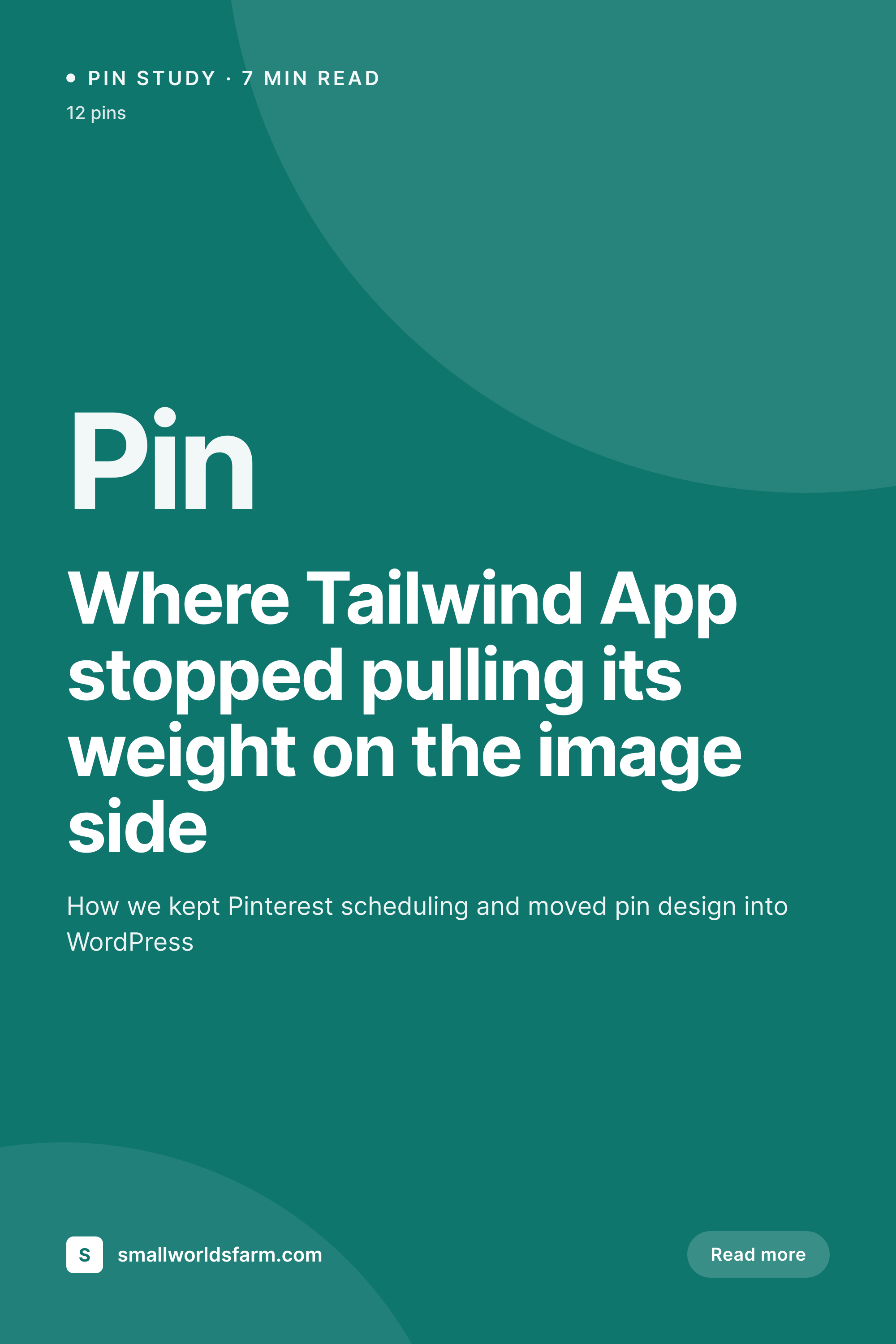
A 1000x1500 vertical pin with the portrait piece, size, medium, price, turnaround, and a watermarked brand frame, pulled live from the gallery post fields.

Comparison
Default pet portrait image vs SleekPixel
Default pet portrait image
- Artist exports a Canva pin per portrait on the studio iPad between strokes
- Watermark forgotten on a finished piece pinned to a Pinterest board
- Pin exported at the wrong aspect ratio and clipped in feed
- Watercolor and oil portrait pins drift into different fonts and palettes
- Commission window pin price reads last year's number
SleekPixel
- Save the gallery post, the 1000x1500 pin lands in uploads
- Size, medium, price, and turnaround pulled from the portrait fields
- Watermark and brand frame baked into every pin automatically
- Artist downloads from the Gutenberg sidebar between studio sessions
- One template across mediums keeps the Pinterest grid consistent
Features
What SleekPixel gives you for pet portrait artist
Pin per portrait
Watercolor 8x10, oil 16x20, graphite memorial. Each gallery post renders into a pin with size, medium, and price on the image.
Watermark baked in
The artist's mark sits in the same spot on every pin. No more forgetting it between brush strokes, no more stolen pins floating around boards.
Commission window pins
When the artist opens summer commissions, a window post renders into its own pin with the open date, slot count, and turnaround on the image.
Use cases
Who uses SleekPixel for pet portraits
Watercolor and gouache artists
Loose watercolor portraits, gouache miniatures, and ink studies each render with their medium and size on a consistent pin.
Graphite and pastel artists
Black and white graphite memorials, soft pastel pieces, and charcoal portraits share one template that fits the muted palette of the work.
Oil and acrylic painters
Oil on canvas, acrylic on panel, mixed media on board each save with the medium and substrate on the pin, framed in the studio's brand.
The bigger picture
Why pet portrait commissions fill through Pinterest, slowly and then all at once
Pet portrait artists run a funnel that no other niche has. Dog owners save commission inspiration months before they buy, often after a difficult vet visit or a quiet evening with an older pet. They pin the work to a future-portrait board, sit with it, then circle back when the time feels right.
The pin that sits on that board for six months has to keep the artist's mark, the price, the medium, the turnaround clearly visible the whole time, or the owner remembers the painting and not the painter. Most pet portrait artists are solo, working from a home studio, and the marketing happens between brush strokes. That setup falls apart when commissions stack and the pin work gets cut.
Treating the pin as a byproduct of the gallery post means the watermark is always present, the price stays current, and the brand frame holds across watercolor, graphite, and oil work. The owner remembers the artist, books the commission, and the funnel keeps running while the brush keeps moving.
Questions
Common questions about SleekPixel for pet portrait artist
Yes. The watermark is part of the template, locked in the SleekPixel editor at the position and opacity the artist sets. Every render carries the mark, with no chance of a finished piece going out to Pinterest without it.
Yes. Templates can be conditional on a medium taxonomy, so watercolor pieces can use one palette and frame, oil portraits another, and graphite a third. All pull from the same gallery fields, just styled per medium.
A commission window CPT with open date, slot count, and turnaround can render into its own pin. When a slot books and the count drops, the pin re-renders with the new number on the image.
Yes. One save can produce a 1000x1500 Pinterest pin, a 1080x1080 Instagram tile, and a 1200x630 OG card. Configure each format once and they all render together with the watermark in place.
No. SleekPixel renders the PNG and saves it to uploads. Posting to Pinterest, Instagram, or Etsy is a manual step from the platform's app or a scheduling tool.
A finished commission CPT can include the client's pet name and a delivery date, rendering its own pin with a tribute frame. Clients sharing the piece on their own social see consistent brand work.
No. Generation runs on save in the admin. Collectors viewing the gallery on the front end never trigger image rendering, they see the cached PNG. The og:image meta tag points at a static file.
Yes. A status field on the gallery post (available, on hold, sold, limited print) can render a small badge on the pin. Collectors see real status instead of pinning a piece that sold last spring.
Pricing
More than 1000+
happy customers
Explore our flexible licensing options tailored to your needs. Upgrade your license anytime to access more features, or opt for a lifetime license for ongoing value, including lifetime updates and lifetime support. Our hassle-free upgrade process ensures that our platform can grow with you, starting from whichever plan you choose.
Lifetime ♾️
Most popular
EUR
once
- Unlimited websites
- Lifetime updates
- Lifetime support
...or get the Bundle Deal
and save €250 🎁
💎 Want everything forever? The All Access Pass is going away on 01.08.2026.
The Bundle (unlimited sites)
Pay once, own it forever
Elevate your WordPress site with our exclusive plugin bundle that includes all of our premium plugins in one package. Enjoy lifetime updates and lifetime support. Save significantly compared to buying plugins individually.
What’s included
-
SleekAI
-
SleekByte
-
SleekMotion
-
SleekPixel
-
SleekRank
-
SleekView
€749
Continue to checkoutBrowse more
- eBay listing images
- Substack post headers
- Shopify collection banners
- Instagram Shop product images
- Signal sticker pack
- Buy Me a Coffee banners
- YouTube end cards
- YouTube banner art
- YouTube Shorts thumbnails
- LinkedIn banner images
- Behance project covers
- GitHub README banners
- Flickr cover photo
- Weibo post images
- Telegram bot avatar