






SleekPixel for Modula
Modula renders the gallery on the page. SleekPixel renders the share card for the page itself, reading title, category and any custom field on save so portfolio links unfurl with a real preview instead of a stretched homepage logo.
♾️ Lifetime License available
Modula gallery pages still need their own share preview
Modula is the gallery plugin that most photographers and design studios reach for when the WordPress core gallery block runs out of room. It supports custom grids, lightboxes, hover captions, filter tabs and image SEO. The pages it ships on - portfolio collections, project case studies, event recaps - are some of the most-shared pages on a creative WordPress site, because the work itself is what gets posted on Twitter, Dribbble feeds and client newsletters.
The share preview, however, is rarely the gallery's first image. WordPress and most SEO plugins fall back to a global og:image or a featured image cropped at the wrong aspect ratio. The page that hosts a 24-image Modula gallery shares with a stretched site logo, and the work goes unrepresented in the link. Visitors decide whether to click on a thumbnail that has nothing to do with the gallery on the other side.
SleekPixel covers the share layer alongside Modula. It reads the post that hosts the Modula shortcode or block, pulls title, project name, client and category from the post fields, and renders an OG image on save. Modula keeps handling the in-page gallery, SleekPixel writes the og:image meta tag for the document head. The two work in parallel without overlap, so any future Modula update to lightbox behavior or grid logic leaves the share card untouched.
Workflow
From Modula gallery to share-ready in one save
Pick the post types
Design the template
Save the page
Share anywhere
Output
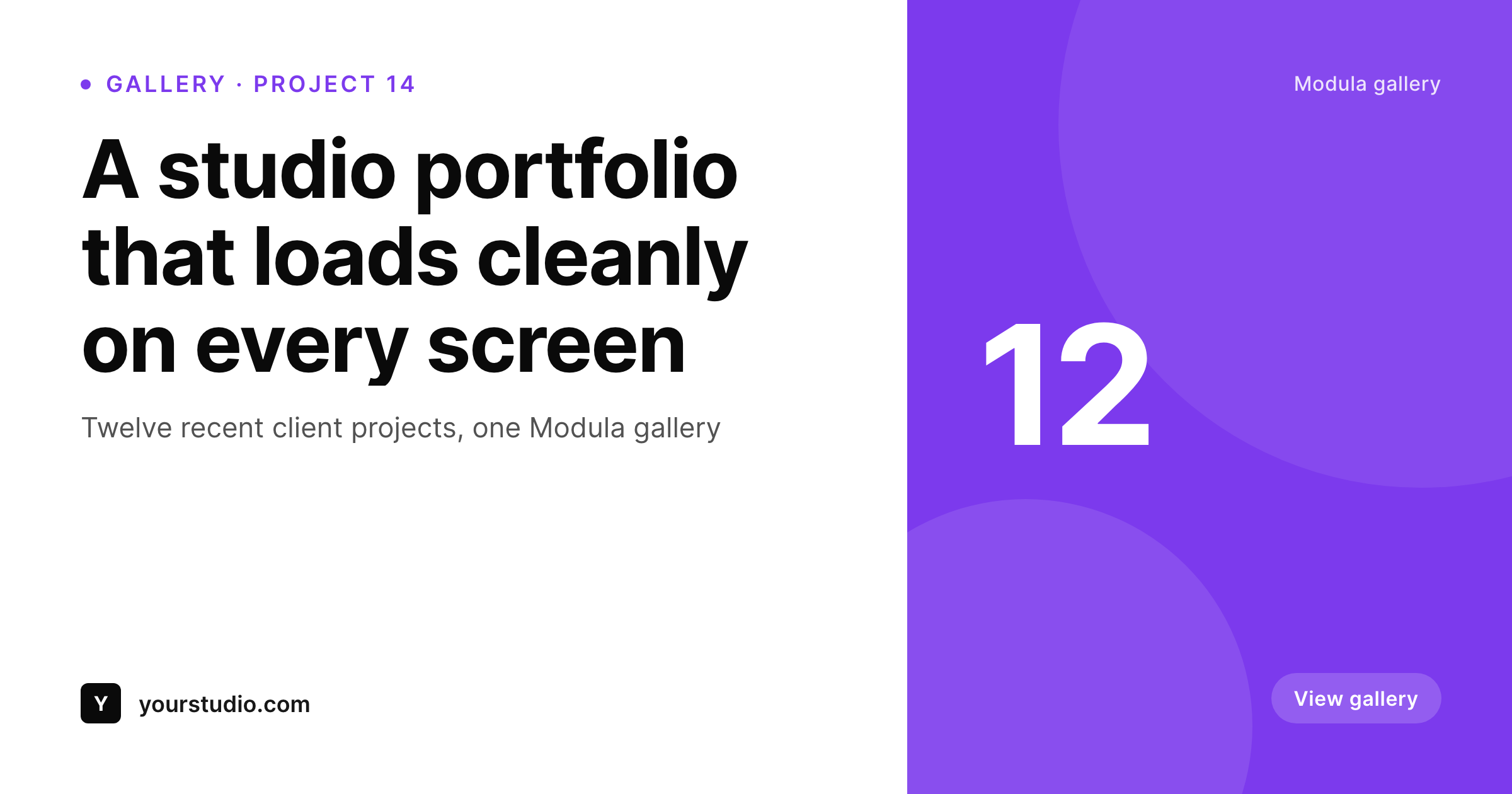
Sample share card for a Modula gallery page
Rendered from the post's title, project category and brand wordmark. Modula composes the gallery, SleekPixel composes the share preview.
Comparison
SEO plugin fallback vs SleekPixel
SEO plugin global fallback
- Every Modula gallery page shares with the same site-wide fallback image
- Featured image (when set) crops poorly at 1200 by 630 from a portrait shot
- Project name and client never reach the share preview
- Refreshing the studio brand leaves last year's portfolio shares untouched
- Per-project Canva exports do not scale across a multi-year portfolio
SleekPixel
- Reads the post that hosts the Modula shortcode or block, not the gallery markup
- Pulls project, client and category from any custom field on the post
- Self-hosted render with no per-image fees or external services
- Bulk regenerate covers the full portfolio after a brand refresh
- Lives next to Modula without modifying its gallery rendering
Features
What SleekPixel gives you for Modula
Page-level rendering
SleekPixel works on the post that hosts the gallery, not on the gallery itself. Modula renders the images, SleekPixel renders the share card.
Field aware
Reads ACF, Meta Box and native custom fields. Project name, client name and category render onto the card alongside the post title.
Bulk regenerate
Refreshed the studio brand or the portfolio template? Walk every page in one pass and re-render every share card from current data.
Use cases
Where Modula gallery pages benefit most
Photography portfolios
Each project page shares with a card carrying project title, client and shoot date - far more useful than a stretched studio logo.
Design studio case studies
Studios linking case studies on Twitter and LinkedIn unfurl with project name, client and discipline visible in the preview.
Event recaps
Conference and wedding recap pages with Modula galleries share with event name and date, not whatever crop the theme produced.
The bigger picture
Why Modula gallery pages need real share previews
Galleries are the strongest social asset most creative WordPress sites have, and the project pages that host them are the URLs that travel furthest. A photographer's wedding recap, a designer's brand-system case study, an architect's recent residence: each of those pages gets shared in client emails, on personal social, in award submissions and in vendor directories. Every share carries the OG image as the first impression of the work.
When that image is the studio logo stretched to 1200 by 630, the share underrepresents the work and conversion to click suffers. When the image is a real card showing project, client and category pulled from the post, the share announces the work and the click-through reflects that. The second reason is brand cohesion across a multi-year portfolio.
Studios accumulate dozens or hundreds of project pages over time, and manually creating share art for each one is unrealistic. SleekPixel inverts that ratio: every project page gets a real share image because rendering happens automatically from the data already on the post. Old projects, new launches and ongoing case studies all share with the same brand language, which is what compounds into the kind of polished portfolio presence that wins client referrals.
Questions
Common questions about SleekPixel for Modula
No. Modula keeps rendering the in-page gallery as configured. SleekPixel only writes the og:image and twitter:image meta tags for the post that hosts the gallery. The two plugins do not overlap.
Not directly - SleekPixel reads post fields, not the gallery markup. If you want a representative image on the card, store it as the post's featured image or in a custom field, and the template can read that. The gallery itself stays the source of truth for visitors who land on the page.
Yes. Modula Pro filters, albums and lightbox enhancements all run inside the gallery markup. SleekPixel reads the post-level fields, so Pro features in the body do not affect the share card.
Yes. SleekPixel supports per-category and per-tag templates. Tag projects by discipline (photography, branding, web) and route each tag to its own template variant.
No. SleekPixel never touches the gallery markup or the Modula shortcode. It writes meta tags to the document head and stores PNGs in uploads. The body of the page is untouched.
Yes. The bulk regenerate command walks every post in the enabled post types and renders fresh images using the current template. A portfolio with hundreds of project pages rebuilds in a couple of minutes.
Yes. SleekPixel sees any registered post type in its selector, including custom portfolio CPTs that host Modula galleries. Pick the post types that have public URLs and assign templates to them.
No. The render runs once per save, not on page load. Visitors hit a static PNG. Even portfolios with thousands of pages stay fast because each project only re-renders when its post is saved.
Pricing
More than 1000+
happy customers
Explore our flexible licensing options tailored to your needs. Upgrade your license anytime to access more features, or opt for a lifetime license for ongoing value, including lifetime updates and lifetime support. Our hassle-free upgrade process ensures that our platform can grow with you, starting from whichever plan you choose.
Lifetime ♾️
Most popular
EUR
once
- Unlimited websites
- Lifetime updates
- Lifetime support
...or get the Bundle Deal
and save €250 🎁
💎 Want everything forever? The All Access Pass is going away on 01.08.2026.
The Bundle (unlimited sites)
Pay once, own it forever
Elevate your WordPress site with our exclusive plugin bundle that includes all of our premium plugins in one package. Enjoy lifetime updates and lifetime support. Save significantly compared to buying plugins individually.
What’s included
-
SleekAI
-
SleekByte
-
SleekMotion
-
SleekPixel
-
SleekRank
-
SleekView
€749
Continue to checkoutBrowse more
- SoundCloud banner
- Threads profile banner
- Telegram channel cover images
- Apple Podcasts covers
- YouTube community images
- Medium article headers
- Discord server banners
- Ko-fi banners
- TikTok ad images
- Snapchat Discover tiles
- Bluesky profile banners
- YouTube Shorts thumbnails
- Spotify podcast covers
- Ghost feature images
- Etsy listing images