






SleekPixel for marketing agency
Marketing agencies publish case studies, playbooks, and campaign pages constantly. SleekPixel renders OG cards on save with the headline metric, sector, and engagement length, so partners can share work from a phone without a designer in the loop.
♾️ Lifetime License available
The agency that sells marketing should not look unmarketed
Marketing agencies are in the strange position of needing to do, in public, the exact thing they sell to clients. The case-study library is the agency's biggest credibility asset, and the blog is where senior strategists prove they have a real point of view. Both surfaces share through OG cards every time a partner posts a link to LinkedIn, drops a piece into a sales deck, or syndicates an article. When those cards look hand-built, the agency reads as serious. When they default to a stretched homepage logo, the agency reads as a cobbler with no shoes.
The work is structured. A case study has a client, a sector, a scope, a headline result, and an engagement length. A playbook has a topic, an author, and a section count. The data is already in the post fields. The only reason every share doesn't render with that data is that the design step still requires a person to open Figma, retype the title, swap the metric, export the PNG, and upload it back into the post.
SleekPixel reads the post on save and renders the card from one branded template. The case study saves with the result baked into the image. The blog post saves with the byline. The campaign page saves with the offer. Partners share without checking the preview, and the preview is correct. The agency stops auditing its own social cards and starts shipping the work.
Workflow
From case study draft to portfolio-ready
Set the agency template
Map the post types
Publish through review
Refresh on rebrand
Output
What gets generated per case study
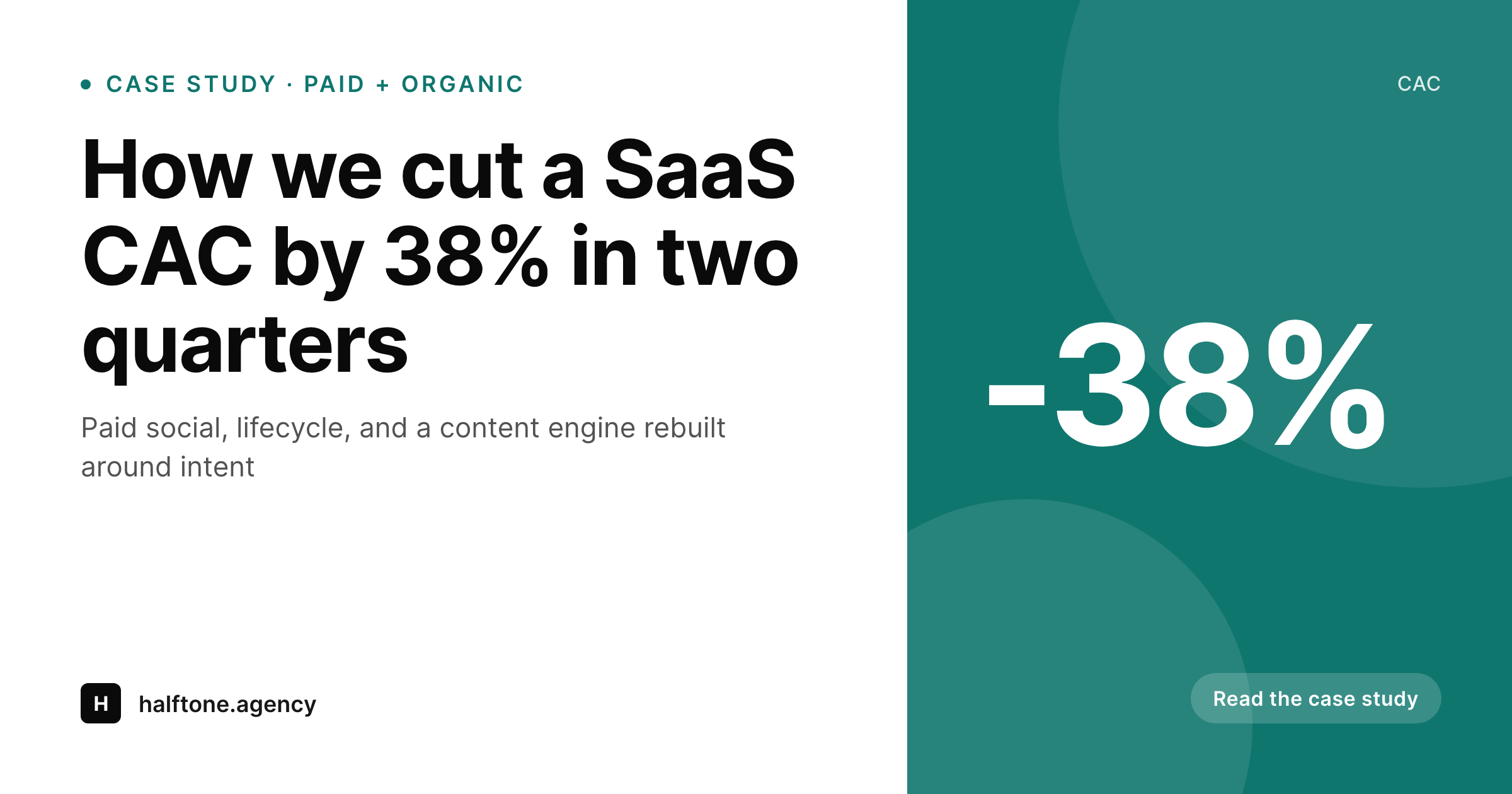
A 1200 by 630 OG card showing the case-study title, headline result, sector, engagement scope, and agency wordmark, composed live from the post.
Comparison
Designer queue vs auto-rendered case studies
Figma / Canva queue
- Senior designers stuck rendering OG cards instead of headline brand work
- Case-study library reads as a series of one-off card designs
- Blog posts ship without a card when the design queue stalls
- Brand refresh forces re-exporting hundreds of historical cards by hand
- Partners stop sharing links because the preview is unreliable
SleekPixel
- Case studies, blog posts, and campaign pages render on save
- Headline metric, sector, and scope pull from existing post fields
- Bulk regenerate the entire portfolio when the brand evolves
- OG and Twitter meta tags fire automatically with the rendered PNG
- Manual download in the sidebar for sales decks and pitch one-pagers
Features
What SleekPixel gives you for marketing agency
Result-led case studies
Case-study posts render with the headline metric front and center. The number that won the engagement is the number that ships in the share.
Author-aware posts
Blog and playbook posts pull the WordPress author into the byline slot. Senior strategists get visible attribution without manual graphic work.
Campaign-page cards
Campaign and lead-magnet pages render their own card with offer, sector, and CTA. Paid social ad teams reuse the same templating language.
Use cases
What marketing agencies generate with SleekPixel
Case studies
Every project shipped to a client gets a card with the headline result, sector, and scope. The portfolio reads as one body of work.
Strategy playbooks
Long-form playbooks render with topic, author, and section count. Sales sends the link to a prospect and the preview lands clean.
Campaign landing pages
Webinar, gated-asset, and lead-magnet pages share with offer-led cards. Paid teams stop manually exporting graphics for every test.
The bigger picture
Why share consistency wins agency pitches
Marketing-agency buying decisions are heavily influenced by the agency's own marketing surface. A prospect researching agencies starts with the case-study page, ends up scrolling the LinkedIn pages of two or three partners, and forms a working theory about whether this agency takes its own discipline seriously. A library of case studies that share with mismatched cards, or worse, no card at all, drops the agency out of the consideration set before the first call.
The cumulative effect across hundreds of share moments is real, and it compounds with the size of the partner team. The second reason is operational. Senior designers at marketing agencies are the most expensive talent in the building, and the easiest place for their time to leak is the long tail of OG cards across years of editorial.
Every hour a senior spends rendering a case-study card is an hour not spent on a brand system, a hero campaign, or a pitch deck. SleekPixel encodes the agency's templating language once and lets the cards render as content publishes. The portfolio looks coherent across years of work, the editorial team ships without waiting on design, and the senior designers reinvest their time in headline output instead of graphic exports.
The agency starts looking, externally, like the discipline it sells.
Questions
Common questions about SleekPixel for marketing agency
Yes. Brand, performance, content, and lifecycle posts can each render through a template variant tied to a category or taxonomy. The agency keeps a unified visual language while letting each practice carry a small differentiator that helps prospects parse the work.
SleekPixel renders on save, and save fires after whatever editorial flow you have approved the post. PublishPress, Edit Flow, or a custom approval chain all work. Compliance and design rendering stay separate concerns and do not collide.
Yes. One save can produce a 1200 by 630 OG card, a 1200 by 627 LinkedIn variant, a square Instagram post, and a 9 by 16 Story version. Each variant pulls from the same post fields, sized for the surface where the partner shares the link.
On client sites the agency also runs, install SleekPixel into that site with a client-branded template. The same render approach works, and the client's editorial team publishes without ever needing the agency for graphics post-launch.
Every WordPress author has a profile, and the template can read the user record to render byline name, headshot, and role. Multi-author playbooks list contributors in a co-byline slot. Strategists get visible attribution without a manual export per piece.
Yes. Render rules scope per post type, per category, per taxonomy. Internal-only posts, drafts under a private flag, or partner-only content can be excluded entirely while public case studies and posts always render.
Generation runs on save and stores the rendered PNG in uploads. A typical save adds a fraction of a second. Bulk regenerate, used for rebrands, runs in the background and can be paced so it doesn't block the editorial team during a refresh.
If a case study can't name the client by brand, the template can render a redacted variant pulling sector, scope, and result without the client's name or logo. The post field flag controls which variant ships, and the editorial team controls the flag at draft time.
Pricing
More than 1000+
happy customers
Explore our flexible licensing options tailored to your needs. Upgrade your license anytime to access more features, or opt for a lifetime license for ongoing value, including lifetime updates and lifetime support. Our hassle-free upgrade process ensures that our platform can grow with you, starting from whichever plan you choose.
Lifetime ♾️
Most popular
EUR
once
- Unlimited websites
- Lifetime updates
- Lifetime support
...or get the Bundle Deal
and save €250 🎁
💎 Want everything forever? The All Access Pass is going away on 01.08.2026.
The Bundle (unlimited sites)
Pay once, own it forever
Elevate your WordPress site with our exclusive plugin bundle that includes all of our premium plugins in one package. Enjoy lifetime updates and lifetime support. Save significantly compared to buying plugins individually.
What’s included
-
SleekAI
-
SleekByte
-
SleekMotion
-
SleekPixel
-
SleekRank
-
SleekView
€749
Continue to checkoutBrowse more
- Patreon cover images
- Instagram grid tiles
- YouTube playlist covers
- podcast cover art
- GitHub README banners
- Twitch panel images
- LinkedIn newsletter headers
- Substack podcast cover
- Lemmy post images
- Ghost feature images
- Tumblr header
- Facebook cover photos
- LinkedIn ad images
- Poshmark listing images
- Pinterest pins