






SleekPixel for YouTubers
Each show-notes post, blog article, and series page on your creator site already has a title, episode number, and series tag. SleekPixel renders Instagram squares and OG images on save so every cross-post outside YouTube stays on-brand.
♾️ Lifetime License available
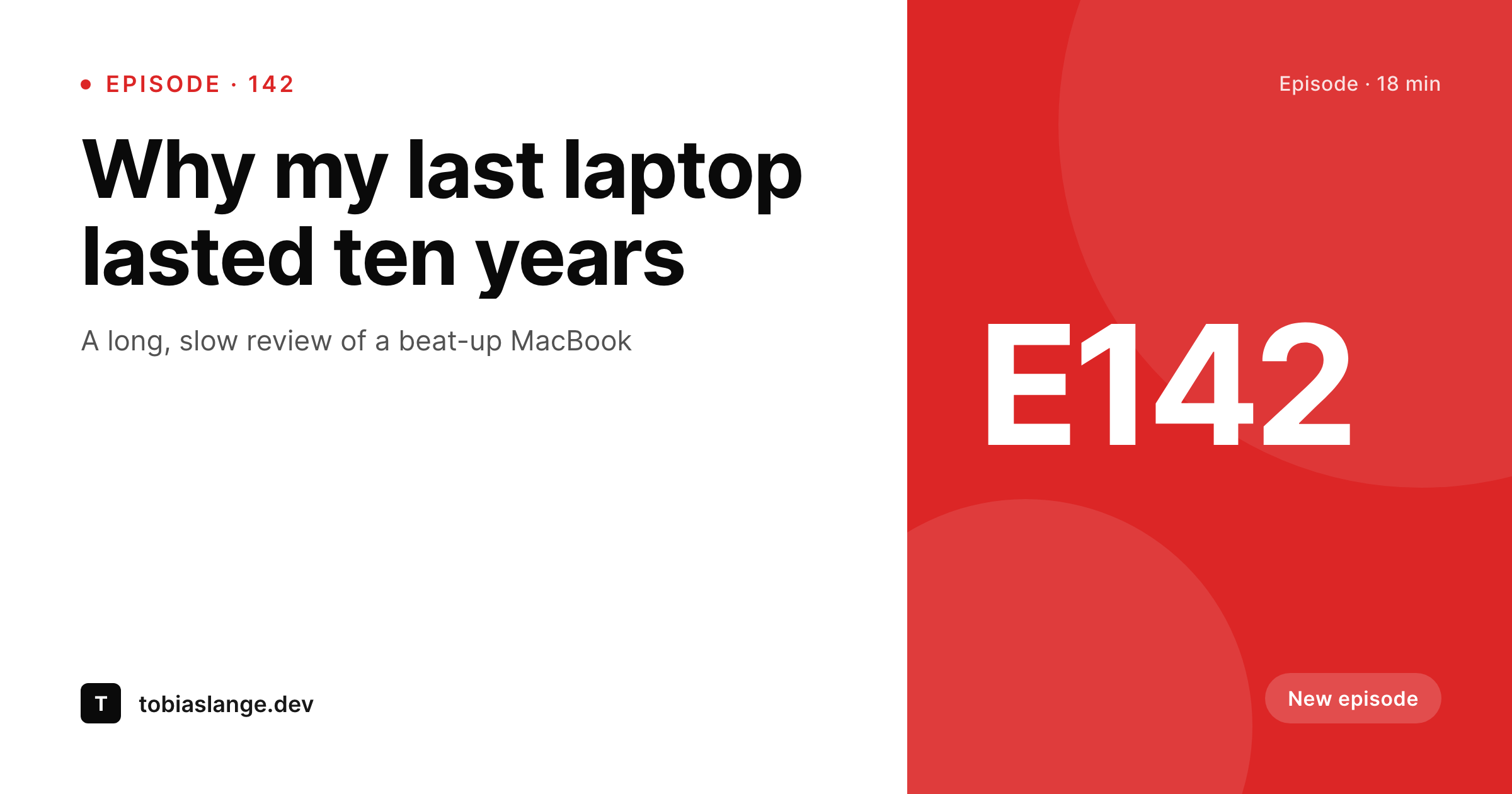
YouTubers post way more than just YouTube
A working YouTube creator publishes constantly across surfaces YouTube does not own: show-notes posts on the personal site after every episode, long-form blog articles that complement the videos, sponsor-resource pages, course or membership landing pages, and email signups. Each one needs its own share art for Twitter, Instagram link previews, Threads, and the occasional Pinterest pin from a tutorial-heavy episode. The pre-publish ritual is always the same: open the YouTube thumbnail in Photoshop, retype the title at a different size, export a square for Instagram, export an OG version for Twitter, upload everything separately.
The frustrating part is that the show-notes post already holds the episode title, the episode number, the series tag, the runtime, and a thumbnail reference. The blog article holds the title and the publish date. The course page holds the title and the cohort start date. SleekPixel reads those fields on save and renders the Instagram square, the OG image, and the vertical Story version in one pass. The creator publishes the episode, hits save on the show notes, and the cross-platform share art exists by the time the page loads.
The YouTube thumbnail still drives the YouTube page itself. The share card is the wrapper that makes every cross-post look like the same channel. A subscriber forwarding a link to the latest episode in a Discord pulls a card that says channel name, episode number, and runtime, not a stretched homepage logo. The creator stops opening Photoshop the night before every video drops and goes back to scripting the next one.
Workflow
From upload to cross-platform-ready in one save
Set the episode template
Map the post types
Publish the show notes
Cross-post automatically
Output
What ships with every show-notes post
A 1200 by 630 OG image: episode title, episode number, channel wordmark, and series tag, ready for Twitter, Instagram link previews, Threads, and Discord forwards.
Comparison
Photoshop queue vs auto-rendered episode art
Photoshop / Canva
- Every episode means redoing the YouTube thumbnail in three other aspect ratios
- Twitter cards, Instagram squares, and OG images each need separate exports
- Brand drift across the back catalog as templates get re-saved and re-edited
- Cross-platform reach suffers when share cards are wrong or missing
- Old episode links share with stretched logos when subscribers forward them
SleekPixel
- Show-notes post becomes the source: title, episode number, series
- Square, Story, and OG image render in one save
- Manual download in the sidebar for Twitter cards and Discord forwards
- Re-render the back catalog when the channel evolves (no per-episode work)
- OG and Twitter cards write to the head so links share with real previews
Features
What SleekPixel gives you for YouTubers
Episode cards ready
Every show-notes post saves with a feed-ready square and an OG image. The creator writes; the cross-platform art happens.
Series-aware art
Episodes in a multi-part series render with the series tag and the series episode number, not just the channel-wide one.
Course and cohort previews
Course landing pages and cohort signups share with a clean card showing the start date and the cohort number. No more stretched banners.
Use cases
What YouTubers generate with SleekPixel
Show-notes posts
Each episode's show-notes page saves with a square, a Story, and an OG image. Subscribers forwarding the link see the episode title and number.
Long-form blog articles
Tutorial articles that complement videos save with branded share cards, useful for Twitter and Discord forwards from technical audiences.
Course and membership pages
Course landing pages and cohort signups share with cards tied to the cohort name and start date, not a generic channel logo.
The bigger picture
Why cross-platform consistency drives subscribers
YouTube discovery is dominated by the YouTube algorithm, but YouTube growth happens on the surfaces YouTube does not own. Subscribers find a creator on Twitter through a quote-tweeted episode, on Threads through a forwarded show-notes post, in a Discord server through a pinned message, and on Instagram through a story tag. Each of those touch points is a forwarded link, and each link is mediated by an OG image.
A clean card with the channel name, the episode number, and the title signals a creator who is treating cross-platform like a serious surface. A stretched homepage logo or a missing OG image signals a creator who is treating everything outside YouTube as an afterthought. Across a year of episodes the difference compounds into actual subscriber growth, because the cross-platform forwards are the supply chain that brings new viewers to the channel.
The second reason is sustainability. Most YouTubers run their own everything: scripting, filming, editing, thumbnails, show notes, social posts. The Photoshop hour for cross-platform variants eats the evening that should be writing the next script or editing the next episode.
SleekPixel removes that hour by binding the share art to the show-notes post. The creator publishes one set of show notes, the cross-platform art falls out of it. The hours saved go back into the parts of the channel that actually compound: better videos, deeper research, more consistent uploads.
Questions
Common questions about SleekPixel for YouTubers
If the show-notes post embeds the YouTube video, SleekPixel can pull the thumbnail URL from the embed and use it as a background or accent in the share card. Or the creator can upload a higher-resolution version of the thumbnail to the post and reference that field in the template.
Yes. Add a series taxonomy and a series-episode-number field. The template can render 'Episode 4 of the Hardware History series' on the share card, which is more useful for series viewers than a global episode count.
Twitter reads the OG image and the Twitter-specific og:twitter:image tag. SleekPixel writes both with high priority, so quoted episode links open with the right preview in the Twitter timeline. Threads pulls from the same tags.
Yes. The Gutenberg sidebar has a download button for each rendered format. The 9:16 Story version exports at full resolution, ready for upload to Instagram or for embedded video posts on TikTok promotion.
Indirectly. Search engines do not rank pages by their OG image, but click-through rates from social shares affect the size of an audience that ends up linking back. A clean share preview drives more clicks, more clicks bring more readers, and more readers create the shares and links that matter for organic visibility.
Yes. SleekPixel supports per-category, per-tag, and per-CPT templates. Routing rules pick the right card so tutorial posts look distinct from vlog posts, all from the same template family.
Run a bulk re-render and every existing show-notes post updates to the new visual. File names stay the same, so cached OG previews refresh on the next platform scrape. The catalog stays unified instead of looking like 'before and after' the rebrand.
Smaller channels often see the largest percentage gains because growth depends heavily on every cross-platform forward landing well. The bottleneck for a small channel is one person doing everything, and the cross-platform variant work is exactly the kind of repetitive task that SleekPixel makes disappear.
Pricing
More than 1000+
happy customers
Explore our flexible licensing options tailored to your needs. Upgrade your license anytime to access more features, or opt for a lifetime license for ongoing value, including lifetime updates and lifetime support. Our hassle-free upgrade process ensures that our platform can grow with you, starting from whichever plan you choose.
Lifetime ♾️
Most popular
EUR
once
- Unlimited websites
- Lifetime updates
- Lifetime support
...or get the Bundle Deal
and save €250 🎁
💎 Want everything forever? The All Access Pass is going away on 01.08.2026.
The Bundle (unlimited sites)
Pay once, own it forever
Elevate your WordPress site with our exclusive plugin bundle that includes all of our premium plugins in one package. Enjoy lifetime updates and lifetime support. Save significantly compared to buying plugins individually.
What’s included
-
SleekAI
-
SleekByte
-
SleekMotion
-
SleekPixel
-
SleekRank
-
SleekView
€749
Continue to checkoutBrowse more
- TikTok shop images
- KDP hardcover cover
- YouTube end cards
- Twitch starting soon screen
- Twitter header banners
- Kindle book cover
- Douyin thumbnails
- Open Graph images
- X community banners
- Instagram bio link banners
- VSCO cover
- Twitch panel images
- LinkedIn newsletter headers
- Twitch offline banners
- Mastodon post images