






SleekPixel for Switchboard alternative for WordPress
SleekPixel keeps templates, post data, and og:image meta inside WordPress. Save a post and the rendered PNG sits in uploads with the meta tags pointing at it, no external render service involved.
♾️ Lifetime License available
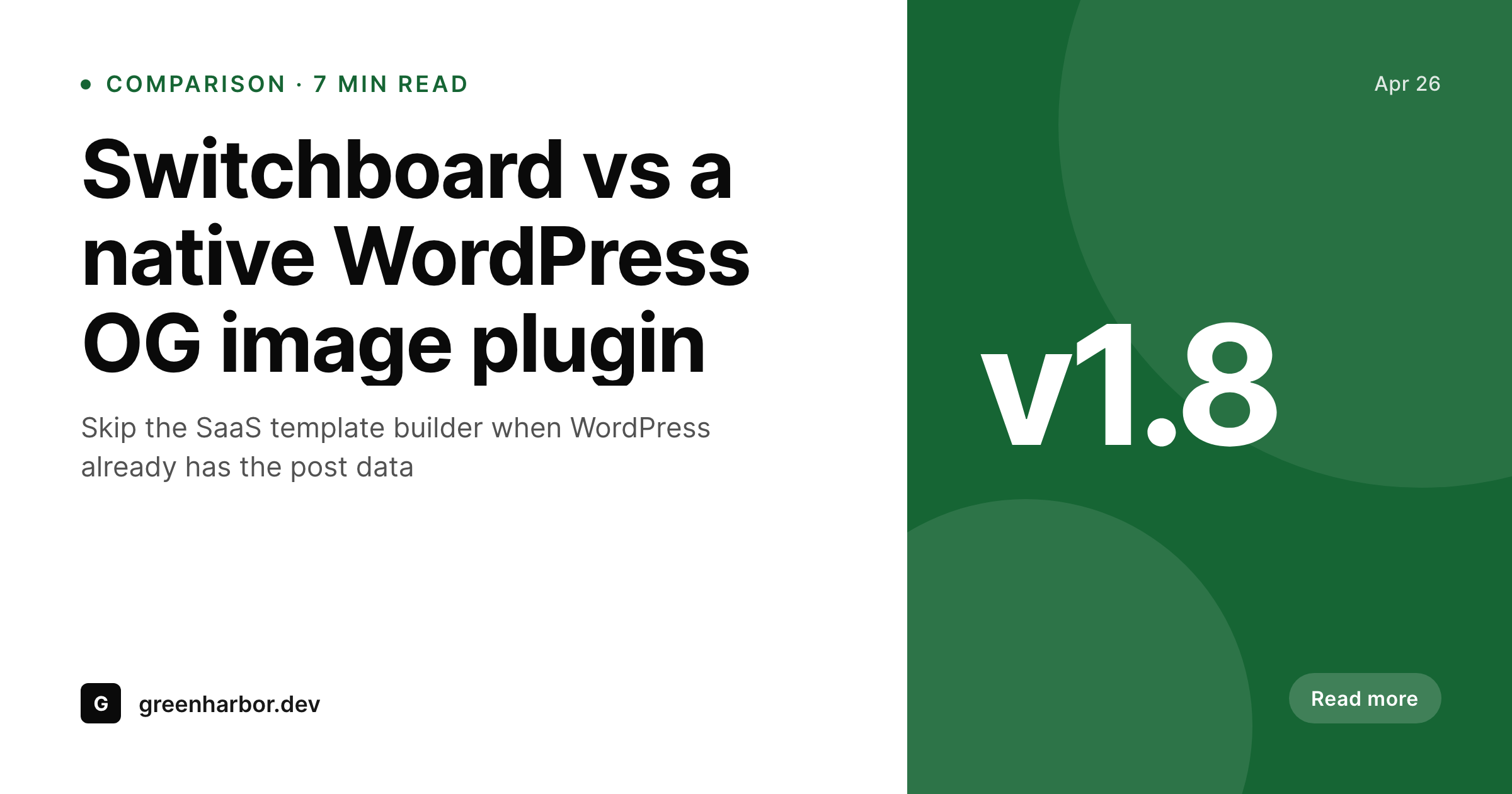
Why teams pick a plugin over a render service
Switchboard's value proposition is reasonable: design once, render programmatically through an API, ship the URL anywhere. That model is built for teams that need image rendering across many products and stacks. A WordPress site is the opposite. It already has one stack, one editorial workflow, and one place where post data lives. Routing that data through an external render service introduces a layer that exists only to bridge two systems that did not need bridging in the first place.
SleekPixel takes the bridge out. The template editor is a WordPress block layout, the renderer runs in PHP next to the post save, and the og:image meta tag is written by the same plugin. The post object never leaves the server, the rendered PNG lands in uploads, and there is no API surface to monitor, secure, or budget for. For a content team, that compresses the failure surface to something a WordPress admin can debug without context-switching to a dashboard they do not own.
Cost predictability is the practical knock-on. Render APIs price per image, which encourages caching tricks, debouncing on save, and other workarounds that complicate the editorial flow. A flat plugin license removes the math. Editors save as often as they need to, redrafts re-render at no marginal cost, and ops does not have to forecast render volume against next quarter's traffic plan. That is a small piece of headspace, but it adds up over a year of publishing.
Workflow
Moving off Switchboard cleanly
Install SleekPixel
Recreate templates
Backfill renders
Retire the API
Output
What lands on the post after save
A 1200x630 PNG with title, category badge, author, and brand mark, stored in uploads and referenced from og:image and twitter:image meta.
Comparison
Switchboard render API vs WordPress plugin
Switchboard render API
- External render API, every save is a network call out of WordPress
- Per-render pricing makes redrafts feel expensive even when they are cheap
- Template lives in Switchboard dashboard, separate from post fields
- Custom code or plugin glue needed to wire renders to og:image meta
- Outage or quota cap on the API silently breaks share previews
SleekPixel
- Renders inside WordPress on save, no outbound HTTP for the image
- Flat plugin license, redrafts do not move the bill
- Templates pull from post fields, ACF, Meta Box, and WooCommerce data
- og:image and twitter:image meta written into the head automatically
- Rendered PNGs live in uploads and serve from the existing CDN
Features
What SleekPixel gives you for Switchboard alternative for WordPress
No bridge layer
Removes the API call between WordPress and the render service. The post object, the template, and the renderer all sit in one PHP process.
Flat licensing
One license covers the plugin and unlimited renders. Editorial redrafts are free no matter how many times the post is saved during review.
Block-based templates
Templates are WordPress block layouts with post field tokens. Designers and editors share the same vocabulary instead of a SaaS-specific schema.
Use cases
Where the swap from Switchboard pays off
Editorial sites
Heavy redraft workflows stop generating proportional render costs. Editors save as needed and the share image stays in sync without ops oversight.
WooCommerce catalogs
Product images regenerate on price or stock change without paying per render. Sale events that touch hundreds of products no longer come with an invoice.
Small ops teams
Removes a SaaS dependency from the stack. One less dashboard to onboard, one less credential to rotate, one less status page to monitor on incident days.
The bigger picture
Why content sites prefer a plugin to a render API
A render API like Switchboard is designed for breadth, serving image generation across many stacks and many sites from one fleet. That breadth is a cost when the use case is narrow. A WordPress site has one stack, one editorial flow, and one save event per publish.
Sending the post data out, paying for a render, waiting for a response, and writing the result back is a roundtrip whose only purpose is to bridge two systems. A native plugin removes the bridge and replaces it with a function call inside the same PHP process. That changes the failure profile in a useful way.
Instead of debugging a missing share preview by reading a SaaS status page and a third party log, the WordPress admin sees the rendered image directly in the post and knows immediately whether the render succeeded. Editorial teams care about that signal because it is the difference between catching a problem during review and learning about it from a marketing manager three days after publish. Ops teams care about it because it removes a third party from the on-call rotation.
Questions
Common questions about SleekPixel for Switchboard alternative for WordPress
No. SleekPixel renders inside WordPress at post save and exposes the rendered PNG as a regular file URL. If a use case genuinely needs cross-stack rendering for non-WordPress products, Switchboard or Bannerbear is a better fit. For WordPress og:image, the plugin model wins.
For the layouts most og:image templates use, yes. Switchboard's edge in scripted modifications matters for programmatic asset pipelines outside WordPress. Inside WordPress, post field tokens cover the same need with less indirection.
Install SleekPixel, recreate the active templates as block layouts, run a bulk regenerate, and decommission the Switchboard integration. Most sites complete the migration in a day, longer if they had heavy custom glue code on the old integration.
Switchboard charges per render plus a base subscription. SleekPixel is a flat license per site. For WordPress sites that publish often or redraft a lot, the flat license usually wins on cost inside the first quarter.
Yes. SleekPixel writes og:image, og:image:width, og:image:height, og:image:type, and twitter:image. Validators like the Twitter Card Validator and Facebook Sharing Debugger return clean results once the cache refreshes.
Yes. Any registered post field, ACF field, Meta Box field, or WooCommerce attribute can be referenced inside a template token. That covers the same data range Switchboard's WordPress integration was reading.
Yes. The Gutenberg sidebar exposes download buttons for the rendered PNG and JPG, which is handy for reusing the artwork in an Instagram story or a newsletter header.
It does not render video, animated PNG, or PDF. It does not generate images using AI models, post to social platforms, or edit photos. For static og:image and social card output, that scope is enough.
Pricing
More than 1000+
happy customers
Explore our flexible licensing options tailored to your needs. Upgrade your license anytime to access more features, or opt for a lifetime license for ongoing value, including lifetime updates and lifetime support. Our hassle-free upgrade process ensures that our platform can grow with you, starting from whichever plan you choose.
Lifetime ♾️
Most popular
EUR
once
- Unlimited websites
- Lifetime updates
- Lifetime support
...or get the Bundle Deal
and save €250 🎁
💎 Want everything forever? The All Access Pass is going away on 01.08.2026.
The Bundle (unlimited sites)
Pay once, own it forever
Elevate your WordPress site with our exclusive plugin bundle that includes all of our premium plugins in one package. Enjoy lifetime updates and lifetime support. Save significantly compared to buying plugins individually.
What’s included
-
SleekAI
-
SleekByte
-
SleekMotion
-
SleekPixel
-
SleekRank
-
SleekView
€749
Continue to checkoutBrowse more
- Snapchat ad images
- Patreon cover images
- Facebook Shop product images
- Facebook Marketplace images
- Bandcamp banner
- Facebook ad images
- eBay listing images
- Discord event cover
- Pinterest product pin covers
- Warpcast frame images
- Facebook group banners
- SoundCloud track art
- WhatsApp status images
- Shopify collection banners
- Nostr note images