






SleekPixel for Placid alternative for WordPress
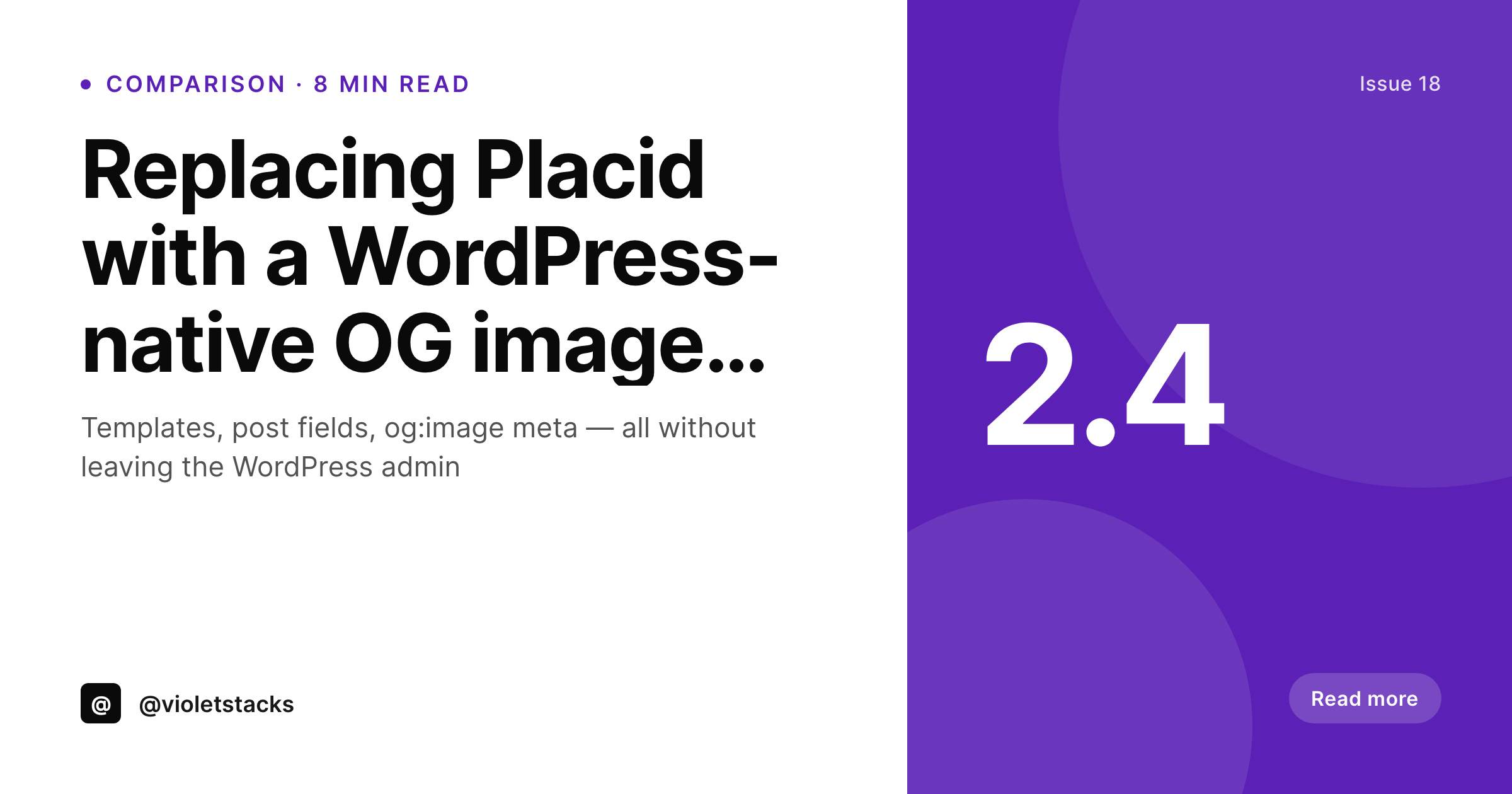
Design the template in WordPress, save the post, get a rendered PNG and og:image meta in one step. SleekPixel keeps the entire OG image pipeline inside the same admin where editors already work.
♾️ Lifetime License available
Why Placid users move the workflow into WordPress
Placid does a clean job in its own dashboard. The friction shows up at the seam between Placid and WordPress. Editors design a template in the Placid app, then map it through the Placid WordPress integration, then trust that the API call on save actually fires, then check that og:image meta got written by Yoast or whichever SEO plugin is patching the head. Three systems, three failure points, and the editor has no signal when one of them silently stops working other than a broken Twitter share preview.
SleekPixel collapses the seam. The template editor lives in the WordPress admin, the renderer runs in the same PHP process as the post save, and the og:image meta tag is written by the same plugin that produced the image. If the image rendered, the meta tag is correct, full stop. There is no API key to rotate, no separate billing dashboard, and no second tool to onboard a new editor into.
The other thing teams notice is template iteration speed. With Placid, a template tweak means jumping out of WordPress, opening Placid, editing, saving, hoping the modifications still match what the WP integration is sending. With SleekPixel, the template is a regular WordPress block layout. Edit it, hit preview on any post, see the rendered output. The loop is short enough that templates get refined instead of left alone, which shows up in the share previews months later.
Workflow
Migrating off Placid in four steps
Install SleekPixel
Rebuild templates
Bulk regenerate
Cancel Placid
Output
What ships when a post is saved
A 1200x630 PNG using the post title, category, author, and brand mark, written to uploads and referenced from og:image meta in the post head.
Comparison
Placid dashboard vs SleekPixel in the WordPress admin
Placid + WP integration
- Template editor lives in a separate Placid dashboard, not in WordPress
- API call on save can silently fail with no editor-visible signal
- Two billing relationships: WordPress hosting plus Placid subscription
- Editor onboarding covers two interfaces and two sets of credentials
- Template iteration loop spans Placid, WordPress, and a share preview tool
SleekPixel
- Template editor and renderer both live inside the WordPress admin
- Save the post, get the PNG and the og:image meta in the same request
- One license covers the plugin and unlimited renders for the site
- Editors only need WordPress access to ship a new template variant
- Rendered PNGs sit in uploads and serve through the existing CDN
Features
What SleekPixel gives you for Placid alternative for WordPress
One admin
Template design, post fields, and rendered output all sit inside the WordPress admin. No second dashboard for editors to learn or remember to log into.
Tight feedback loop
Edit the template, save any post, see the rendered PNG in the preview panel. The cycle is fast enough that templates actually get iterated.
No API surface
No API keys to rotate, no webhook to monitor, no third-party outage to plan around. The renderer lives in the same PHP process as the post save.
Use cases
Where moving off Placid matters most
Publisher sites
Editorial teams that publish ten to fifty posts a day stop debugging silently failed Placid API calls and recover hours of share-preview troubleshooting.
Multi-editor teams
New writers do not need a Placid seat or a credential rotation, just a WordPress account and the same editorial training as everyone else.
SEO-led content
Predictable og:image rendering means link audits stop turning up missing images, which keeps social click-through stable across the catalog.
The bigger picture
Why a native renderer beats a SaaS dashboard for content sites
Placid is built as a standalone design tool with a WordPress hook on the side. That works for designers shipping one-off graphics, but a content-heavy WordPress site does not need a design tool, it needs a reliable og:image pipeline tied to post save. Every additional system between save and rendered image is a chance for the chain to break, and the failure mode is invisible to editors.
Sites running on Placid often discover broken share previews weeks later from an SEO audit or a complaint on Slack. A native plugin shrinks the chain to one link. The renderer either ran or it did not, and the editor sees the result on the next preview.
Onboarding gets simpler too. New editors do not need a Placid seat, a credentials handoff, or a separate training pass. They learn WordPress, and the share image pipeline is part of WordPress.
Over a year of editorial turnover that saves real time, and the share previews stay consistent without an ops person policing them.
Questions
Common questions about SleekPixel for Placid alternative for WordPress
Yes for the layouts most WordPress sites actually use, which are headline plus subline plus brand mark plus optional photo. Placid's edge in advanced layering matters for designers shipping marketing assets, not for og:image automation on a content site.
They stay in Placid until manually rebuilt as SleekPixel templates. Most teams pick the two or three most-used templates, rebuild those first, and let edge case templates wait until they are needed again.
SleekPixel writes og:image, og:image:width, og:image:height, and twitter:image directly. Yoast or Rank Math can keep handling other meta tags. SleekPixel only takes responsibility for the image-related ones.
Placid is a monthly subscription with usage tiers. SleekPixel is a flat plugin license per site. For a single WordPress site that publishes regularly, the flat license usually pays back inside a few months relative to a Placid subscription.
Yes. Templates pull from any registered post field, ACF field, Meta Box field, or WooCommerce attribute. That covers the same data Placid was reading through its WordPress integration.
After a bulk regenerate, the og:image URLs and meta tags are correct. Social platforms cache previews, so URLs already in circulation may need a manual cache invalidation through Twitter and LinkedIn debug tools to refresh on demand.
Yes. The Gutenberg sidebar exposes a download button for the rendered PNG and JPG, useful for repurposing the same artwork in an Instagram story or email header.
SleekPixel renders static PNG and JPG. It does not produce video, animated PNG, or PDF, and it does not include a standalone design dashboard outside WordPress. For OG images and social cards on a WordPress site, those omissions rarely come up.
Pricing
More than 1000+
happy customers
Explore our flexible licensing options tailored to your needs. Upgrade your license anytime to access more features, or opt for a lifetime license for ongoing value, including lifetime updates and lifetime support. Our hassle-free upgrade process ensures that our platform can grow with you, starting from whichever plan you choose.
Lifetime ♾️
Most popular
EUR
once
- Unlimited websites
- Lifetime updates
- Lifetime support
...or get the Bundle Deal
and save €250 🎁
💎 Want everything forever? The All Access Pass is going away on 01.08.2026.
The Bundle (unlimited sites)
Pay once, own it forever
Elevate your WordPress site with our exclusive plugin bundle that includes all of our premium plugins in one package. Enjoy lifetime updates and lifetime support. Save significantly compared to buying plugins individually.
What’s included
-
SleekAI
-
SleekByte
-
SleekMotion
-
SleekPixel
-
SleekRank
-
SleekView
€749
Continue to checkoutBrowse more
- delivery cards
- expert quote card
- terms update cards
- return to office card
- before-after comparison images
- quote of the day cards
- research report images
- developer tool card
- tip of the day cards
- logo reveal card
- lesson thumbnail cards
- framework cards
- customer spotlight cards
- weekend project card
- infographic headers
- Twitch offline banners
- Substack post headers
- WeChat Moments images
- Mastodon profile header
- Kindle book cover
- Reddit subreddit banners
- Passes page banner
- Apple Podcasts covers
- kbin post images
- Buy Me a Coffee banners
- LinkedIn article covers
- Beacons.ai banner
- Nostr note images
- eBay listing images
- Twitch profile banner