






SleekPixel for party planners
Each party-recap post, theme page, and package already has a title, age or occasion, and theme. SleekPixel renders Instagram squares and Pinterest pins on save so every neighborhood share looks like the same studio.
♾️ Lifetime License available
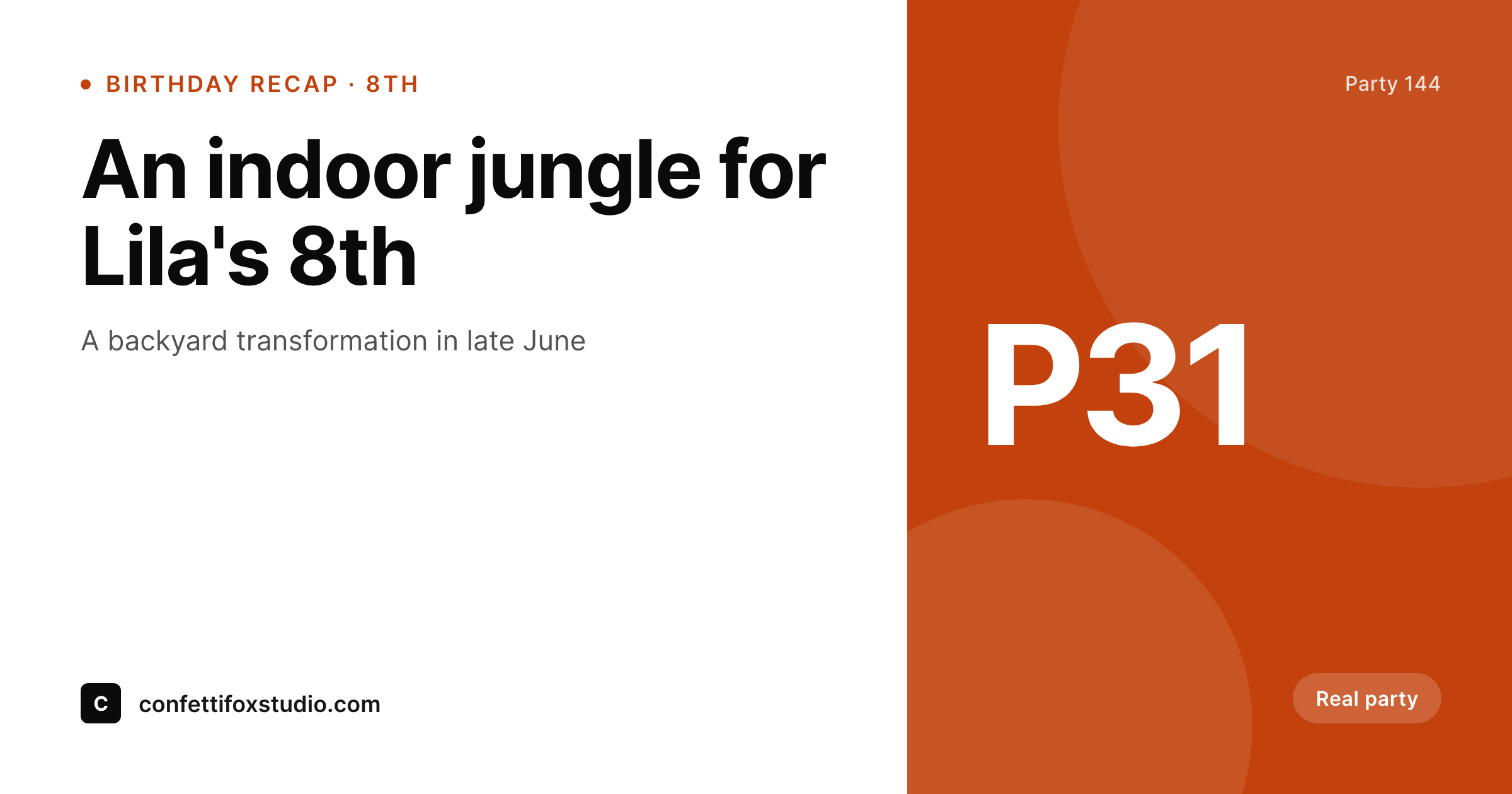
Party planning is a screenshot-and-forward business
A working party-planning studio publishes constantly: party recaps after each celebration, theme pages for jungle, candy-shop, princess and woodland looks, package tiers from setup-only to full-service, and the occasional case-study post for milestone or corporate parties. Each one ends up shared in school-parent groups, in DMs from friends planning the next birthday, and on the studio Instagram. The pre-publish ritual is always the same: the planner crops a phone photo of the dessert table, sets type over it, exports a square, and uploads it. Across a busy spring of birthdays the cards drift because the studio is making them between setups.
The frustrating part is that the recap post already has the party title, the age or occasion, and the theme tag. The theme page already has the look name, the suitable ages, and the price range. The package page already has the tier and what it includes. SleekPixel reads those fields on save and renders the Instagram square, the Pinterest pin, and the OG image in one pass. The planner writes the recap, hits publish, and the share art is ready for school-parent groups by the time the page loads.
The dessert-table photos and balloon arches still drive the recap page itself, so the visuals do the heavy lifting. The share card is a separate, considered piece that keeps the feed and link previews on-brand. Parents forwarding the studio's jungle-theme recap in their birthday-planning chats pull a card that says studio name, theme, and age, not a stretched homepage logo. The planner stops opening Canva at 11 pm after a long setup and goes back to designing the next party.
Workflow
From last balloon to share-ready in one save
Set the recap template
Map the post types
Write and save
Share to parent groups
Output
What ships with every party recap
A 1200 by 630 OG image: party title, age or occasion, theme tag, and studio wordmark, ready for school-parent Facebook groups and Pinterest planning boards.
Comparison
Canva queue vs auto-rendered party art
Canva / Manual export
- Every party recap means duplicating a Canva template and retyping details
- Pinterest pins, Instagram squares, and OG images all need separate exports
- Brand drift across seasons as templates get re-saved and re-edited
- Theme-page inquiries lag when share cards are generic or missing
- Old recap links share with stretched logos when parents forward them
SleekPixel
- Recap post becomes the source: title, age, theme pull from fields
- Square, Pinterest pin, and OG image render in one save
- Theme pages get look name and suitable ages onto the card
- Re-render the catalog when the brand evolves (no per-post work)
- OG and Twitter cards write to the head so links share with real previews
Features
What SleekPixel gives you for party planners
Party recap art
Every recap post saves with a feed-ready square and a Pinterest pin. The planner writes; the art happens.
Theme-page previews
Jungle, candy-shop, woodland, and princess pages each share with the look name and suitable ages. Inquiries see something tailored.
Package cards
Setup-only, full-service, and milestone tiers each get their own share card so a forward sees the right offering.
Use cases
What party planners generate with SleekPixel
Party recap posts
Each celebration saves with a square, a Pinterest pin, and an OG image. Parents forwarding the link see the theme and age at a glance.
Theme pages
Each look gets its own share card so a Pinterest pin from a jungle-theme recap lands on a jungle-theme card, not a generic studio logo.
Vendor and venue features
Partner bakeries, balloon artists, and venues each get a feature page with a share card aligned to the studio brand.
The bigger picture
Why share consistency drives party-planning inquiries
Party planning is a school-parent-group referral business. A mom sees the studio's jungle-theme recap forwarded in the second-grade chat, screenshots the card, and saves it for her own kid's birthday in three months. The screenshot is doing real work: it is the first impression of the studio, ahead of the about page or the package list.
A clean card with the theme name, the age, and a real photo signals competence. A stretched homepage logo or a generic blob signals 'someone's side hustle'. Across a season of birthdays the difference compounds into actual booking volume.
The second reason is sustainability. Most party planners run their own marketing while setting up parties on weekends. The Canva hour eats the evening that should be writing the next recap or sourcing the next theme.
SleekPixel removes that hour by binding the share art to the post. The planner writes one recap, the feed and the share previews fall out of it. The hours saved go back into the parts of the business that actually compound: better themes, better setups, more thoughtful client work.
The brand stays consistent because rendering happens from a single template, not from a tired person eyeballing colors at 11 pm.
Questions
Common questions about SleekPixel for party planners
If the booking plugin stores theme, package, and date in custom fields, SleekPixel can read them. Most popular event-booking plugins store these as standard postmeta, which is exactly what SleekPixel binds to.
Yes. Use a 'display title' field that defaults to the theme and age ('Jungle birthday for an 8-year-old') instead of the child's name. The recap page itself can still use the child's name; only the share card uses the generic title.
Pinterest still drives a huge share of inquiries for kids' birthday studios because parents plan months ahead. SleekPixel renders a 1000 by 1500 vertical pin alongside the square. Same template, different aspect ratio, both write to the post.
Yes. The Gutenberg sidebar has a download button for each rendered format. The square version exports at full resolution, ready for paste into a chat or upload to a Facebook group post.
Indirectly. Local search ranking depends on Google Business Profile and local citations more than OG images. But click-through rates from school-parent Facebook groups and Pinterest planning boards affect how many new clients find the site, which in turn affects reviews and citations over time.
Yes. SleekPixel supports per-category, per-tag, and per-CPT templates. Routing rules pick the right card so kids' birthday recaps look distinct from corporate-event recaps, all from the same template family.
Run a bulk re-render and every existing recap and theme page updates to the new visual. File names stay the same, so cached OG previews refresh on the next platform scrape. The catalog stays unified instead of looking like 'before and after' the rebrand.
Solo planners often see the largest gains because they wear every hat. An hour saved per recap times thirty parties per year is thirty hours back. For solo planners who actually publish a recap for every party, the time savings are larger than for a team because the bottleneck is one person doing everything.
Pricing
More than 1000+
happy customers
Explore our flexible licensing options tailored to your needs. Upgrade your license anytime to access more features, or opt for a lifetime license for ongoing value, including lifetime updates and lifetime support. Our hassle-free upgrade process ensures that our platform can grow with you, starting from whichever plan you choose.
Lifetime ♾️
Most popular
EUR
once
- Unlimited websites
- Lifetime updates
- Lifetime support
...or get the Bundle Deal
and save €250 🎁
💎 Want everything forever? The All Access Pass is going away on 01.08.2026.
The Bundle (unlimited sites)
Pay once, own it forever
Elevate your WordPress site with our exclusive plugin bundle that includes all of our premium plugins in one package. Enjoy lifetime updates and lifetime support. Save significantly compared to buying plugins individually.
What’s included
-
SleekAI
-
SleekByte
-
SleekMotion
-
SleekPixel
-
SleekRank
-
SleekView
€749
Continue to checkout