






SleekPixel for Easil alternative for WordPress OG images
Easil is a templated design editor with strong brand kit support. SleekPixel takes the same kind of templated approach and moves it inside WordPress, so the post title and byline drive the render automatically on save.
♾️ Lifetime License available
Templated design that sits outside WordPress still needs a human in the loop
Easil pioneered the idea of templated design with brand kit guardrails, and that approach still works for one-off marketing collateral: event posters, sales flyers, signage, swag. The friction shows up the moment editorial teams try to use the same tool for the OG image of every blog post. Each post is a new Easil file, the title is retyped, the byline is set by hand, the export is downloaded, and someone has to remember to upload the PNG to WordPress and paste the URL into the SEO plugin. That is a multi-minute round trip per post, and on a real publish schedule it gets skipped silently.
SleekPixel takes the templated mindset further by putting the renderer inside WordPress. The template is built once with the same kind of brand controls Easil users are used to: locked colors, fixed typography, repeating layout slots. The difference is the inputs. Instead of a designer retyping fields, the renderer reads the post title, excerpt, author, category, and date from the post object on save. The PNG ships into uploads, og:image and twitter:image meta land in the post head, and the share preview is already correct before anyone announces the post in Slack.
Most teams keep Easil in the toolkit for the work it was always strongest at. Branded one-offs, internal signage, sales support material. The OG image responsibility moves into SleekPixel because it is a fundamentally different shape of job, and the two stop fighting for the same spot in the publish workflow.
Workflow
From Easil export queue to native WordPress card
Install SleekPixel
Set up the brand kit
Map post fields to template slots
Backfill the existing archive
Output
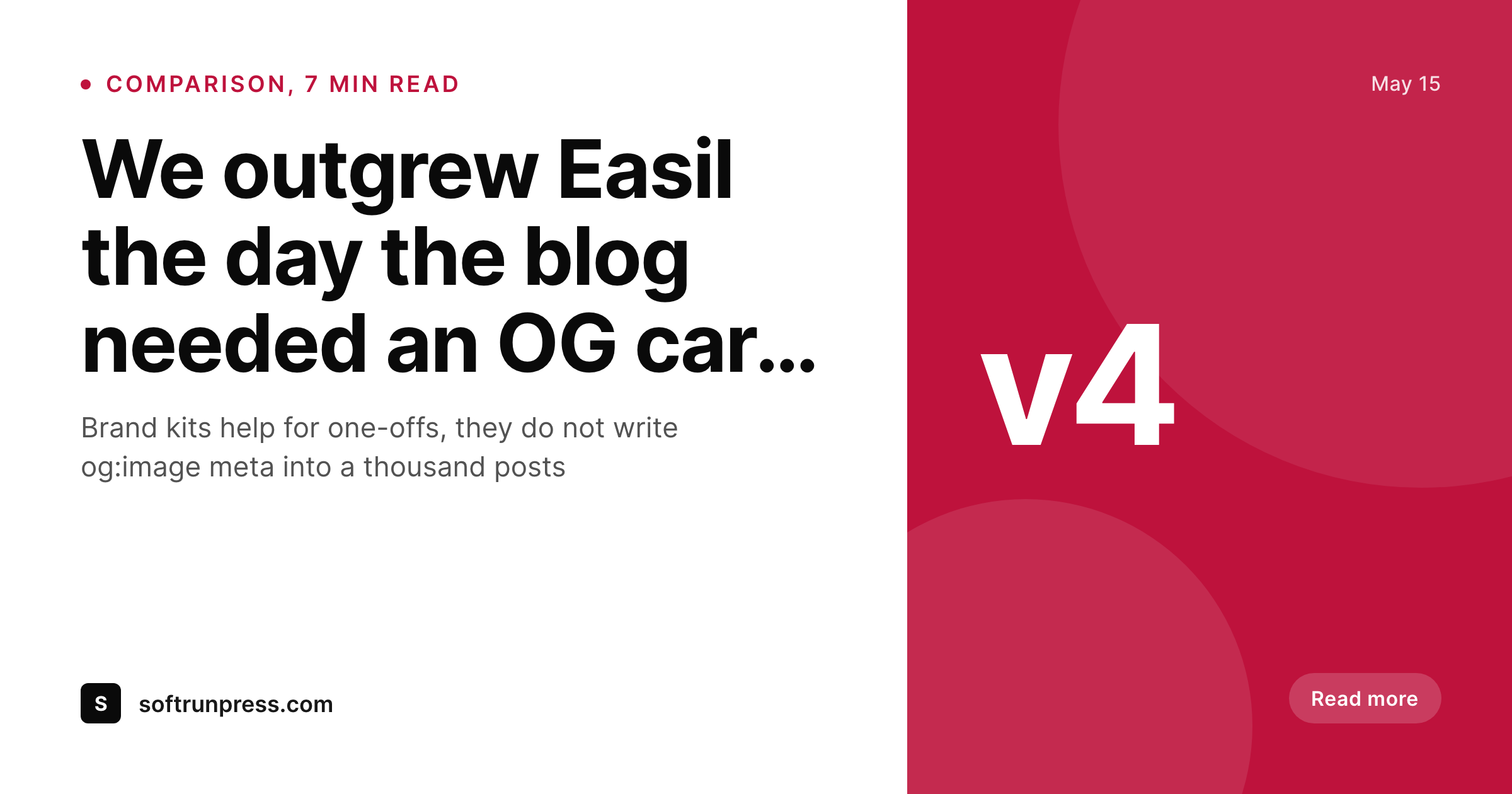
Sample card rendered on save
A 1200x630 PNG that follows the brand template, with the title and byline pulled directly from the post object. og:image and twitter:image meta are written from the same render.
Comparison
Default Easil alternative for WordPress OG images image vs SleekPixel
Default Easil alternative for WordPress OG images image
- External editor, every post is a separate file with retyped fields
- Manual export and upload into WordPress media on every publish
- Subscription scaled by seats, not by the number of posts on the site
- No og:image meta written, the SEO plugin still has to be wired up by hand
- Brand updates require reopening every saved design in the dashboard
SleekPixel
- Brand kit lives in the WordPress admin, alongside the posts it renders
- Templates render automatically from post fields, no retyping per card
- og:image and twitter:image meta written into the post head on save
- Flat plugin license, unlimited renders, no per-seat fee
- Outputs land in uploads, served by the same CDN as the rest of the site
Features
What SleekPixel gives you for Easil alternative for WordPress OG images
Inside the CMS
SleekPixel is a plugin in the same WordPress install as the posts. There is no separate editor to switch into and no file format to reconcile across tools.
Template, then forget
One template covers every post in a category. Editing the template re-renders every card that used it, no individual files to revisit per post.
Meta tags handled
og:image, og:image:width, og:image:height, and twitter:image are written from the rendered PNG. No second plugin to glue the URL into the head.
Use cases
Who uses SleekPixel for Easil alternative for WordPress OG images
Editorial blogs with brand guardrails
Sites with a strict brand book benefit from a renderer that enforces colors and typography automatically rather than relying on a designer to apply them per post.
WooCommerce stores
Product cards built from price, SKU, and stock fields stay on-brand across hundreds of items, which a per-design editor was never going to keep in sync.
Course and membership sites
Lesson, module, and tier cards inherit the same brand grammar, with the title and instructor pulled directly from the post object on save.
The bigger picture
Why brand-kit design tools and OG renderers solve different problems
Brand kit design tools are optimized for human designers working on individual pieces. They lock down colors, fonts, and logo placements so non-designers cannot drift off brand. That is the right answer for posters, signage, and one-off marketing collateral.
It is the wrong shape for OG images, because OG images are not produced one at a time by a designer, they are produced one per post by an automated workflow. The brand controls still matter, but the inputs change: instead of a person typing the title into a design tool, the post object provides it. A renderer plugged into the publish hook can apply the same brand rules without anyone opening an editor, which is the only way the workflow survives a real publish cadence.
Keeping the design tool for the work it was built for, and moving the OG card into a renderer, lets both keep doing their best job.
Questions
Common questions about SleekPixel for Easil alternative for WordPress OG images
Not directly. Easil exports as PNG, PDF, or video, none of which are template formats. Teams usually rebuild the OG card layout in SleekPixel, which is faster than expected because the design is narrower than a full Easil file.
No. Rendering happens inside the WordPress PHP process using GD or Imagick. There is no outbound HTTP call, no API key to manage, and no service to depend on at publish time.
SleekPixel has its own per-template brand controls, including locked colors, fixed typography, and logo placement. Not as full featured as a dedicated design suite, which is appropriate for a renderer that only handles cards and social images.
SleekPixel is a flat plugin license with no per-seat fee and no per-render quota. Many teams keep a small Easil plan for marketing collateral and route the OG image budget into the plugin license instead.
Yes. Any registered post field, ACF field, Meta Box field, or WooCommerce attribute can drop into a template slot as a token, which covers most editorial and store setups out of the box.
Once a card is rendered and og:image meta is updated, social platforms re-scrape on the next share. Twitter, LinkedIn, and Facebook cache aggressively, so a manual cache invalidation through their debug tools may be needed for already-shared URLs.
No. SleekPixel renders PNG and JPG for web and social. Print-grade output, with bleed and CMYK, is a different problem and an editor like Easil is still the right tool for it.
Yes. The same template can be cloned for Instagram, Pinterest, or LinkedIn dimensions, and the Gutenberg sidebar has a download button when the rendered image is needed outside the OG slot.
Pricing
More than 1000+
happy customers
Explore our flexible licensing options tailored to your needs. Upgrade your license anytime to access more features, or opt for a lifetime license for ongoing value, including lifetime updates and lifetime support. Our hassle-free upgrade process ensures that our platform can grow with you, starting from whichever plan you choose.
Lifetime ♾️
Most popular
EUR
once
- Unlimited websites
- Lifetime updates
- Lifetime support
...or get the Bundle Deal
and save €250 🎁
💎 Want everything forever? The All Access Pass is going away on 01.08.2026.
The Bundle (unlimited sites)
Pay once, own it forever
Elevate your WordPress site with our exclusive plugin bundle that includes all of our premium plugins in one package. Enjoy lifetime updates and lifetime support. Save significantly compared to buying plugins individually.
What’s included
-
SleekAI
-
SleekByte
-
SleekMotion
-
SleekPixel
-
SleekRank
-
SleekView
€749
Continue to checkoutBrowse more
- Twitch schedule banners
- Bluesky profile banner
- Facebook Shop product images
- Facebook event covers
- Farcaster cast images
- Etsy shop banners
- Ko-fi banners
- Twitter card images
- WhatsApp status images
- Ghost feature images
- Reddit subreddit banners
- YouTube ad thumbnails
- Behance banner
- TikTok profile banners
- Instagram carousel slides