






SleekPixel for menopause clinics
Perimenopause primers, HRT decision frameworks, and provider pages each become a 1200x627 LinkedIn card on save. Title, clinician, and topic pulled from the post.
♾️ Lifetime License available
Sharing menopause resources to LinkedIn without redesigning each card
A menopause clinic publishes across two audiences at once. Patients read primers on perimenopause symptoms, HRT options, vaginal estrogen, and sleep and mood patterns in the year either side of final menses. Referring clinicians read framework pieces on initiating HRT, contraindications, and the difference between specialist menopause care and general gynecology. Each piece is meant to feel like the clinic itself, evidence-led and current. LinkedIn carries a meaningful share of both audiences for menopause specifically, and a 1200x627 LinkedIn-ready card does most of the visible work.
The data is already inside WordPress. The title, the clinician, the topic line like HRT or genitourinary syndrome of menopause, and the publish date are all there once the post is saved. The gap is the 1200x627 card that would otherwise be redrawn by the marketing coordinator on a Monday, or skipped entirely on the weeks when the clinical lead is in clinic.
SleekPixel closes the gap. Build one LinkedIn-shaped template in the admin with the clinic mark, a clinician slot, a topic slot, and a calm color system. Save a post, and a fresh 1200x627 PNG lands in uploads, ready to share on LinkedIn, in clinician newsletters, and in patient education emails.
Workflow
From draft to LinkedIn-ready in one save
Design the LinkedIn card
Connect to post type
Save the post
Share to LinkedIn
Output
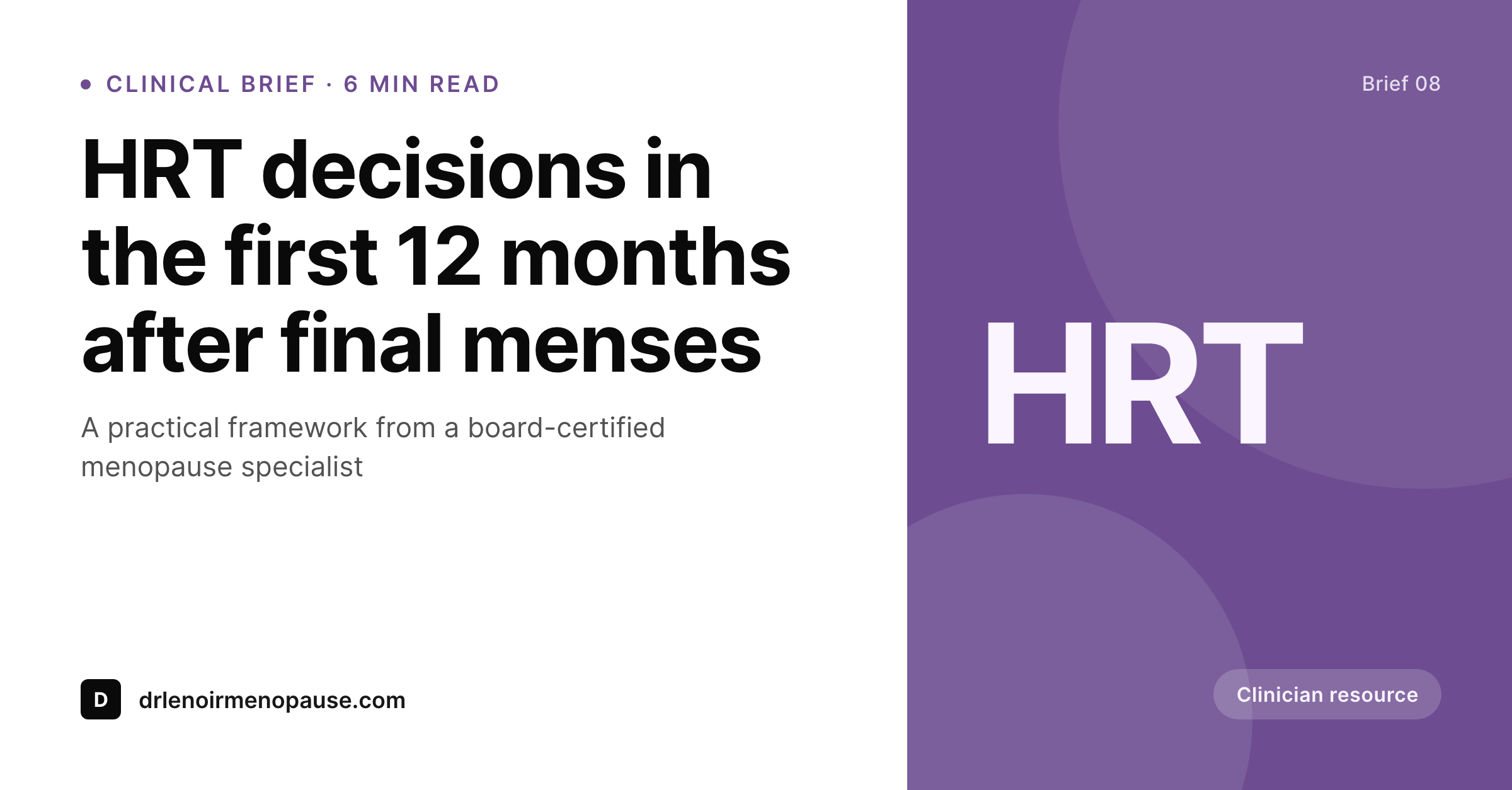
Sample LinkedIn card from a clinical resource
This card was rendered from a post's title, the clinician, the topic, and the clinic accent color. Same template, every share.
Comparison
Default menopause clinics image vs SleekPixel
Default menopause clinics image
- Each clinical primer needs a one-off Canva file from the marketing coordinator
- Same clinic-logo card on every LinkedIn share, regardless of topic
- Clinician names and credentials slip out of date in file names
- Stock photos of older women laughing slip in and undercut the clinical tone
- Posts ship to LinkedIn without a card on the busiest clinic weeks
SleekPixel
- Auto-generated 1200x627 PNG per post on save
- Title, clinician, and topic pulled from the post fields
- One template, every clinical resource stays on-brand
- Edit the template once and every legacy post's card refreshes
- Falls back gracefully if the topic or clinician field is missing
Features
What SleekPixel gives you for menopause clinics
LinkedIn aspect
Rendered at 1200x627 so the card sits cleanly inside LinkedIn posts and articles without re-cropping on desktop or mobile.
Template-driven
Design the LinkedIn-shaped layout once with the clinic mark, a clinician slot, and a topic slot. Every post inherits it on save.
Regenerate on demand
Updated the clinic palette or onboarded a new specialist? Bulk-regenerate every post's card from the admin in one click.
Use cases
Where this fits best for menopause clinics
HRT framework posts
HRT initiation, route comparisons, and contraindication primers each get a card tied to the topic and the clinician.
Clinician bio pages
Clinician name, credentials, and headshot pulled per page so referring colleagues and patients see who wrote what.
Symptom-focused primers
Sleep, mood, GSM, weight, and joint-pain primers each get a card distinct from the HRT framework set.
The bigger picture
Why a consistent LinkedIn card matters for menopause clinics
Menopause specialty care is still catching up with patient demand, and the LinkedIn share is doing meaningful work in both clinical referral and patient education. Referring GPs and gynecologists read the card and decide whether to read the article, often in a short window between patients. Patients who follow the clinic on LinkedIn see the card before the article and decide whether to forward it to a friend.
Generic clinic-logo cards waste both opportunities. Stock photos undercut the evidence-led tone the clinic worked to build. A template that pulls the title, the clinician, and the topic automatically keeps every share recognisable and credentialed.
SleekPixel does that inside WordPress, with no clinic or patient data leaving the server.
Questions
Common questions about SleekPixel for menopause clinics
No. The image is rendered on your own WordPress server and stored locally in the uploads folder. Post data never leaves the site, and patient records are never involved.
Yes. SleekPixel writes og:image with high priority, so it overrides Yoast, Rank Math, and AIOSEO fallbacks cleanly without disabling the rest of the plugin's work.
Yes. LinkedIn reads og:image on first share. The LinkedIn Post Inspector lets you clear cache if you are testing a URL that has already been shared once.
Yes. SleekPixel supports per-category and per-tag templates so HRT framework posts and symptom-focused primers can carry distinct accents.
No. The image is rendered once at save time and stored as a static PNG. Visitors load a regular image URL, and no rendering happens on each page view.
Yes. The admin has a one-click bulk regeneration that re-renders every post's image. One pass brings the entire archive in line after a brand refresh.
SleekPixel does not touch PHI. It only reads published WordPress posts and pages, and stores rendered images inside the same site.
Yes. SleekPixel supports multiple templates per post type. One can be the 1200x630 OG card, another the 1200x627 LinkedIn variant, both produced on save.
Pricing
More than 1000+
happy customers
Explore our flexible licensing options tailored to your needs. Upgrade your license anytime to access more features, or opt for a lifetime license for ongoing value, including lifetime updates and lifetime support. Our hassle-free upgrade process ensures that our platform can grow with you, starting from whichever plan you choose.
Lifetime ♾️
Most popular
EUR
once
- Unlimited websites
- Lifetime updates
- Lifetime support
...or get the Bundle Deal
and save €250 🎁
💎 Want everything forever? The All Access Pass is going away on 01.08.2026.
The Bundle (unlimited sites)
Pay once, own it forever
Elevate your WordPress site with our exclusive plugin bundle that includes all of our premium plugins in one package. Enjoy lifetime updates and lifetime support. Save significantly compared to buying plugins individually.
What’s included
-
SleekAI
-
SleekByte
-
SleekMotion
-
SleekPixel
-
SleekRank
-
SleekView
€749
Continue to checkoutBrowse more
- Threads social images
- Patreon tier images
- WhatsApp status images
- Instagram feed posts
- YouTube Shorts thumbnails
- Twitch alert
- Threads story-style images
- Tumblr header
- Apple Podcasts covers
- Open Graph images
- Etsy shop banners
- Snapchat snap images
- Passes page banner
- Flickr cover photo
- YouTube podcast thumbnails