






SleekPixel for Hootsuite alternative for WordPress
Hootsuite queues posts across networks but cannot design the image that ships with the link. SleekPixel renders a real per-post PNG inside WordPress and writes the og:image meta Hootsuite ends up scraping, so the preview in the queue matches the post itself.
♾️ Lifetime License available
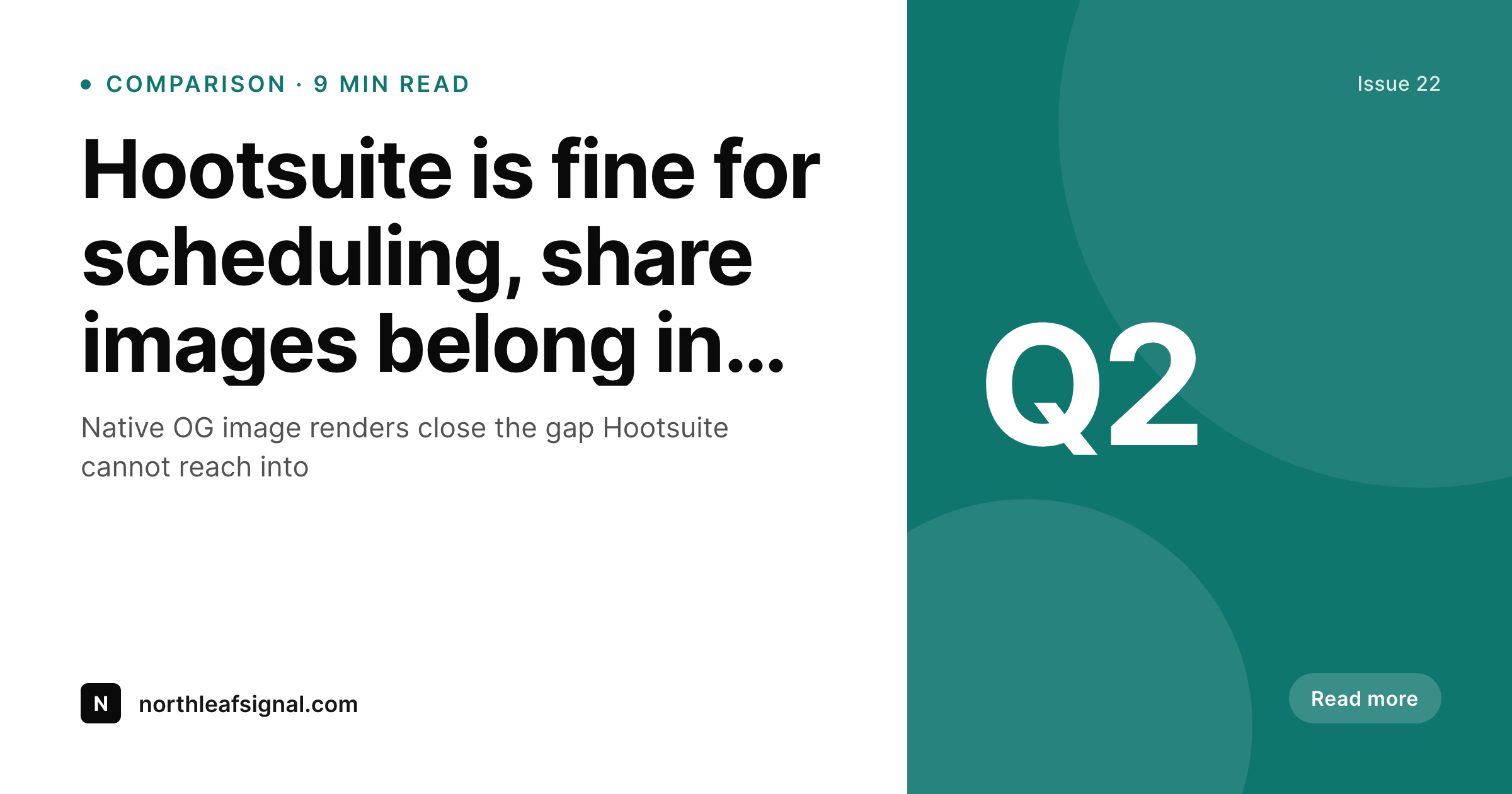
Where Hootsuite leaves WordPress sites short
Hootsuite is a scheduling platform with strong calendar and approval tooling. The piece it does not touch is the WordPress share image, because it only consumes whatever meta tags the linked post exposes. On most WordPress sites, that means a sitewide fallback image or an awkwardly cropped hero, repeated across every queued post. Editors only see the problem when they preview a queued item, by which point fixing the artwork means leaving Hootsuite, uploading a manual image, and remembering to keep it in sync if the post is updated.
SleekPixel solves the WordPress half of the chain. Templates are designed using WordPress blocks, the renderer runs in the same PHP process that saves the post, and the og:image and twitter:image meta tags are written into the post head before the link goes anywhere. Hootsuite scrapes the link the same way it always has and finds a real per-post image, not a fallback. The Hootsuite calendar, approvals, and analytics keep working without a single configuration change.
The result is a cleaner division of responsibilities. Hootsuite owns scheduling, approvals, and cross-network publishing. WordPress owns the post and its share image. The seam between them is the og:image meta tag, and SleekPixel makes sure that tag points at artwork that actually represents the post.
Workflow
Adding SleekPixel alongside Hootsuite
Install SleekPixel
Build a template
Bulk regenerate
Leave Hootsuite alone
Output
What ships with every saved post
A 1200x630 PNG generated from post title, byline, category, and brand mark, served from uploads and referenced in og:image and twitter:image meta.
Comparison
Hootsuite-only previews vs SleekPixel renders on save
Hootsuite scraped previews
- Surfaces whatever og:image WordPress exposes, often a sitewide default
- No way to design or override the share image from inside the queue
- Manual Canva uploads break the link between Hootsuite and WordPress posts
- Editors only see broken previews after a post has already been queued
- Image inconsistency leaks click-through that calendar tooling cannot recover
SleekPixel
- Renders a per-post PNG inside WordPress before Hootsuite scrapes the link
- Writes og:image, twitter:image, and width and height meta in one step
- Templates pull from post title, ACF, Meta Box, and WooCommerce fields
- Bulk regenerate refreshes the archive without touching Hootsuite settings
- Coexists with Hootsuite scheduling, approvals, and analytics tooling
Features
What SleekPixel gives you for Hootsuite alternative for WordPress
Per-post artwork
Every WordPress post ships with a unique PNG built from its own headline and metadata, not a sitewide fallback shared across the catalog.
Meta in PHP
og:image, og:image:width, og:image:height, and twitter:image meta tags are written by the same plugin that produced the image, eliminating drift.
Scheduler agnostic
Hootsuite calendars and approvals stay exactly as configured. SleekPixel only owns the image and meta tag work inside WordPress.
Use cases
Where Hootsuite plus SleekPixel pays off
Newsrooms
Editorial teams that queue dozens of links a day stop relying on hero crops and get headline-specific share previews on every queued item.
Agencies
Client WordPress sites get consistent share imagery without piping Canva exports back into Hootsuite slot by slot through the calendar.
SEO teams
Stable og:image meta keeps link audits clean across the catalog and means social click-through is comparable from one post to the next.
The bigger picture
Why share-image work belongs in WordPress, not the scheduler
Schedulers like Hootsuite live above the link. They cannot reach into WordPress, run a template, or write a meta tag, because that is not what they are for. When share previews end up generic, the fix tends to be ad hoc, a Canva export uploaded into the scheduler slot by slot, which works for a week and falls out of sync the next time the post is updated.
Pulling the rendering back into WordPress fixes the underlying issue. The post knows its own title, byline, and category, and the renderer can read those without any data shuffling. Producing a real PNG and writing the og:image meta is a sub-second operation, and once it is in place every scheduler downstream including Hootsuite, Buffer, and Later picks up the new artwork for free.
The day-to-day editorial workflow gets shorter, not longer, and the share previews stop being a recurring item on the QA list.
Questions
Common questions about SleekPixel for Hootsuite alternative for WordPress
No. SleekPixel handles WordPress share images and og:image meta. Hootsuite handles scheduling, approvals, calendars, and analytics across networks. They solve different problems and run together.
Hootsuite scrapes the og:image and twitter:image meta on a queued link. Once SleekPixel writes those tags, Hootsuite surfaces the rendered PNG in its queue automatically, without any integration setup on the Hootsuite side.
Most networks re-scrape periodically, but the safest path is to refresh the preview from Hootsuite's compose view or use the platform's debug tools to invalidate the cache for specific URLs.
No. SleekPixel does not touch the Hootsuite account, calendar, or approval workflow. It only changes what the og:image meta points at when WordPress posts get scraped.
Yes. Templates can reference any post field, taxonomy term, ACF field, Meta Box field, or WooCommerce attribute, which covers the segmentation most editorial teams already use.
No. SleekPixel is a flat plugin license. Re-publishing the same post across a copy review does not move the cost and there is no external render API involved.
Yes. Any registered post type can opt into rendering. WooCommerce products, custom news types, and ACF-driven post types all use the same template grammar.
SleekPixel does not schedule posts, does not log into social networks, and does not produce engagement analytics. Hootsuite continues to handle all of those, with cleaner inputs.
Pricing
More than 1000+
happy customers
Explore our flexible licensing options tailored to your needs. Upgrade your license anytime to access more features, or opt for a lifetime license for ongoing value, including lifetime updates and lifetime support. Our hassle-free upgrade process ensures that our platform can grow with you, starting from whichever plan you choose.
Lifetime ♾️
Most popular
EUR
once
- Unlimited websites
- Lifetime updates
- Lifetime support
...or get the Bundle Deal
and save €250 🎁
💎 Want everything forever? The All Access Pass is going away on 01.08.2026.
The Bundle (unlimited sites)
Pay once, own it forever
Elevate your WordPress site with our exclusive plugin bundle that includes all of our premium plugins in one package. Enjoy lifetime updates and lifetime support. Save significantly compared to buying plugins individually.
What’s included
-
SleekAI
-
SleekByte
-
SleekMotion
-
SleekPixel
-
SleekRank
-
SleekView
€749
Continue to checkoutBrowse more
- GitHub social preview images
- Instagram highlight covers
- Kindle book cover
- Facebook cover photos
- Lemon8 post
- Buy Me a Coffee banners
- LinkedIn event banners
- YouTube channel banners
- Patreon post thumbnails
- YouTube community images
- Notion page covers
- LinkedIn post images
- Kick stream thumbnails
- X ad images
- Bluesky link cards