






SleekPixel for Missinglettr alternative for WordPress
Missinglettr turns one blog post into a year of drip social. SleekPixel handles the part that matters most for share previews: rendering a branded image from each post and writing og:image meta into the head, without an external dashboard.
♾️ Lifetime License available
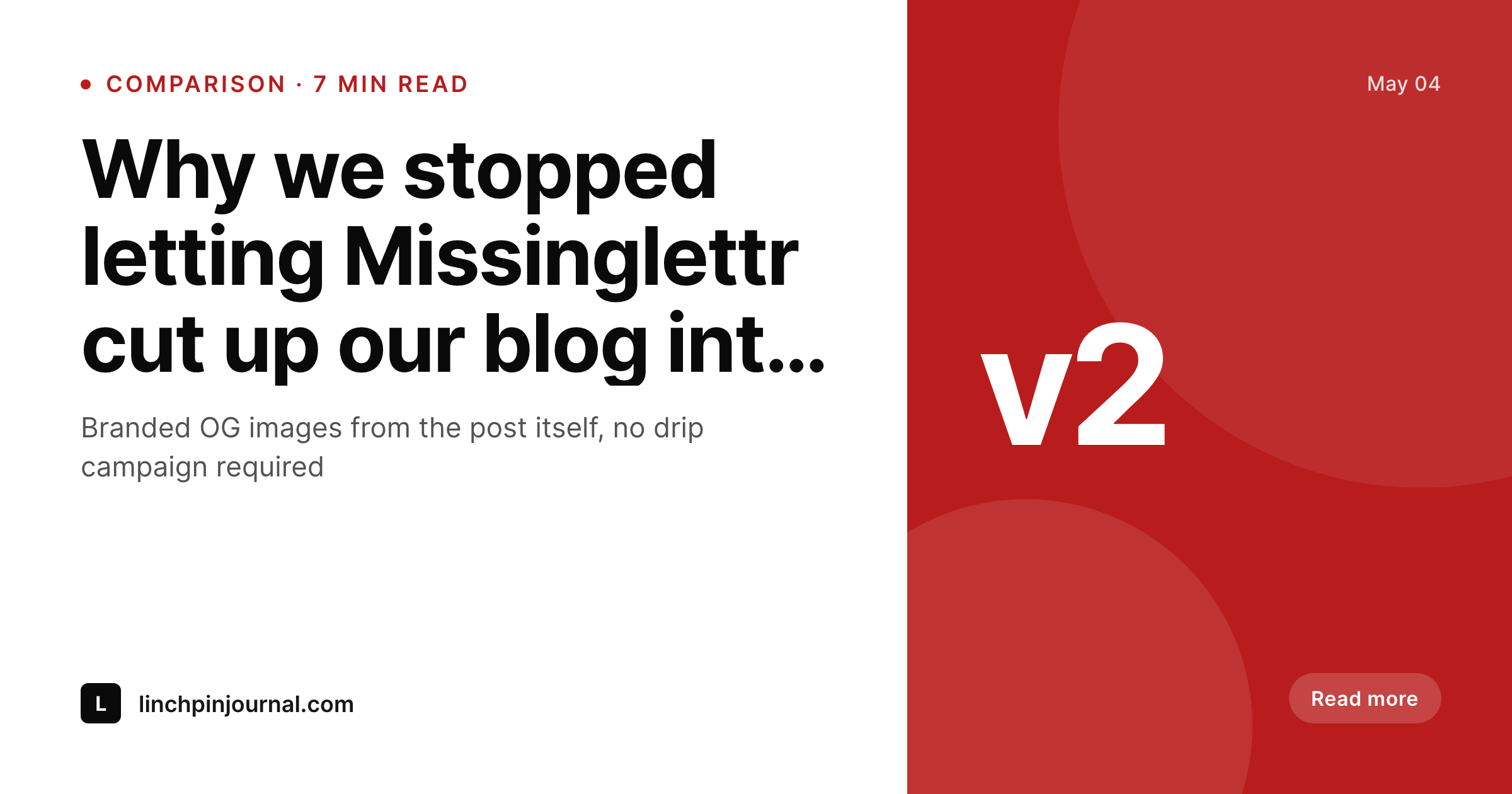
Where Missinglettr ends and a native image plugin starts
Missinglettr's pitch is conversion of one blog post into a long-running drip of social updates with auto-generated images. That works for teams that want a scheduler doing the posting for them. The trade is that the images Missinglettr produces are inside its dashboard, tied to its scheduling queue, and not necessarily the same image that ends up in the post's og:image meta. The result is two different share previews for the same article depending on where someone shares it from.
SleekPixel only handles the image. Save a WordPress post, get a branded PNG in uploads, and find that same image referenced in og:image and twitter:image meta. Whether the post is shared from Missinglettr's drip, from a hand-written tweet, or from a LinkedIn link drop, the preview is the same. That consistency is what most editorial teams actually want, and it is the part Missinglettr does not own.
Teams that keep Missinglettr for the drip side often layer SleekPixel underneath so the image is consistent everywhere. Teams that find the drip campaigns too generic for their voice tend to drop Missinglettr entirely and reach for a lighter scheduler plus SleekPixel for the image layer. Either way, the og:image pipeline ends up inside WordPress where the post lives.
Workflow
From Missinglettr drips to native OG images
Install SleekPixel
Rebuild the share template
Bulk regenerate
Decide on Missinglettr
Output
What renders on save
A 1200x630 PNG using the post title, category, author byline, and brand mark, written to uploads and referenced from og:image meta in the post head.
Comparison
Missinglettr drip images vs SleekPixel OG renders
Missinglettr drip image
- Images live inside Missinglettr's scheduler, not in the post's og:image meta
- Share previews diverge between drip posts and hand-written link drops
- Template editing happens in a separate dashboard from WordPress
- Per-seat pricing on the social side regardless of how many images render
- Cancelling Missinglettr means losing the images alongside the scheduling
SleekPixel
- Renders a branded PNG inside WordPress on every post save
- og:image and twitter:image meta written directly into the post head
- Template designed inside the WordPress admin, no second dashboard
- Flat plugin license, unlimited renders, no per-seat cost
- Image survives even if the scheduling tool changes later
Features
What SleekPixel gives you for Missinglettr alternative for WordPress images
One canonical image
The same PNG referenced by og:image meta is the one shared everywhere, no divergence between drip posts and hand-written link drops.
Inside the admin
Templates and rendered previews sit in the WordPress admin alongside the post. Editors do not switch tools to ship a new variant.
No per-render cost
Flat plugin license covers unlimited renders. Re-publishing a post during copy review does not move the bill.
Use cases
Where moving the image layer into WordPress helps
Blogs with heavy editing
Posts that go through three or four copy rounds keep og:image current on every save without re-syncing a drip campaign.
Indie teams
Solo founders and small teams who already use a lighter scheduler drop Missinglettr and keep just the image layer where the post lives.
Multi-author sites
Author bylines and avatars come from the WordPress user record, so each post renders with the right person on the share card.
The bigger picture
Why one canonical share image beats a drip campaign with its own images
Drip campaigns solve a real problem, which is making one post yield many social updates over time. The image side of that workflow is a different problem, and it is easy to conflate. When the images live inside the scheduler, the og:image meta on the canonical post URL ends up disconnected from what the scheduler is posting.
Anyone sharing the post URL directly from the site sees a different preview than what the drip campaign is publishing, and editorial control over the share appearance gets fuzzy. Moving the image layer into WordPress fixes that. Whatever the scheduler is doing, the link preview that appears on Twitter, LinkedIn, Slack, iMessage, and Facebook is the one rendered by the plugin on save.
Editors get a single source of truth, which is the post itself, and the scheduling tool becomes a separable concern. That separation also makes future tool changes cheaper, because the image pipeline does not move when the scheduler does.
Questions
Common questions about SleekPixel for Missinglettr alternative for WordPress images
No. SleekPixel only renders images and writes meta tags. Scheduling is a separate concern handled by Missinglettr, Buffer, or any other tool the team prefers.
Not directly. If a team relies on Missinglettr's auto-drip to keep older posts in social rotation, they would need a replacement for that side of the workflow separate from SleekPixel.
For the standard headline plus brand mark layouts most teams ship, yes. SleekPixel templates are designed in WordPress blocks and support typography, brand colors, and post field tokens.
Yes. SleekPixel writes og:image, og:image:width, og:image:height, and twitter:image into the post head on save. Other meta tags can stay with Yoast or Rank Math.
Yes. The Gutenberg sidebar has a download button for the rendered PNG, useful when shipping the same artwork through a separate scheduler or email tool.
Once SleekPixel renders and the new meta is in place, social platforms re-scrape on the next share. Already-cached URLs may need a manual invalidation through Twitter and LinkedIn debug tools.
Yes. Templates can reference any registered post field, ACF field, Meta Box field, or WooCommerce attribute, similar to what Missinglettr lets teams reference in their image variables.
Drip campaign scheduling, hashtag suggestion, and direct posting to social accounts. SleekPixel only owns the image rendering and meta tag layer of the workflow.
Pricing
More than 1000+
happy customers
Explore our flexible licensing options tailored to your needs. Upgrade your license anytime to access more features, or opt for a lifetime license for ongoing value, including lifetime updates and lifetime support. Our hassle-free upgrade process ensures that our platform can grow with you, starting from whichever plan you choose.
Lifetime ♾️
Most popular
EUR
once
- Unlimited websites
- Lifetime updates
- Lifetime support
...or get the Bundle Deal
and save €250 🎁
💎 Want everything forever? The All Access Pass is going away on 01.08.2026.
The Bundle (unlimited sites)
Pay once, own it forever
Elevate your WordPress site with our exclusive plugin bundle that includes all of our premium plugins in one package. Enjoy lifetime updates and lifetime support. Save significantly compared to buying plugins individually.
What’s included
-
SleekAI
-
SleekByte
-
SleekMotion
-
SleekPixel
-
SleekRank
-
SleekView
€749
Continue to checkoutBrowse more
- Discord event cover
- Etsy shop banners
- Threads post images
- Poshmark listing images
- LinkedIn post images
- Bluesky link cards
- Telegram channel banner
- Lemmy post images
- YouTube Music cover art
- SoundCloud track art
- YouTube Shorts thumbnails
- Patreon tier images
- Rumble thumbnails
- Bluesky profile banners
- Twitch offline banners