






SleekPixel for content creator
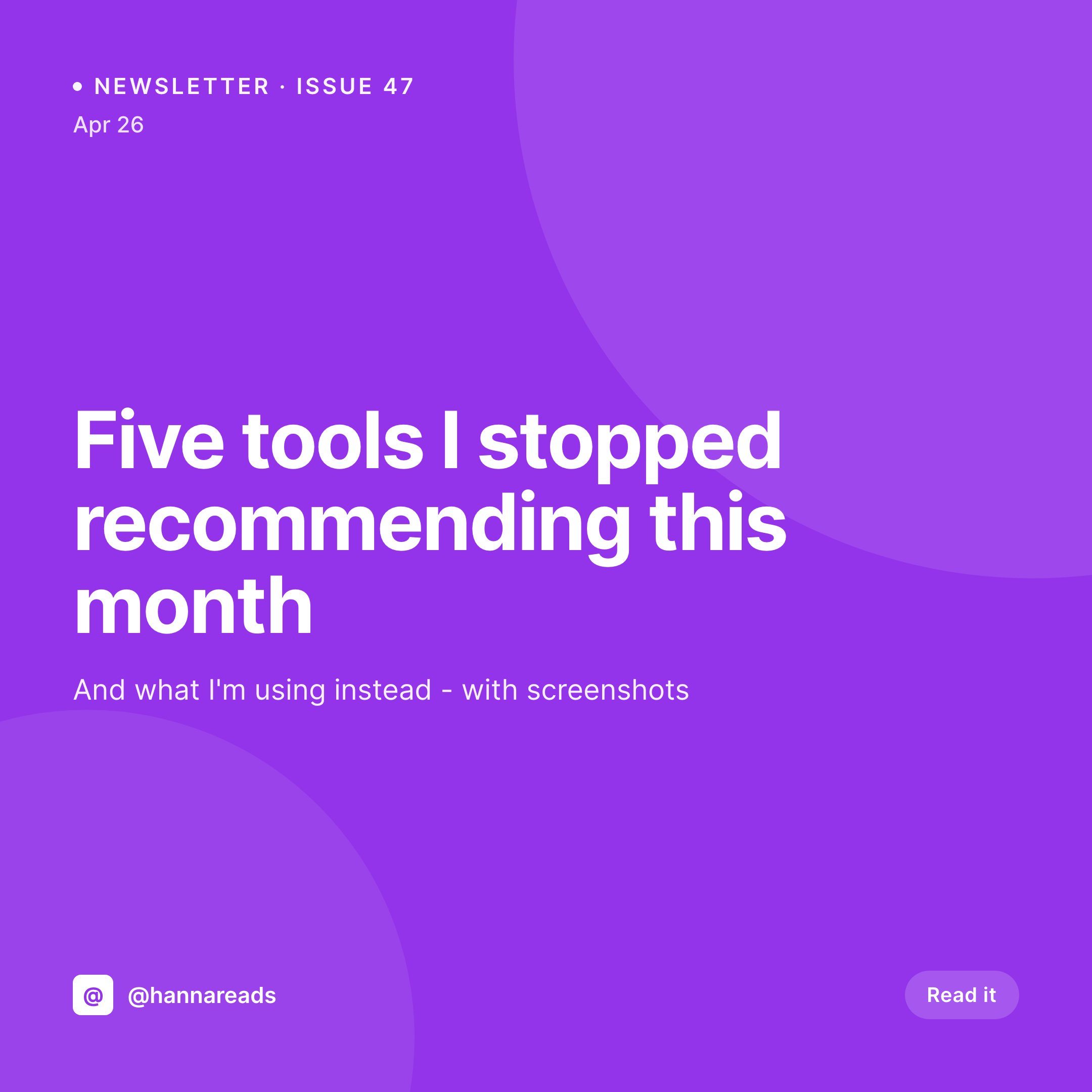
Issue number, post title, date, and channel already live on the post. SleekPixel renders a 1080x1080 Instagram tile on save so the cross-promo grid stays current with your publishing cadence.
♾️ Lifetime License available
The cross-platform content tax
A creator publishing a weekly newsletter, a YouTube video, and two TikToks across the same week has four different visual destinations to manage. Each post gets a square tile for Instagram, a story to plug it, an OG image for the email's web archive, and a thumbnail for YouTube. That's potentially 16 unique assets per week from one creator, and the work scales linearly with output. The bottleneck isn't writing or filming - it's the design tax that lives between content and audience.
The data is already structured on the website. Newsletter issues are posts with an issue number, title, summary, and publish date. Video posts have a title, runtime, and channel reference. TikToks and Reels archive on the site with their own metadata. Every cross-promo asset on the Instagram grid corresponds to a post on the site, and every post already has the data the asset needs. Hand-building the tile in Canva means re-typing the issue number, the title, the date, and reapplying the brand template each time.
The fix is automation per post. Define the brand template once, hook in the post fields, and every published piece of content gets a matching tile, story, and OG image without leaving WordPress. The grid stays current. The creator stays writing. The design tax goes to zero.
Workflow
From post to ready-to-post tile
Map post fields
Design one template
Publish content as usual
Download and post
Output
What gets generated per post
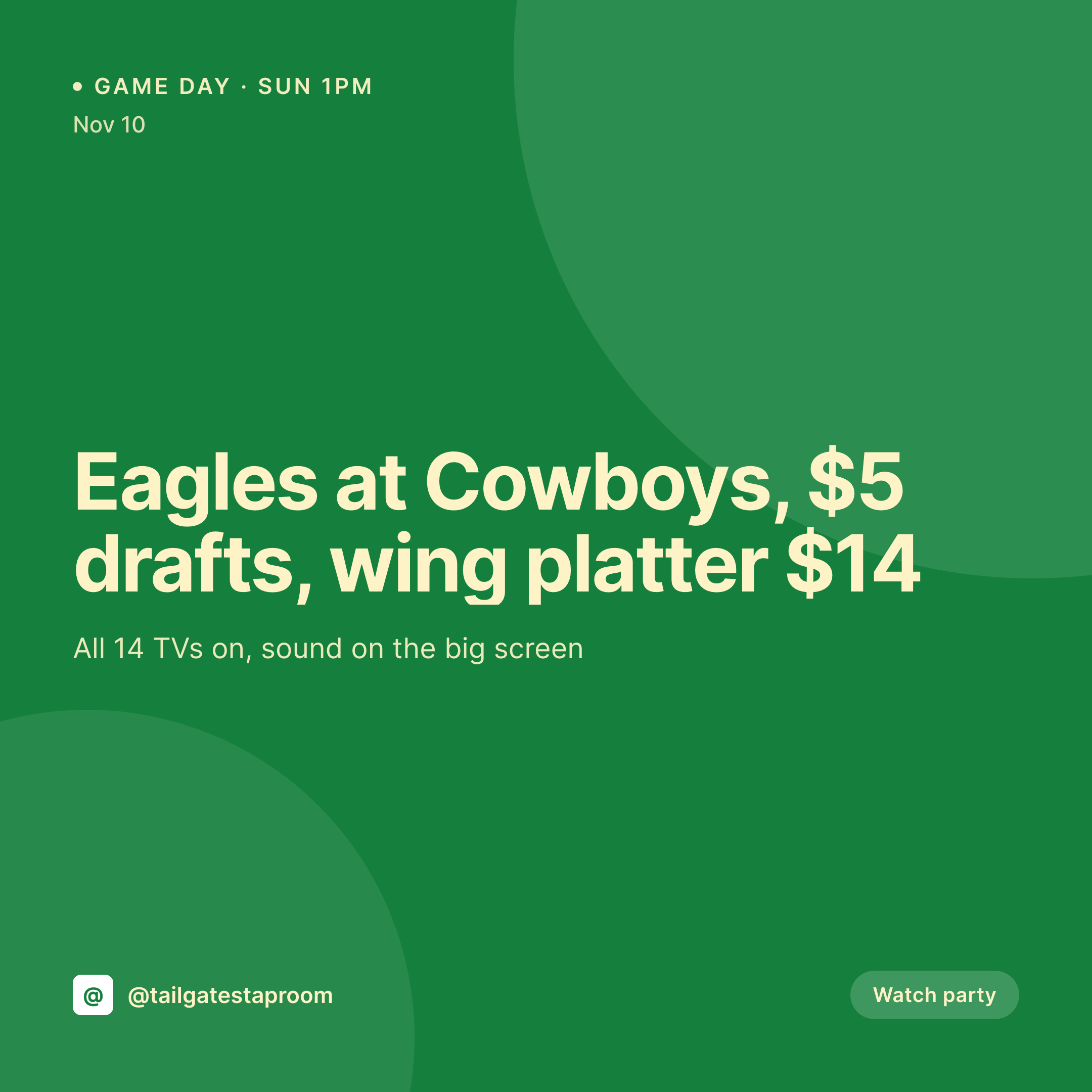
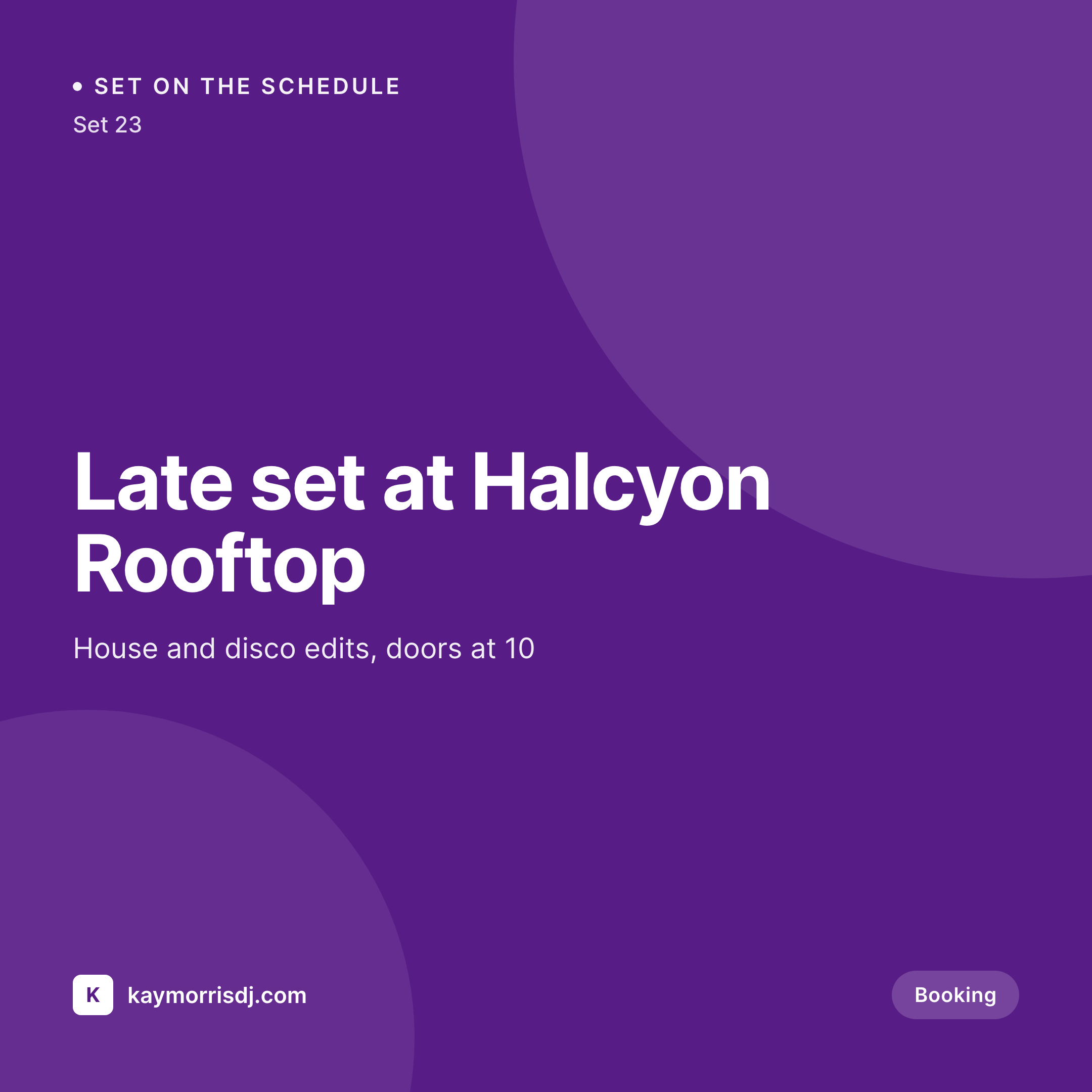
A 1080x1080 Instagram tile with the post title, issue number, channel, and date pulled live from the post fields.
Comparison
Canva queue vs auto-rendered cross-promo
Manual / Canva / Photoshop
- Four assets per post times four posts a week is sixteen Canva files
- Newsletter issue number gets typed into the tile and the file separately
- Cross-platform brand drift between newsletter tile and YouTube cover
- Solo creators bottleneck themselves on design instead of writing
- Old issue tiles stay outdated when the brand evolves mid-year
SleekPixel
- Every post saves with a 1080x1080 cross-promo tile
- Issue number, title, date, channel pulled from post fields
- Story, square, and OG variants generated in one save
- Bulk regenerate the archive on a rebrand without redesign work
- Manual download in the Gutenberg sidebar for ad-hoc Stories
Features
What SleekPixel gives you for content creator
Per-post tile
Newsletter, blog, YouTube, podcast - each post type saves with its own 1080x1080 tile. Issue number, title, and date come from the post.
Cross-platform set
One save renders the square tile, the vertical story, and the OG card. The grid, the story plug, and the link preview all match.
Solo-friendly
No designer in the loop. The creator writes the post, hits publish, and the tile is sitting in uploads ready to post manually.
Use cases
Where creator tiles get used
Newsletter cross-promo
Every issue gets a square tile and a story plug, so subscribers see the issue come out on Instagram the day it lands in inboxes.
Weekly content calendar
YouTube, podcast, and blog posts all share one template language. The Instagram grid reads as one creator, not three uncoordinated channels.
Archive cross-promo
Old newsletter issues get refreshed tiles when the brand evolves. The 'best of' grid stays current without per-issue design work.
The bigger picture
Why creator economics break without automation
Solo creators run on margin. The hours a writer spends in Canva are hours they aren't researching the next issue or filming the next video. Most full-time creators clear that math by hiring a part-time social manager or a virtual assistant, but neither of those scales cleanly with output.
A virtual assistant produces tiles in batches, which means the brand drifts between weeks. A social manager catches the brand drift but becomes the bottleneck on every publish. Both options cost more than they appear to once the creator factors in the lost output and the perpetual handoff overhead.
Treating the tile as a derived asset of the post itself eliminates the handoff. The creator types the issue number once - in the post - and the tile reflects it. The brand template is enforced by the system, not by a designer's vigilance.
When the creator decides to refresh the brand or pivot the visual identity, the change happens once and propagates across the entire archive in a bulk job. The economics shift: the creator's hours go back to content, the design tax stays at zero, and the cross-platform brand stays consistent across an arbitrary number of posts.
Questions
Common questions about SleekPixel for content creator
SleekPixel is a WordPress plugin. If newsletter issues are archived on a WordPress site - directly or via an embed - SleekPixel reads the post and generates the tile. If the newsletter lives entirely on Beehiiv or Substack with no WordPress mirror, SleekPixel cannot read those posts.
Yes. A YouTube thumbnail is a 1280x720 PNG. Configure that format alongside the 1080x1080 tile and every video post saves with both. Download the thumbnail from the Gutenberg sidebar and upload it to YouTube.
Yes. If podcast episodes are stored as a WordPress post type (Seriously Simple Podcasting, PowerPress, or a plain CPT), SleekPixel generates per-episode cover art with episode number, title, and guest name. The cover ships in the RSS feed if the podcast plugin uses the featured image.
No. SleekPixel renders the image and saves it to WordPress uploads. Posting to Instagram, TikTok, or any platform is a manual step. Use a scheduling tool like Buffer, Hootsuite, or Meta Business Suite to schedule the rendered PNG.
Yes. If the post has a category or channel taxonomy with an accent color custom field, the template can pull that color into the tile. A blog post in 'design' renders with one accent, 'productivity' with another, all from one template.
If Substack issues are imported into WordPress via a plugin or RSS-to-post bridge, the imported posts are ordinary WordPress posts. SleekPixel reads them and renders tiles. The original Substack archive is unchanged.
Yes. Every post has download buttons in the Gutenberg sidebar for each configured format. Tap, download, post. The same image used for the OG meta tag is available as a downloadable asset.
No. SleekPixel renders static PNG and JPG only. Animated tiles, video previews, and Lottie-style motion graphics are out of scope. The focus is on still images that match the brand and reflect the post's data.
Pricing
More than 1000+
happy customers
Explore our flexible licensing options tailored to your needs. Upgrade your license anytime to access more features, or opt for a lifetime license for ongoing value, including lifetime updates and lifetime support. Our hassle-free upgrade process ensures that our platform can grow with you, starting from whichever plan you choose.
Lifetime ♾️
Most popular
EUR
once
- Unlimited websites
- Lifetime updates
- Lifetime support
...or get the Bundle Deal
and save €250 🎁
💎 Want everything forever? The All Access Pass is going away on 01.08.2026.
The Bundle (unlimited sites)
Pay once, own it forever
Elevate your WordPress site with our exclusive plugin bundle that includes all of our premium plugins in one package. Enjoy lifetime updates and lifetime support. Save significantly compared to buying plugins individually.
What’s included
-
SleekAI
-
SleekByte
-
SleekMotion
-
SleekPixel
-
SleekRank
-
SleekView
€749
Continue to checkoutBrowse more
- Vimeo thumbnails
- Facebook post images
- Tumblr header
- Substack podcast cover
- Fansly banner
- Lemon8 post
- Tidal cover art
- Amazon Storefront banners
- Vimeo channel banners
- Twitch profile banner
- TikTok profile banners
- Facebook ad images
- Telegram channel banner
- LinkedIn document post covers
- Threads story-style images