






SleekPixel for window cleaning company
Residential service pages, commercial routes, and before-after job galleries on a window cleaning company site already carry square footage, window counts, and neighborhood references. SleekPixel renders a branded share card on save so Nextdoor and Facebook shares arrive looking like the company.
♾️ Lifetime License available
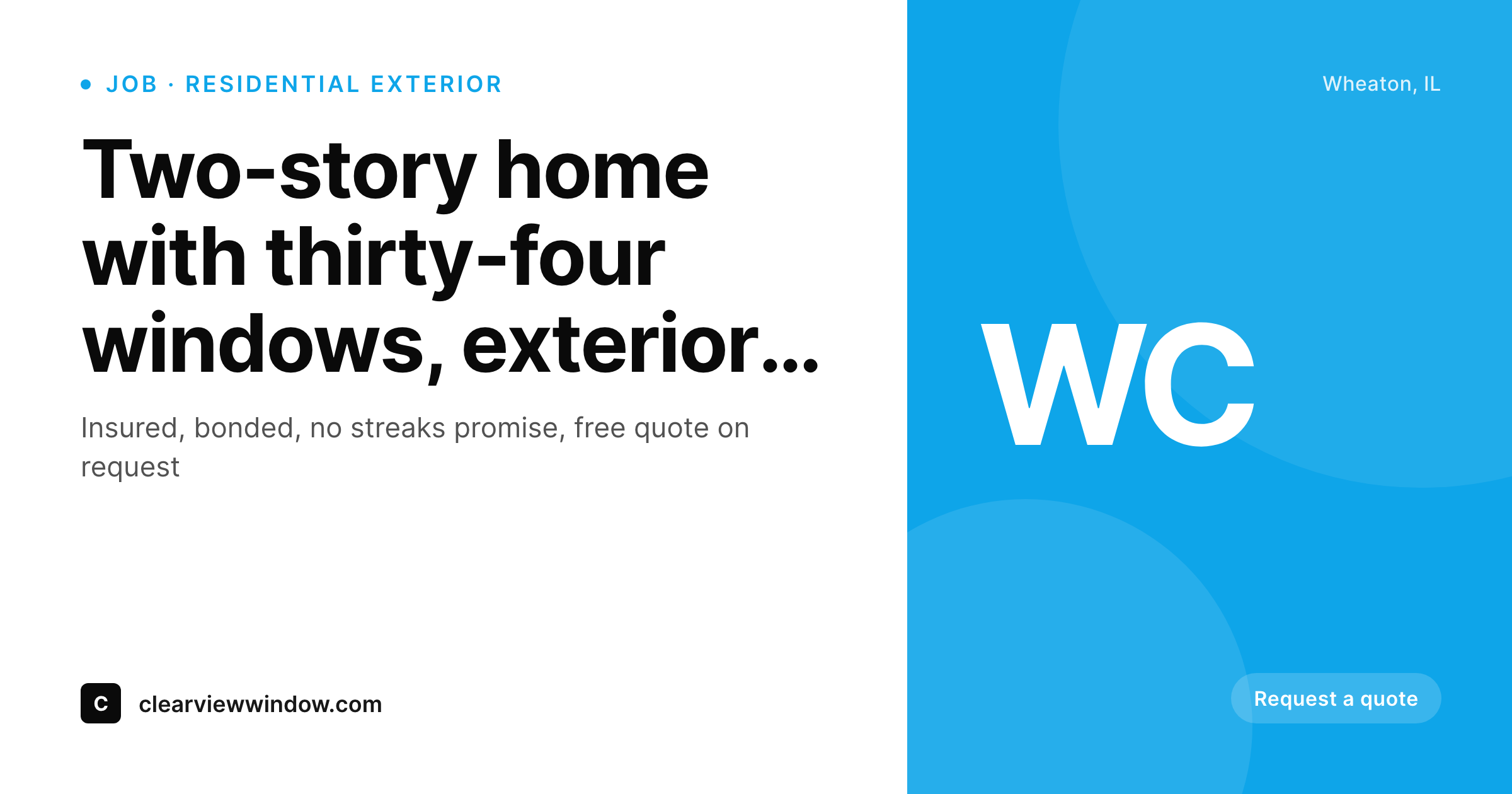
Window cleaning leads come through neighbor recommendation, and previews matter
A residential window cleaning company in a suburban market lives on neighbor recommendation. A homeowner with sparkling glass after a service visit posts about it on Nextdoor, on the neighborhood Facebook group, or in a text thread with the cul-de-sac neighbors. The post might link to the company's site or just name them, but increasingly the post links because homeowners want neighbors to be able to verify the company is licensed, insured, and reviewed. The link forward is where the recommendation either accelerates into a booking or stalls.
The default WordPress preview defeats the neighbor-referral flow. A stock window photo, a generic theme banner, or the company's logo cropped out of context all read as a faceless contractor website. Neighbors clicking through don't get the visual signal that this is the local company their friend used last week, and the booking momentum cools. Across a season, the lost conversion on neighbor referrals (the highest-intent lead source for residential service businesses) compounds into the difference between a fully booked schedule and slack capacity.
SleekPixel reads each service page, neighborhood landing page, and before-after job page on save, pulls the service type, neighborhood, and finished-job photo, and renders a 1200x630 share card with the company's brand identity. The card looks like the truck wrap and the door hanger, signals the local company, and earns the click on the neighbor referral. Booking momentum holds through the share, the schedule fills, and the company captures the high-intent lead before the homeowner shops three more contractors.
Workflow
From completed job to neighbor-ready preview on save
Set the company template
Map service post types
Save the page
Neighbors share the link
Output
What renders on every job page save
A 1200 by 630 share card carrying the service type, neighborhood, and before-after photo behind the company wordmark. Used as og:image for Nextdoor, Facebook, and SMS forwards.
Comparison
Stock window photo vs auto-rendered job cards
Stock photo / Theme default
- Stock window photo or generic ladder image on most service company shares
- Theme default banner stretches over every neighborhood landing page
- Job count, square footage, and licensing never reach the share preview
- Owner can't keep Canva queue current during peak spring booking season
- Old service pages share with brand templates from prior years
SleekPixel
- Service pages render branded share cards on save
- Service type and neighborhood pull from post fields directly
- Real before-after photos slot into the share card background
- Insurance and bonding callouts can render in the card footer
- Bulk re-render the archive after a truck wrap rebrand
Features
What SleekPixel gives you for window cleaning company
Service type cards
Residential, commercial, screens, and pressure-related cross-sells each save with a share card carrying the service type and the company wordmark.
Neighborhood landing pages
Each suburb or zip code served renders a share card naming the area. Useful when the link gets posted to that neighborhood's Facebook group.
Before-after job galleries
Completed job pages render share cards with the actual cleaned glass behind the wordmark. The neighbor recommendation lands with visual proof, not a stock photo.
Use cases
What window cleaners generate with SleekPixel
Residential service pages
Service pages share with cards naming the service type and the neighborhood. Useful when neighbors post the link to Nextdoor or the cul-de-sac group chat.
Commercial route landing pages
Landing pages targeting office buildings, storefronts, and HOA contracts render share cards aligned with the commercial pitch, distinct from the residential look.
Review and testimonial pages
Customer testimonial pages render cards with the customer first name, neighborhood, and review snippet. The owner shares those pages directly to social.
The bigger picture
Why neighbor referrals decide residential service company growth
Residential service businesses face a fundamental acquisition cost problem. Paid ads on Google and Facebook target homeowners with seasonal need but compete against every other contractor in the metro, driving cost-per-lead steadily upward year after year. Direct mail and door hangers work but yield low conversion rates and require continuous spend.
The single most economically efficient lead source for residential service businesses remains neighbor referral. A satisfied customer telling a neighbor closes at a far higher rate than any paid channel, at zero acquisition cost beyond service quality. The bottleneck is not service quality (the customer was already satisfied) but the friction in the referral pathway.
Increasingly, that pathway runs through digital surfaces: Nextdoor posts, neighborhood Facebook groups, cul-de-sac SMS chains. Every one of those surfaces previews links via og:image, and the preview decides whether the recommended link gets opened or scrolled past. A clean branded preview signals a real local company and earns the click.
A stock window photo signals a faceless contractor website and gets ignored. Across a season, the cumulative difference compounds directly into the booked schedule. The second reason is the trust-verification step.
Modern homeowners verify recommended contractors before booking, and the preview is the first verification surface they see. A preview that names the neighborhood, shows actual finished work, and carries insurance marks signals legitimacy in ways the stock photo cannot. SleekPixel renders the branded preview on save, and the residential service company captures the highest-intent lead source the market offers.
Questions
Common questions about SleekPixel for window cleaning company
Jobber and Housecall Pro are not WordPress plugins, so SleekPixel does not pull data from them directly. What it covers: the WordPress marketing site that runs in front of those tools. Service pages, neighborhood landing pages, and job galleries on the WordPress site share with branded cards. The route management itself stays in Jobber or Housecall Pro.
Yes. Configure those marks as template constants, and they render in the footer slot on every share card. The legitimacy signal travels with every link. Helpful when neighbors verifying a recommendation see the marks immediately rather than having to click through and hunt for them.
Yes. Add-on services render share cards distinct from the core window service. A screen cleaning landing page shows the screen-specific accent and icon, a gutter cleaning page shows the gutter-specific treatment. Cross-sell pages on the site can promote multiple services with appropriate cards per page.
Yes. Most window cleaning sites run a neighborhood landing page CPT or a category taxonomy for service areas. Bind the neighborhood field to the template, and it renders into the card. A landing page for Wheaton renders 'Wheaton, IL' in the card; a landing page for Glen Ellyn renders 'Glen Ellyn, IL'. The differentiation matters on local Facebook group shares.
Before-after sliders are an interactive page element that does not export cleanly to a static image. SleekPixel renders the after photo (or a configured hero) into the share card. The interactive slider stays on the page itself, accessible after the click. Most before-after social sharing uses the after photo as the single visual anyway.
Yes. The template accepts the company's brand palette, fonts, and wordmark file. Match the truck wrap and the door hanger by configuring the same assets. Forwarded links arrive looking like the truck pulling into the driveway, which is the recognition shortcut neighbor referrals depend on.
Commercial property managers often share contractor links in industry-specific Slack workspaces and email chains. Those surfaces also render og:image. The commercial-specific landing pages render share cards aligned with the commercial pitch (different palette, different scale references, different proof points), so commercial forwards land with appropriate context.
Render runs on save in the background. Front-end page loads serve the pre-rendered PNG via standard WordPress media handling, which is as fast as any other image asset. The WordPress dashboard save returns immediately, the image renders within seconds, and the og:image meta tag writes when the render completes. No measurable front-end performance impact.
Pricing
More than 1000+
happy customers
Explore our flexible licensing options tailored to your needs. Upgrade your license anytime to access more features, or opt for a lifetime license for ongoing value, including lifetime updates and lifetime support. Our hassle-free upgrade process ensures that our platform can grow with you, starting from whichever plan you choose.
Lifetime ♾️
Most popular
EUR
once
- Unlimited websites
- Lifetime updates
- Lifetime support
...or get the Bundle Deal
and save €250 🎁
💎 Want everything forever? The All Access Pass is going away on 01.08.2026.
The Bundle (unlimited sites)
Pay once, own it forever
Elevate your WordPress site with our exclusive plugin bundle that includes all of our premium plugins in one package. Enjoy lifetime updates and lifetime support. Save significantly compared to buying plugins individually.
What’s included
-
SleekAI
-
SleekByte
-
SleekMotion
-
SleekPixel
-
SleekRank
-
SleekView
€749
Continue to checkoutBrowse more
- Instagram bio link banners
- Twitch offline banners
- Twitch camera frame
- Klaviyo email headers
- Lemon Squeezy product covers
- Snapchat Discover tiles
- Patreon post thumbnails
- kbin post images
- Facebook ad images
- Shopify product images
- X ad images
- Spotify podcast covers
- Rednote (Xiaohongshu) post
- Etsy listing images
- YouTube channel banners